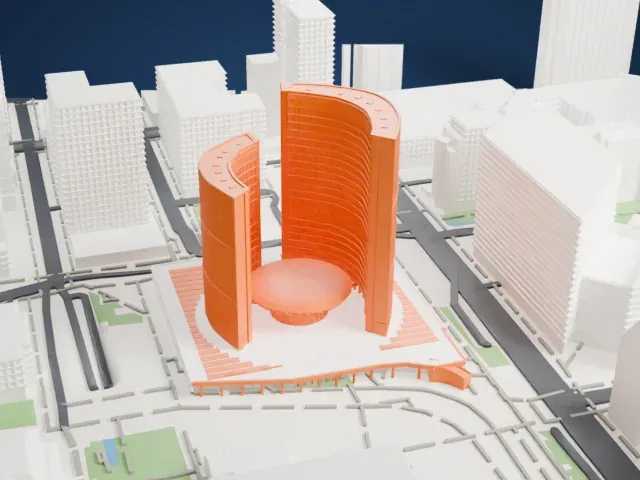
3D print the Art Gallery of Ontario
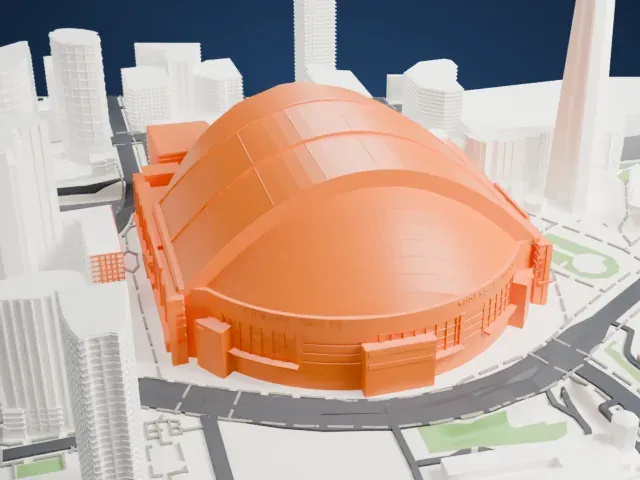
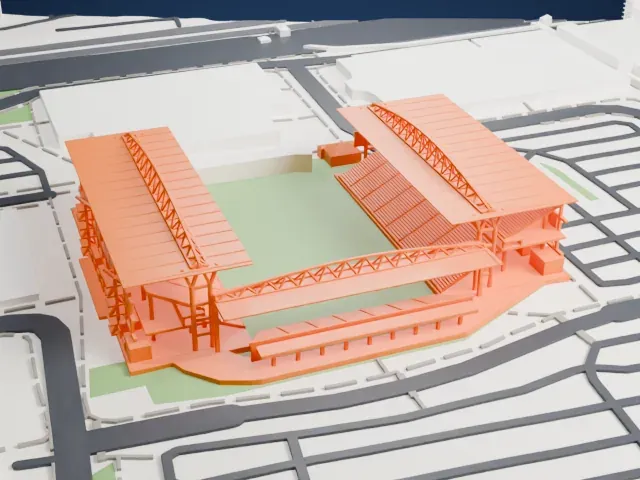
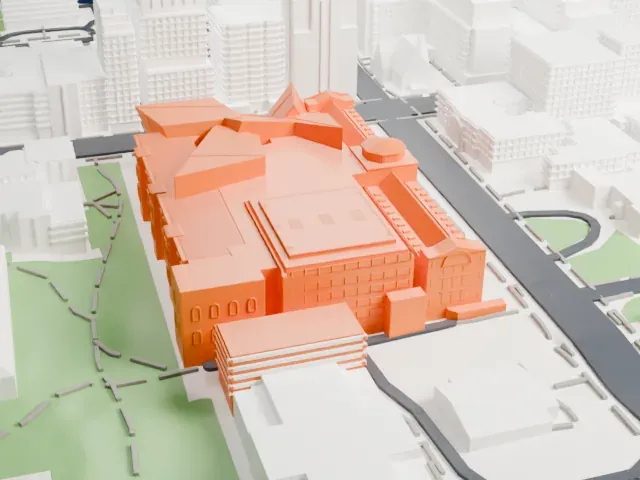
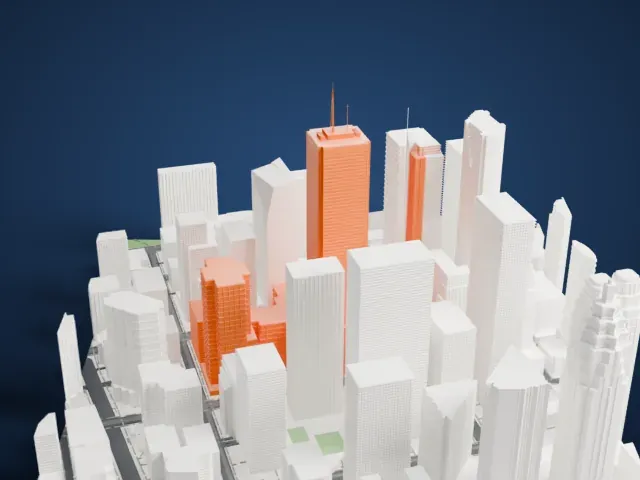
A free, printable model of the Art Gallery of Ontario, a group of blocks with a curved ribbed canopy, beside a park, with the streets around it, generated from real map data in your browser.
Free, in your browser. Exports a slicer-ready 3MF.
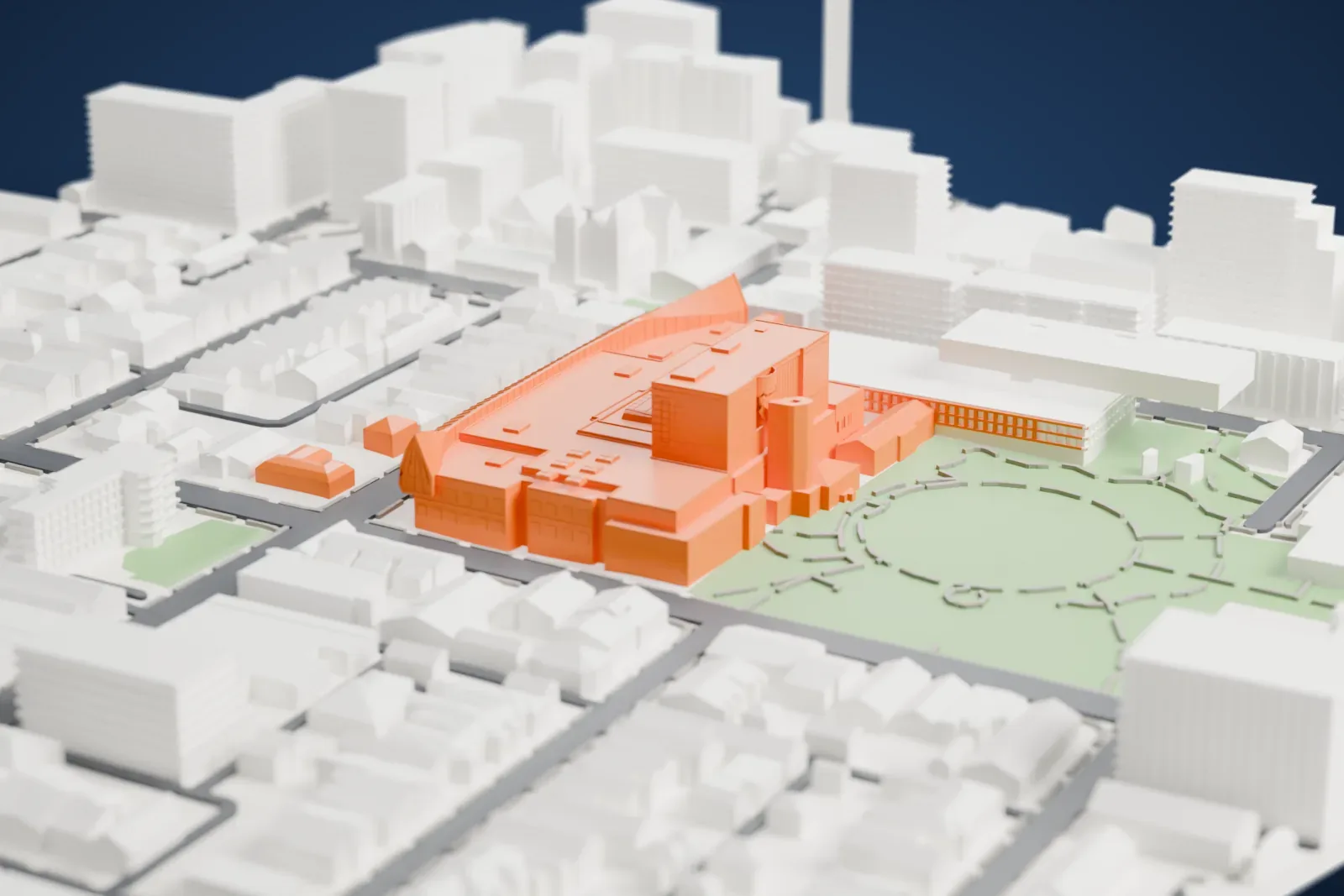
About the Art Gallery of Ontario
The Art Gallery of Ontario, often shortened to AGO, is a Toronto art museum, in Ontario, Canada. Its address is Dundas Street West, within downtown Toronto's Grange Park neighborhood. The complex covers 45,000 square meters (480,000 sq ft), which places it among North America's largest art museums and makes it the second largest of Toronto's art museums, behind the Royal Ontario Museum. Besides exhibition spaces, it holds dining facilities, a library and archives, a research center, a workshop, and an office and studio for an artist in residence.
Private citizens and Toronto Society of Arts members founded it in 1900 under the name Art Museum of Toronto. It was incorporated in 1903. In 1919 it took the name Art Gallery of Toronto, and since 1966 it has been the Art Gallery of Ontario. Harriet Boulton Smith, who died in 1909, left the gallery her 1817 Georgian manor, The Grange. Ownership passed to the museum in 1911, and The Grange opened as the art museum in June 1913.
Darling and Pearson designed the first series of expansions, in 1918, 1924 and 1935. John C. Parkin added to the complex in 1974 and 1977, and Barton Myers and KPMB Architects followed in 1993. Frank Gehry, who was born in Toronto, carried out a further expansion from 2004 to 2008, his first work in Canada. The permanent collection holds over 120,000 works.
How it prints
Make this print opens the generator on a 600 m square around the landmark. Buildings print at close to true scale, so the landmark grows with the print size.
| Print size | Landmark height | Scale |
|---|---|---|
| 160 mm default | 12 mm | 1:3,750 |
| 200 mm | 15 mm | 1:3,000 |
| 256 mm | 19 mm | 1:2,344 |
-
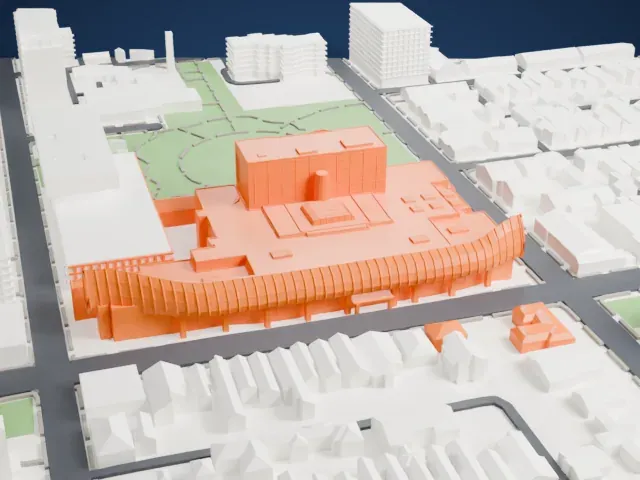 North
North
-
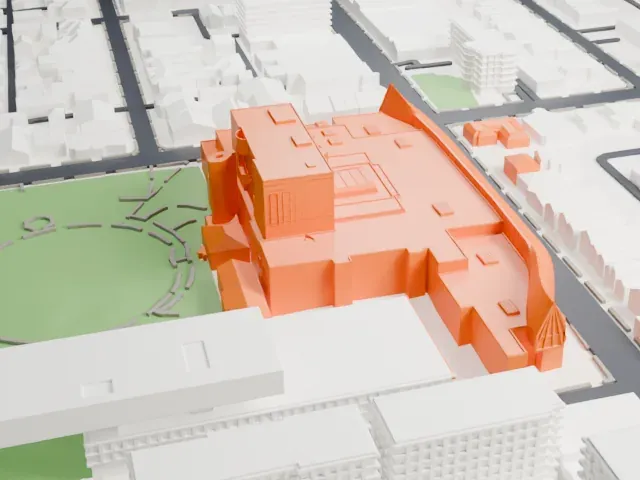 East
East
-
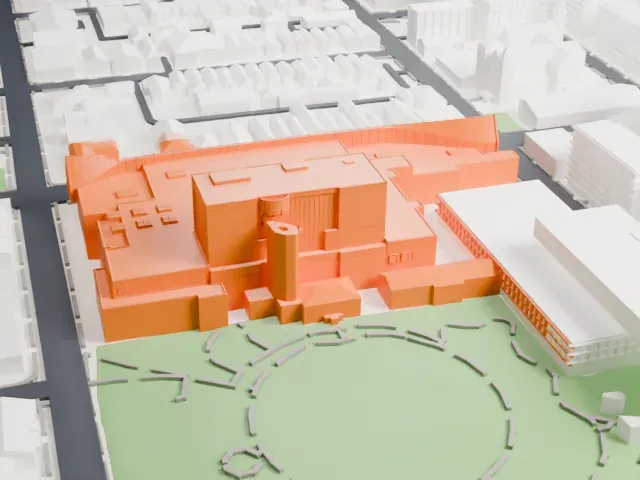 South
South
-
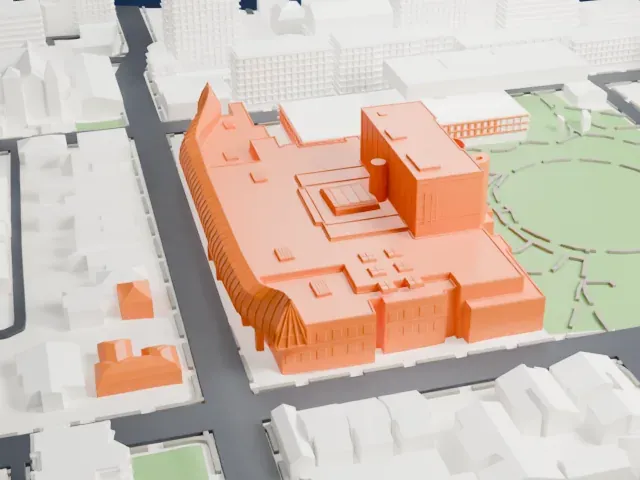 West
West
- A long curved canopy
- A ribbed, curved canopy sweeps along one side of the building on slender posts. Print friendly adapts these thin parts to the print scale; Full detail keeps them, which suits a larger print or a fine nozzle.
- Small rooftop details
- The flat roofs carry many small boxes and stepped features. A larger print size keeps them, and layers of 0.12 to 0.16 mm keep their edges crisp.
- One piece with the ground
- The Art Gallery of Ontario is joined to the ground in the exported file, and the four-side check found no floating parts, so nothing needs gluing.
- Pick the detail for your nozzle
- In the Buildings settings, set Landmark detail to Print friendly to adapt thin parts and small details to the print scale. Full detail keeps every modeled feature, for larger prints or a finer nozzle.
- Colors
- Buildings, roads, water and ground arrive as separate filament slots in the 3MF. The Art Gallery of Ontario takes the building color.
- File format
- You get a 3MF for Bambu Studio, OrcaSlicer or PrusaSlicer. Any of them can save it as STL if you need one.
About this model
The Art Gallery of Ontario is one of more than 2,300 landmark models in Mini Skyline. They are made with AI, and each one is checked from four sides in its real surroundings before release. Everything around it is built from OpenStreetMap and Overture map data. If you would rather print the shape from map data, turn off Landmark models in the Buildings settings.
Common questions
Is there an Art Gallery of Ontario STL I can download?
Mini Skyline builds the file for you in your browser and exports 3MF, which every major slicer opens. If you need an STL, open the 3MF in your slicer and export it from there.
How big can I print it?
Any print size from 40 mm across. The Art Gallery of Ontario grows with the print: about 12 mm tall on the default 160 mm print. For a model larger than your printer bed, Project Mode splits the area into tiles.
Is it free?
Yes. Generation runs in your browser, with no account and nothing behind a paywall.