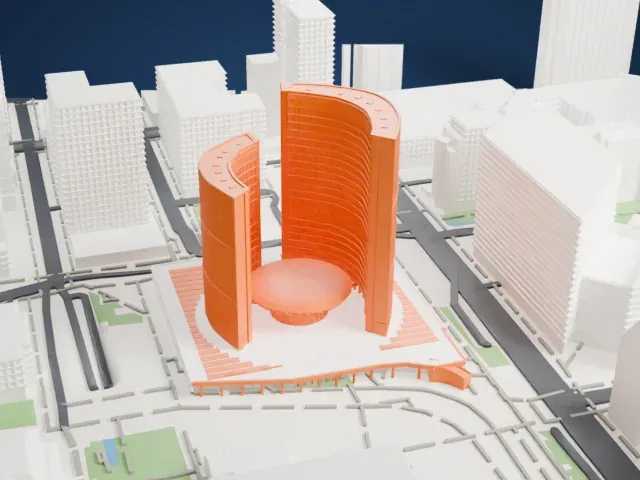
3D print BMO Field
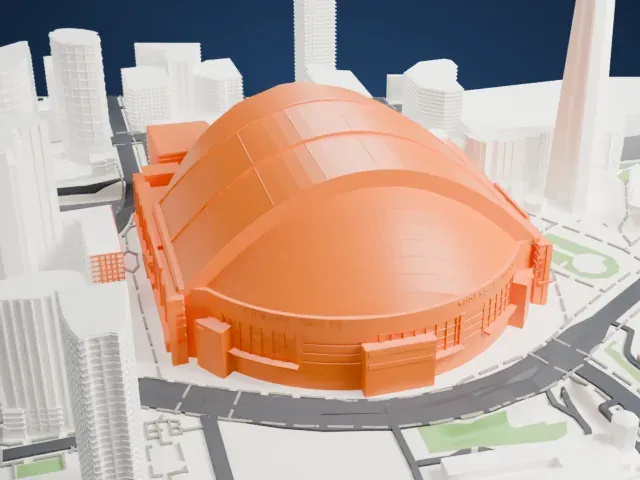
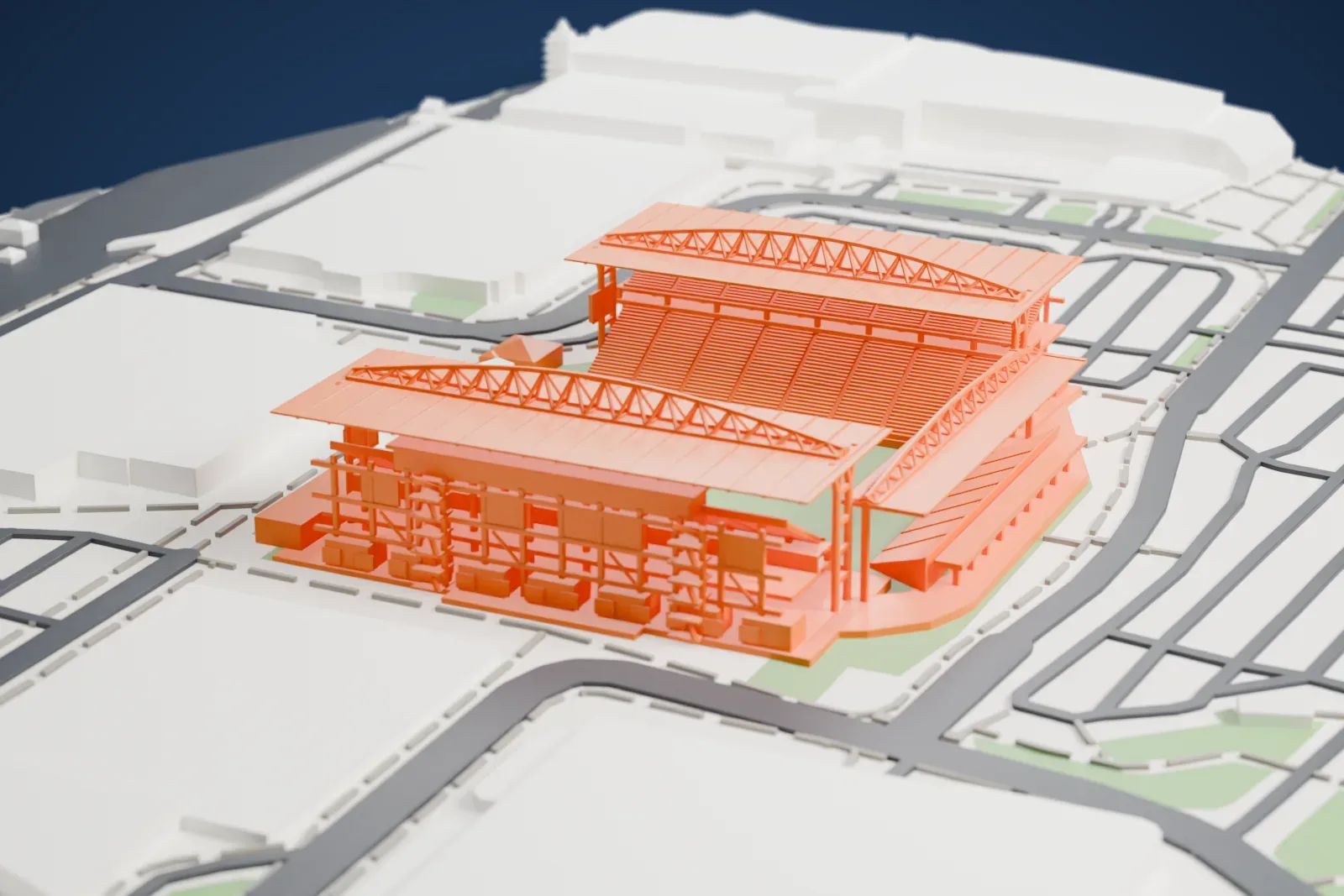
A free, printable model of BMO Field, with its roofed stands and arched trusses, among the streets and large buildings around it, generated from real map data in your browser.
Free, in your browser. Exports a slicer-ready 3MF.
About BMO Field
BMO Field, an outdoor stadium, stands at Exhibition Place in the Canadian city of Toronto, Ontario. It was built where Exhibition Stadium used to stand and first opened in 2007, as the fifth stadium at that exact location. Toronto FC, a Major League Soccer club, and the Toronto Argonauts, who play in the Canadian Football League, share it as their home field. The City of Toronto owns it, and Maple Leaf Sports & Entertainment manages it; that company owns both teams. The Bank of Montreal, commonly branded as BMO, holds the naming rights.
It was first built as a stadium meant specifically for soccer, in time for the U-20 World Cup in 2007, and as the first home for Toronto FC. Matches of the 2007 tournament were played there, as were matches in 2014 at the U-20 Women's World Cup. It hosted the MLS Cup in 2010, and later the finals of 2016 and 2017 that included Toronto FC. Rugby union has been played there too, among them games of Canada's national team, and so was rugby sevens at the 2015 Pan-American Games.
Building the stadium cost $62.9 million in Canadian dollars, or $72.8 million including the land, with money from the federal government, the Government of Ontario, the City of Toronto and Maple Leaf Sports & Entertainment. From 2014 to 2016 it was renovated: an upper deck was added to the east grandstand, a roof was built over the seating areas, and the field was lengthened for Canadian football. The Argonauts moved in for the 2016 season, and that year the stadium also hosted the 104th Grey Cup.
How it prints
Make this print opens the generator on a 600 m square around the landmark. Buildings print at close to true scale, so the landmark grows with the print size.
| Print size | Landmark height | Scale |
|---|---|---|
| 160 mm default | 13 mm | 1:3,750 |
| 200 mm | 17 mm | 1:3,000 |
| 256 mm | 21 mm | 1:2,344 |
-
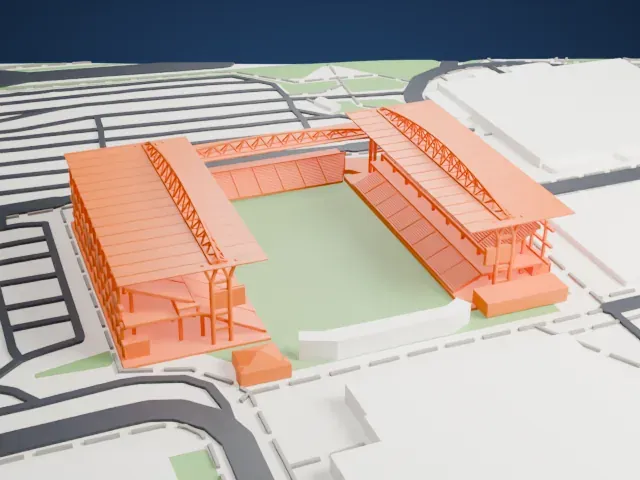 North
North
-
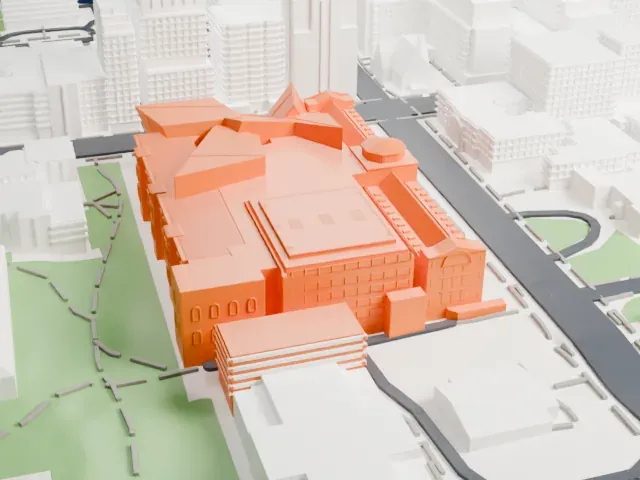
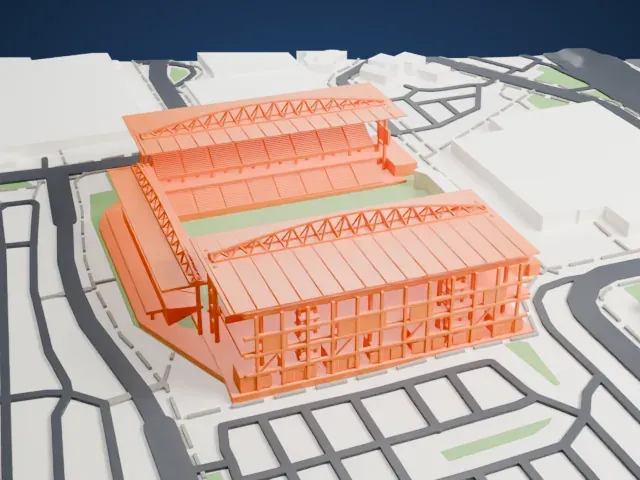 East
East
-
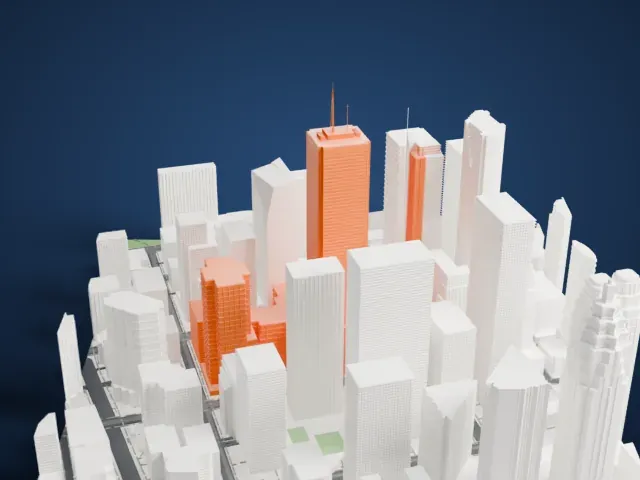
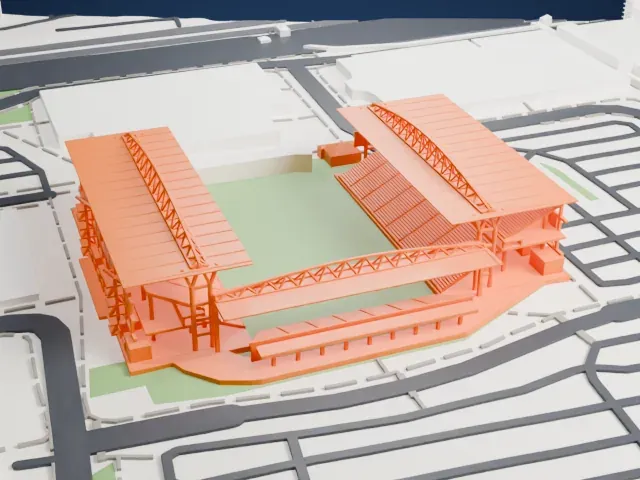 South
South
-
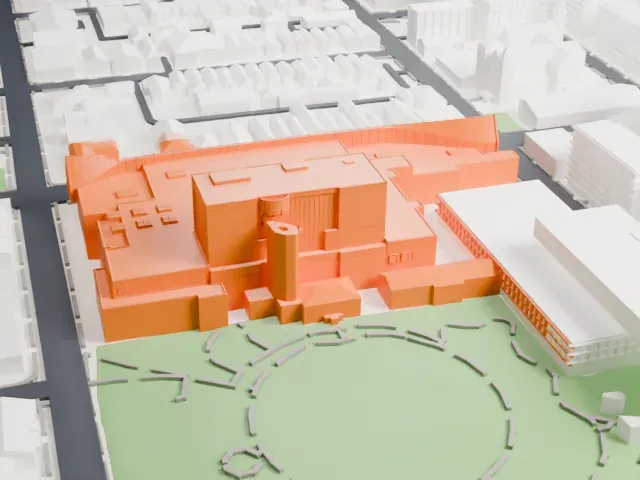
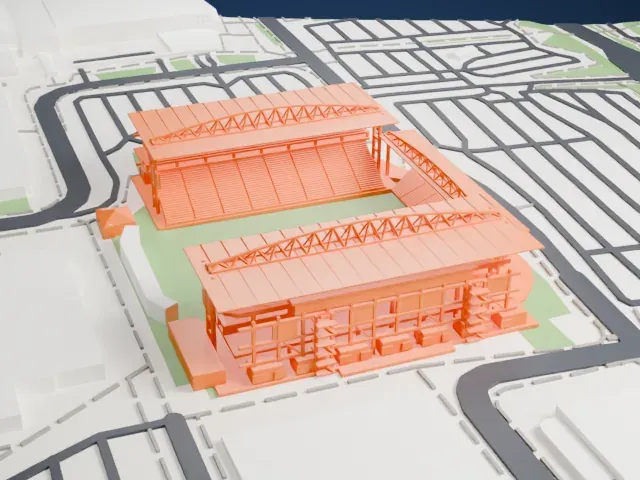 West
West
- Roofs on slim columns
- The roofs over the stands rest on slender columns with an open frame beneath. Print friendly adapts these thin parts to the print scale, while Full detail keeps them on a larger print or with a fine nozzle.
- Arched lattice trusses
- Arched trusses of thin bars span the stands. Layers of 0.12–0.16 mm keep the bars crisp, and printing slowly helps.
- One piece with the ground
- BMO Field is joined to the ground in the exported file, and the four-side check found no floating parts, so nothing needs gluing.
- Pick the detail for your nozzle
- In the Buildings settings, set Landmark detail to Print friendly to adapt thin parts and small details to the print scale. Full detail keeps every modeled feature, for larger prints or a finer nozzle.
- Colors
- Buildings, roads, water and ground arrive as separate filament slots in the 3MF. BMO Field takes the building color.
- File format
- You get a 3MF for Bambu Studio, OrcaSlicer or PrusaSlicer. Any of them can save it as STL if you need one.
About this model
BMO Field is one of more than 2,300 landmark models in Mini Skyline. They are made with AI, and each one is checked from four sides in its real surroundings before release. Everything around it is built from OpenStreetMap and Overture map data. If you would rather print the shape from map data, turn off Landmark models in the Buildings settings.
Common questions
Is there a BMO Field STL I can download?
Mini Skyline builds the file for you in your browser and exports 3MF, which every major slicer opens. If you need an STL, open the 3MF in your slicer and export it from there.
How big can I print it?
Any print size from 40 mm across. BMO Field grows with the print: about 13 mm tall on the default 160 mm print. For a model larger than your printer bed, Project Mode splits the area into tiles.
Is it free?
Yes. Generation runs in your browser, with no account and nothing behind a paywall.