3D print the CN Tower
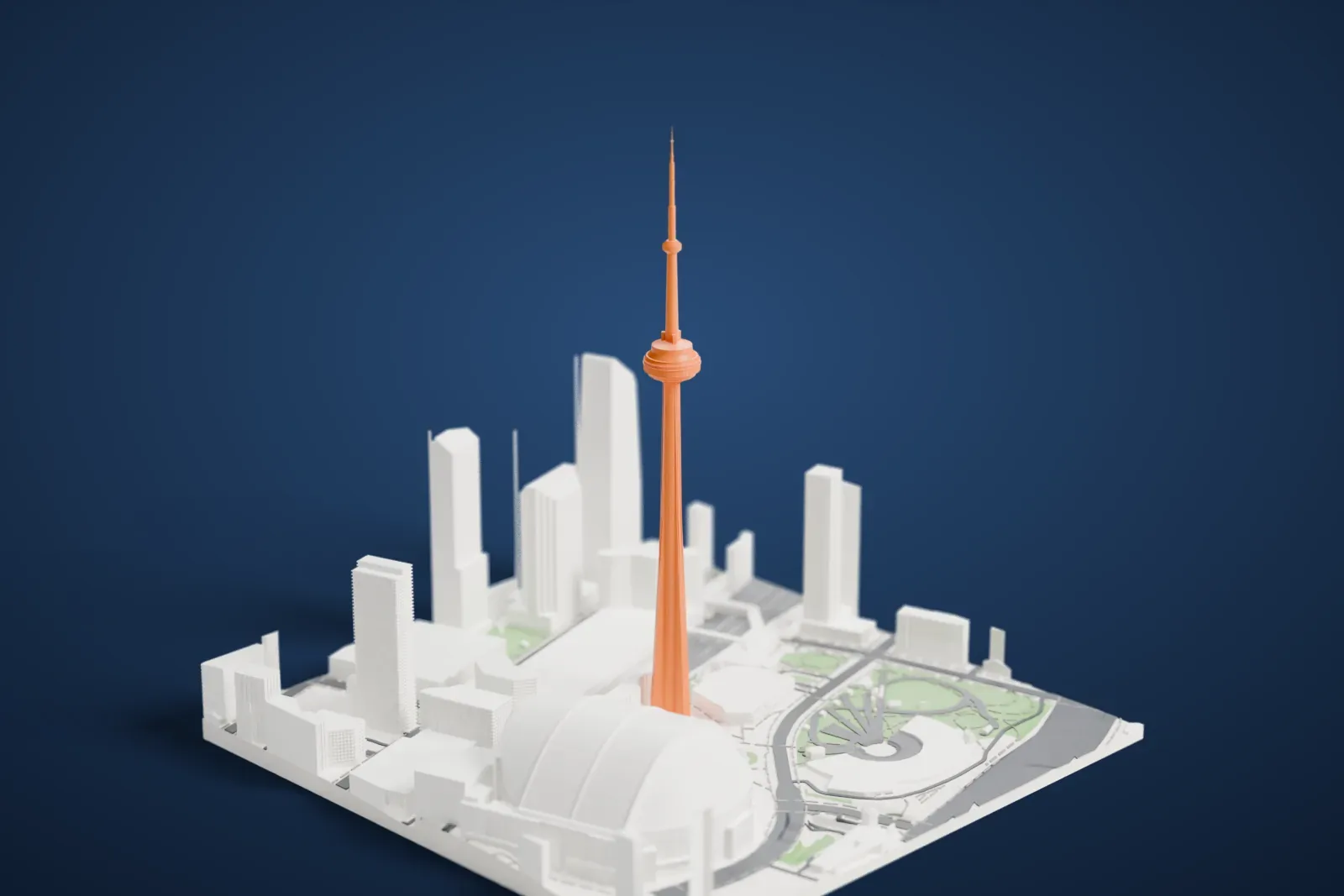
A free, printable model of the CN Tower and the buildings, roads and green patches around it in Toronto, generated from real map data in your browser.
Free, in your browser. Exports a slicer-ready 3MF.
About the CN Tower
The CN Tower is a communications and observation tower in downtown Toronto, Ontario, Canada, built on the former Railway Lands. It is 553.3 m (1,815.3 ft) high and was completed in 1976. The initials stand for Canadian National, the railway company behind its construction. When that company chose to sell off non-core freight assets before its 1995 privatization, the tower went to the federal Crown corporation Canada Lands Company.
It held the free-standing height record worldwide for 32 years, between 1975 and 2007, until the Burj Khalifa overtook it. As a tower, it was the tallest anywhere until 2009, when the Canton Tower passed it. Among free-standing structures on land, it is the tallest in the entire Western world, the Western Hemisphere and North America. In 1995 the American Society of Civil Engineers named it one of the Seven Wonders of the Modern World.
Work started on February 6, 1973. By April 2, 1975, 26 months into construction, the tower had been topped off. The central concrete pillar was cast with a hydraulically raised slipform, a metal platform that climbed upward on jacks, about 6 m (20 ft) each day. A Sikorsky S-64 Skycrane helicopter lifted the antenna into place in 36 sections. The tower opened on June 26, 1976.
How it prints
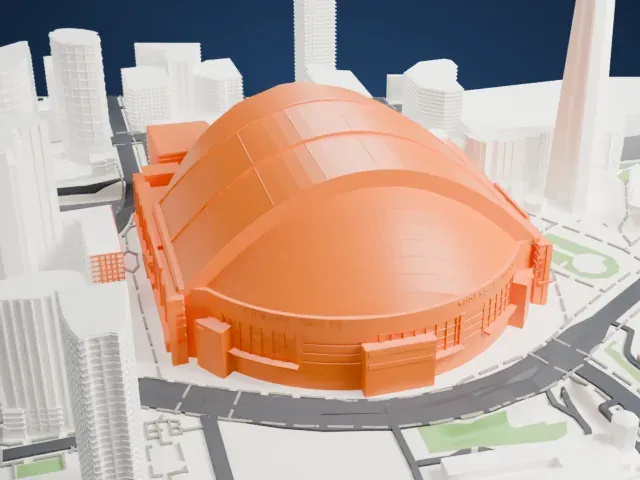
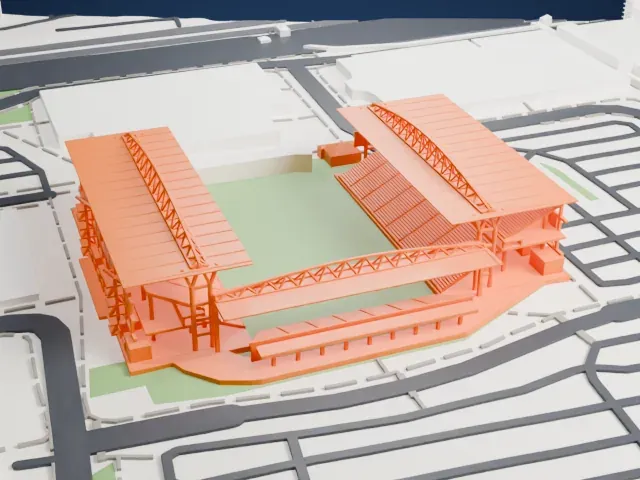
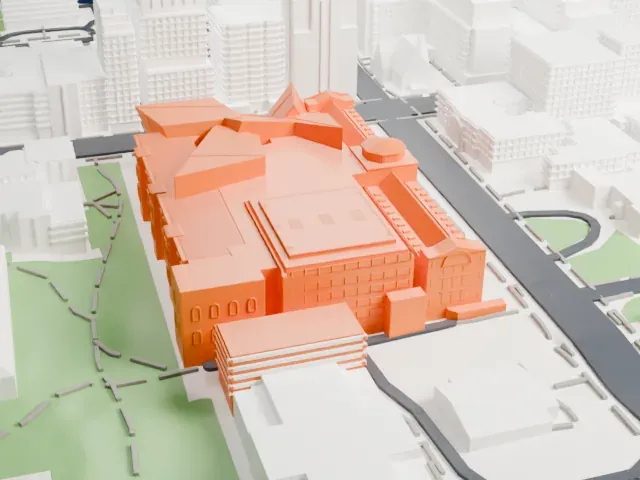
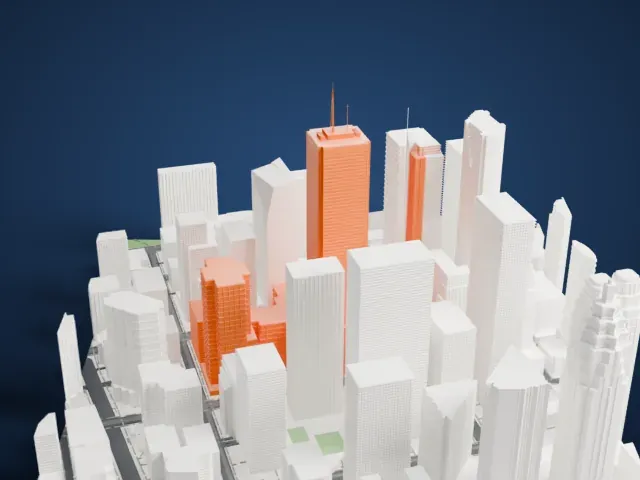
Make this print opens the generator on a 600 m square around the landmark. Buildings print at close to true scale, so the landmark grows with the print size.
| Print size | Landmark height | Scale |
|---|---|---|
| 160 mm default | 148 mm | 1:3,750 |
| 200 mm | 185 mm | 1:3,000 |
| 256 mm | 237 mm | 1:2,344 |
-
 North
North
-
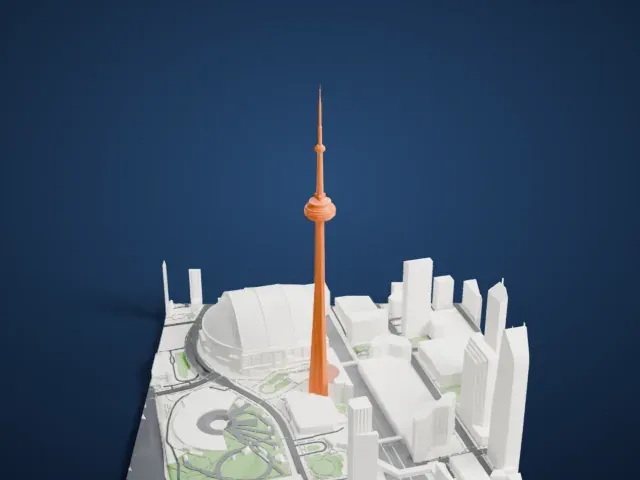 East
East
-
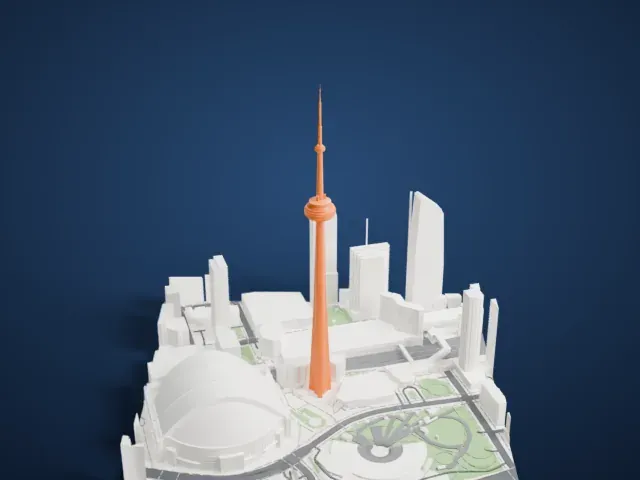 South
South
-
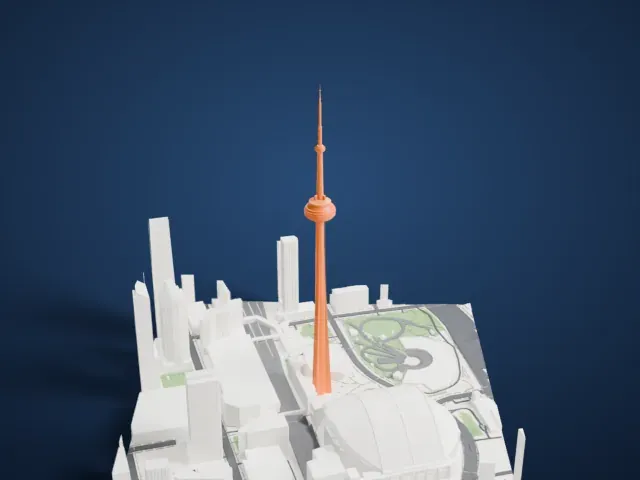 West
West
- A very slender mast
- The shaft narrows to a thin antenna at the top. Layers of 0.12 to 0.16 mm and a slow print speed help the mast come out crisp, and Print friendly adapts it to the print scale.
- Wide pod on a narrow shaft
- The round pod is much wider than the shaft below it, so its underside overhangs. Good cooling and a larger print size keep the pod's rings and edges clean.
- One piece with the ground
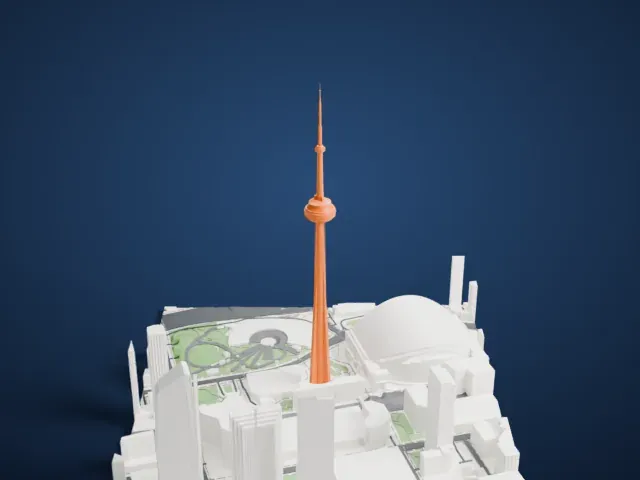
- The CN Tower is joined to the ground in the exported file, and the four-side check found no floating parts, so nothing needs gluing.
- Pick the detail for your nozzle
- In the Buildings settings, set Landmark detail to Print friendly to adapt thin parts and small details to the print scale. Full detail keeps every modeled feature, for larger prints or a finer nozzle.
- Colors
- Buildings, roads, water and ground arrive as separate filament slots in the 3MF. The CN Tower takes the building color.
- File format
- You get a 3MF for Bambu Studio, OrcaSlicer or PrusaSlicer. Any of them can save it as STL if you need one.
About this model
The CN Tower is one of more than 2,300 landmark models in Mini Skyline. They are made with AI, and each one is checked from four sides in its real surroundings before release. Everything around it is built from OpenStreetMap and Overture map data. If you would rather print the shape from map data, turn off Landmark models in the Buildings settings.
Common questions
Is there a CN Tower STL I can download?
Mini Skyline builds the file for you in your browser and exports 3MF, which every major slicer opens. If you need an STL, open the 3MF in your slicer and export it from there.
How big can I print it?
Any print size from 40 mm across. The CN Tower grows with the print: about 148 mm tall on the default 160 mm print. For a model larger than your printer bed, Project Mode splits the area into tiles.
Is it free?
Yes. Generation runs in your browser, with no account and nothing behind a paywall.