3D print the Bab al-Asbat Minaret
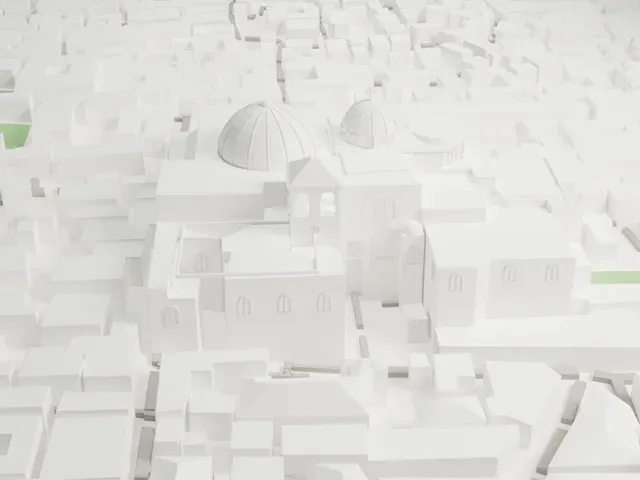
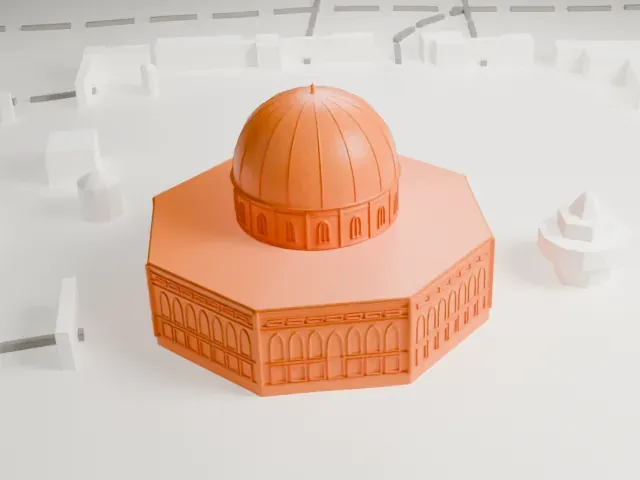
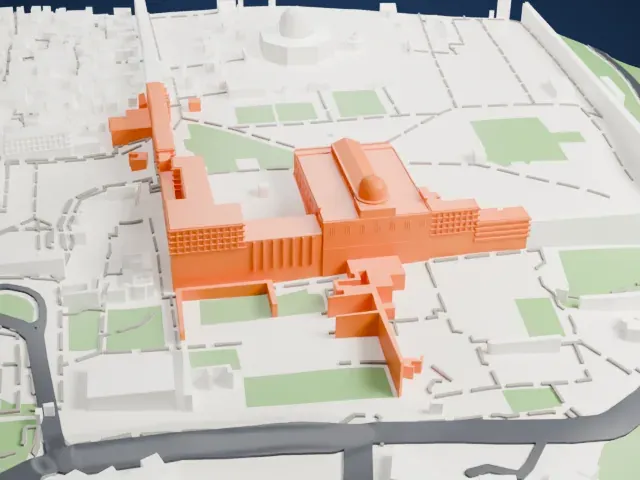
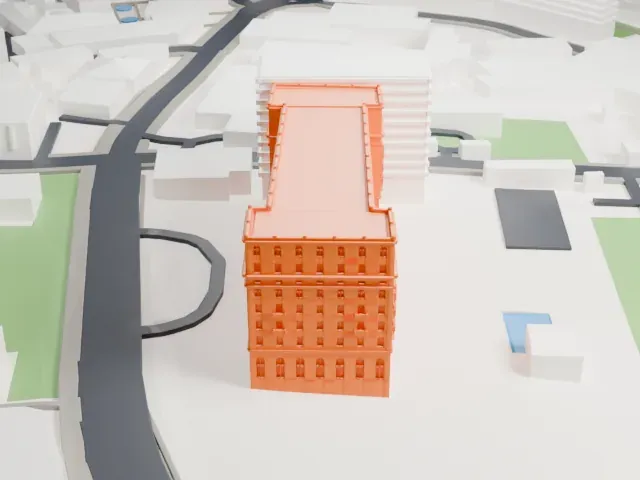
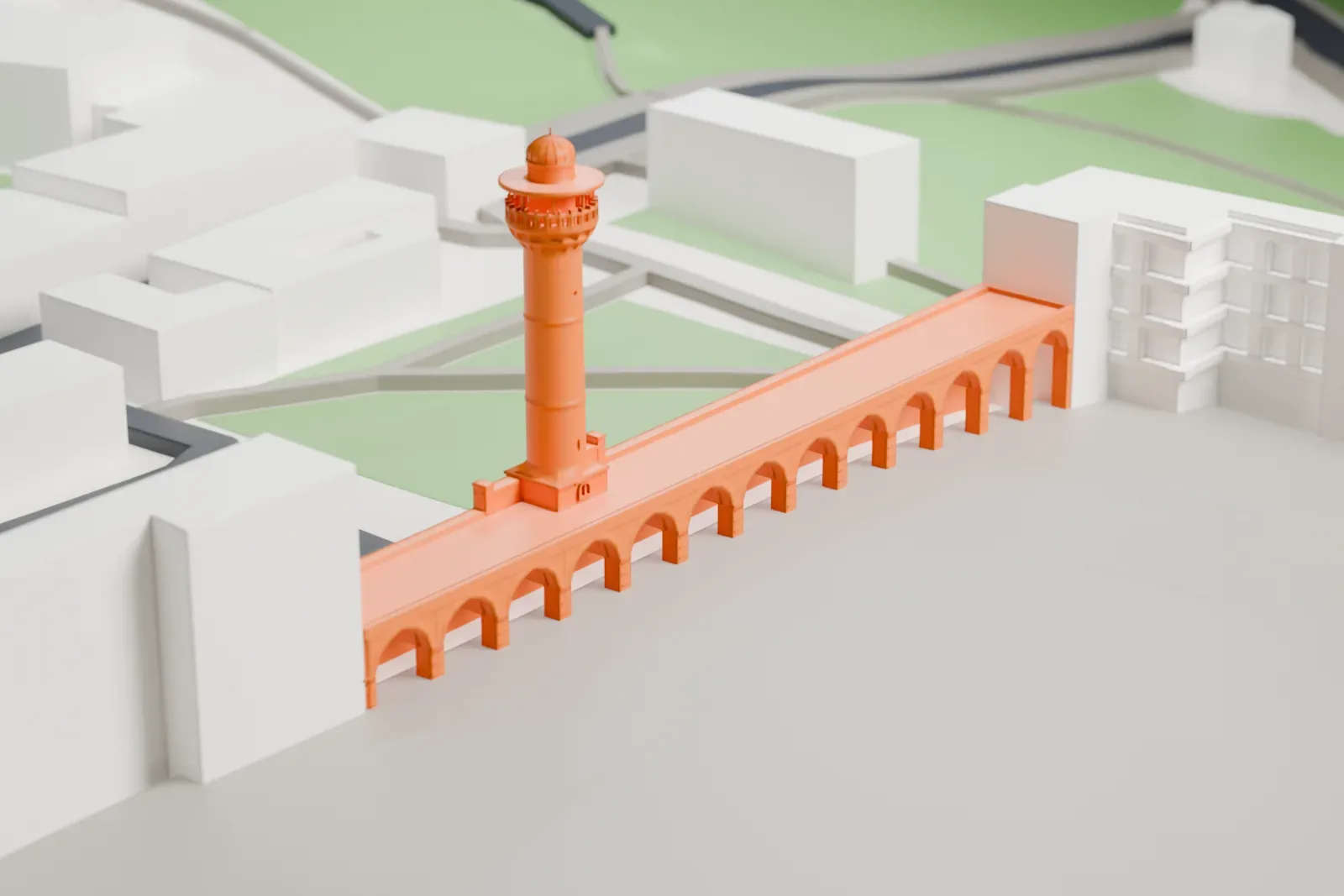
A free, printable model of the Bab al-Asbat Minaret, a slender minaret rising from a long arcaded wall, shown with the surrounding buildings and open ground, generated from real map data in your browser.
-
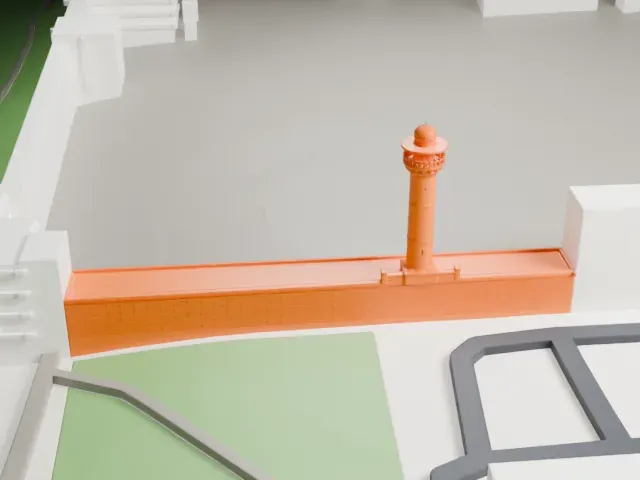 North
North
-
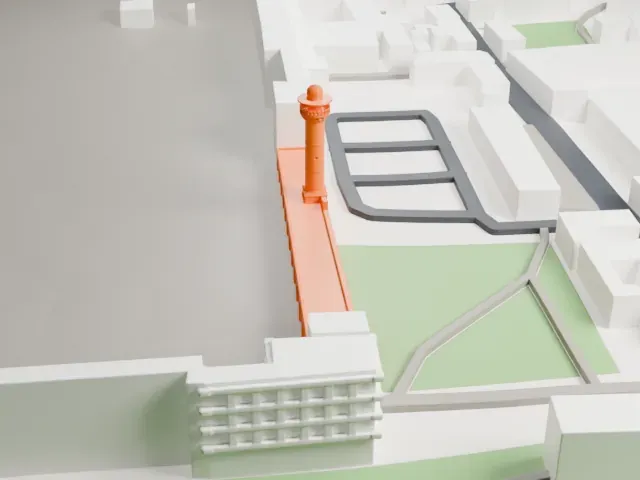 East
East
-
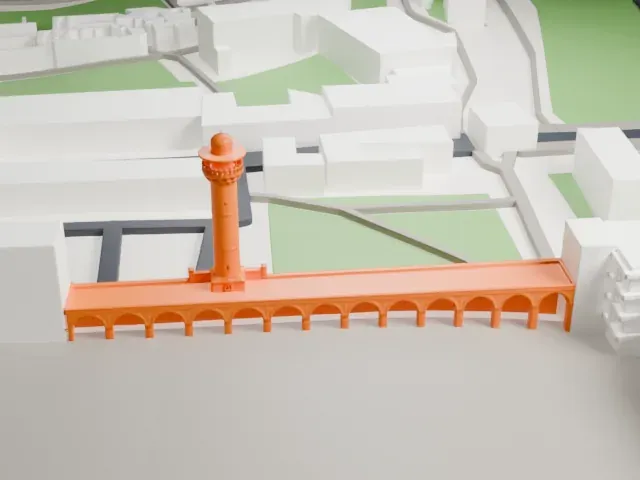 South
South
-
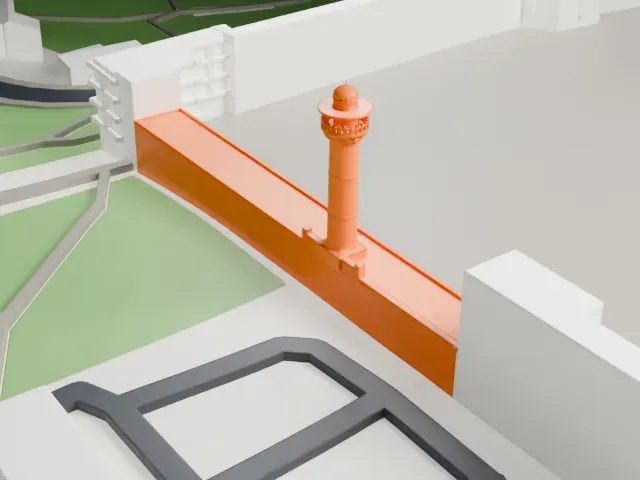 West
West
The model you print
Bab al-Asbat Minaret in 3D
The landmark on its own, at its size on a 160 mm print. Print friendly thickens thin parts for a 0.4 mm nozzle; Full detail keeps every part.
- On a 160 mm print
- 8 mm
- Scale
- 1:3,750
8 mm tall on a 160 mm print
Make this print opens the generator on a 600 m square around the landmark. Buildings print at close to true scale, so the landmark grows with the print size.
- Slender shaft and balcony
The round shaft is thin, with a balcony and a small dome at the top. Print friendly adapts these parts to the print scale; Full detail keeps them as modeled, best printed slowly with good cooling.
- Long arcaded wall
The minaret rises from a long wall with a repeating row of arches. A larger print size and a 0.12 mm layer height keep the arches crisp.
- One piece with the ground
The Bab al-Asbat Minaret is joined to the ground in the exported file, and the four-side check found no floating parts, so nothing needs gluing.
- Pick the detail for your nozzle
In the Buildings settings, set Landmark detail to Print friendly to adapt thin parts and small details to the print scale. Full detail keeps every modeled feature, for larger prints or a finer nozzle.
- Colors
Buildings, roads, water and ground arrive as separate filament slots in the 3MF. The Bab al-Asbat Minaret takes the building color.
- File format
You get a 3MF for Bambu Studio, OrcaSlicer or PrusaSlicer. Any of them can save it as STL if you need one.
About the Bab al-Asbat Minaret
Bab al-Asbat Minaret, also called the Minaret of the Tribes (Arabic: منارة الأسباط), stands in Jerusalem as one of Al-Aqsa's four minarets, along the north wall. It also goes by the name Minaret of Salahiyah, after the nearby Salahiyah School. It was first built in the Mamluk period, in 1367 (769 AH), under Sultan al-Malik Ashraf Shaaban, at the hands of Jerusalem's governor, Prince Sayf Al-Din Qutlu Bagha, who also inspected the two Harams.
After an earthquake in 1586, the Ottomans rebuilt it in 1599 (1007 AH) as a cylinder 28.5 m long, in Ottoman style. Sultan Mahmud, son of Sultan Muhammad, set aside 300 Sultani dinars for the work. The stone shaft rises from a rectangular base through a triangular transition zone. Above the muezzin's balcony it narrows, with circular windows dotted along it, and it ends in a bulbous dome.
Another earthquake crushed the minaret in 1927, and the Supreme Islamic Council rebuilt it the same year, making it longer, as an inscription above its door records. The dome was rebuilt after the 1927 earthquake that struck near Jericho. Severe damage in 1967 led to a comprehensive restoration, and lead was laid over the cone.
About this model
The Bab al-Asbat Minaret is one of more than 4,900 landmark models in Mini Skyline. They are made with AI, and each one is checked from four sides in its real surroundings before release. Everything around it is built from OpenStreetMap and Overture map data. If you would rather print the shape from map data, turn off Landmark models in the Buildings settings.
Same skyline