3D print the Bank of America Corporate Center
A free, printable model of the stepped, ribbed tower and the city buildings around it, generated from real map data in your browser.
Free, in your browser. Exports a slicer-ready 3MF.
About the Bank of America Corporate Center
Rising 265 m (871 ft) in Uptown Charlotte, North Carolina, the Bank of America Corporate Center was designed by the Argentine architect César Pelli with HKS Architects. The building is chiefly known as the headquarters of the bank it is named for, and no building in North Carolina has been taller since it was built in 1992. Locals sometimes call it the "Taj McColl", a nickname drawn from Hugh McColl, the bank's former CEO, who was behind the tower's construction.
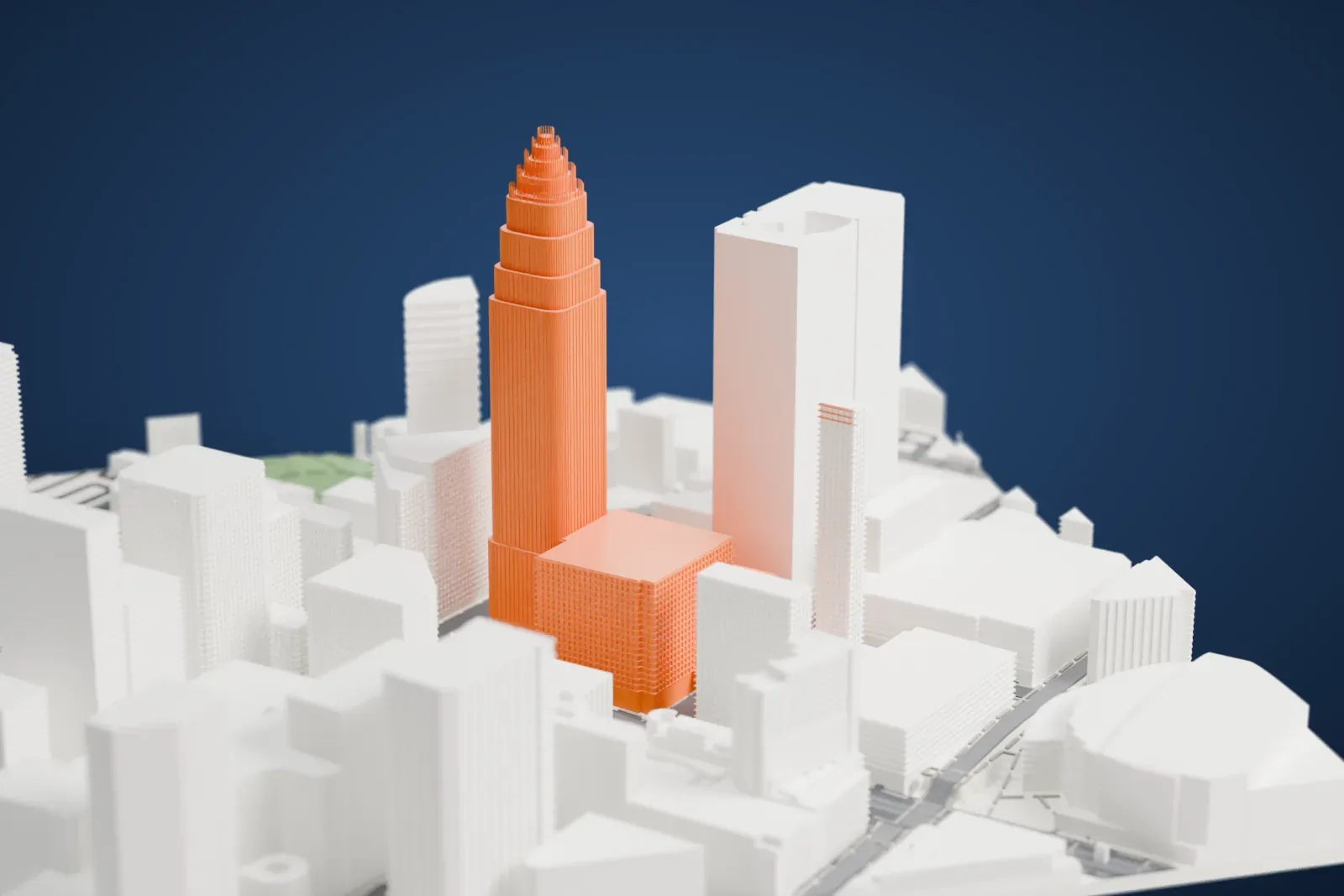
NCNB chairman Hugh McColl announced Pelli's design on September 25, 1987, and it was unveiled to the public on June 14, 1988. The tower has 60 floors and a 9.1 m (30 ft) granite base. Its facade is rosy beige granite and silver glass, with curved sides, and it tapers through six setbacks to the tip of its crown, 265 m (871 ft) above Tryon Street.
Demolition on the site began on January 3, 1989, and the first concrete pour, on November 19, 1989, marked the start of actual construction. The foundation reaches 12 m (38 ft) below Tryon Street, and 36 concrete and steel piers support the tower. It was topped out on October 2, 1991, and the 29 m (95 ft) crown was finished that December. The lobby holds three frescoes by Ben Long, each 5.5 m by 7.0 m (18 by 23 feet) and called the biggest secular fresco in the U.S.
How it prints
Make this print opens the generator on a 600 m square around the landmark. Buildings print at close to true scale, so the landmark grows with the print size.
| Print size | Landmark height | Scale |
|---|---|---|
| 160 mm default | 71 mm | 1:3,750 |
| 200 mm | 89 mm | 1:3,000 |
| 256 mm | 114 mm | 1:2,344 |
-
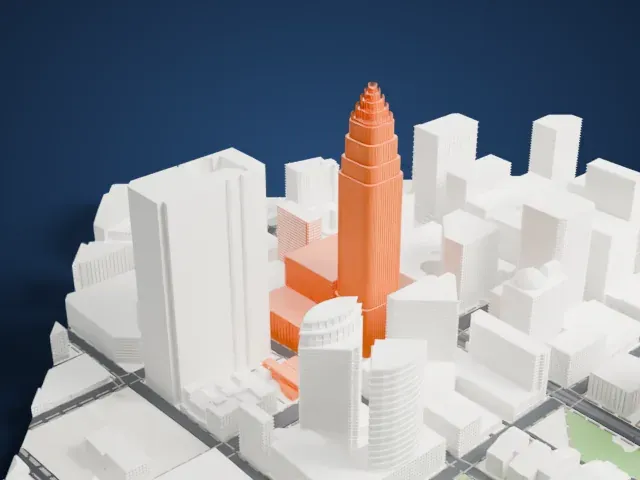 North
North
-
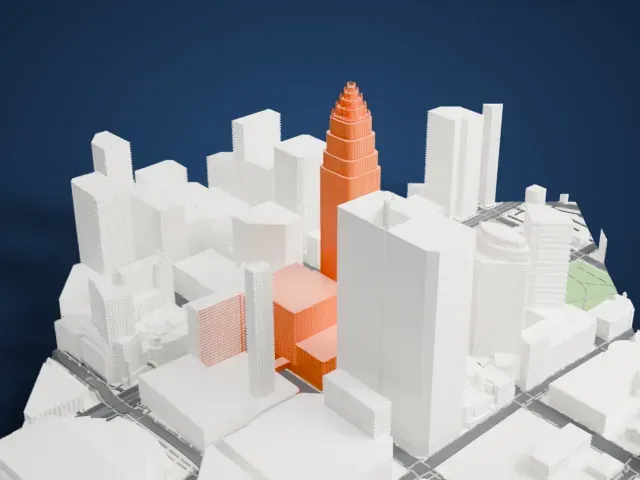 East
East
-
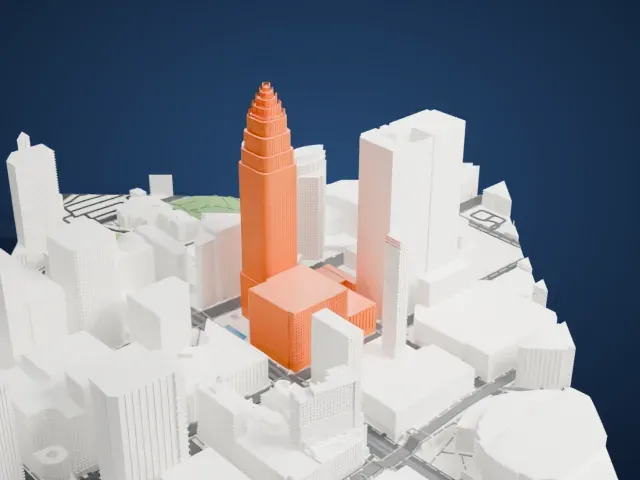 South
South
-
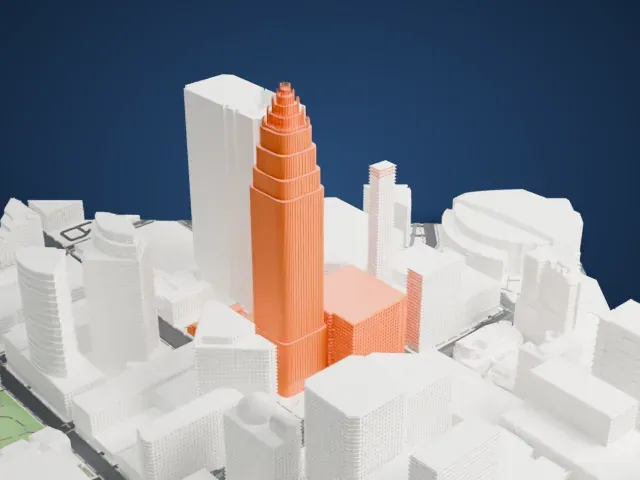 West
West
- A stepped crown
- The tower narrows through a series of setbacks to a small crown. Printing slowly and using layers of 0.12 to 0.16 mm helps keep the steps and the tip crisp.
- Fine vertical ribs
- The face of the tower is covered in narrow vertical ribs. Print friendly adapts them to the print scale; Full detail keeps more of them, which suits a larger print or a fine nozzle.
- Pick the detail for your nozzle
- In the Buildings settings, set Landmark detail to Print friendly to adapt thin parts and small details to the print scale. Full detail keeps every modeled feature, for larger prints or a finer nozzle.
- Colors
- Buildings, roads, water and ground arrive as separate filament slots in the 3MF. The Bank of America Corporate Center takes the building color.
- File format
- You get a 3MF for Bambu Studio, OrcaSlicer or PrusaSlicer. Any of them can save it as STL if you need one.
About this model
The Bank of America Corporate Center is one of more than 2,300 landmark models in Mini Skyline. They are made with AI, and each one is checked from four sides in its real surroundings before release. Everything around it is built from OpenStreetMap and Overture map data. If you would rather print the shape from map data, turn off Landmark models in the Buildings settings.
Common questions
Is there a Bank of America Corporate Center STL I can download?
Mini Skyline builds the file for you in your browser and exports 3MF, which every major slicer opens. If you need an STL, open the 3MF in your slicer and export it from there.
How big can I print it?
Any print size from 40 mm across. The Bank of America Corporate Center grows with the print: about 71 mm tall on the default 160 mm print. For a model larger than your printer bed, Project Mode splits the area into tiles.
Is it free?
Yes. Generation runs in your browser, with no account and nothing behind a paywall.