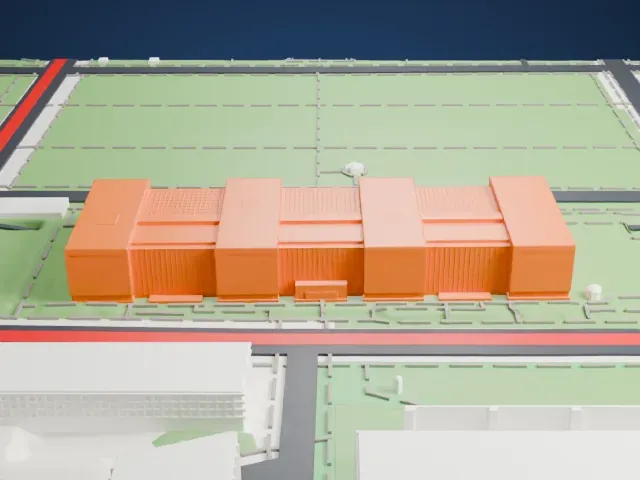
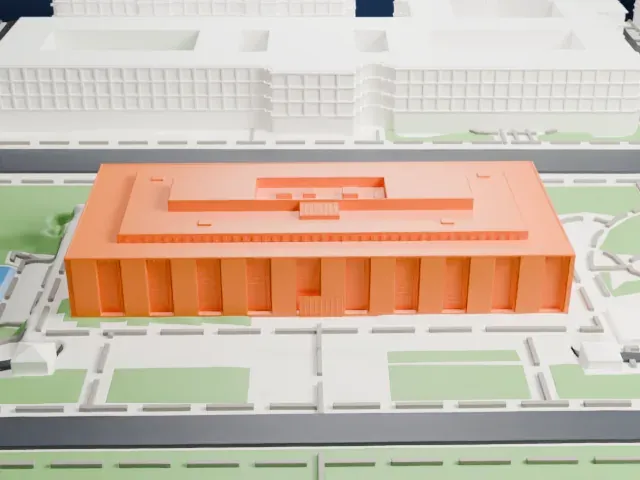
3D print the White House
A free, printable model of the White House with its lawns, curving roads and neighboring buildings in Washington, D.C., generated from real map data in your browser.
Free, in your browser. Exports a slicer-ready 3MF.
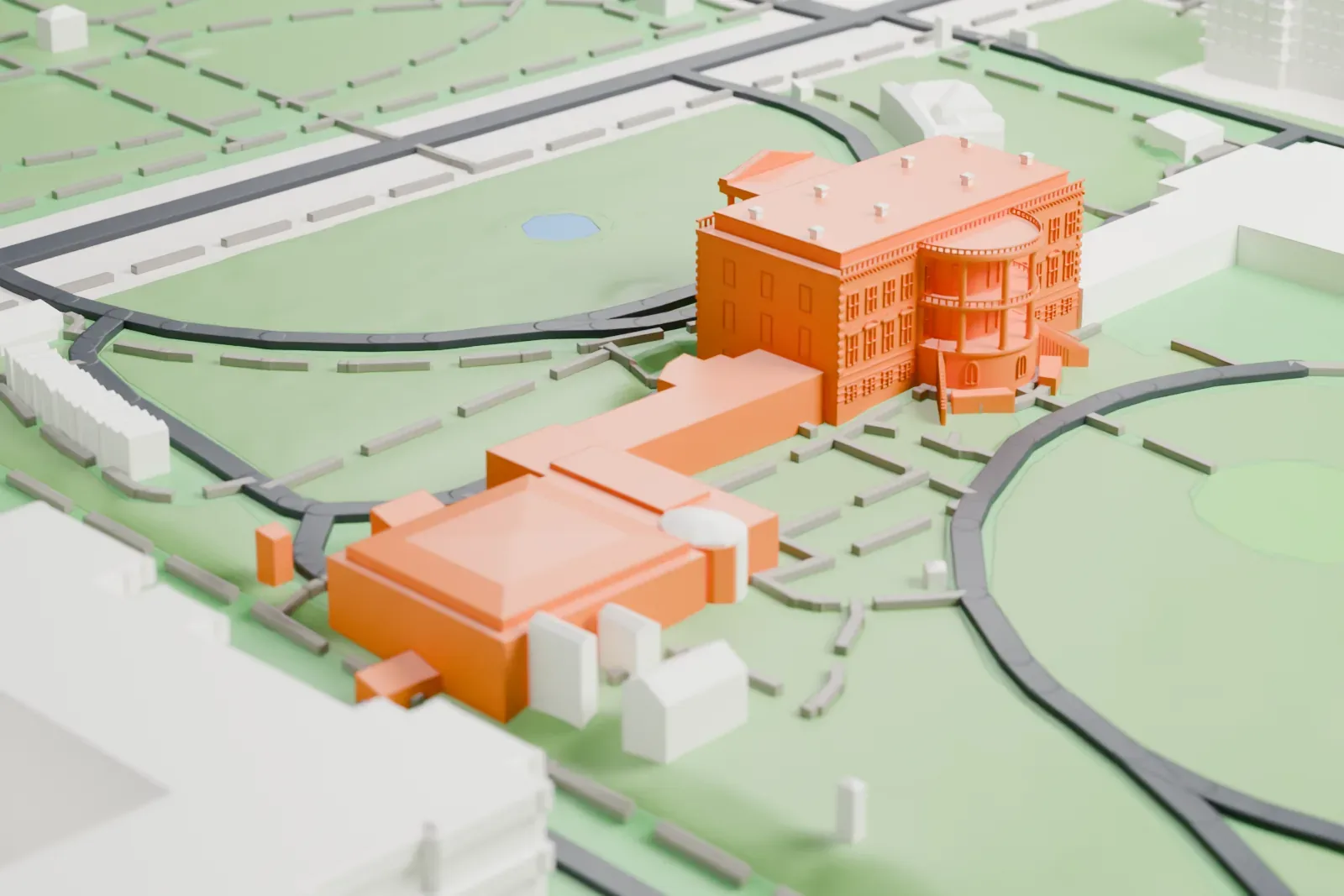
About the White House
The White House on Pennsylvania Avenue in Washington, D.C., is where the president of the United States officially lives and works. John Adams was the first to live there, in 1800, after the national capital moved from Philadelphia, and every president since has done the same. The Irish-born architect James Hoban designed it in the Neoclassical style, and its upper floors take some of their design cues from Dublin's Leinster House. It was built between 1792 and 1800, and its outer walls are sandstone painted white.
Thomas Jefferson moved in during 1801. Working with the architect Benjamin Henry Latrobe, he added low colonnades along both wings to hide what were then stables and storage. In the War of 1812, British forces set the mansion ablaze in 1814, destroying the interior. James Monroe moved into the partly rebuilt residence in October 1817. The semicircular South Portico was added in 1824; the North Portico followed in 1829.
President Theodore Roosevelt moved the work offices into a new West Wing in 1902, and in 1909 William Howard Taft expanded it and created the first Oval Office. By 1948 it was found that the load-bearing walls and wood beams of the residence were close to failure, so under Harry S. Truman the interior was taken apart and a new steel frame was built inside the walls. The National Park Service maintains the property as part of President's Park.
How it prints
Make this print opens the generator on a 600 m square around the landmark. Buildings print at close to true scale, so the landmark grows with the print size.
| Print size | Landmark height | Scale |
|---|---|---|
| 160 mm default | 7 mm | 1:3,750 |
| 200 mm | 9 mm | 1:3,000 |
| 256 mm | 11 mm | 1:2,344 |
-
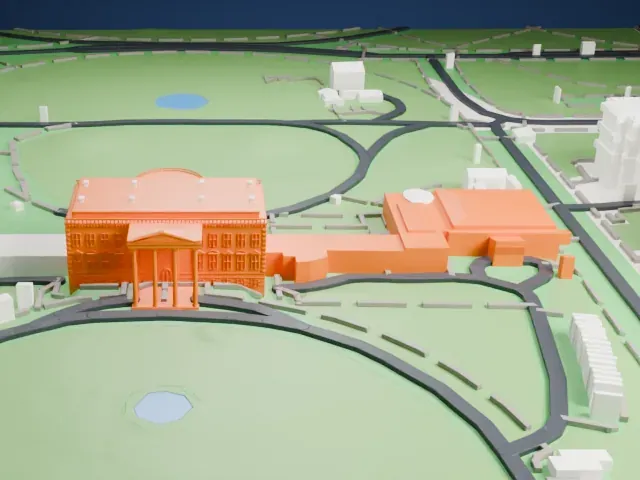 North
North
-
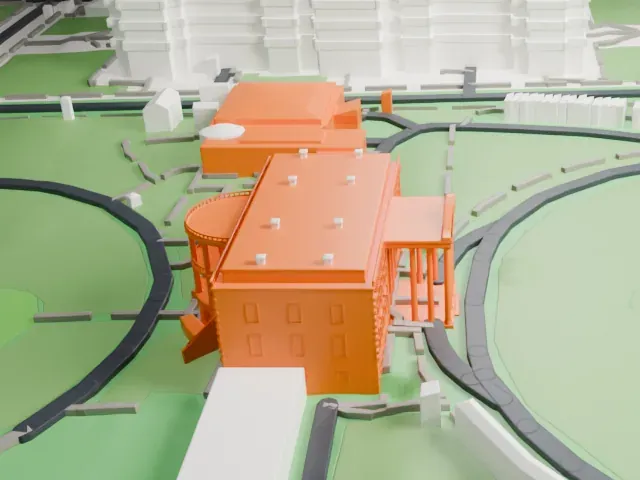 East
East
-
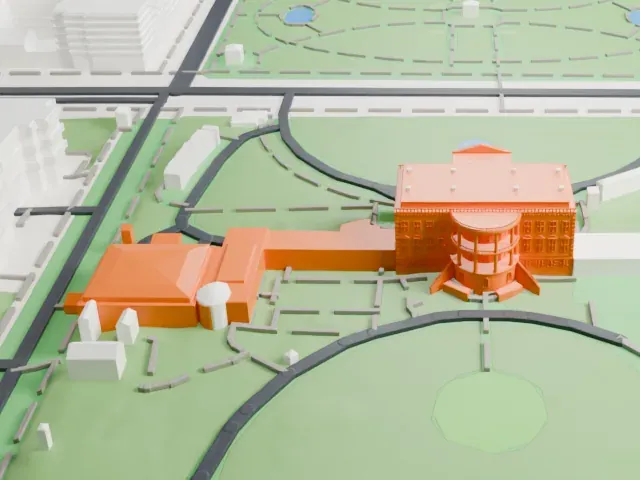 South
South
-
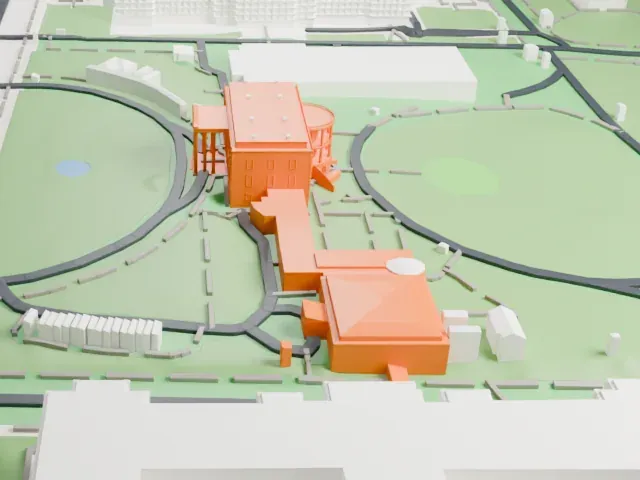 West
West
- Slender portico columns
- The north portico and the curved south portico stand on thin columns. Print friendly adapts them to the print scale; a larger print or Full detail keeps more of them, and a slower print speed helps.
- Tiny roof and railing details
- The roof carries small dormers and the curved portico has fine railings. They shrink fast on a small print, so go larger and use 0.12–0.16 mm layers to keep them readable.
- One piece with the ground
- The White House is joined to the ground in the exported file, and the four-side check found no floating parts, so nothing needs gluing.
- Pick the detail for your nozzle
- In the Buildings settings, set Landmark detail to Print friendly to adapt thin parts and small details to the print scale. Full detail keeps every modeled feature, for larger prints or a finer nozzle.
- Colors
- Buildings, roads, water and ground arrive as separate filament slots in the 3MF. The White House takes the building color.
- File format
- You get a 3MF for Bambu Studio, OrcaSlicer or PrusaSlicer. Any of them can save it as STL if you need one.
About this model
The White House is one of more than 2,300 landmark models in Mini Skyline. They are made with AI, and each one is checked from four sides in its real surroundings before release. Everything around it is built from OpenStreetMap and Overture map data. If you would rather print the shape from map data, turn off Landmark models in the Buildings settings.
Common questions
Is there a White House STL I can download?
Mini Skyline builds the file for you in your browser and exports 3MF, which every major slicer opens. If you need an STL, open the 3MF in your slicer and export it from there.
How big can I print it?
Any print size from 40 mm across. The White House grows with the print: about 7 mm tall on the default 160 mm print. For a model larger than your printer bed, Project Mode splits the area into tiles.
Is it free?
Yes. Generation runs in your browser, with no account and nothing behind a paywall.