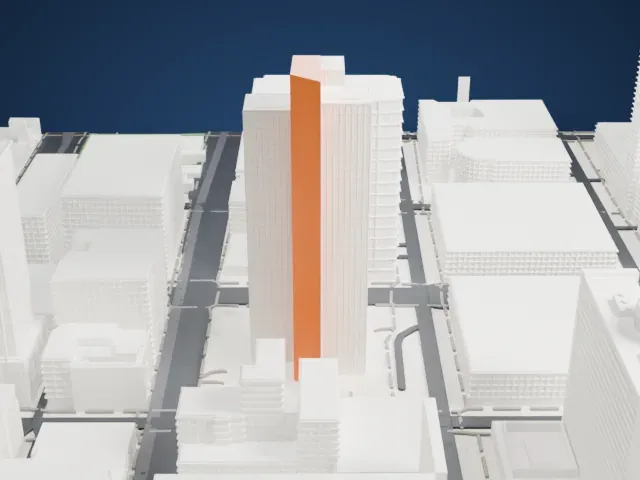
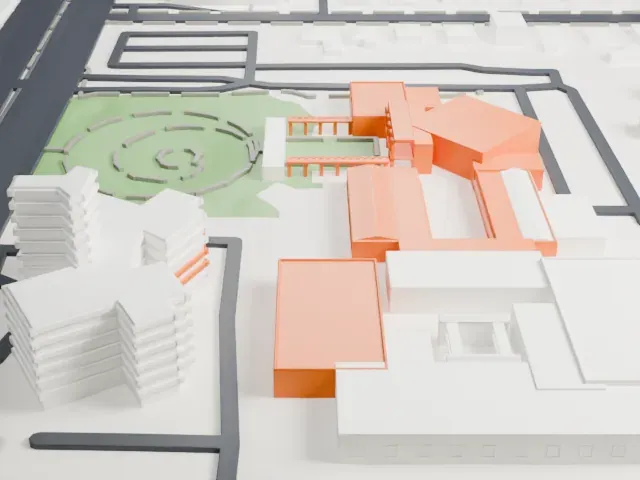
3D print the BMO Tower
A free, printable model of the BMO Tower and the park, roads and low buildings around it in Phoenix, generated from real map data in your browser.
Free, in your browser. Exports a slicer-ready 3MF.
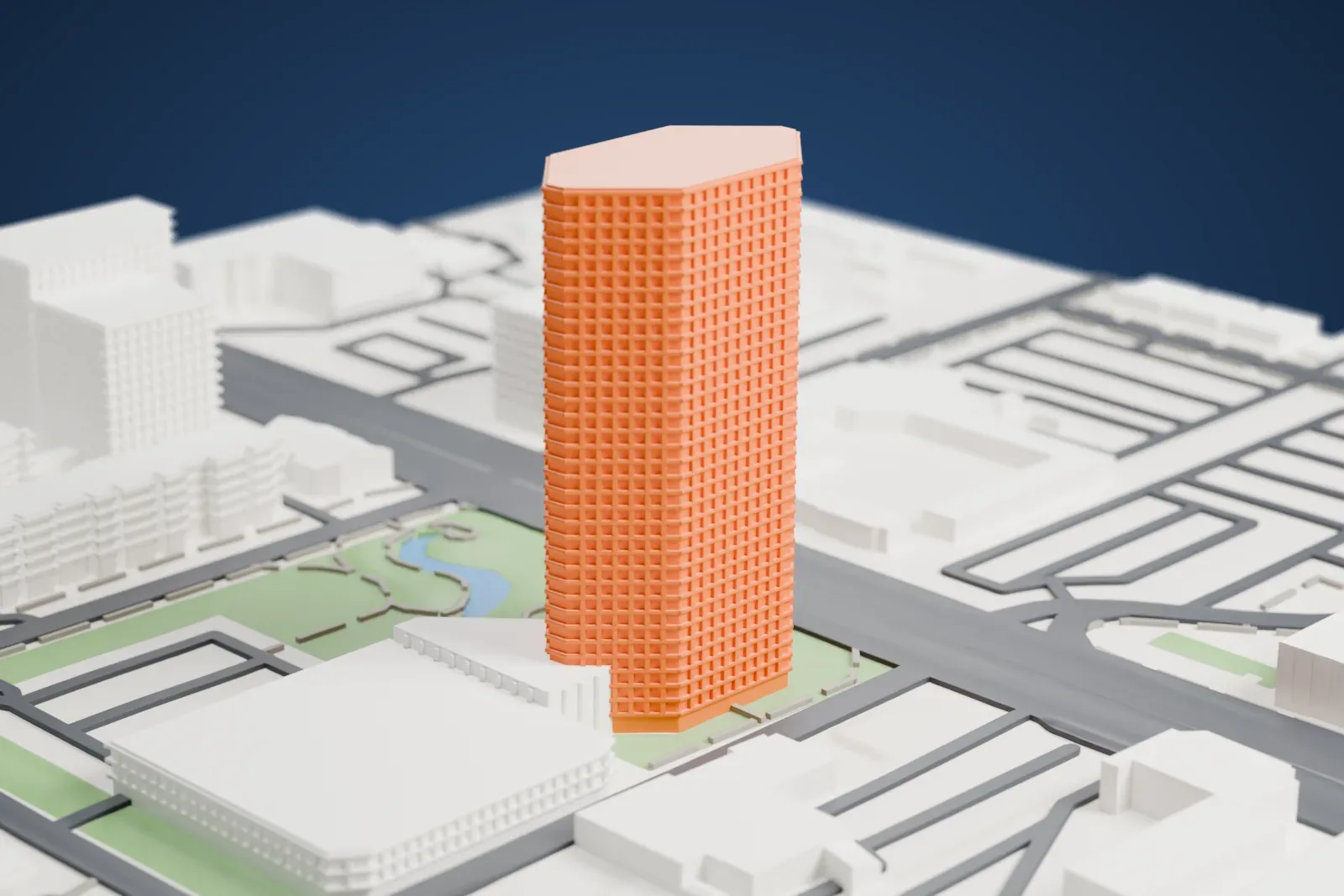
About the BMO Tower
The BMO Tower, a highrise in the Midtown area of Phoenix, Arizona, goes by a second name, the Viad Corporate Center, and was formerly called the Dial Tower. It rises 24 floors to 114 m (374 ft). It sits opposite the Phoenix Art Museum along Central Avenue, a little north of McDowell Road, between Downtown and Midtown Phoenix.
The Dial Corporation had the tower built in 1991, and the building's resemblance to a bar of Dial soap is explained by that connection. HKS, Inc. designed it in the modern style. Plans originally included a twin tower turned 90 degrees from the existing one, but the Savings and Loan Crisis, which spanned the 1980s and 1990s, led to the second tower being dropped. When completed in 1991, it was the last major skyscraper built in Midtown.
Viad was an earlier occupant; that company spun off its subsidiary Dial Corporation in 1996. In early 2016 BMO Harris Bank moved in, the building was renamed the BMO Tower, and a BMO logo was placed atop it. Near the entrance is a big public park, landscaped and dotted with statues and fountains.
How it prints
Make this print opens the generator on a 600 m square around the landmark. Buildings print at close to true scale, so the landmark grows with the print size.
| Print size | Landmark height | Scale |
|---|---|---|
| 160 mm default | 31 mm | 1:3,750 |
| 200 mm | 38 mm | 1:3,000 |
| 256 mm | 49 mm | 1:2,344 |
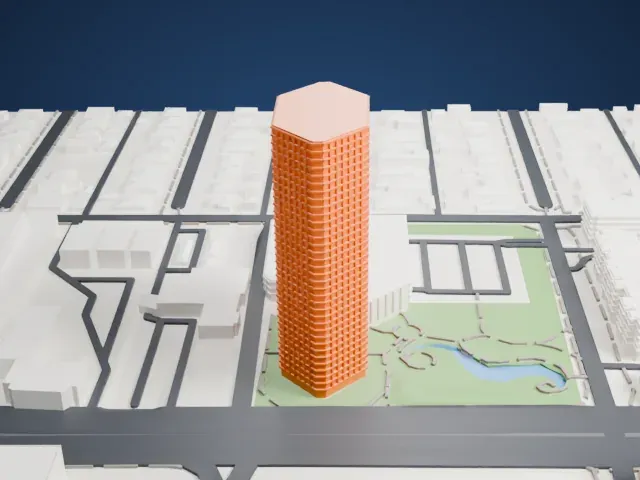
-
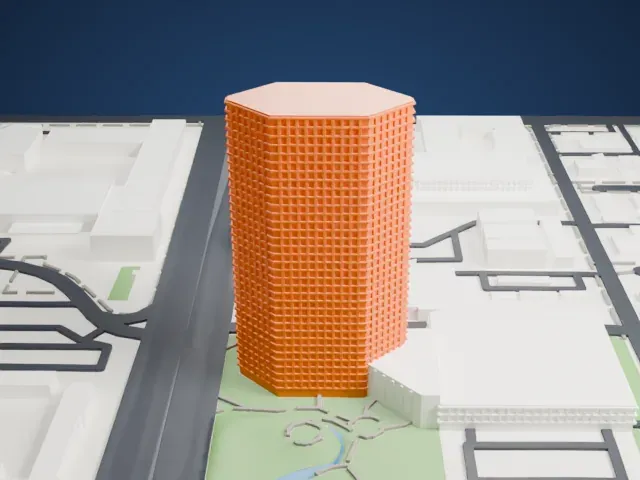 North
North
-
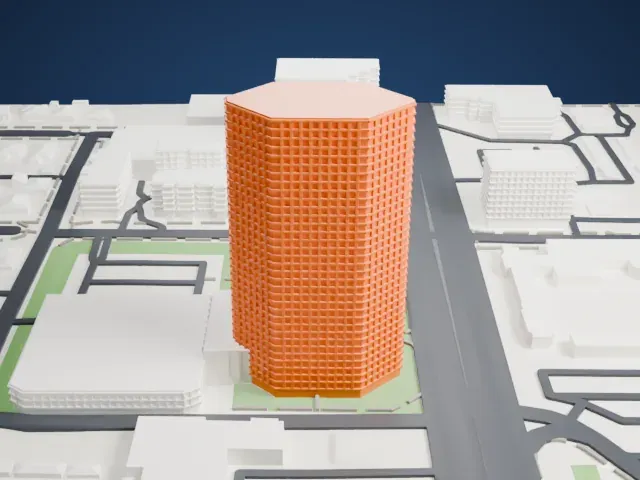
 East
East
-
 South
South
-
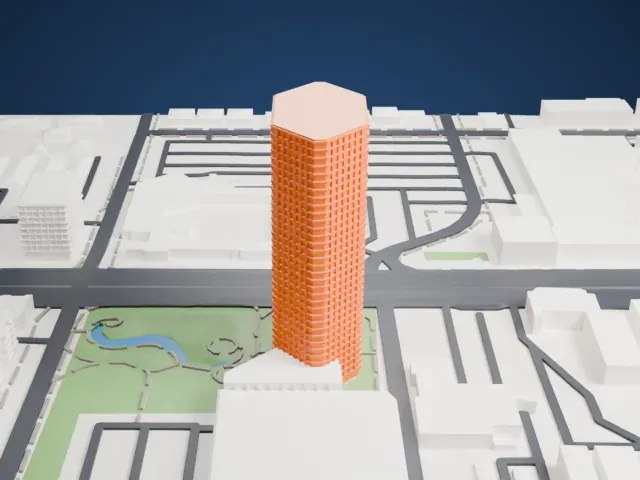 West
West
- Logo near the top
- The upper section carries a BMO logo under a curved crown. Print friendly adapts small lettering to the print scale; Full detail at a larger size keeps it legible.
- One piece with the ground
- The BMO Tower is joined to the ground in the exported file, and the four-side check found no floating parts, so nothing needs gluing.
- Pick the detail for your nozzle
- In the Buildings settings, set Landmark detail to Print friendly to adapt thin parts and small details to the print scale. Full detail keeps every modeled feature, for larger prints or a finer nozzle.
- Colors
- Buildings, roads, water and ground arrive as separate filament slots in the 3MF. The BMO Tower takes the building color.
- File format
- You get a 3MF for Bambu Studio, OrcaSlicer or PrusaSlicer. Any of them can save it as STL if you need one.
About this model
The BMO Tower is one of more than 2,300 landmark models in Mini Skyline. They are made with AI, and each one is checked from four sides in its real surroundings before release. Everything around it is built from OpenStreetMap and Overture map data. If you would rather print the shape from map data, turn off Landmark models in the Buildings settings.
Common questions
Is there a BMO Tower STL I can download?
Mini Skyline builds the file for you in your browser and exports 3MF, which every major slicer opens. If you need an STL, open the 3MF in your slicer and export it from there.
How big can I print it?
Any print size from 40 mm across. The BMO Tower grows with the print: about 31 mm tall on the default 160 mm print. For a model larger than your printer bed, Project Mode splits the area into tiles.
Is it free?
Yes. Generation runs in your browser, with no account and nothing behind a paywall.