3D print the British Museum
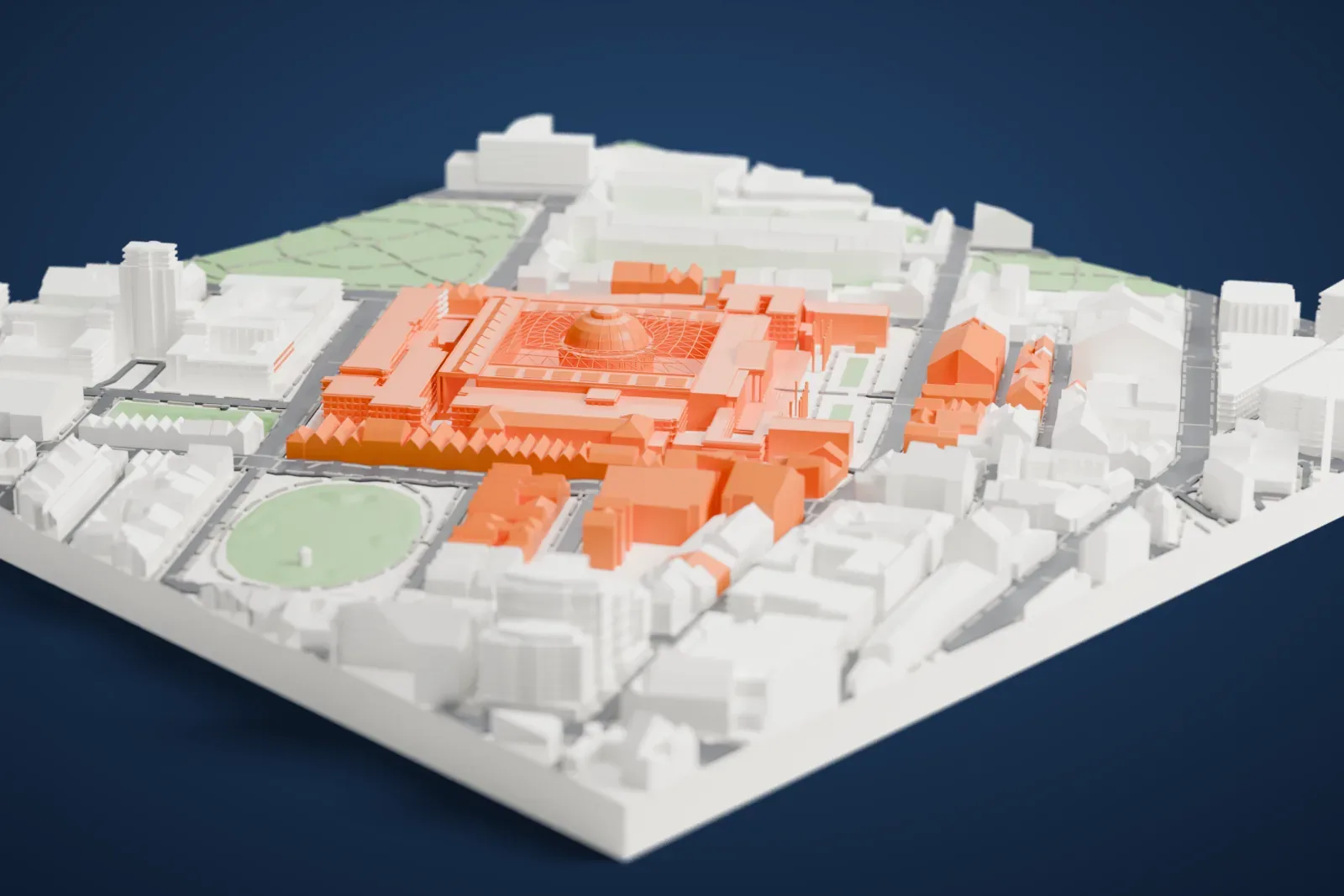
A free, printable model of the British Museum and the streets, squares and terraces of Bloomsbury around it, generated from real map data in your browser.
Free, in your browser. Exports a slicer-ready 3MF.
About the British Museum
The British Museum stands in the Bloomsbury area of London as a museum for the public, devoted to human history, art and culture. In 1753 it became the first public national museum in the world. Its permanent collection of eight million artifacts is the largest in the world, tracing human culture from the earliest times to today. Admission is free, as at all UK national museums, apart from loan exhibitions.
The museum began mostly with the collections of the physician and scientist Sir Hans Sloane, who bequeathed them to King George II so that they would serve the nation. Public access began in 1759 at Montagu House, which stood where today's museum building is. It was the first national museum of its kind, owned by neither church nor king, open to the public and meant to collect everything. Some of its best-known acquisitions, among them the Elgin Marbles and the Rosetta Stone, have long been the subject of disputes and repatriation claims.
Sir Robert Smirke, an architect working in the neoclassical style, was first asked to plan an eastern extension for the Royal Library. He then put forward plans for the quadrangular building, much of which can still be seen. In 1823 construction started on the King's Library Gallery, after the old Montagu House had been pulled down. The library department was split off in 1973 under the British Library Act 1972, yet the British Library stayed in the same building and Reading Room until 1997.
How it prints
Make this print opens the generator on a 600 m square around the landmark. Buildings print at close to true scale, so the landmark grows with the print size.
| Print size | Landmark height | Scale |
|---|---|---|
| 160 mm default | 11 mm | 1:3,750 |
| 200 mm | 13 mm | 1:3,000 |
| 256 mm | 17 mm | 1:2,344 |
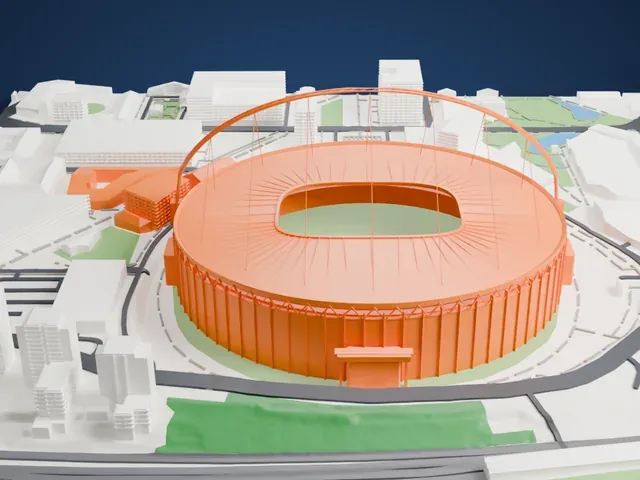
-
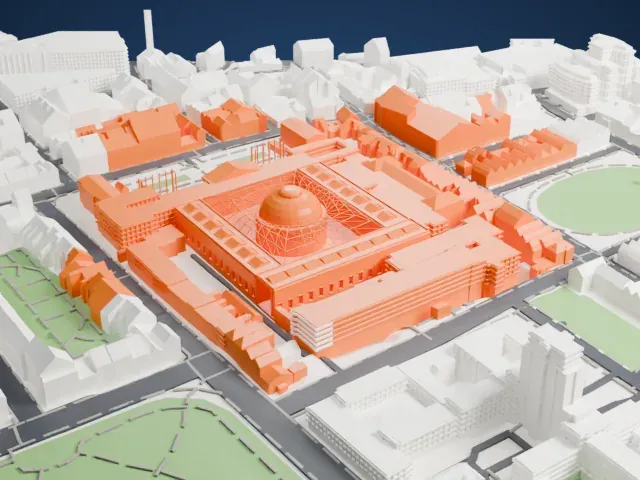 North
North
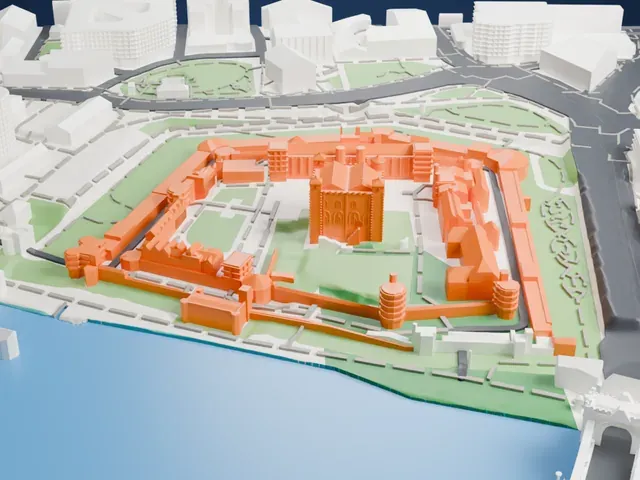
-
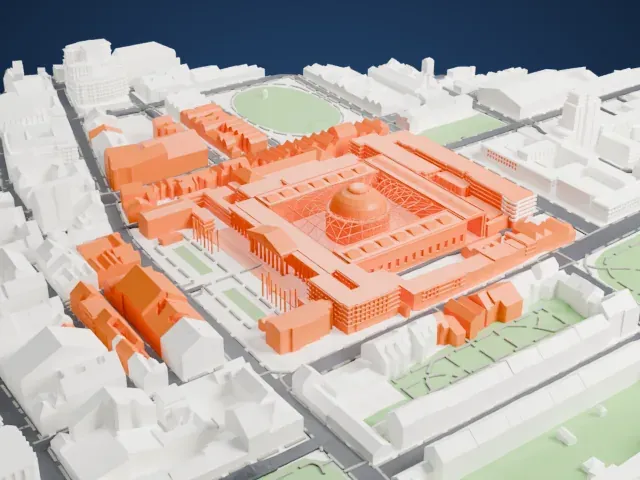 East
East
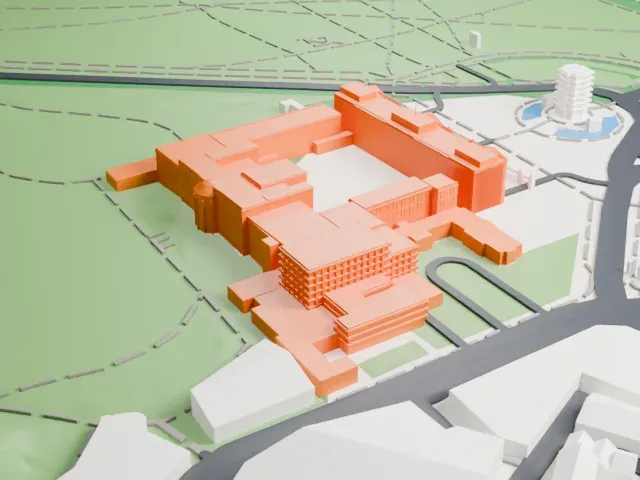
-
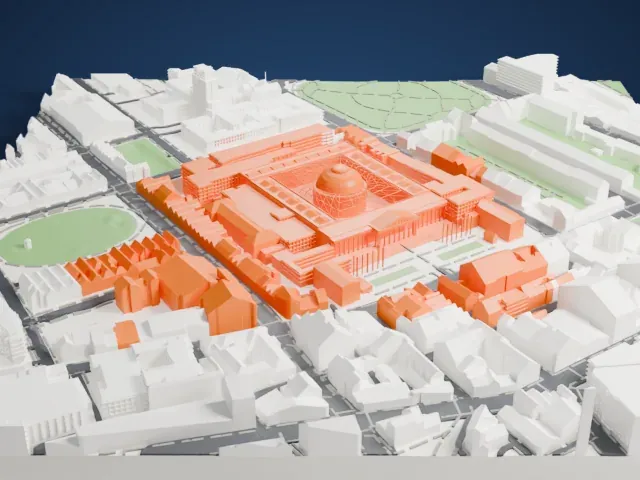 South
South
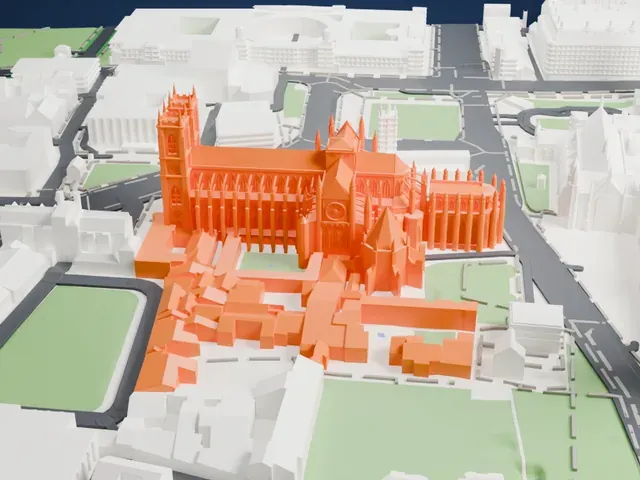
-
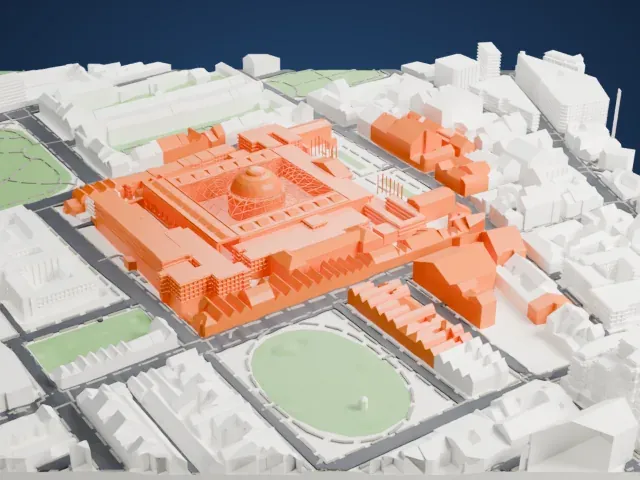 West
West
- Slender columns on the front
- The entrance front is lined with tall, thin columns. Print slowly with good cooling, and try Print friendly so they adapt to the print scale; Full detail keeps them for a larger print.
- A fine lattice over the courtyard
- The courtyard roof carries a fine lattice pattern around a domed round room. A bigger print size keeps more of the pattern readable, especially with Full detail.
- One piece with the ground
- The British Museum is joined to the ground in the exported file, and the four-side check found no floating parts, so nothing needs gluing.
- Pick the detail for your nozzle
- In the Buildings settings, set Landmark detail to Print friendly to adapt thin parts and small details to the print scale. Full detail keeps every modeled feature, for larger prints or a finer nozzle.
- Colors
- Buildings, roads, water and ground arrive as separate filament slots in the 3MF. The British Museum takes the building color.
- File format
- You get a 3MF for Bambu Studio, OrcaSlicer or PrusaSlicer. Any of them can save it as STL if you need one.
About this model
The British Museum is one of more than 2,300 landmark models in Mini Skyline. They are made with AI, and each one is checked from four sides in its real surroundings before release. Everything around it is built from OpenStreetMap and Overture map data. If you would rather print the shape from map data, turn off Landmark models in the Buildings settings.
Common questions
Is there a British Museum STL I can download?
Mini Skyline builds the file for you in your browser and exports 3MF, which every major slicer opens. If you need an STL, open the 3MF in your slicer and export it from there.
How big can I print it?
Any print size from 40 mm across. The British Museum grows with the print: about 11 mm tall on the default 160 mm print. For a model larger than your printer bed, Project Mode splits the area into tiles.
Is it free?
Yes. Generation runs in your browser, with no account and nothing behind a paywall.