3D print the Canadian Tire Centre
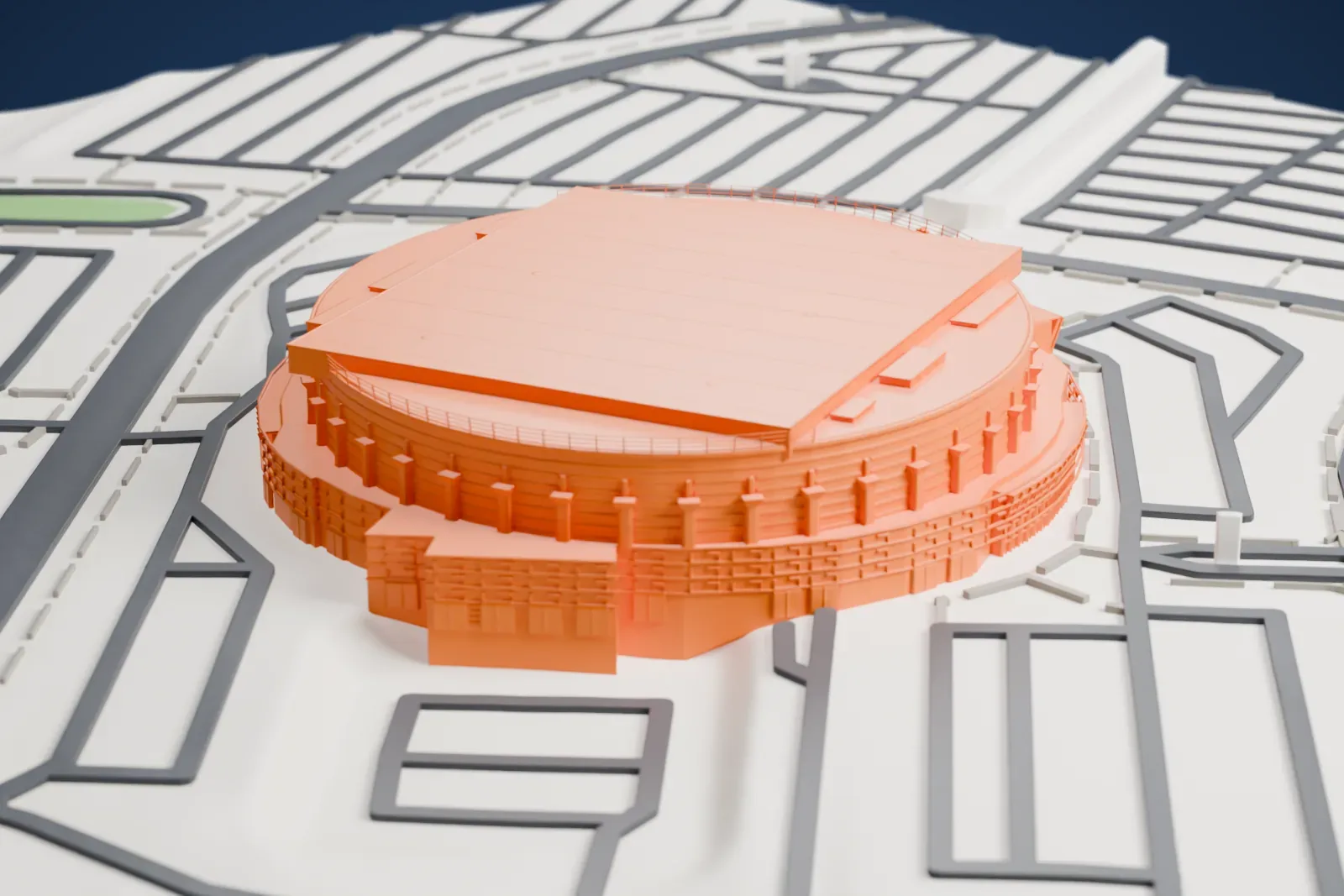
A free, printable model of the Canadian Tire Centre, its round bowl, broad flat roof and ring of columns, with the roads and open ground around it, generated from real map data in your browser.
Free, in your browser. Exports a slicer-ready 3MF.
About the Canadian Tire Centre
The Canadian Tire Centre (Centre Canadian Tire in French) is a multi-purpose arena in Kanata, a suburb of Ottawa in Ontario, Canada. Its doors opened on January 15, 1996, under the name Palladium, with a Bryan Adams concert. The name Corel Centre followed, used until 2006, and then Scotiabank Place, used until 2013. The Canadian Tire Corporation bought the naming rights in 2013, and the arena was renamed on July 1 of that year.
The arena grew out of a bid for an NHL franchise for Ottawa. In September 1989, Terrace Corporation presented the original plan: a hotel plus an arena for 20,500 spectators, called the Palladium, on 100 acres inside a 500-acre mini-city. The land was 600 acres of farmland. Its design and seating bowl drew heavily on The Palace of Auburn Hills (opened in 1988), and Detroit-based Rossetti Architects designed both buildings. Rezoning was approved on August 28, 1991, on conditions that included cutting the arena to 18,500 seats.
Although a groundbreaking ceremony took place in June 1992, building work only started on July 7, 1994, and lasted 18 months. The whole project cost CA$188 million. Two days after the opening, the Montreal Canadiens won the first NHL game there, 3–0 over the Senators, in front of 18,500 fans, a sellout. Ice hockey is the main use of the arena, and the Senators have called it home since 1996. It was also the site of the 2012 NHL All-Star Game.
How it prints
Make this print opens the generator on a 600 m square around the landmark. Buildings print at close to true scale, so the landmark grows with the print size.
| Print size | Landmark height | Scale |
|---|---|---|
| 160 mm default | 10 mm | 1:3,750 |
| 200 mm | 13 mm | 1:3,000 |
| 256 mm | 17 mm | 1:2,344 |
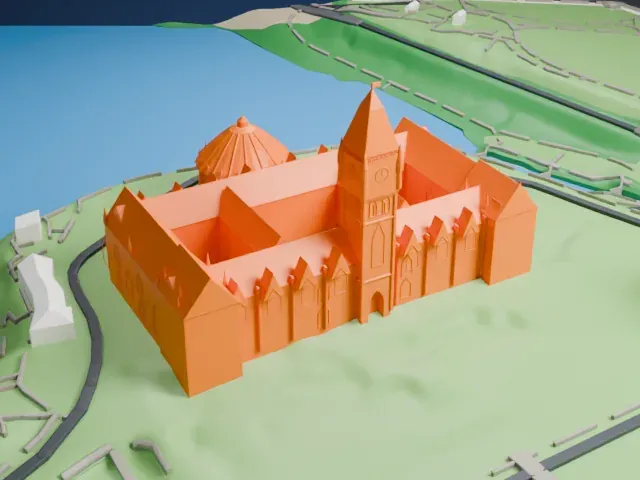
-
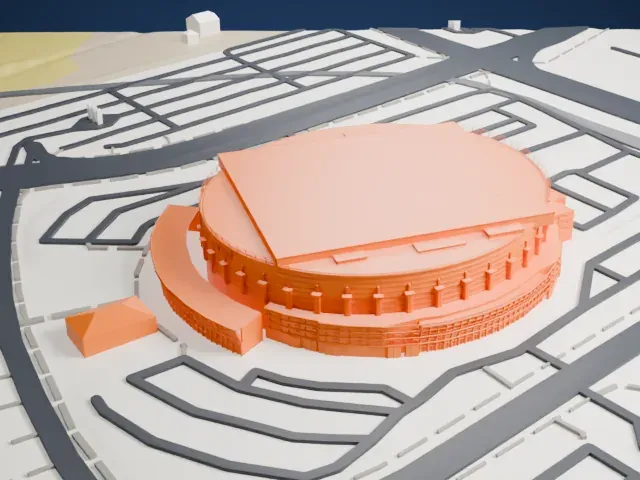 North
North
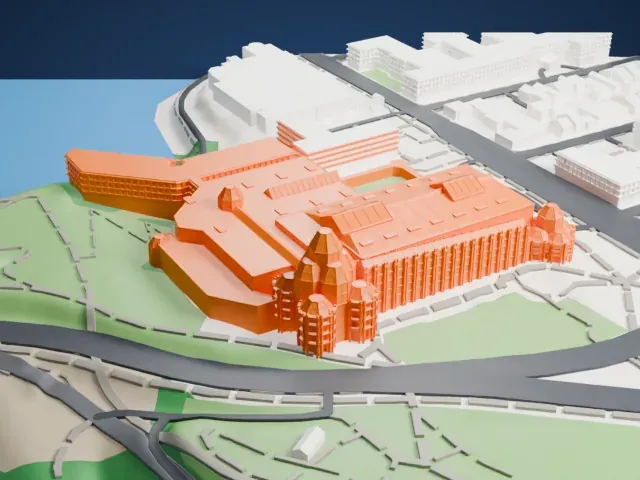
-
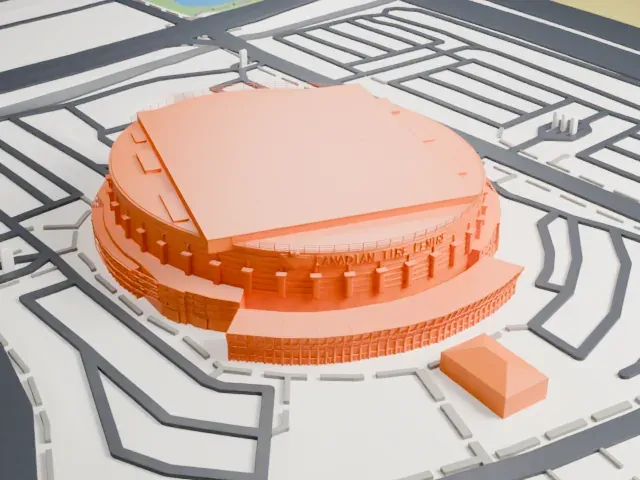 East
East
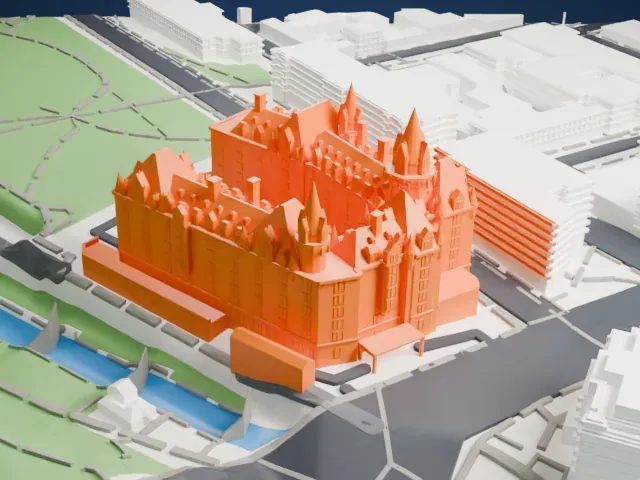
-
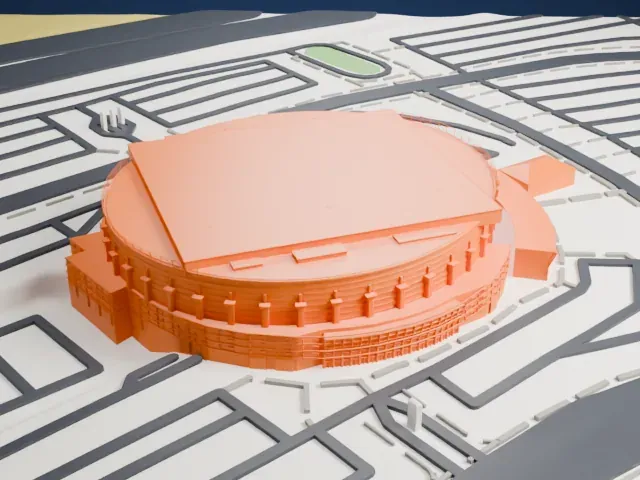 South
South
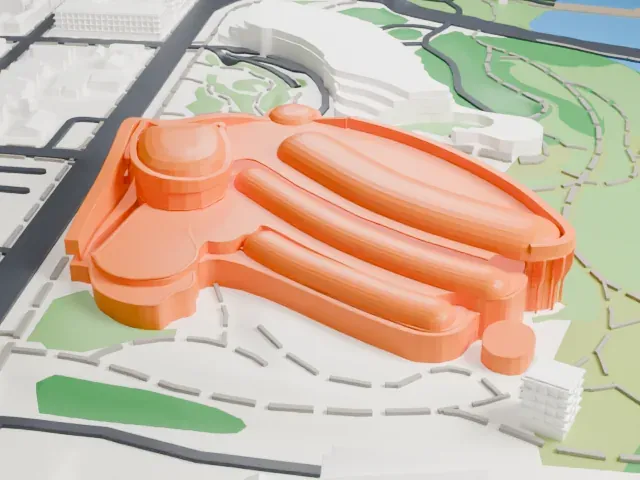
-
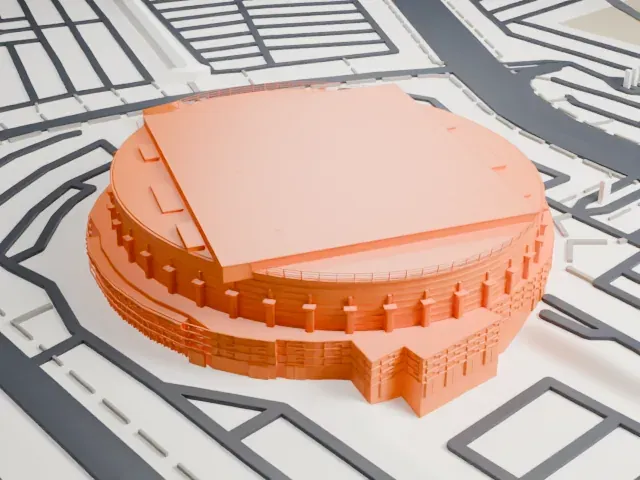 West
West
- Broad flat roof
- The roof is one large flat slab crossed by fine panel lines. Print friendly adapts small details like these to your print scale; Full detail keeps them, and a larger print makes them easier to read.
- Ring of columns
- A ring of slim columns and ledges circles the walls. A layer height of 0.12 to 0.16 mm keeps these vertical details crisp.
- One piece with the ground
- The Canadian Tire Centre is joined to the ground in the exported file, and the four-side check found no floating parts, so nothing needs gluing.
- Pick the detail for your nozzle
- In the Buildings settings, set Landmark detail to Print friendly to adapt thin parts and small details to the print scale. Full detail keeps every modeled feature, for larger prints or a finer nozzle.
- Colors
- Buildings, roads, water and ground arrive as separate filament slots in the 3MF. The Canadian Tire Centre takes the building color.
- File format
- You get a 3MF for Bambu Studio, OrcaSlicer or PrusaSlicer. Any of them can save it as STL if you need one.
About this model
The Canadian Tire Centre is one of more than 2,300 landmark models in Mini Skyline. They are made with AI, and each one is checked from four sides in its real surroundings before release. Everything around it is built from OpenStreetMap and Overture map data. If you would rather print the shape from map data, turn off Landmark models in the Buildings settings.
Common questions
Is there a Canadian Tire Centre STL I can download?
Mini Skyline builds the file for you in your browser and exports 3MF, which every major slicer opens. If you need an STL, open the 3MF in your slicer and export it from there.
How big can I print it?
Any print size from 40 mm across. The Canadian Tire Centre grows with the print: about 10 mm tall on the default 160 mm print. For a model larger than your printer bed, Project Mode splits the area into tiles.
Is it free?
Yes. Generation runs in your browser, with no account and nothing behind a paywall.