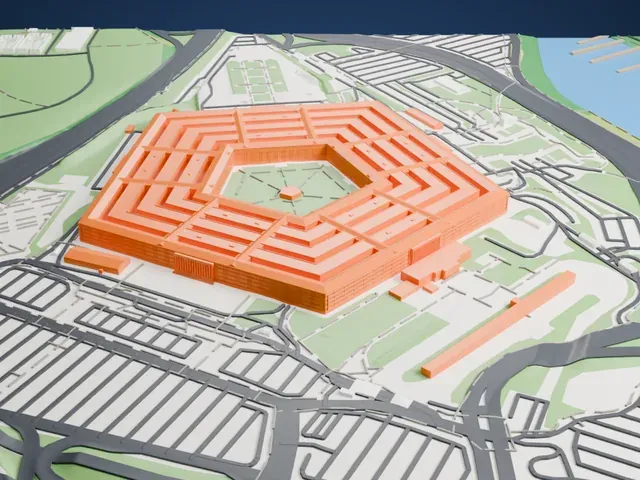
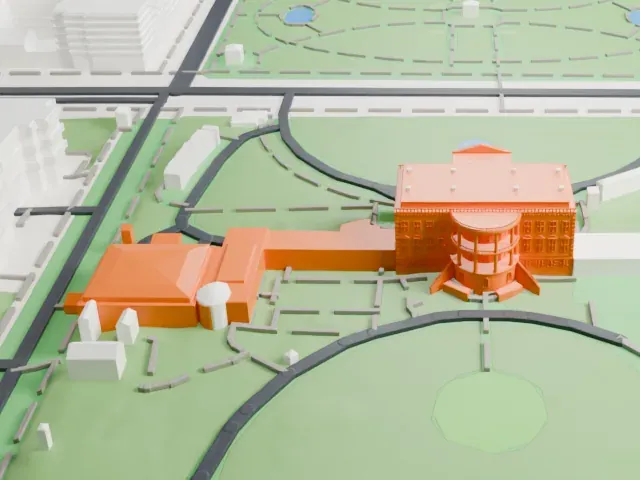
3D print the Combat Air Museum Hangars
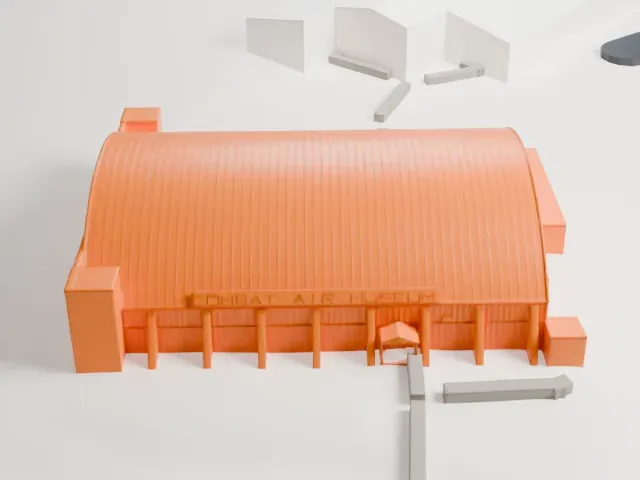
A free, printable model of the Combat Air Museum's arched hangar, with its columned front, lettered sign and small side wings, among a few nearby buildings, generated from real map data in your browser.
Free, in your browser. Exports a slicer-ready 3MF.
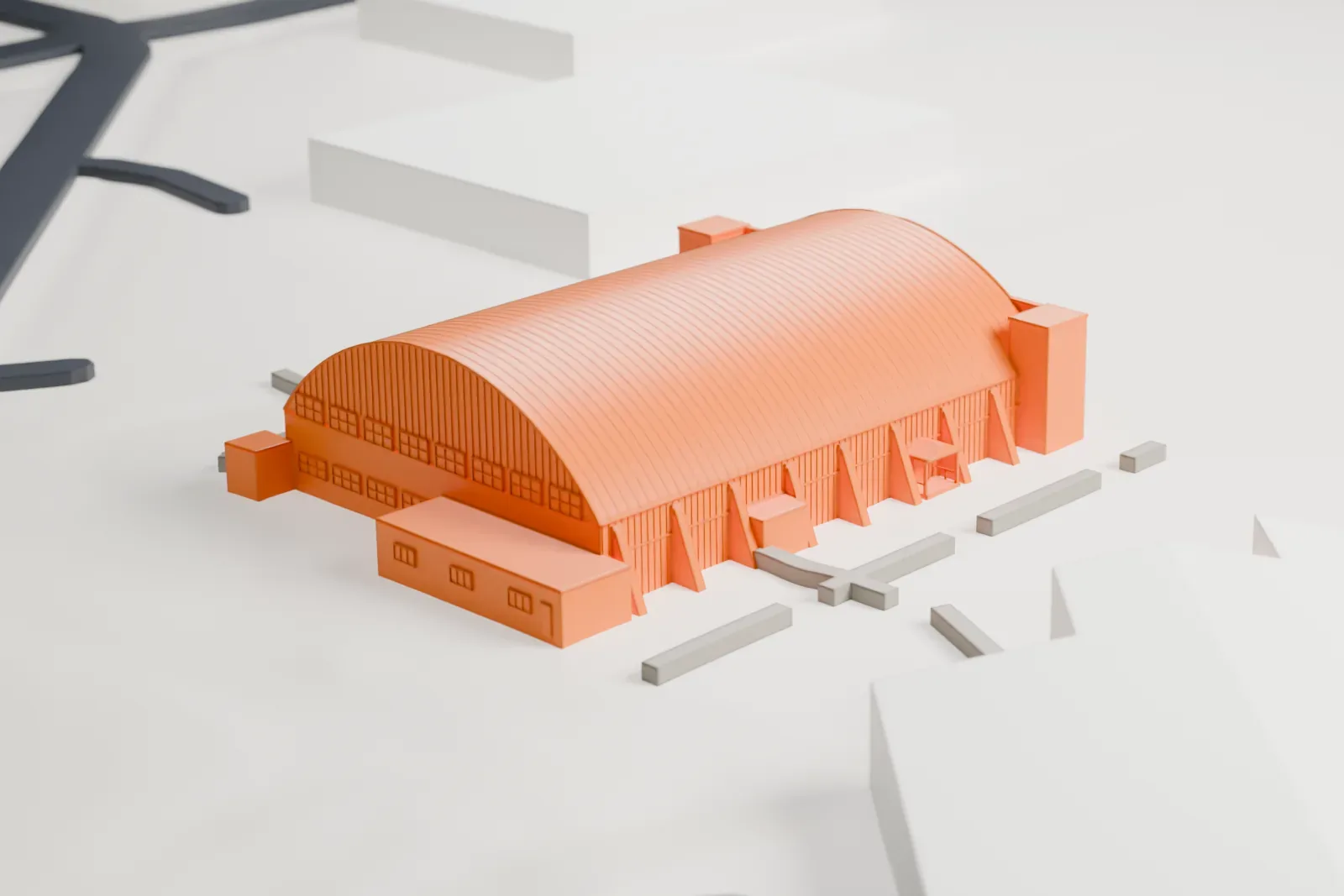
About the Combat Air Museum Hangars
Topeka Regional Airport in Topeka, Kansas, is home to the Combat Air Museum, a non-profit aviation museum. Its mission is keeping U.S. military aviation history on view, which it does with more than 40 historic aircraft, from replicas of World War I planes through World War II trainers to Cold War jets and helicopters. Aviation artifacts, educational programs and exhibits covering regional and national military aviation heritage round out what it offers.
The museum began in fall 1976 as the Kansas Wing of Yesterday's Air Force (YAF). David Tallichet owned that private collection, which was devoted to saving military aviation history. A B-24 called Delectable Doris was the first aircraft in the collection. The group then moved into Hangar 626, and the museum opened there in July 1977. By 1979 it had reorganized under the name Combat Air Museum and moved again, this time to Forbes Field in Topeka and its Hangar 602.
A tower 60 ft (18 m) high, originally built to remember World War II veterans, was set up again at the museum in 1993. In April 1996 the board of directors decided to stop flying the museum's aircraft because of a lack of insurance. From 1976 until at least 1995, an annual airshow named Superbatics took place at the museum.
How it prints
Make this print opens the generator on a 600 m square around the landmark. Buildings print at close to true scale, so the landmark grows with the print size.
| Print size | Landmark height | Scale |
|---|---|---|
| 160 mm default | 4 mm | 1:3,750 |
| 200 mm | 5 mm | 1:3,000 |
| 256 mm | 6 mm | 1:2,344 |
-
 North
North
-
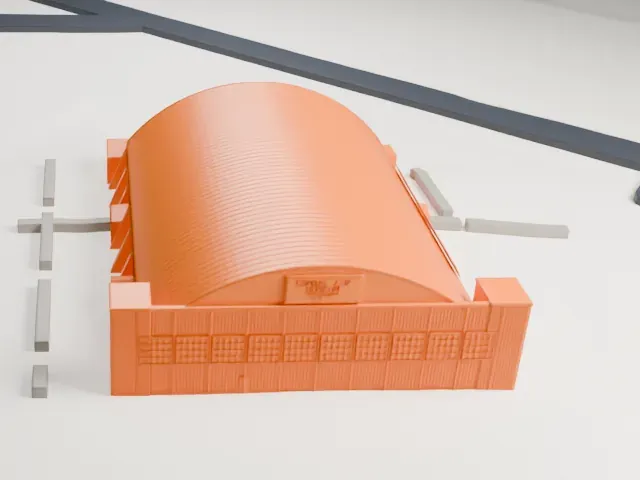 East
East
-
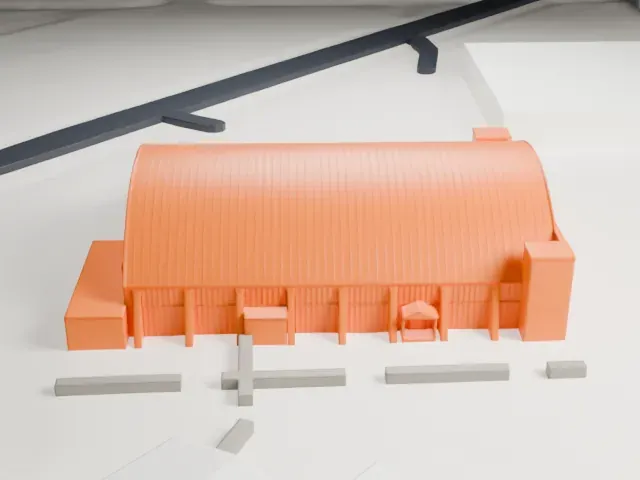 South
South
-
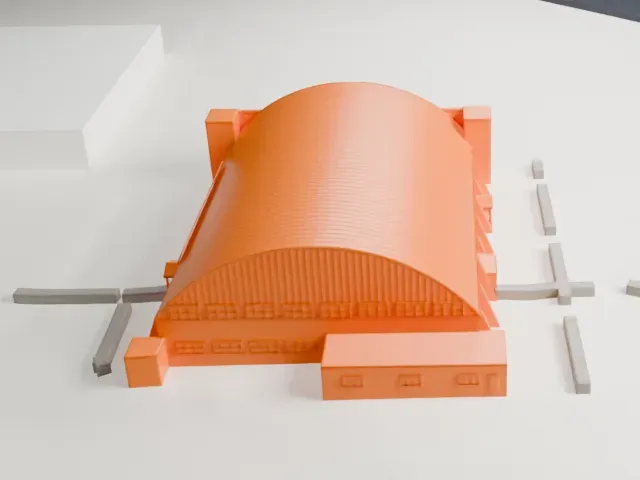 West
West
- A smooth barrel roof
- The long roof is a single broad curve. Layers of 0.12–0.16 mm keep the curve free of visible steps.
- Fine lettering on the front
- The museum name appears as fine lettering along the front. A larger print size or Full detail keeps it readable; Print friendly may soften it.
- One piece with the ground
- The Combat Air Museum Hangars is joined to the ground in the exported file, and the four-side check found no floating parts, so nothing needs gluing.
- Pick the detail for your nozzle
- In the Buildings settings, set Landmark detail to Print friendly to adapt thin parts and small details to the print scale. Full detail keeps every modeled feature, for larger prints or a finer nozzle.
- Colors
- Buildings, roads, water and ground arrive as separate filament slots in the 3MF. The Combat Air Museum Hangars takes the building color.
- File format
- You get a 3MF for Bambu Studio, OrcaSlicer or PrusaSlicer. Any of them can save it as STL if you need one.
About this model
The Combat Air Museum Hangars is one of more than 2,300 landmark models in Mini Skyline. They are made with AI, and each one is checked from four sides in its real surroundings before release. Everything around it is built from OpenStreetMap and Overture map data. If you would rather print the shape from map data, turn off Landmark models in the Buildings settings.
Common questions
Is there a Combat Air Museum Hangars STL I can download?
Mini Skyline builds the file for you in your browser and exports 3MF, which every major slicer opens. If you need an STL, open the 3MF in your slicer and export it from there.
How big can I print it?
Any print size from 40 mm across. The Combat Air Museum Hangars grows with the print: about 4 mm tall on the default 160 mm print. For a model larger than your printer bed, Project Mode splits the area into tiles.
Is it free?
Yes. Generation runs in your browser, with no account and nothing behind a paywall.