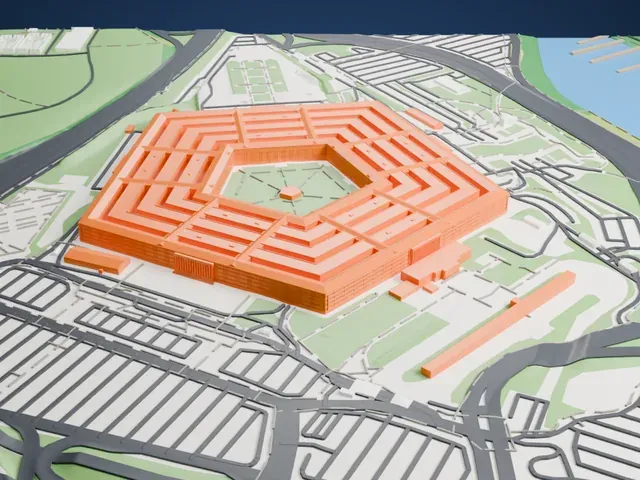
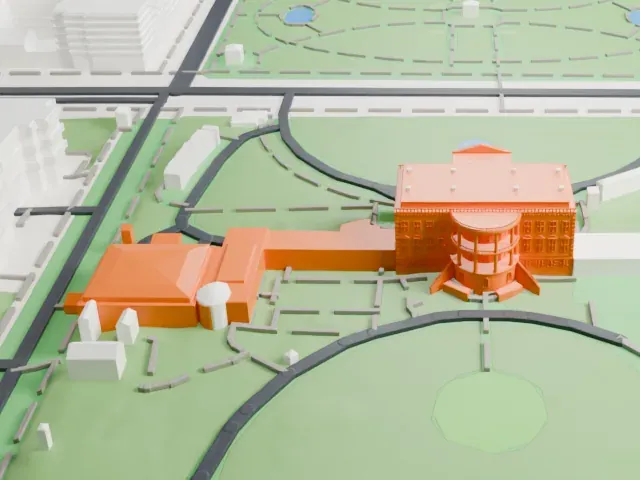
3D print the Dakota Territory Air Museum Hangars
A free, printable model of a hangar at the Dakota Territory Air Museum, a low gabled building with a finely patterned roof, beside larger buildings and roads, generated from real map data in your browser.
Free, in your browser. Exports a slicer-ready 3MF.
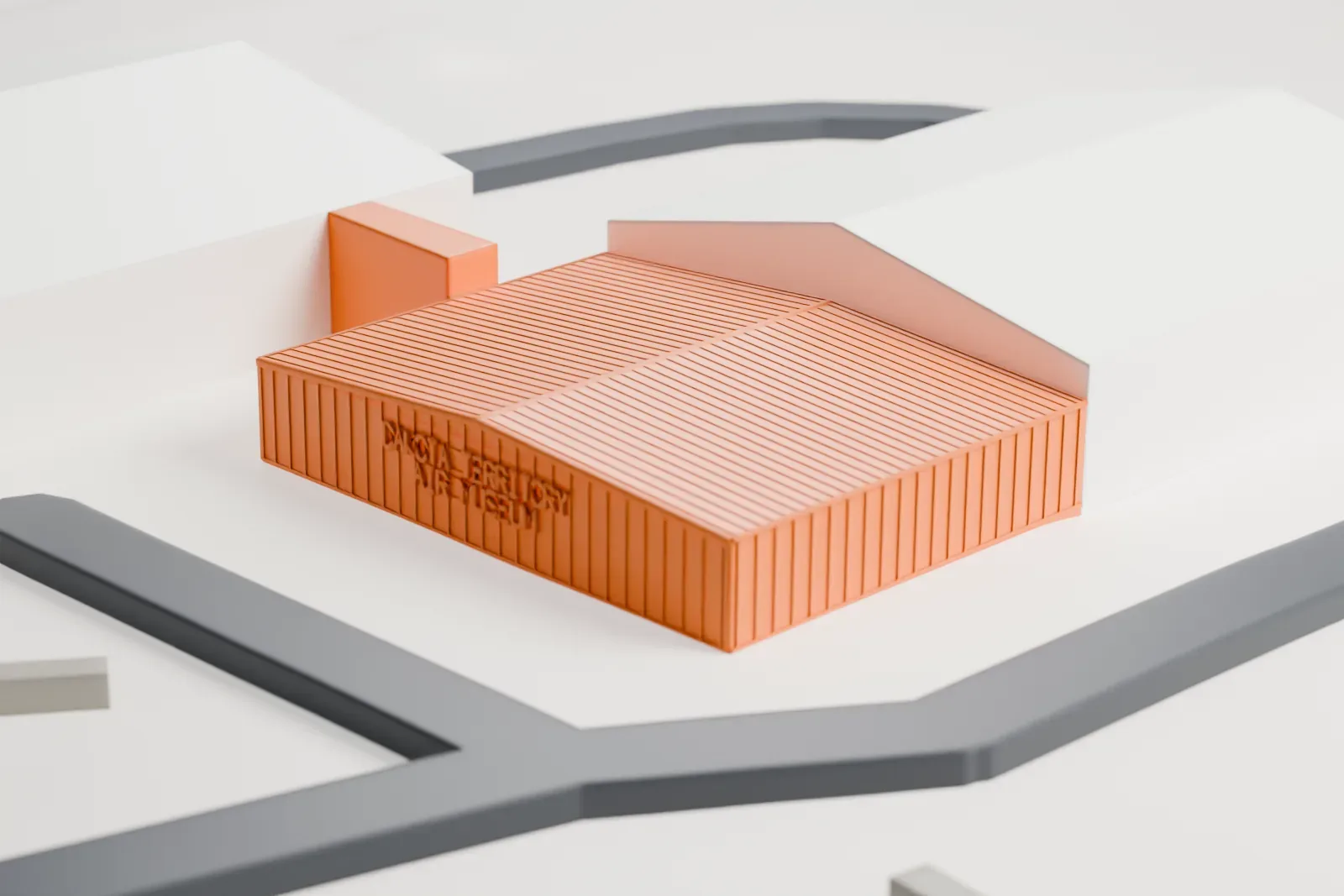
About the Dakota Territory Air Museum Hangars
The Dakota Territory Air Museum stands on North Hill in the city of Minot, North Dakota, close to Minot International Airport. Its mission is to be a historical resource on aviation, honoring the men and women, and the machines, that shaped its history, through exhibits and events meant to educate, inspire and entertain visitors of all ages.
Founded in 1986, the museum put up its first building in 1988, with additions in 1990 and 1991. In 2013 it built a new hangar to house the Texas Flying Legends Museum's aircraft. Through a cooperative venture with that museum in Houston, its World War II warbirds were flown from Texas each spring and typically displayed from mid-May through July. When the Houston museum ceased operating in 2019, its aircraft were moved permanently to Minot. An annual sweepstakes giving away a light airplane has run since 1997.
Its facilities include a main information room, outdoor displays and a restoration hangar, plus the Scott Nelson Gallery and three named hangars: the Wright Flyer Hangar, the Oswin H. Elker Hangar and one for the Texas Flying Legends collection. Displays change often, because planes occasionally leave for air shows or other museums.
How it prints
Make this print opens the generator on a 600 m square around the landmark. Buildings print at close to true scale, so the landmark grows with the print size.
| Print size | Landmark height | Scale |
|---|---|---|
| 160 mm default | 2 mm | 1:3,750 |
| 200 mm | 2 mm | 1:3,000 |
| 256 mm | 2 mm | 1:2,344 |
-
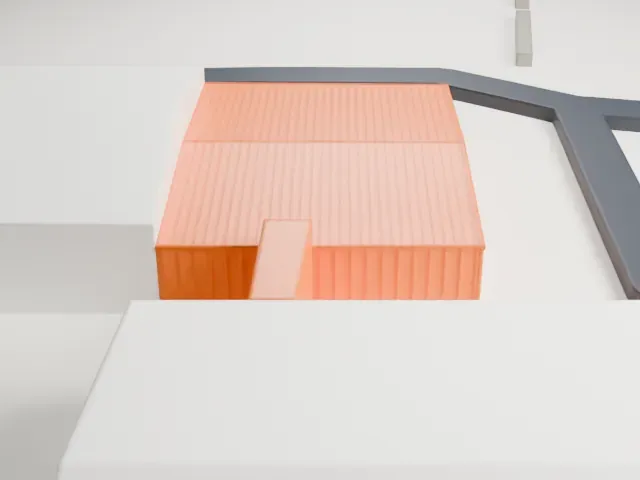 North
North
-
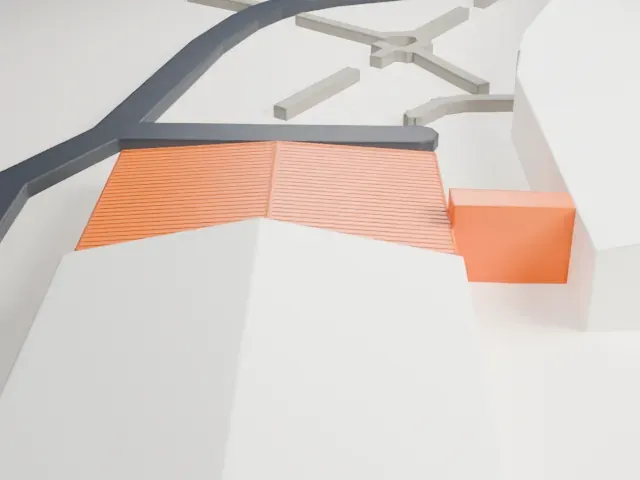 East
East
-
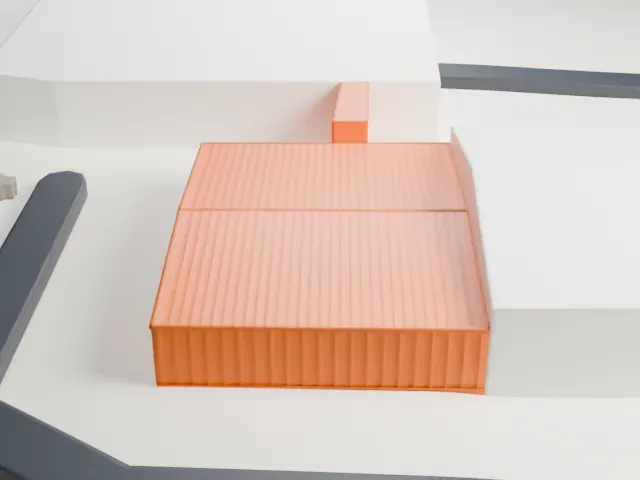 South
South
-
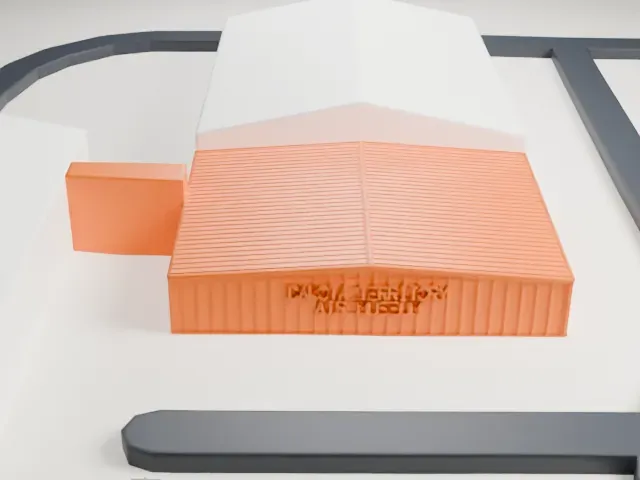 West
West
- A finely patterned roof
- The gabled roof carries a fine surface pattern. Print friendly adapts it to the print scale; Full detail keeps it, which suits a larger print or a fine nozzle.
- Raised lettering on the end wall
- Raised lettering sits on the end wall. A bigger print size helps it stay readable, and layers of 0.12 to 0.16 mm keep it crisp.
- One piece with the ground
- The Dakota Territory Air Museum Hangars is joined to the ground in the exported file, and the four-side check found no floating parts, so nothing needs gluing.
- Pick the detail for your nozzle
- In the Buildings settings, set Landmark detail to Print friendly to adapt thin parts and small details to the print scale. Full detail keeps every modeled feature, for larger prints or a finer nozzle.
- Colors
- Buildings, roads, water and ground arrive as separate filament slots in the 3MF. The Dakota Territory Air Museum Hangars takes the building color.
- File format
- You get a 3MF for Bambu Studio, OrcaSlicer or PrusaSlicer. Any of them can save it as STL if you need one.
About this model
The Dakota Territory Air Museum Hangars is one of more than 2,300 landmark models in Mini Skyline. They are made with AI, and each one is checked from four sides in its real surroundings before release. Everything around it is built from OpenStreetMap and Overture map data. If you would rather print the shape from map data, turn off Landmark models in the Buildings settings.
Common questions
Is there a Dakota Territory Air Museum Hangars STL I can download?
Mini Skyline builds the file for you in your browser and exports 3MF, which every major slicer opens. If you need an STL, open the 3MF in your slicer and export it from there.
How big can I print it?
Any print size from 40 mm across. The Dakota Territory Air Museum Hangars grows with the print: about 2 mm tall on the default 160 mm print. For a model larger than your printer bed, Project Mode splits the area into tiles.
Is it free?
Yes. Generation runs in your browser, with no account and nothing behind a paywall.