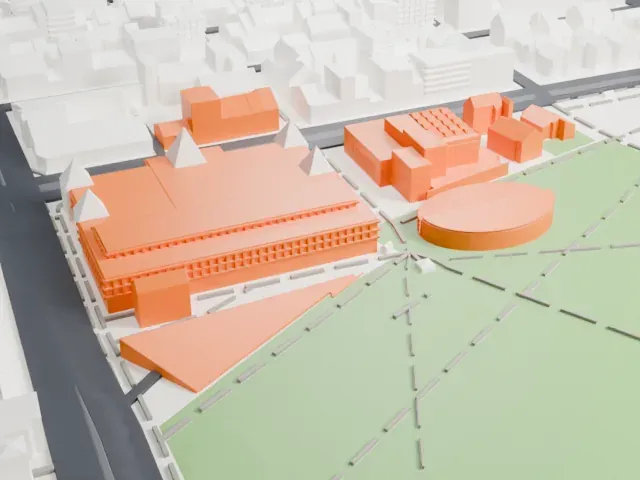
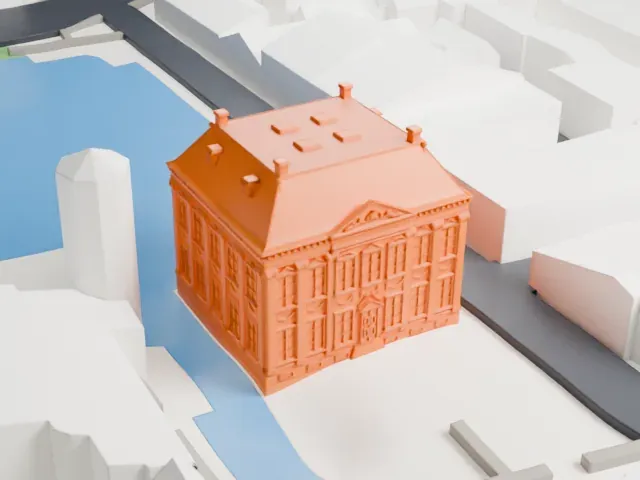
3D print the Dom Tower
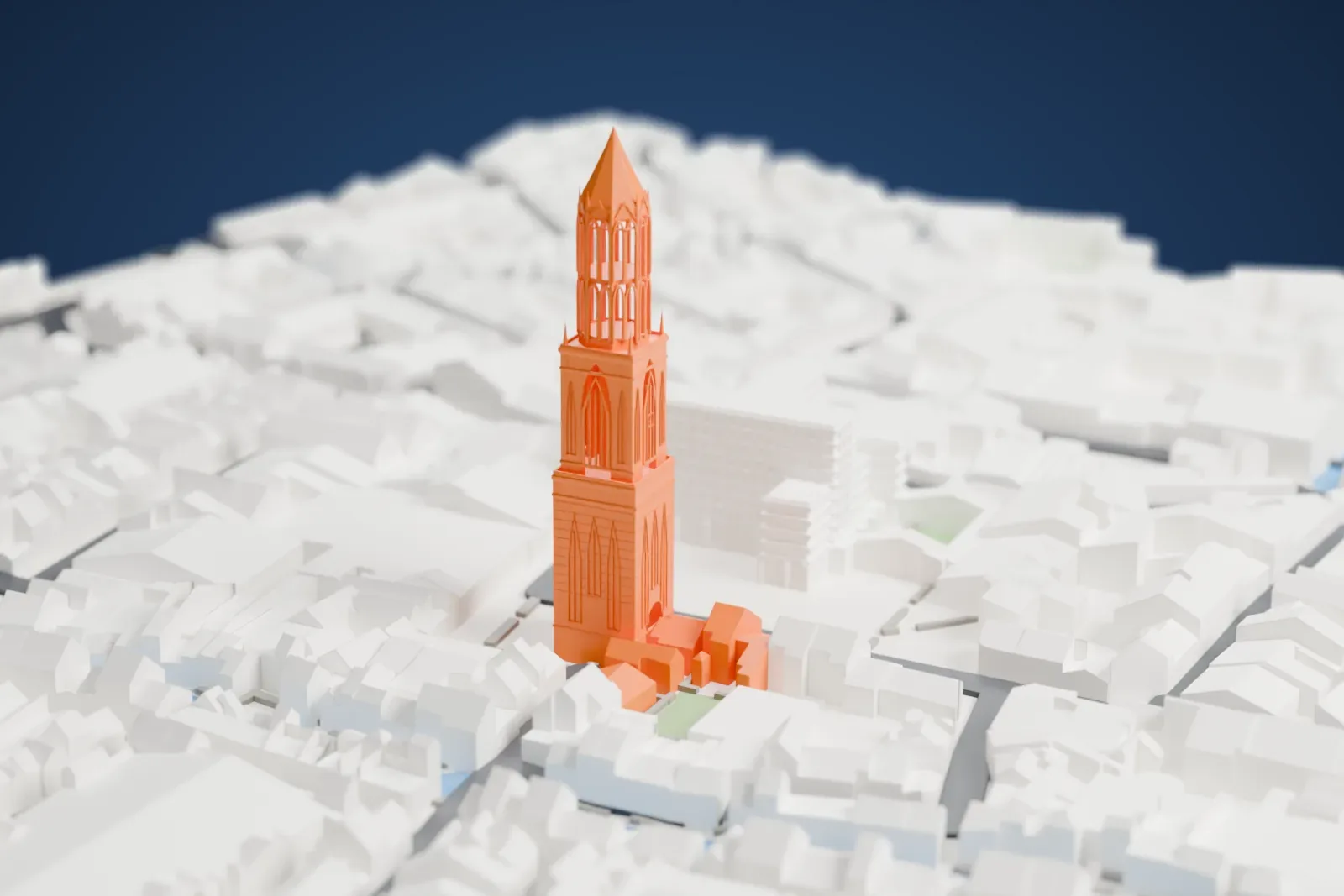
A free, printable model of the Dom Tower, a tall tower with an open lantern and a spire, and the packed buildings and waterway around it, generated from real map data in your browser.
Free, in your browser. Exports a slicer-ready 3MF.
About the Dom Tower
The Dom Tower (Domtoren in Dutch) is regarded as the emblem of Utrecht, and no other church tower in the Netherlands stands taller. It belonged to St. Martin's Cathedral, also called the Dom Church. Work on it ran from 1321 to 1382, following a plan by John of Hainaut. Money ran out before the cathedral was finished. A tornado wrecked the unfinished nave on August 1, 1674, yet the tower came through undamaged and has stood alone since. Utrecht itself began almost 2,000 years ago at this spot.
The tower is built as two square blocks with a much lighter lantern on top, and it has no visible buttresses, which is one of its most striking features. It stood 109 meters tall when finished in 1382, and restorations in 1910 raised it. It was a belfry, the Bishop of Utrecht had a private chapel on its first floor, and the tower guard lived in the lower block, on its second floor. In 1836 a storm heavily damaged the top floor, and demolition was seriously considered before the tower was restored over five years.
Fourteen ringing bells hang in the tower, 32 tonnes in all. Geert van Wou made a peal of thirteen bells in 1505. The biggest bell, Salvator, weighs 8 tonnes, and with the fourteenth bell it forms the biggest surviving uniform set of medieval bells. Guided tours climb 465 steps to the top, and on a clear day Amsterdam and Rotterdam are both visible. Weddings can be held in the tower.
How it prints
Make this print opens the generator on a 600 m square around the landmark. Buildings print at close to true scale, so the landmark grows with the print size.
| Print size | Landmark height | Scale |
|---|---|---|
| 160 mm default | 30 mm | 1:3,750 |
| 200 mm | 38 mm | 1:3,000 |
| 256 mm | 48 mm | 1:2,344 |
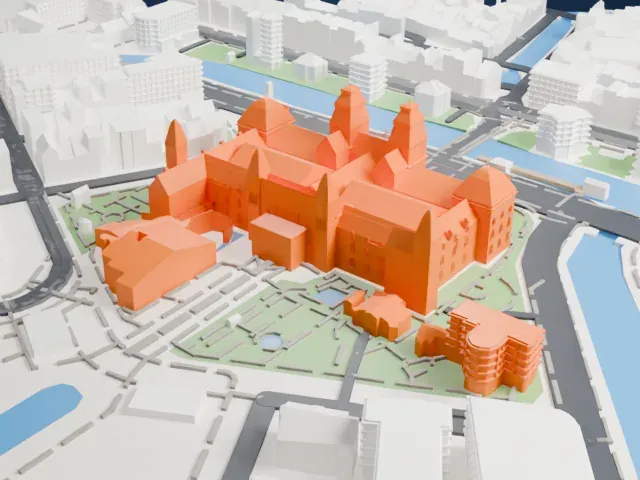
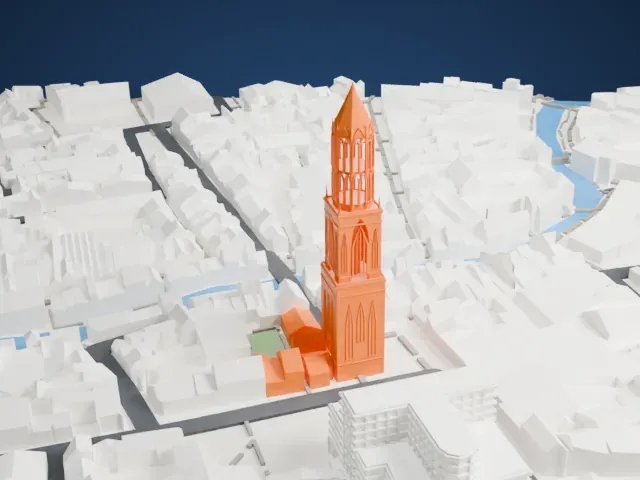
-
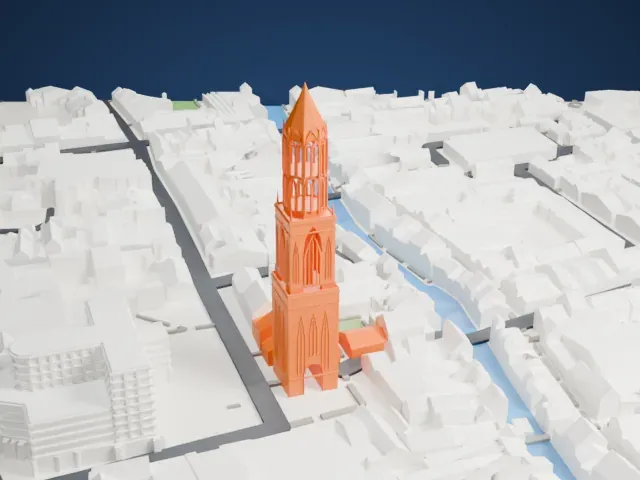 North
North
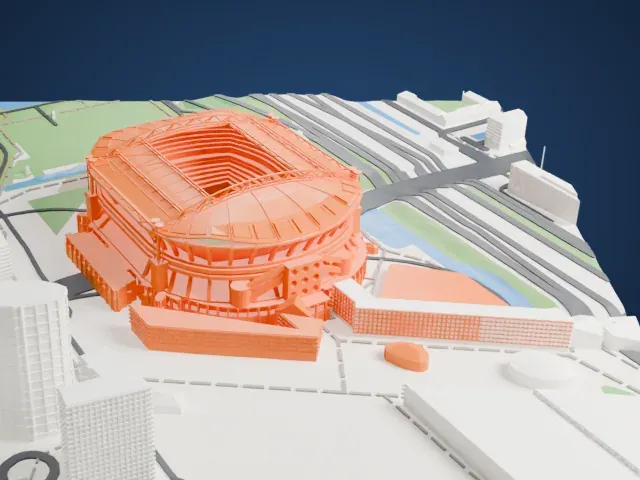
-
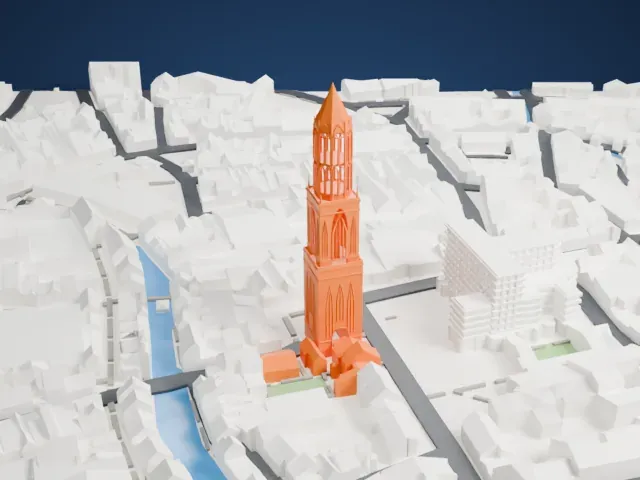
 East
East
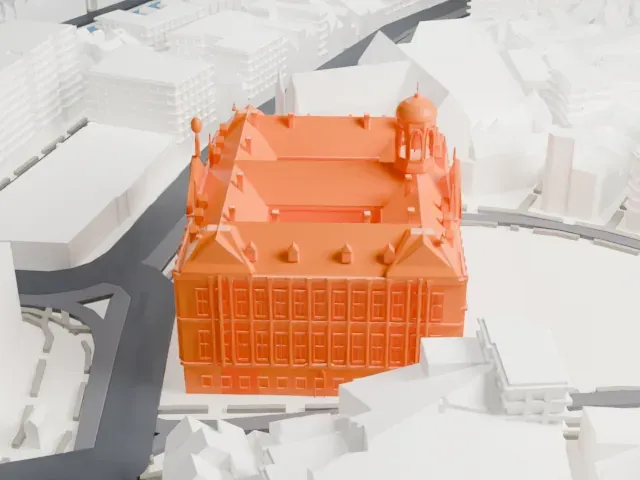
-
 South
South
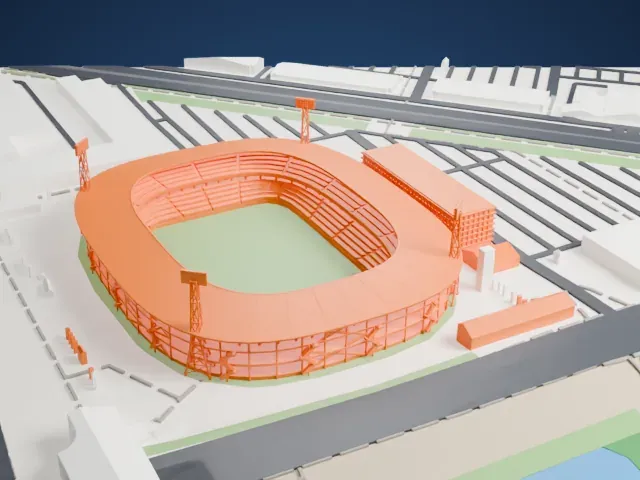
-
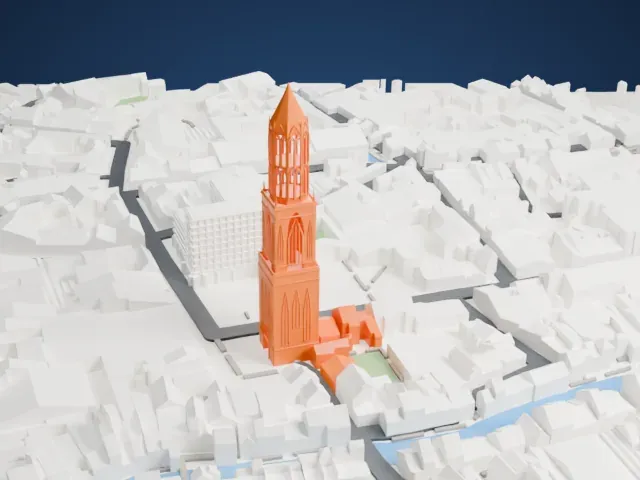 West
West
- Open lantern and sharp spire
- The upper lantern has slim pointed openings and corner pinnacles under a sharp spire. Print friendly adapts these thin parts to the print scale; Full detail keeps them on larger prints or with a fine nozzle.
- Tall narrow shaft
- The tower is tall and narrow, so print slowly with good cooling. Layers of 0.12–0.16 mm keep the outlines of the pointed-arch windows crisp.
- One piece with the ground
- The Dom Tower is joined to the ground in the exported file, and the four-side check found no floating parts, so nothing needs gluing.
- Pick the detail for your nozzle
- In the Buildings settings, set Landmark detail to Print friendly to adapt thin parts and small details to the print scale. Full detail keeps every modeled feature, for larger prints or a finer nozzle.
- Colors
- Buildings, roads, water and ground arrive as separate filament slots in the 3MF. The Dom Tower takes the building color.
- File format
- You get a 3MF for Bambu Studio, OrcaSlicer or PrusaSlicer. Any of them can save it as STL if you need one.
About this model
The Dom Tower is one of more than 2,300 landmark models in Mini Skyline. They are made with AI, and each one is checked from four sides in its real surroundings before release. Everything around it is built from OpenStreetMap and Overture map data. If you would rather print the shape from map data, turn off Landmark models in the Buildings settings.
Common questions
Is there a Dom Tower STL I can download?
Mini Skyline builds the file for you in your browser and exports 3MF, which every major slicer opens. If you need an STL, open the 3MF in your slicer and export it from there.
How big can I print it?
Any print size from 40 mm across. The Dom Tower grows with the print: about 30 mm tall on the default 160 mm print. For a model larger than your printer bed, Project Mode splits the area into tiles.
Is it free?
Yes. Generation runs in your browser, with no account and nothing behind a paywall.