3D print the Europa building
A free, printable model of the Europa building, its lantern-shaped core and the open screens around it, together with the surrounding streets and buildings, generated from real map data in your browser.
-
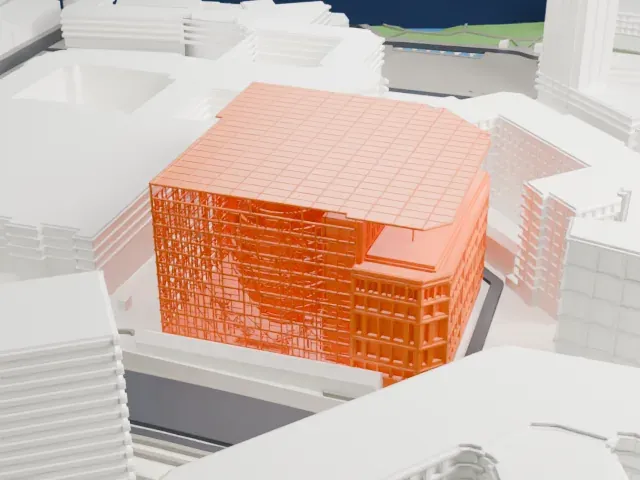 North
North
-
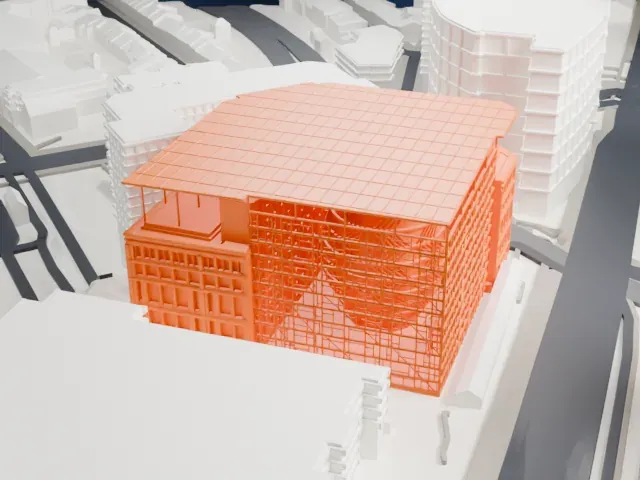 East
East
-
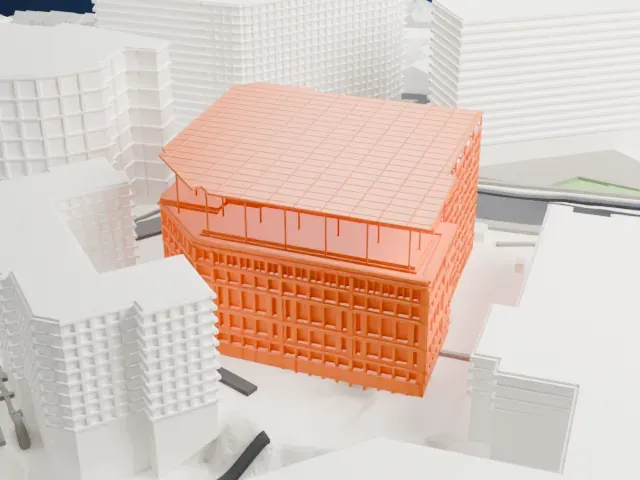 South
South
-
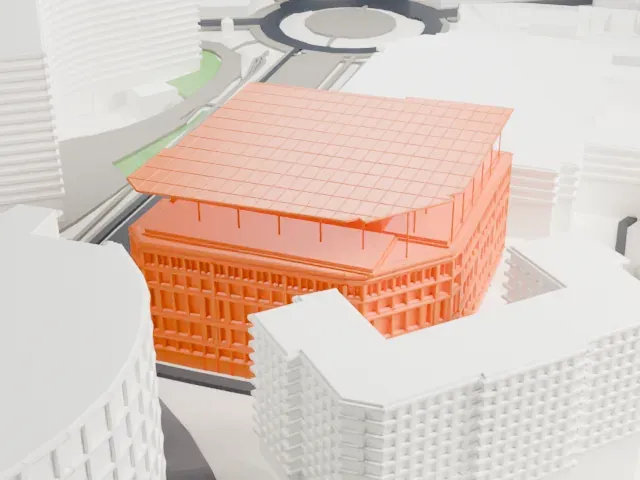 West
West
The model you print
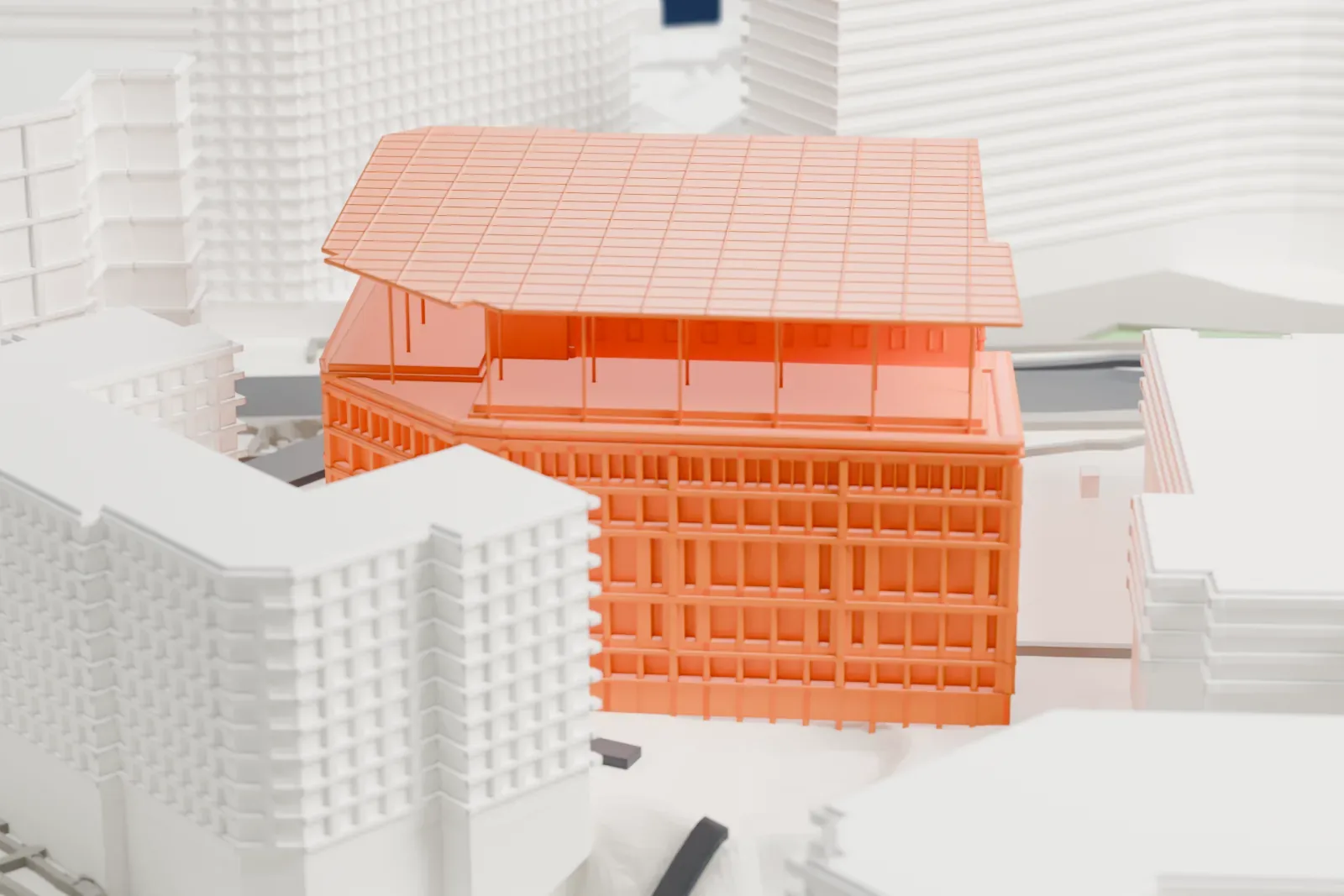
Europa building in 3D
The landmark on its own, at its size on a 160 mm print. Print friendly thickens thin parts for a 0.4 mm nozzle; Full detail keeps every part.
- On a 160 mm print
- 13 mm
- Scale
- 1:3,750
13 mm tall on a 160 mm print
Make this print opens the generator on a 600 m square around the landmark. Buildings print at close to true scale, so the landmark grows with the print size.
- Lantern behind open screens
The bulging lantern sits behind thin open window screens, so its diagonal ribs stay visible. Full detail keeps the rib bands and the fine roof umbrella; Print friendly adapts them to the print scale.
- Thin umbrella roof and posts
The photovoltaic roof is a thin plane carried on slender posts, and the ceremonial stair has fine rails and platforms. A 0.12–0.16 mm layer height and a larger print keep those parts crisp.
- One piece with the ground
The Europa building is joined to the ground in the exported file, and the four-side check found no floating parts, so nothing needs gluing.
- Pick the detail for your nozzle
In the Buildings settings, set Landmark detail to Print friendly to adapt thin parts and small details to the print scale. Full detail keeps every modeled feature, for larger prints or a finer nozzle.
- Colors
Buildings, roads, water and ground arrive as separate filament slots in the 3MF. The Europa building takes the building color.
- File format
You get a 3MF for Bambu Studio, OrcaSlicer or PrusaSlicer. Any of them can save it as STL if you need one.
About the Europa building
In Brussels, Belgium, the Europa building houses both the European Council and the Council of the European Union. It stands in the European Quarter, along the Rue de la Loi/Wetstraat. Its signature is a multi-story lantern that encloses the main meeting rooms, and both institutions use a representation of that lantern as their emblem. The site was previously occupied by Bloc A, part of the Résidence Palace, a luxurious apartment complex; that block was partly demolished and then renovated.
The building's exterior pairs the original 1920s Art Deco facade, protected since 2004, with Philippe Samyn's contemporary design. A team he led, working with Studio Valle Progettazioni and Buro Happold, won the design competition in 2005; the listed facades had to remain. The 1960s extension came down, and a large glass-cubed atrium links the two renovated wings, holding the lantern inside. Work started in 2007 and finished in December 2016.
Inside, painter Georges Meurant added bold color compositions. Their orthogonal polychrome grids cover meeting-room ceilings, doors, conference-room carpet, corridors, the press room, catering areas and elevators. The aim was to bring light and warmth into meeting rooms that security rules kept windowless. Solar panels sit on the roof, rainwater is recycled, and Block C gives journalists and media teams a place to work.
About this model
The Europa building is one of more than 4,900 landmark models in Mini Skyline. They are made with AI, and each one is checked from four sides in its real surroundings before release. Everything around it is built from OpenStreetMap and Overture map data. If you would rather print the shape from map data, turn off Landmark models in the Buildings settings.
Same skyline