3D print the Getty Center
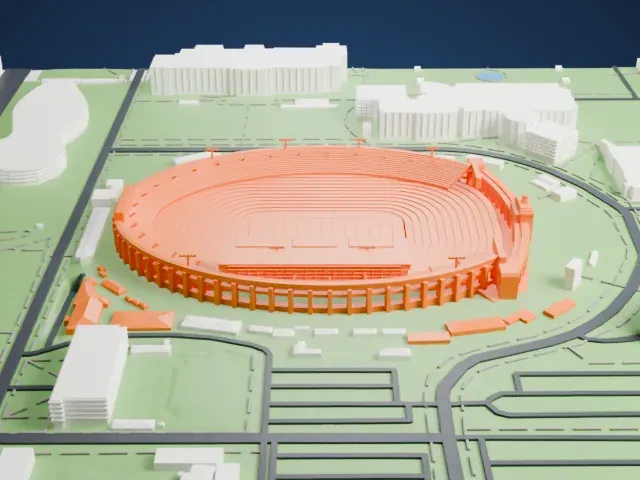
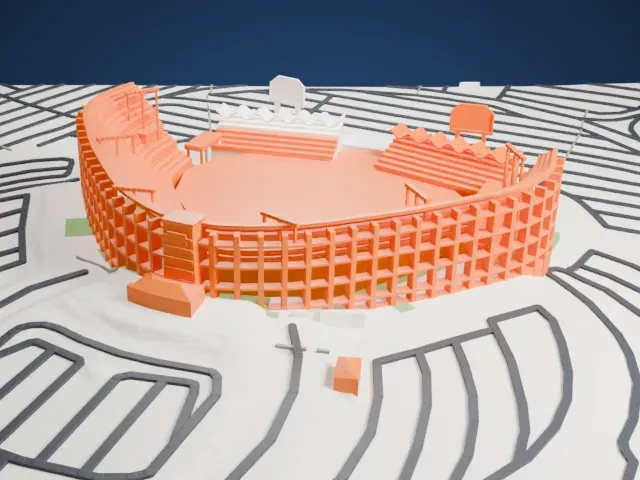
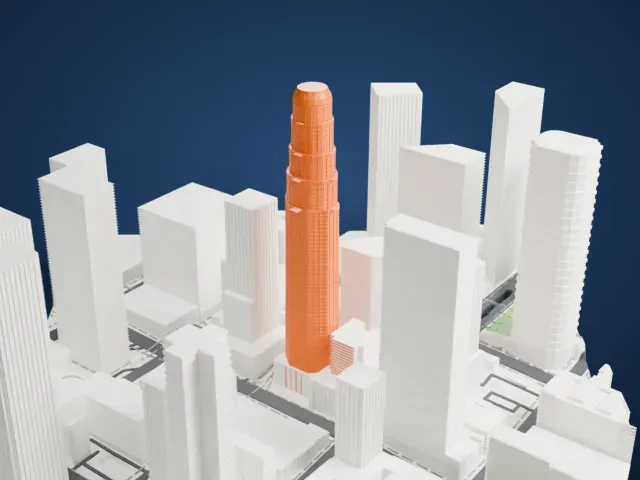
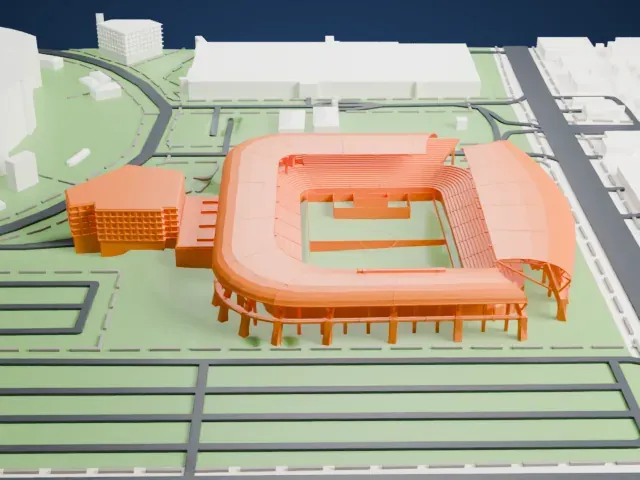
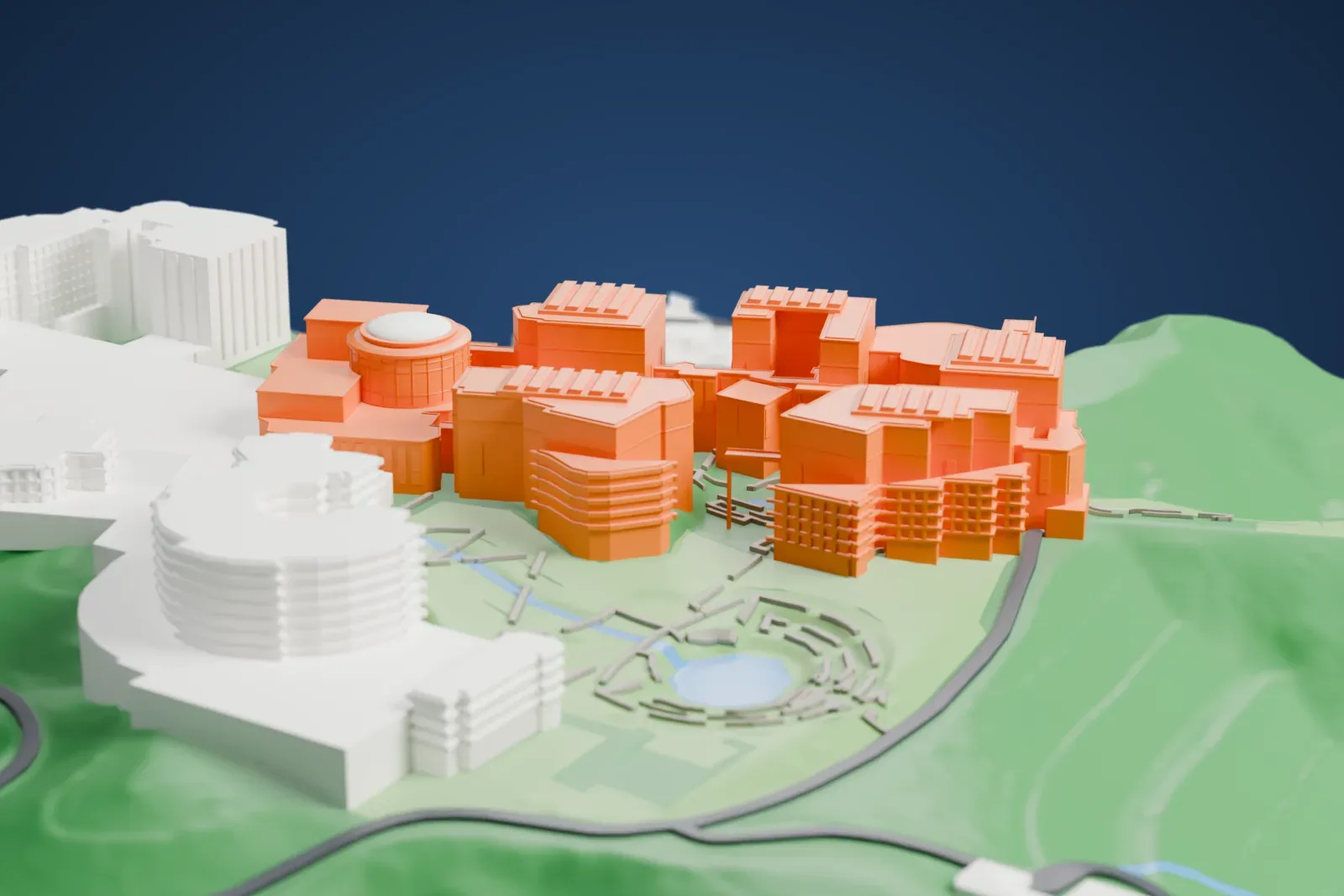
A free, printable model of the Getty Center, a hilltop cluster of blocky pavilions with a round rotunda, with its garden and the hillside around it, generated from real map data in your browser.
Free, in your browser. Exports a slicer-ready 3MF.
About the Getty Center
The Getty Center, a campus for the Getty Museum and further programs of the Getty Trust, stands in Los Angeles, California. It was opened to visitors on December 16, 1997, and is noted for its architecture, gardens and the views it offers over Los Angeles. Located in the Brentwood neighborhood, it serves as one of the J. Paul Getty Museum's two sites; the other is the Getty Villa in Pacific Palisades. Architect Richard Meier designed the campus, where the J. Paul Getty Trust, the Getty Foundation, the Getty Conservation Institute and the Getty Research Institute are also based.
The campus takes up 9.7 ha (24 acres) of a 45-hectare (110-acre) plot in the Santa Monica Mountains, overlooking Interstate 405, and 240 ha (600 acres) around it are kept natural. The hilltop sits 270 meters (900 feet) above sea level, so a clear day brings the Los Angeles skyline, the Pacific Ocean to the west and, to the east, the San Bernardino and San Gabriel Mountains into view. An automated tram of three cars, pulled by cable, links the visitors' parking garage at the foot of the hill with the museum at the top.
Meier worked with two naturally occurring ridges that split apart at an angle of 22.5 degrees, laying two grids over them: galleries lie along one axis and administrative buildings along the other. Squares of 760 mm (30 inches), or variations of them, make up most wall and floor elements. The buildings are concrete and steel clad in travertine or aluminum, and some 110,000 square meters (1,200,000 sq ft) of travertine was used. Robert Irwin designed the large Central Garden, and construction began in August 1989.
How it prints
Make this print opens the generator on a 600 m square around the landmark. Buildings print at close to true scale, so the landmark grows with the print size.
| Print size | Landmark height | Scale |
|---|---|---|
| 160 mm default | 12 mm | 1:3,750 |
| 200 mm | 16 mm | 1:3,000 |
| 256 mm | 20 mm | 1:2,344 |
-
 North
North
-
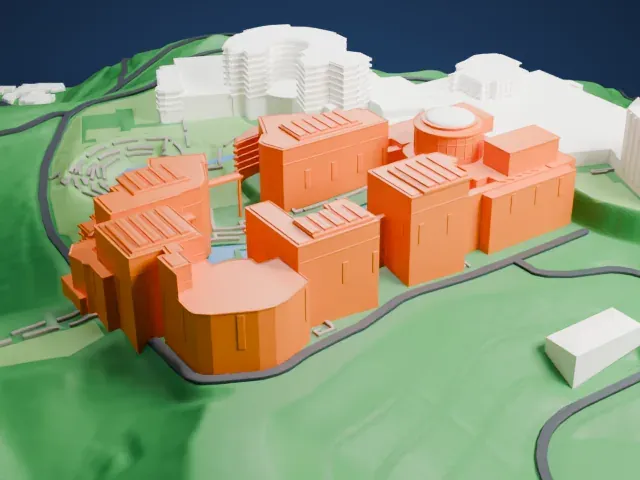 East
East
-
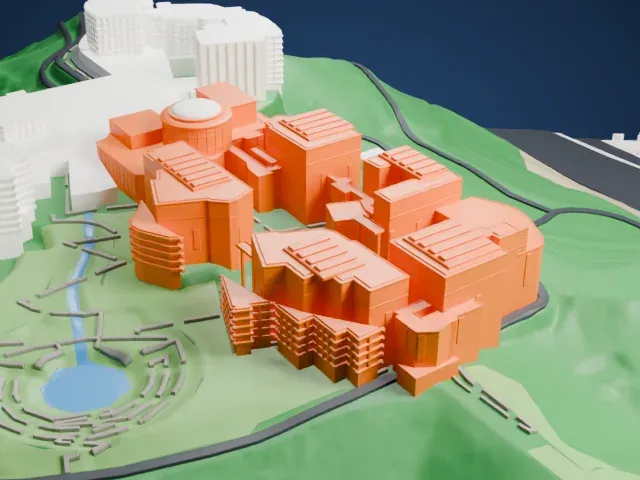 South
South
-
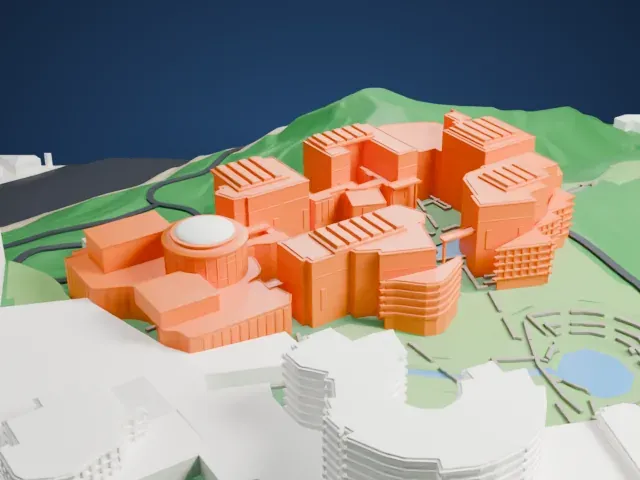 West
West
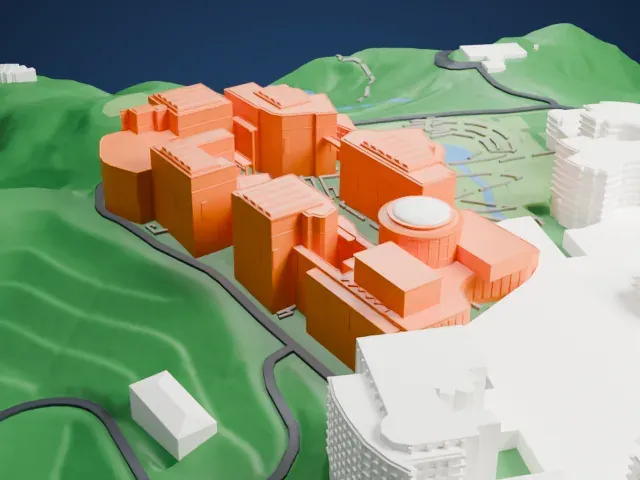
- Grooved roofs and wall texture
- Many roofs carry fine ridged panels, and the walls have a dotted texture. Print friendly adapts these small details to the print scale; Full detail keeps them on a larger print or with a fine nozzle.
- A round rotunda and curved walls
- The round rotunda and the curved walls show their steps if layers are thick. Layers of 0.12–0.16 mm keep the curves smooth.
- One piece with the ground
- The Getty Center is joined to the ground in the exported file, and the four-side check found no floating parts, so nothing needs gluing.
- Pick the detail for your nozzle
- In the Buildings settings, set Landmark detail to Print friendly to adapt thin parts and small details to the print scale. Full detail keeps every modeled feature, for larger prints or a finer nozzle.
- Colors
- Buildings, roads, water and ground arrive as separate filament slots in the 3MF. The Getty Center takes the building color.
- File format
- You get a 3MF for Bambu Studio, OrcaSlicer or PrusaSlicer. Any of them can save it as STL if you need one.
About this model
The Getty Center is one of more than 2,300 landmark models in Mini Skyline. They are made with AI, and each one is checked from four sides in its real surroundings before release. Everything around it is built from OpenStreetMap and Overture map data. If you would rather print the shape from map data, turn off Landmark models in the Buildings settings.
Common questions
Is there a Getty Center STL I can download?
Mini Skyline builds the file for you in your browser and exports 3MF, which every major slicer opens. If you need an STL, open the 3MF in your slicer and export it from there.
How big can I print it?
Any print size from 40 mm across. The Getty Center grows with the print: about 12 mm tall on the default 160 mm print. For a model larger than your printer bed, Project Mode splits the area into tiles.
Is it free?
Yes. Generation runs in your browser, with no account and nothing behind a paywall.