3D print the U.S. Bank Tower
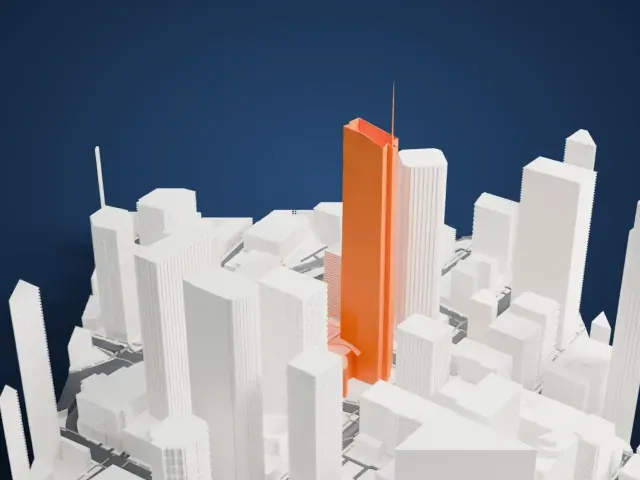
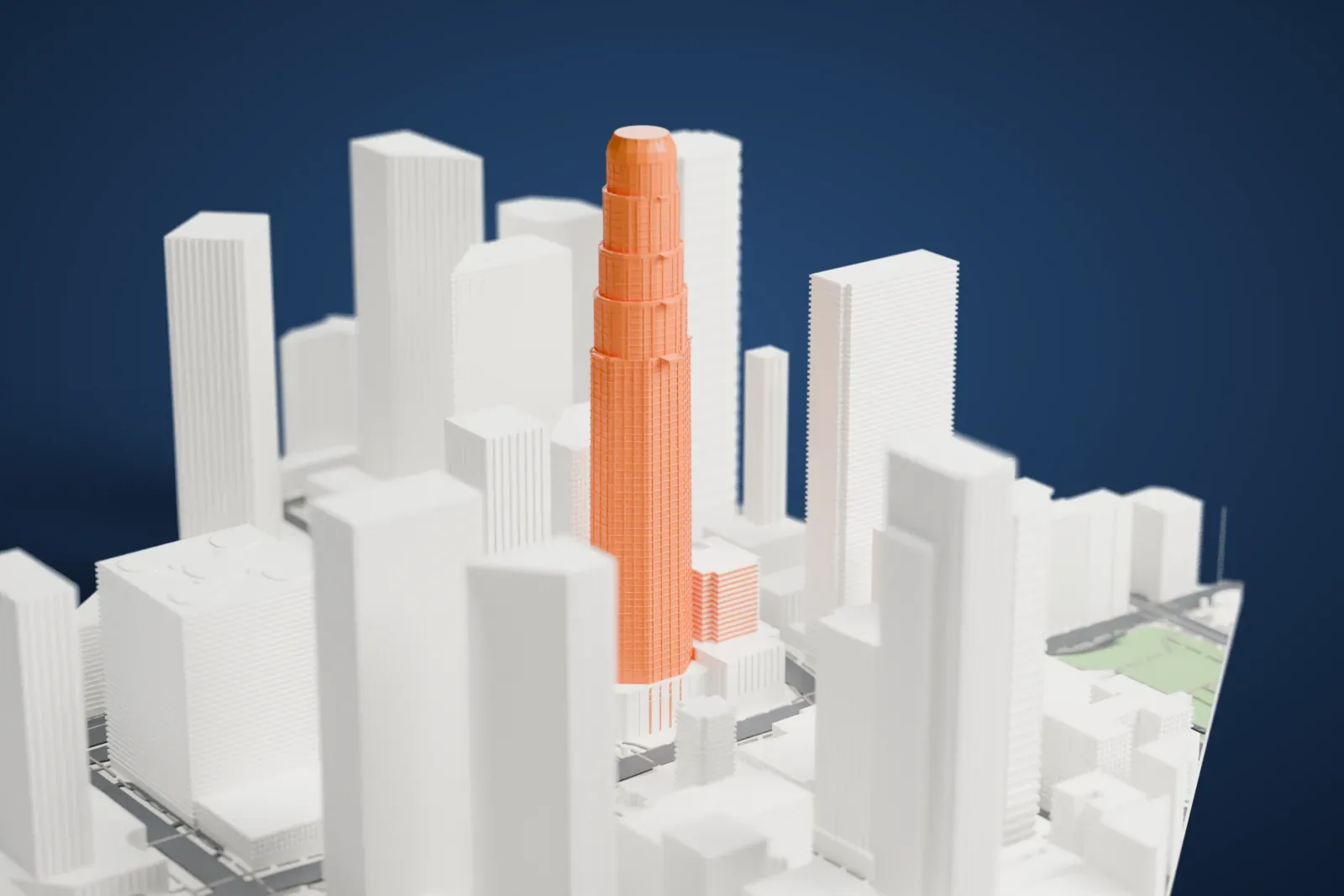
A free, printable model of the slender tower and its stepped, rounded crown, standing among the high-rise buildings around it, generated from real map data in your browser.
Free, in your browser. Exports a slicer-ready 3MF.
About the U.S. Bank Tower
U.S. Bank Tower, a skyscraper 310.3 m (1,018 ft) tall, stands in the Financial District of Los Angeles, California. Locals also call it the Library Tower, and it was formerly the First Interstate Bank World Center. Henry N. Cobb, of Pei Cobb Freed & Partners, designed it, and it cost $350 million to build. Construction began in 1987, and the tower was completed in 1989. It counts among the city's most recognizable buildings and often turns up in establishing shots of Los Angeles in films and television programs.
The tower first took the name Library Tower because it was part of the $1 billion redevelopment around the Los Angeles Central Library, which had suffered two disastrous fires in 1986, and because it stands across the street. To help pay for rebuilding the library, the city sold air rights to the tower's developers. For a time the building carried the First Interstate Bank World Center name. After First Interstate Bancorp's merger with Wells Fargo Bank, the Library Tower name was restored. In March 2003, U.S. Bancorp leased the property, and the building was renamed U.S. Bank Tower.
The tower is topped by a large glass crown that is lit up after dark. On February 28, 2004, two "U.S. Bank" logo signs, each 23 m (75 ft), went onto the crown amid controversy over their look. Its rooftop helipad made the tower the tallest building in the world with one until 2010, when Beijing's China World Trade Center Tower III was completed.
How it prints
Make this print opens the generator on a 600 m square around the landmark. Buildings print at close to true scale, so the landmark grows with the print size.
| Print size | Landmark height | Scale |
|---|---|---|
| 160 mm default | 87 mm | 1:3,750 |
| 200 mm | 109 mm | 1:3,000 |
| 256 mm | 139 mm | 1:2,344 |
-
 North
North
-
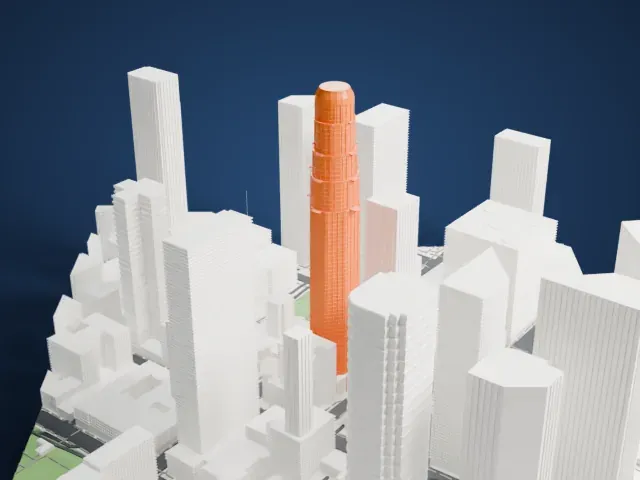 East
East
-
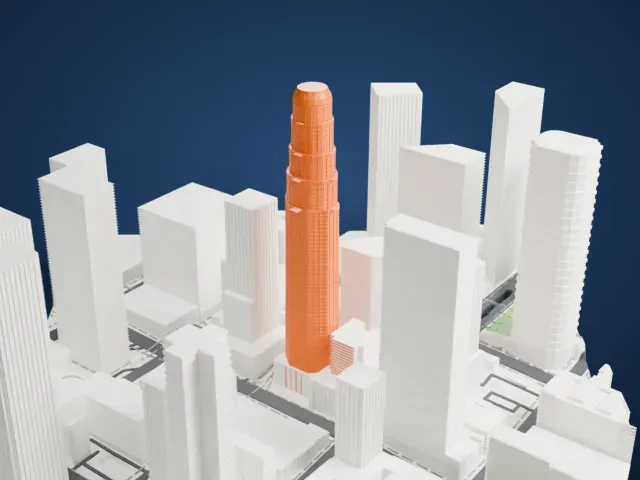 South
South
-
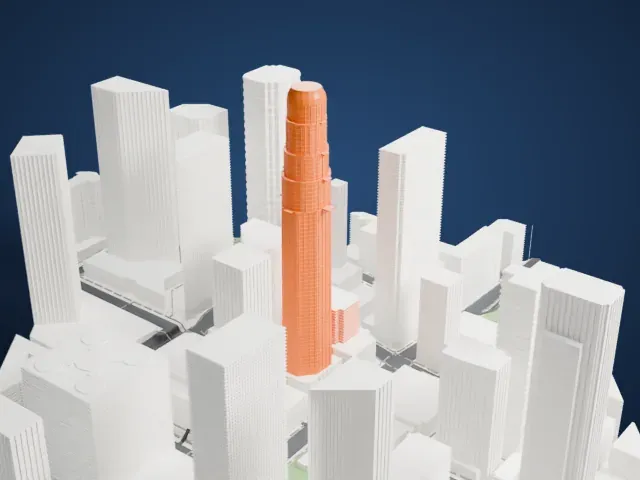 West
West
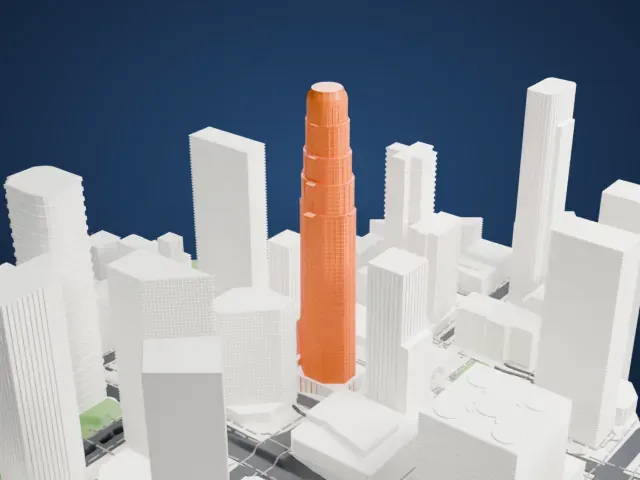
- Stepped tiers and rounded crown
- The tower narrows in stepped tiers to a rounded crown. Print friendly adapts the fine setbacks to your print scale; Full detail keeps them, and a slow print helps the top stay clean.
- Dense window grid
- The facade carries a tight grid of window lines. Layers of 0.12 to 0.16 mm keep them crisp, and a larger print holds more of the pattern.
- One piece with the ground
- The U.S. Bank Tower is joined to the ground in the exported file, and the four-side check found no floating parts, so nothing needs gluing.
- Pick the detail for your nozzle
- In the Buildings settings, set Landmark detail to Print friendly to adapt thin parts and small details to the print scale. Full detail keeps every modeled feature, for larger prints or a finer nozzle.
- Colors
- Buildings, roads, water and ground arrive as separate filament slots in the 3MF. The U.S. Bank Tower takes the building color.
- File format
- You get a 3MF for Bambu Studio, OrcaSlicer or PrusaSlicer. Any of them can save it as STL if you need one.
About this model
The U.S. Bank Tower is one of more than 2,300 landmark models in Mini Skyline. They are made with AI, and each one is checked from four sides in its real surroundings before release. Everything around it is built from OpenStreetMap and Overture map data. If you would rather print the shape from map data, turn off Landmark models in the Buildings settings.
Common questions
Is there an U.S. Bank Tower STL I can download?
Mini Skyline builds the file for you in your browser and exports 3MF, which every major slicer opens. If you need an STL, open the 3MF in your slicer and export it from there.
How big can I print it?
Any print size from 40 mm across. The U.S. Bank Tower grows with the print: about 87 mm tall on the default 160 mm print. For a model larger than your printer bed, Project Mode splits the area into tiles.
Is it free?
Yes. Generation runs in your browser, with no account and nothing behind a paywall.