3D print Ginkaku-ji
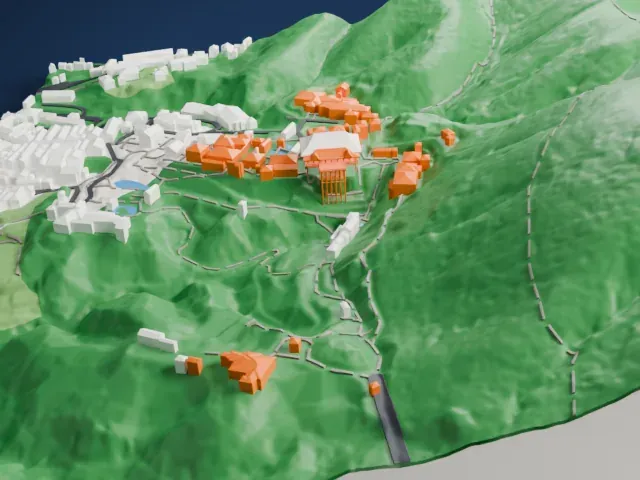
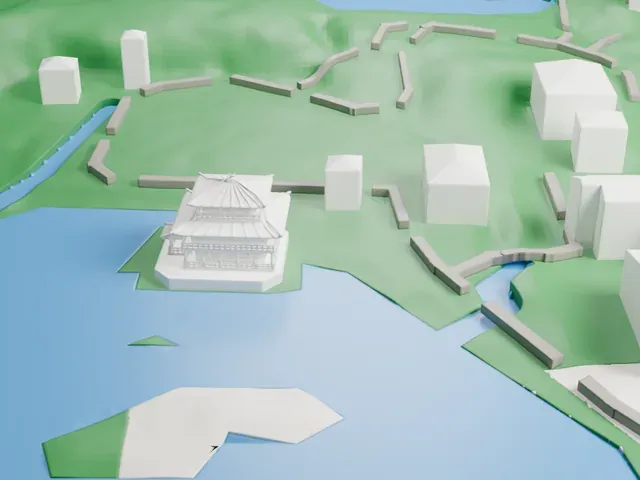
A free, printable model of the temple buildings, with the ponds, paths, green ground and neighboring buildings around them, generated from real map data in your browser.
Free, in your browser. Exports a slicer-ready 3MF.
About Ginkaku-ji
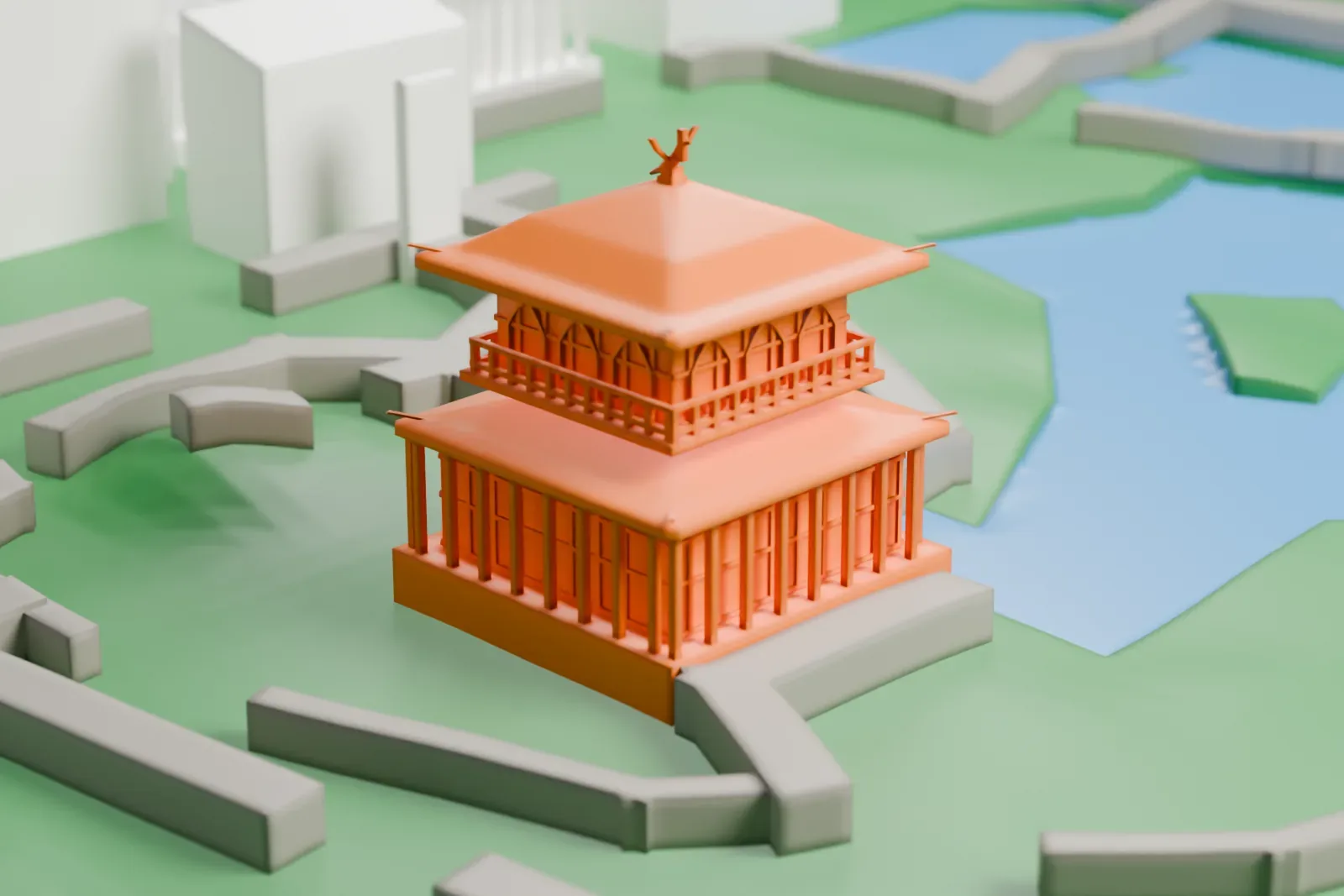
Ginkaku-ji, the Temple of the Silver Pavilion, is a Zen temple located in Kyoto, Japan, in the Sakyo ward. Its official name is Jishō-ji, the Temple of Shining Mercy. It is a representative piece of the Higashiyama Culture that belongs to the Muromachi period. Ashikaga Yoshimasa began planning a retirement villa and gardens here as early as 1460, and the shoguns used the property as a pleasure villa where they could rest from their administrative duties.
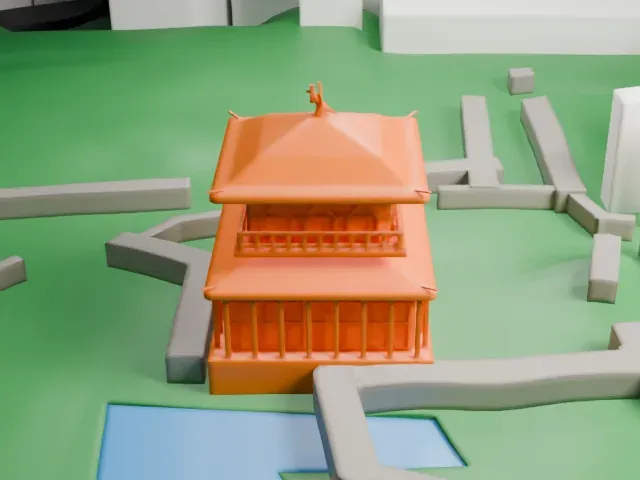
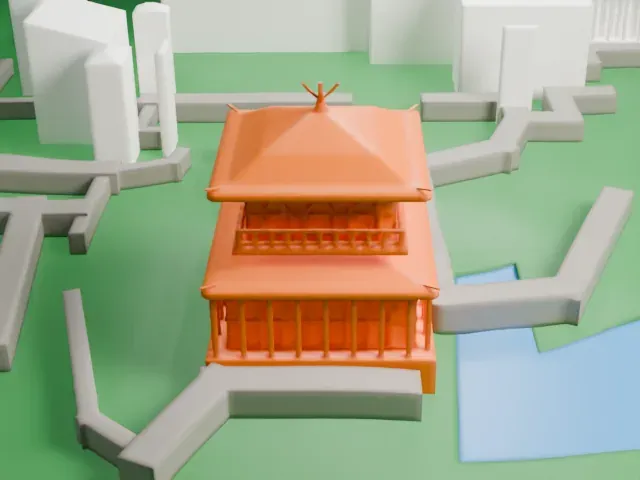
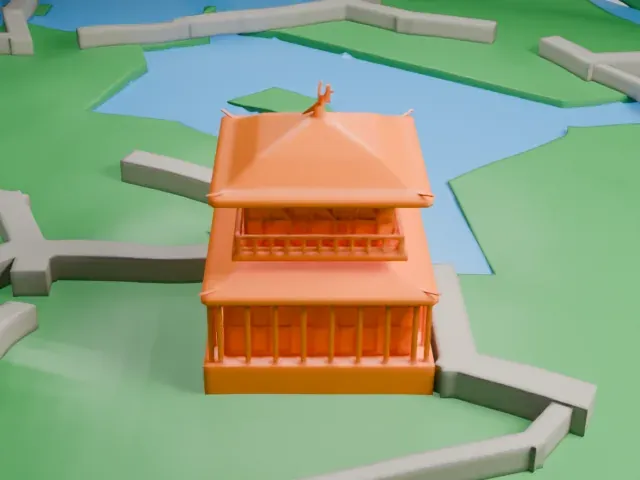
The main structure is the two-storied Kannon-den, or Kannon hall, and its construction began on February 21, 1482. For the design, Yoshimasa took the golden Kinkaku-ji as his model; his grandfather Ashikaga Yoshimitsu had commissioned that temple. It is popularly called the Silver Pavilion because of early plans to cover the exterior in silver foil, although that nickname only goes back to the Edo period. The Ōnin War halted construction, the foil was never applied, and the present appearance is understood to match what Yoshimasa himself last saw.
Yoshimasa became a Zen Buddhist monk in 1485. After he died on January 27, 1490, the villa and gardens became a temple complex named Jishō-ji after his Buddhist name. The grounds include wooded areas covered with a variety of mosses and a garden supposedly designed by the landscape artist Sōami. The sand garden is particularly well known, and a carefully formed pile of sand in it is said to symbolize Mount Fuji.
How it prints
Make this print opens the generator on a 600 m square around the landmark. Buildings print at close to true scale, so the landmark grows with the print size.
| Print size | Landmark height | Scale |
|---|---|---|
| 160 mm default | 3 mm | 1:3,750 |
| 200 mm | 4 mm | 1:3,000 |
| 256 mm | 5 mm | 1:2,344 |
-
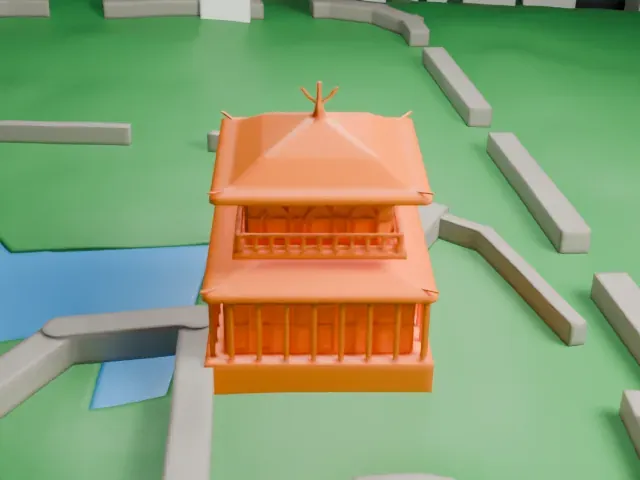 North
North
-
 East
East
-
 South
South
-
 West
West
- Small pavilions, thin eaves
- The temple buildings are small, with layered roofs and a tiny ornament on top. Print friendly adapts thin eaves and small details to the print scale, while Full detail keeps them on larger prints.
- Fine layers for roof edges
- Layers of 0.12 to 0.16 mm keep the roof edges and wall lines crisp on such low buildings, and a larger print size keeps more of the small detail.
- One piece with the ground
- Ginkaku-ji is joined to the ground in the exported file, and the four-side check found no floating parts, so nothing needs gluing.
- Pick the detail for your nozzle
- In the Buildings settings, set Landmark detail to Print friendly to adapt thin parts and small details to the print scale. Full detail keeps every modeled feature, for larger prints or a finer nozzle.
- Colors
- Buildings, roads, water and ground arrive as separate filament slots in the 3MF. Ginkaku-ji takes the building color.
- File format
- You get a 3MF for Bambu Studio, OrcaSlicer or PrusaSlicer. Any of them can save it as STL if you need one.
About this model
Ginkaku-ji is one of more than 2,300 landmark models in Mini Skyline. They are made with AI, and each one is checked from four sides in its real surroundings before release. Everything around it is built from OpenStreetMap and Overture map data. If you would rather print the shape from map data, turn off Landmark models in the Buildings settings.
Common questions
Is there a Ginkaku-ji STL I can download?
Mini Skyline builds the file for you in your browser and exports 3MF, which every major slicer opens. If you need an STL, open the 3MF in your slicer and export it from there.
How big can I print it?
Any print size from 40 mm across. Ginkaku-ji grows with the print: about 3 mm tall on the default 160 mm print. For a model larger than your printer bed, Project Mode splits the area into tiles.
Is it free?
Yes. Generation runs in your browser, with no account and nothing behind a paywall.