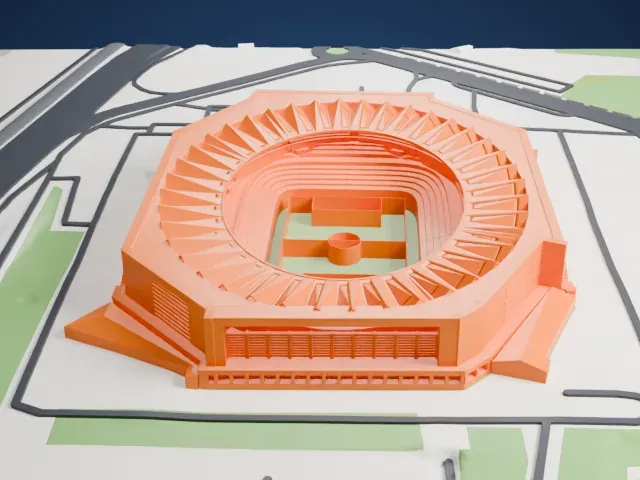
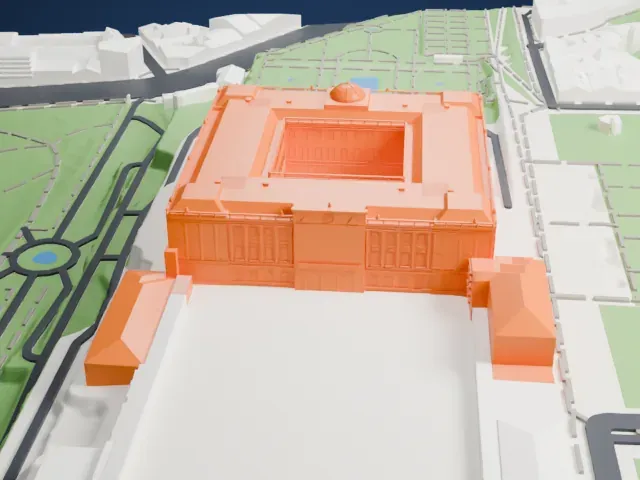
3D print the Guggenheim Museum Bilbao
A free, printable model of the Guggenheim Museum Bilbao beside its river, with the bridge, green spaces and long curved buildings nearby, generated from real map data in your browser.
Free, in your browser. Exports a slicer-ready 3MF.
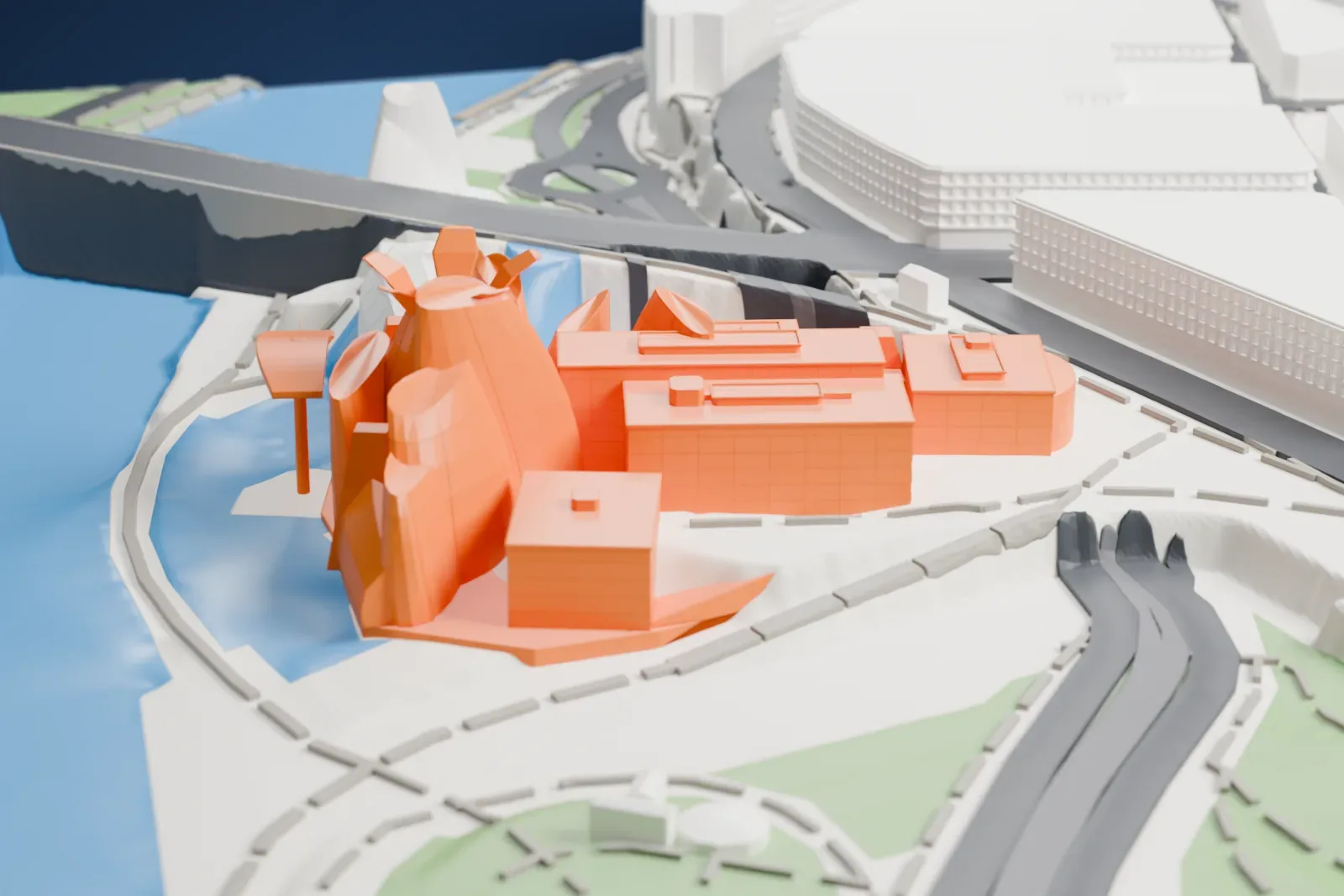
About the Guggenheim Museum Bilbao
The Guggenheim Museum Bilbao, in Bilbao, Biscay, Spain, shows modern and contemporary art and is one of several museums affiliated with the Solomon R. Guggenheim Foundation. King Juan Carlos I of Spain inaugurated it on October 18, 1997, and it opened with a show of 250 contemporary works. It ranks among the largest museums in Spain. The Canadian-American architect Frank Gehry designed the building, which stands on a site of 32,500 m2 (350,000 square feet) beside the Nervión River, in the city's ancient industrial heart.
Gehry intended the curves of the exterior to look random, and he said they were designed to catch the light. A skin of 33,000 titanium plates covers the exterior, laid like scales on a galvanized steel structure, while the base is clad in beige limestone that comes from quarries at Huéscar, near Granada. Inside, 11,000 m2 (120,000 square feet) of exhibition space is spread over nineteen galleries. Ten follow an orthogonal plan and show stone finishes outside, and nine are irregular and wrapped in titanium. The biggest gallery is 130 m by 30 m (427 ft by 98 ft).
The building came in on time and on budget, something rare for architecture of this type. Gehry Partners began using Dassault Systèmes' CATIA software in the fall of 1993 to digitize the exterior and create a digital version of it. In the 2010 World Architecture Survey of architecture experts, the museum was the building most often named among the most significant works completed since 1980.
How it prints
Make this print opens the generator on a 600 m square around the landmark. Buildings print at close to true scale, so the landmark grows with the print size.
| Print size | Landmark height | Scale |
|---|---|---|
| 160 mm default | 14 mm | 1:3,750 |
| 200 mm | 17 mm | 1:3,000 |
| 256 mm | 22 mm | 1:2,344 |
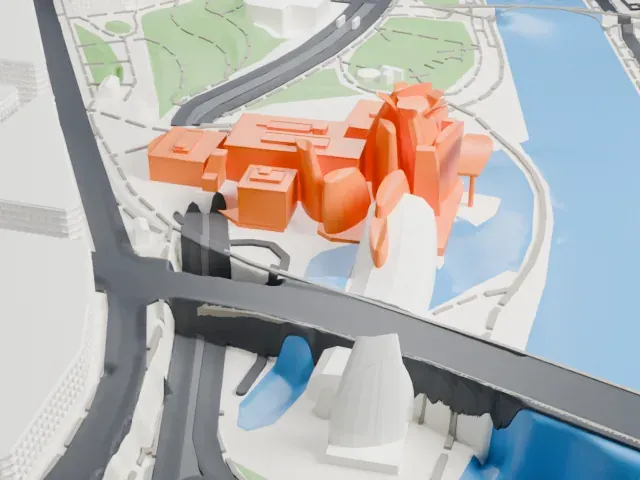
-
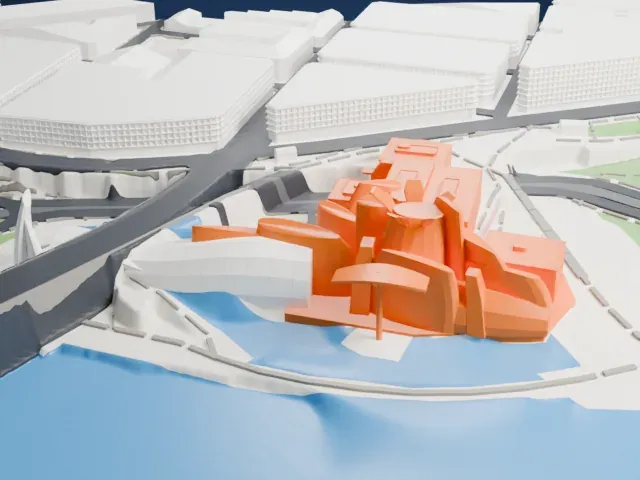 North
North
-
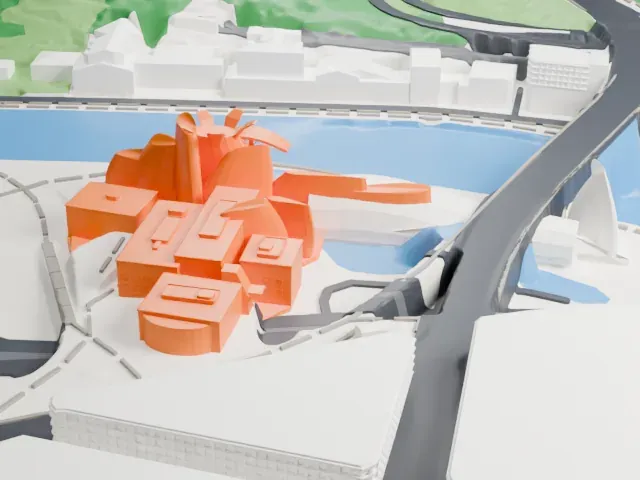
 East
East
-
 South
South
-
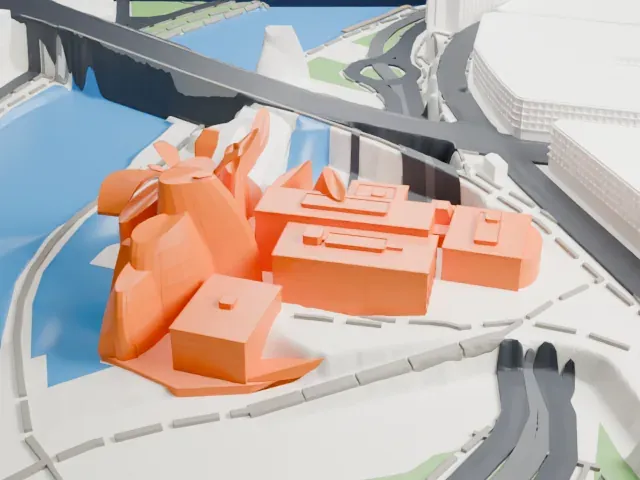 West
West
- Swirling curved surfaces
- The museum is a cluster of curving, overlapping forms. Thinner layers in the slicer, around 0.12–0.16 mm, keep the curves smooth, and a larger print size separates the neighboring shapes.
- Tall curved forms
- Several curved, tower-like forms rise above the rest of the building. Print friendly adapts the narrowest parts; Full detail keeps them on a larger print, printed slowly.
- One piece with the ground
- The Guggenheim Museum Bilbao is joined to the ground in the exported file, and the four-side check found no floating parts, so nothing needs gluing.
- Pick the detail for your nozzle
- In the Buildings settings, set Landmark detail to Print friendly to adapt thin parts and small details to the print scale. Full detail keeps every modeled feature, for larger prints or a finer nozzle.
- Colors
- Buildings, roads, water and ground arrive as separate filament slots in the 3MF. The Guggenheim Museum Bilbao takes the building color.
- File format
- You get a 3MF for Bambu Studio, OrcaSlicer or PrusaSlicer. Any of them can save it as STL if you need one.
About this model
The Guggenheim Museum Bilbao is one of more than 2,300 landmark models in Mini Skyline. They are made with AI, and each one is checked from four sides in its real surroundings before release. Everything around it is built from OpenStreetMap and Overture map data. If you would rather print the shape from map data, turn off Landmark models in the Buildings settings.
Common questions
Is there a Guggenheim Museum Bilbao STL I can download?
Mini Skyline builds the file for you in your browser and exports 3MF, which every major slicer opens. If you need an STL, open the 3MF in your slicer and export it from there.
How big can I print it?
Any print size from 40 mm across. The Guggenheim Museum Bilbao grows with the print: about 14 mm tall on the default 160 mm print. For a model larger than your printer bed, Project Mode splits the area into tiles.
Is it free?
Yes. Generation runs in your browser, with no account and nothing behind a paywall.