3D print Habitat 67
A free, printable model of Habitat 67, a cluster of stacked box-shaped homes on a strip of land surrounded by water, generated from real map data in your browser.
Free, in your browser. Exports a slicer-ready 3MF.
About Habitat 67
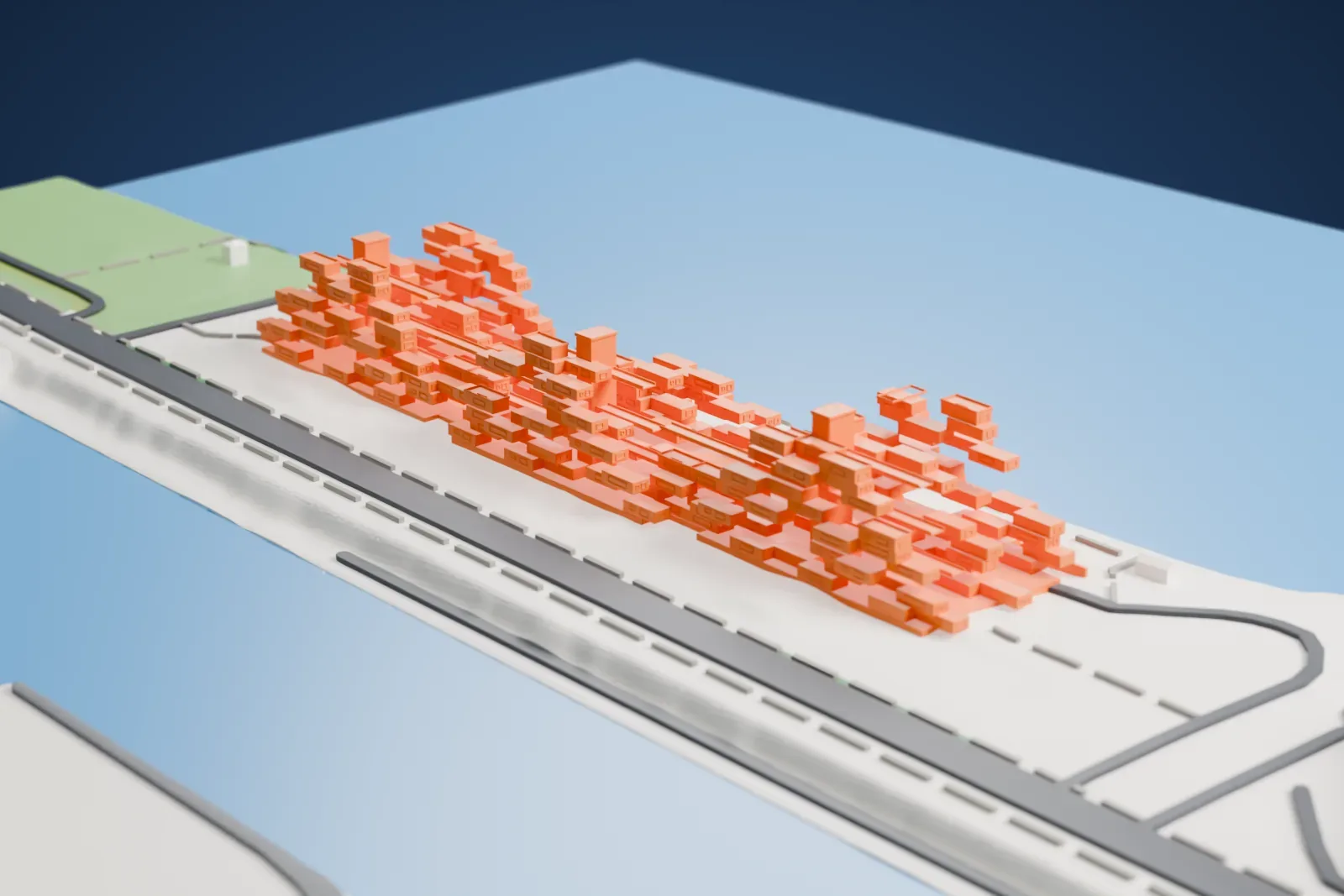
Habitat 67, also called simply Habitat, is a housing complex designed by Moshe Safdie on the Saint Lawrence River at Cité du Havre in Montreal, Quebec. It began as his master's thesis at the McGill University School of Architecture, and an amended version was then built for Expo 67, which was a World's Fair that ran from April to October 1967. It stands at 2600 Avenue Pierre-Dupuy, beside the Marc-Drouin Quay.
The complex is made of 354 identical, prefabricated concrete forms, each measuring 11.7 m by 5.3 m by 3 m (38 ft 5 in by 17 ft 5 in by 9 ft 10 in). They are arranged in various combinations to make three pyramids that rise up to 12 residential stories. Together the forms create 146 residences of varying sizes, each built from one to eight linked units. Every unit has at least one private garden terrace, landscaped and set on the roof of the level beneath, from approximately 20 to 90 square meters (225 to 1,000 sq ft).
Safdie first planned 1,200 homes, costing $45 million, but he was able to secure funding only for a far smaller version, paid for by the federal government. The design set out to combine the gardens, fresh air and privacy of suburban homes with the economics and density of an urban apartment building. During Expo 67 it served as a thematic pavilion and as temporary housing for visiting dignitaries.
How it prints
Make this print opens the generator on a 650 m square around the landmark. Buildings print at close to true scale, so the landmark grows with the print size.
| Print size | Landmark height | Scale |
|---|---|---|
| 160 mm default | 10 mm | 1:4,063 |
| 200 mm | 12 mm | 1:3,250 |
| 256 mm | 16 mm | 1:2,539 |
-
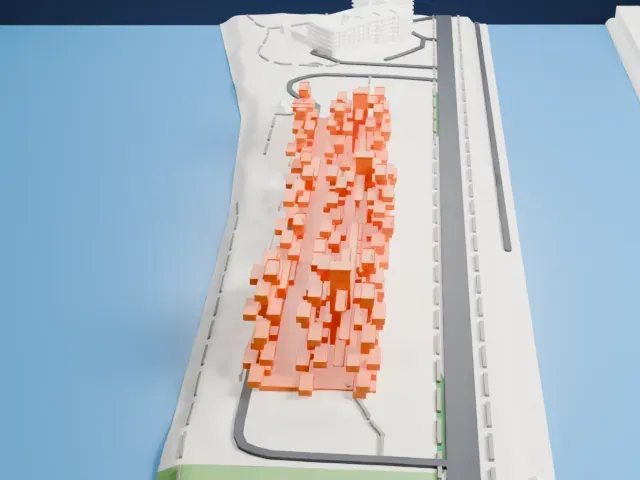 North
North
-
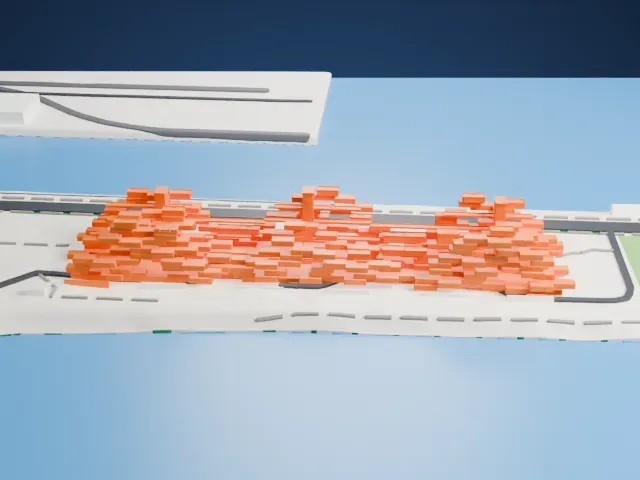 East
East
-
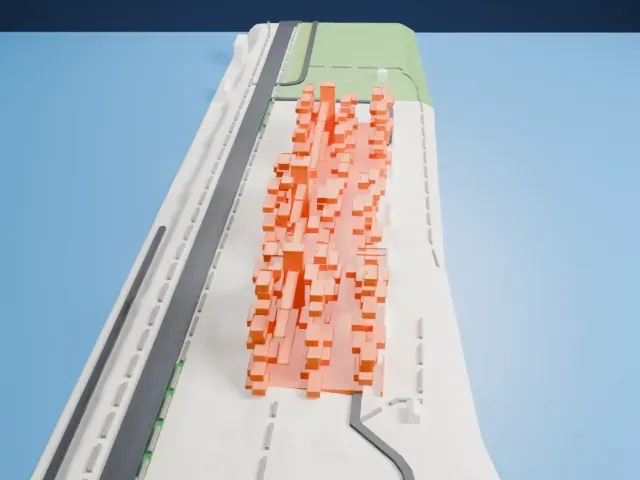 South
South
-
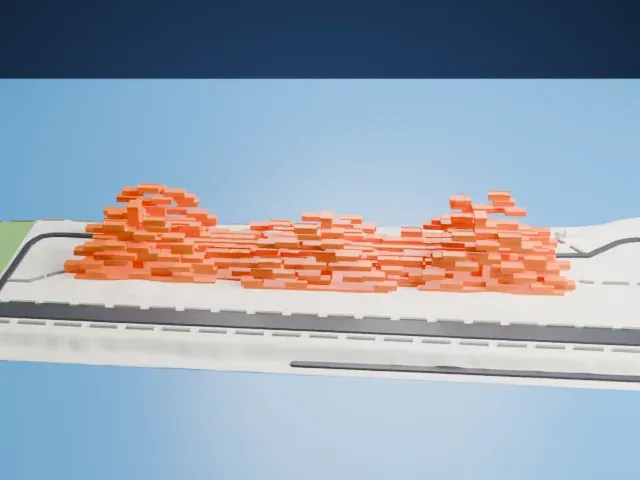 West
West
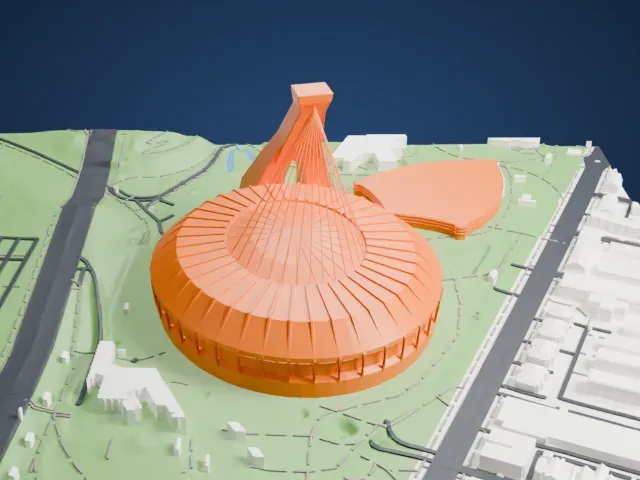
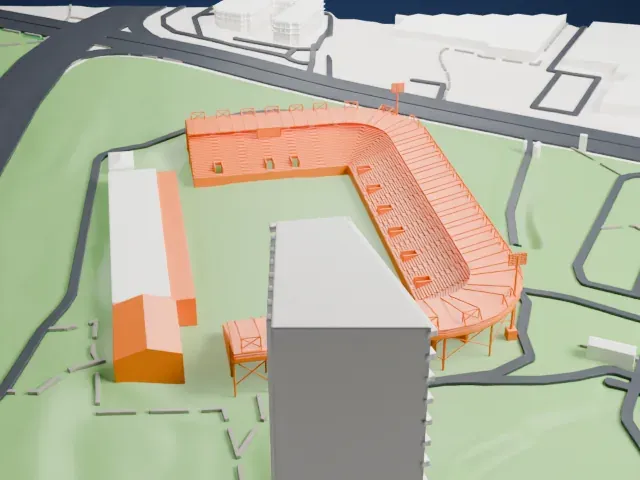
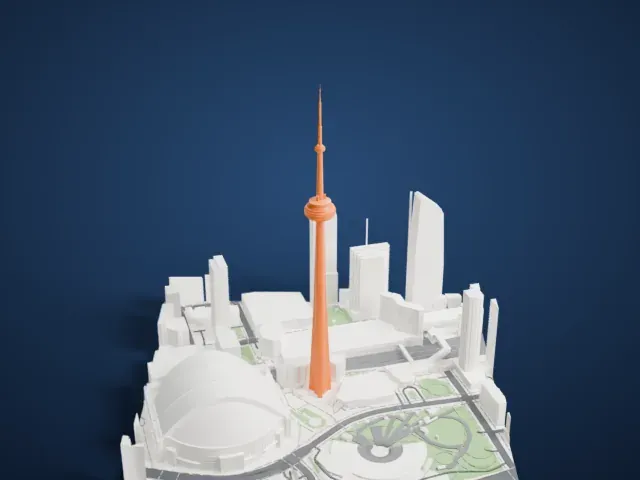
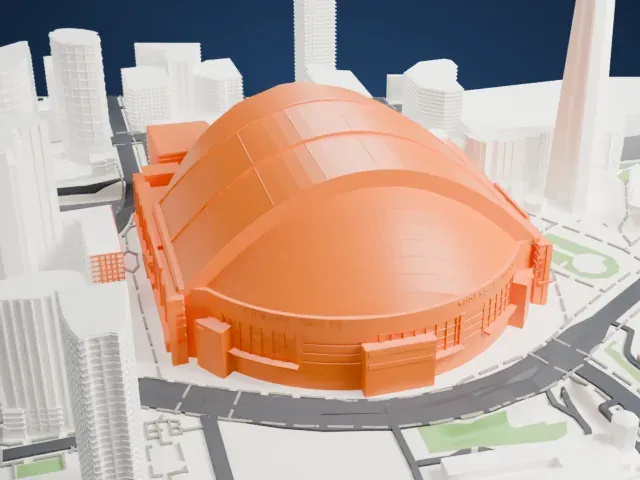
- Many small stacked boxes
- The three clusters are built from many small box-shaped units. Print friendly adapts the smallest to the print scale, while Full detail keeps every unit and works best on a larger print.
- Boxes that jut out
- Many units project beyond the ones below them. A bigger print size and 0.12–0.16 mm layers help keep these stepped edges clean.
- One piece with the ground
- Habitat 67 is joined to the ground in the exported file, and the four-side check found no floating parts, so nothing needs gluing.
- Pick the detail for your nozzle
- In the Buildings settings, set Landmark detail to Print friendly to adapt thin parts and small details to the print scale. Full detail keeps every modeled feature, for larger prints or a finer nozzle.
- Colors
- Buildings, roads, water and ground arrive as separate filament slots in the 3MF. Habitat 67 takes the building color.
- File format
- You get a 3MF for Bambu Studio, OrcaSlicer or PrusaSlicer. Any of them can save it as STL if you need one.
About this model
Habitat 67 is one of more than 2,300 landmark models in Mini Skyline. They are made with AI, and each one is checked from four sides in its real surroundings before release. Everything around it is built from OpenStreetMap and Overture map data. If you would rather print the shape from map data, turn off Landmark models in the Buildings settings.
Common questions
Is there a Habitat 67 STL I can download?
Mini Skyline builds the file for you in your browser and exports 3MF, which every major slicer opens. If you need an STL, open the 3MF in your slicer and export it from there.
How big can I print it?
Any print size from 40 mm across. Habitat 67 grows with the print: about 10 mm tall on the default 160 mm print. For a model larger than your printer bed, Project Mode splits the area into tiles.
Is it free?
Yes. Generation runs in your browser, with no account and nothing behind a paywall.