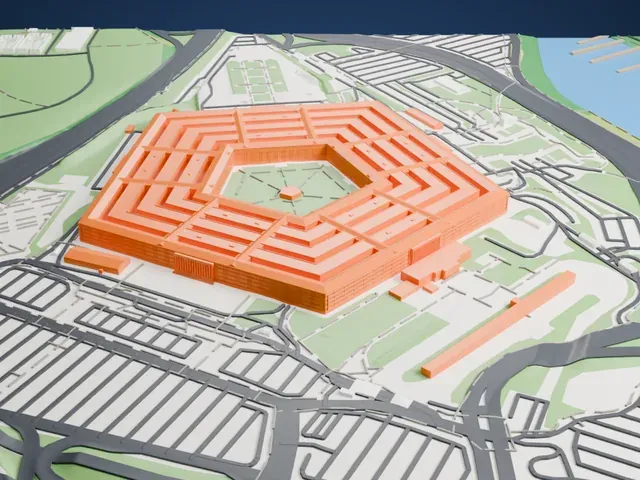
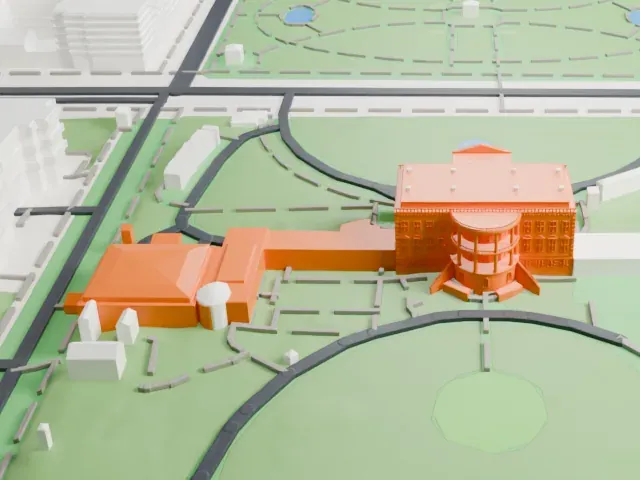
3D print the Hagerstown Aviation Museum Hangars
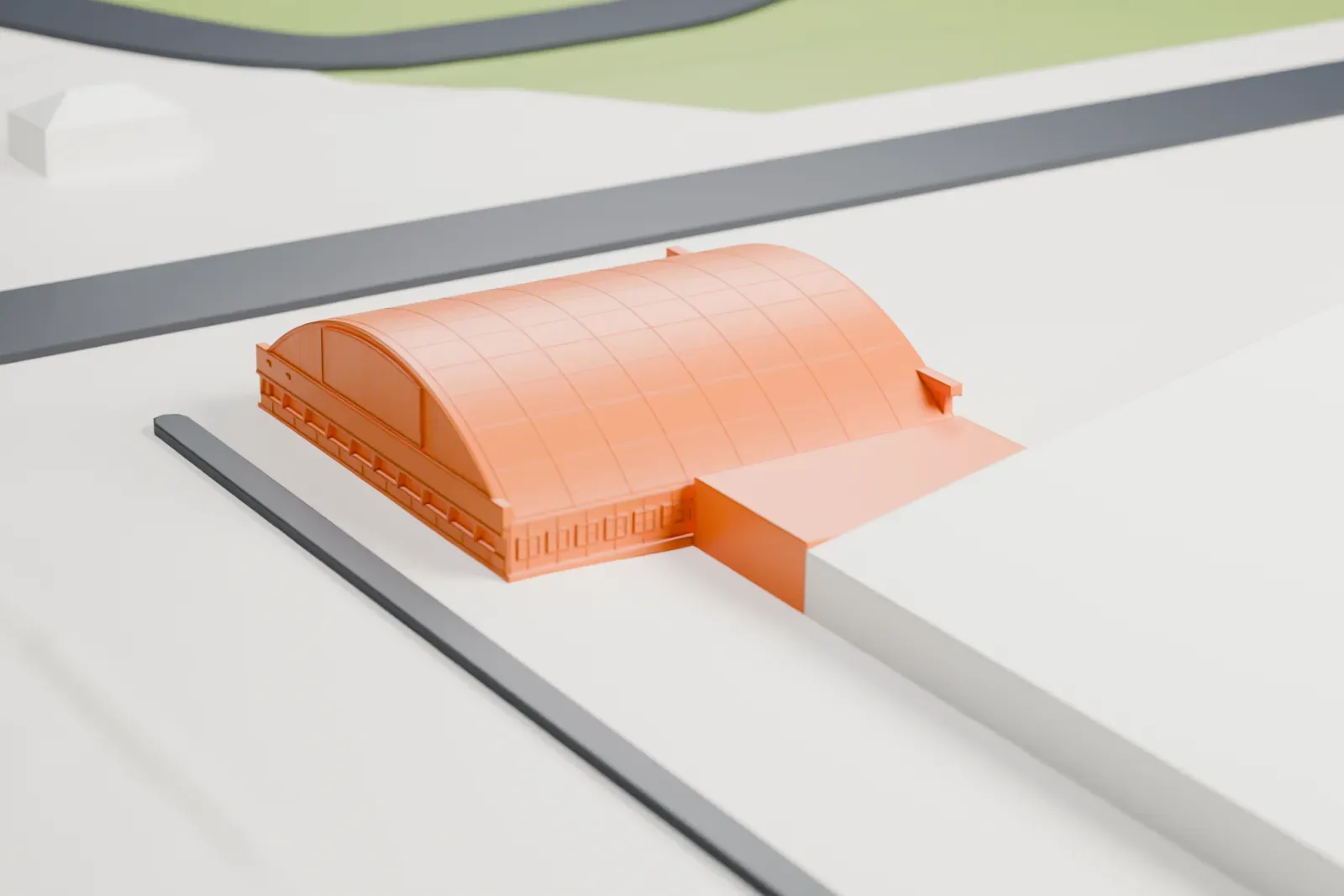
A free, printable model of the Hagerstown Aviation Museum's hangar, a low building with a gridded barrel roof, on flat, open ground, generated from real map data in your browser.
Free, in your browser. Exports a slicer-ready 3MF.
About the Hagerstown Aviation Museum Hangars
The Hagerstown Aviation Museum, at Hagerstown Regional Airport in Hagerstown, Maryland, is devoted to the story of the Fairchild Aircraft Corporation. Plans for a museum devoted to aviation in Hagerstown began in 1995, started by a group of individuals. A decade of delays passed before the museum opened to the public on July 14, 2005, at downtown Hagerstown's Discovery Station. A year later, it led a community fundraising effort to buy a C-82 Packet made by Fairchild, the first in a series of cargo planes the company built in Hagerstown. The airplane came from Hawkins and Powers in Greybull, Wyoming, bought at that company's liquidation auction.
A C-123 was bought by the museum in 2019 and trucked to the airport. Having first weighed constructing its own hangar, the museum moved in 2020 to a former flight test hangar of Fairchild Aircraft and bought the building three years afterward. A grand opening was held on September 14, 2024.
How it prints
Make this print opens the generator on a 600 m square around the landmark. Buildings print at close to true scale, so the landmark grows with the print size.
| Print size | Landmark height | Scale |
|---|---|---|
| 160 mm default | 4 mm | 1:3,750 |
| 200 mm | 5 mm | 1:3,000 |
| 256 mm | 7 mm | 1:2,344 |
-
 North
North
-
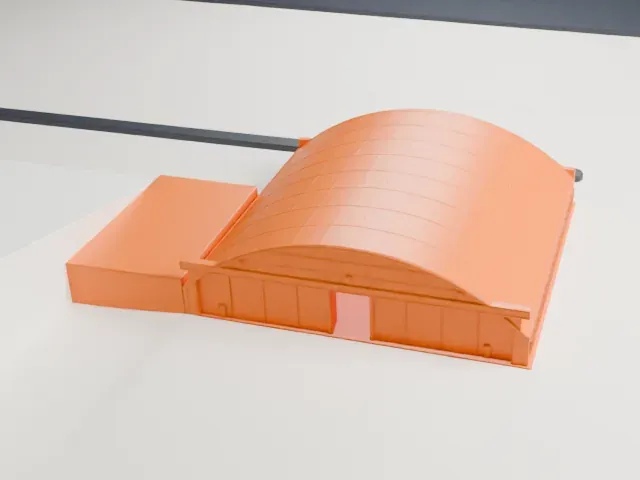 East
East
-
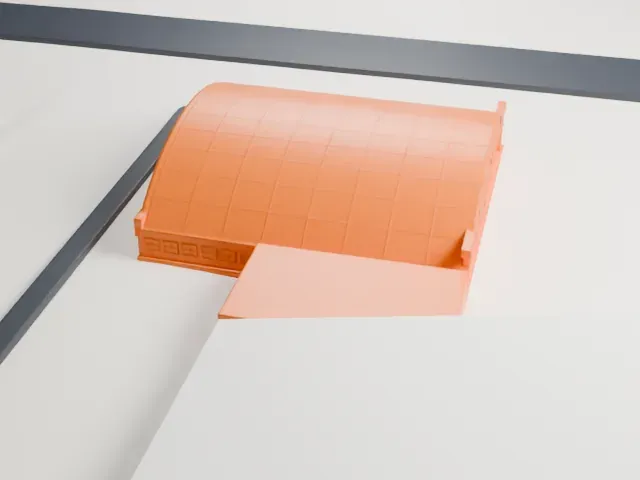 South
South
-
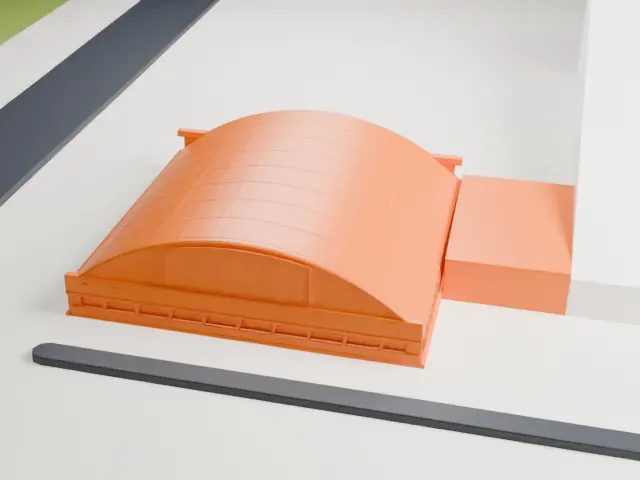 West
West
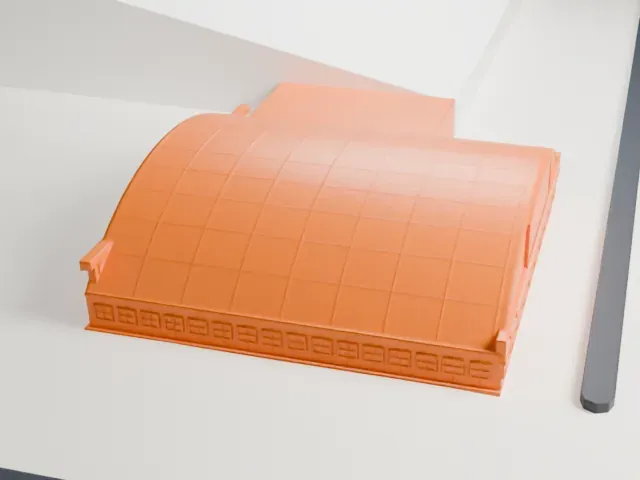
- Gridded barrel roof
- The arched roof is divided into a grid of panels. Layers of 0.12 to 0.16 mm help the curve look smooth.
- Low and wide
- The hangar is a low, wide shape on flat ground, so it prints flat. A larger print shows the small windows and door panels along its walls.
- One piece with the ground
- The Hagerstown Aviation Museum Hangars is joined to the ground in the exported file, and the four-side check found no floating parts, so nothing needs gluing.
- Pick the detail for your nozzle
- In the Buildings settings, set Landmark detail to Print friendly to adapt thin parts and small details to the print scale. Full detail keeps every modeled feature, for larger prints or a finer nozzle.
- Colors
- Buildings, roads, water and ground arrive as separate filament slots in the 3MF. The Hagerstown Aviation Museum Hangars takes the building color.
- File format
- You get a 3MF for Bambu Studio, OrcaSlicer or PrusaSlicer. Any of them can save it as STL if you need one.
About this model
The Hagerstown Aviation Museum Hangars is one of more than 2,300 landmark models in Mini Skyline. They are made with AI, and each one is checked from four sides in its real surroundings before release. Everything around it is built from OpenStreetMap and Overture map data. If you would rather print the shape from map data, turn off Landmark models in the Buildings settings.
Common questions
Is there a Hagerstown Aviation Museum Hangars STL I can download?
Mini Skyline builds the file for you in your browser and exports 3MF, which every major slicer opens. If you need an STL, open the 3MF in your slicer and export it from there.
How big can I print it?
Any print size from 40 mm across. The Hagerstown Aviation Museum Hangars grows with the print: about 4 mm tall on the default 160 mm print. For a model larger than your printer bed, Project Mode splits the area into tiles.
Is it free?
Yes. Generation runs in your browser, with no account and nothing behind a paywall.