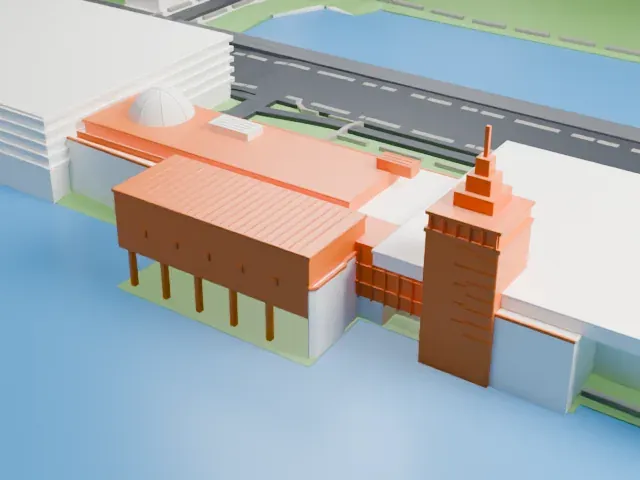
3D print Harvard Stadium
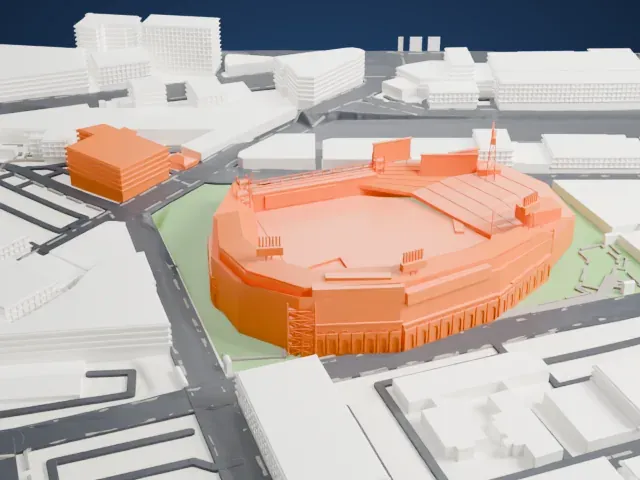
A free, printable model of Harvard Stadium, with its U-shaped stands and arched outer wall, and the large buildings and green fields around it, generated from real map data in your browser.
Free, in your browser. Exports a slicer-ready 3MF.
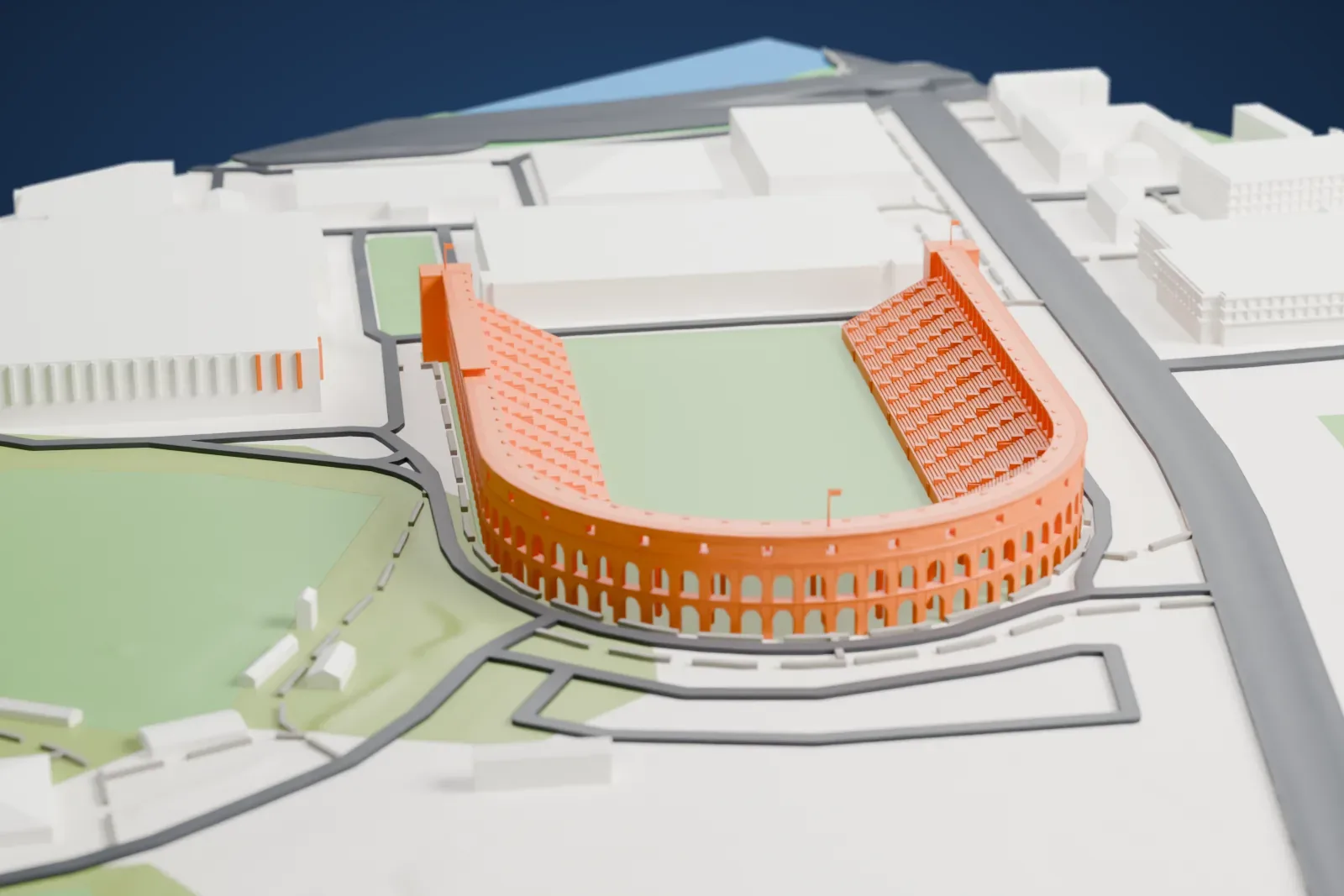
About Harvard Stadium
Boston's Allston neighborhood is home to Harvard Stadium, a college football stadium shaped like a U. Harvard University owns and operates it, and it hosts the Harvard Crimson football program, with seating for just over 25,000 spectators. The stadium dates from 1903 and is described as the oldest original stadium structure in use for college football. It is also the oldest permanent concrete structure in the country that is dedicated to college sports. Penn's Franklin Field (1895) has the longest continuous use as a site, though its present structure dates from a 1922 reconstruction.
Soldiers Field, 13 ha (31 acres) of land, was donated to Harvard in 1890 by Henry Lee Higginson in memory of Harvard men who lost their lives in the Civil War (1861–1865), and the stadium was built there. Lewis Jerome Johnson, a professor of civil engineering, consulted for the design team and suggested reinforced structural concrete, which had earlier been used for horizontal elements like floors and sidewalks. George Bruns de Gersdorff contributed to the overall design, and Charles Follen McKim served as a consultant. Resembling the Panathenaic Stadium in shape, it took just four and a half months to complete and cost $310,000.
In 1906, a leading proposal for making football safer was to widen the field, giving more running room and cutting serious collisions. Harvard objected, since its new stadium could not fit a larger field. Because the stadium was permanent, the proposal failed, and the forward pass was made legal in April 1906. Harvard Stadium is credited with leading to the forward pass and standard field dimensions, two aspects of modern American football.
How it prints
Make this print opens the generator on a 600 m square around the landmark. Buildings print at close to true scale, so the landmark grows with the print size.
| Print size | Landmark height | Scale |
|---|---|---|
| 160 mm default | 8 mm | 1:3,750 |
| 200 mm | 10 mm | 1:3,000 |
| 256 mm | 13 mm | 1:2,344 |
-
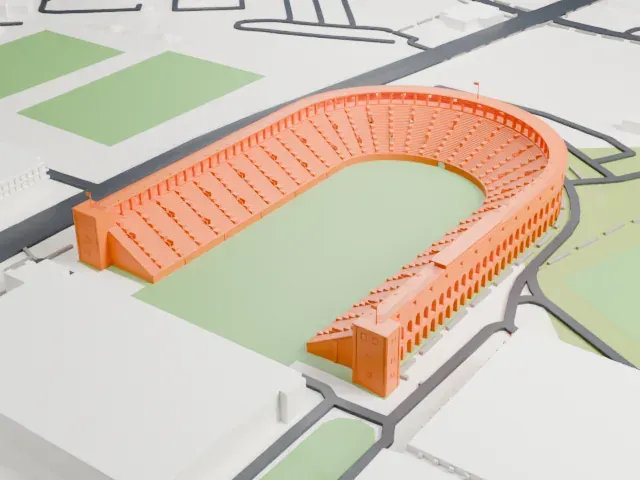 North
North
-
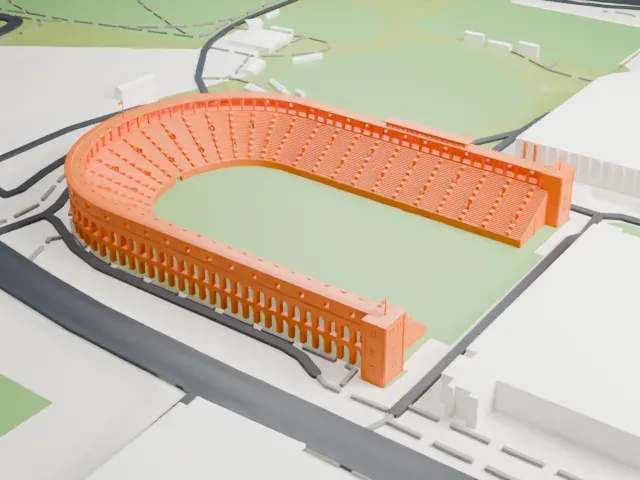 East
East
-
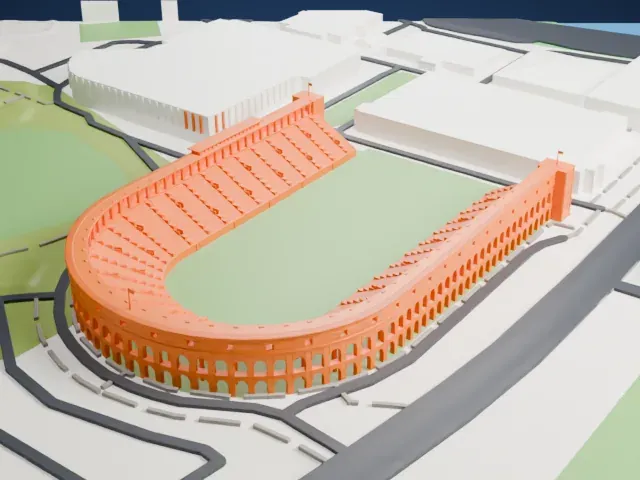 South
South
-
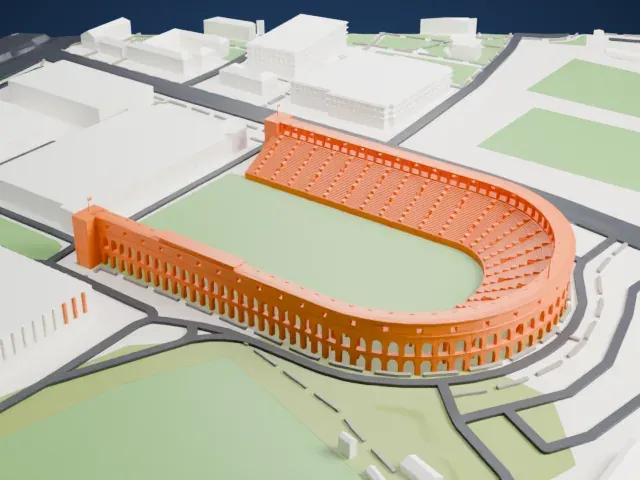 West
West
- Rows of small arches
- The curved outer wall has long rows of small arches. Print friendly adapts them to the print scale; Full detail keeps them on a larger print, ideally with 0.12–0.16 mm layers.
- Slim flagpoles on the towers
- Two thin flagpoles rise from the towers at the open end. Print slowly with good cooling so they stay straight.
- One piece with the ground
- Harvard Stadium is joined to the ground in the exported file, and the four-side check found no floating parts, so nothing needs gluing.
- Pick the detail for your nozzle
- In the Buildings settings, set Landmark detail to Print friendly to adapt thin parts and small details to the print scale. Full detail keeps every modeled feature, for larger prints or a finer nozzle.
- Colors
- Buildings, roads, water and ground arrive as separate filament slots in the 3MF. Harvard Stadium takes the building color.
- File format
- You get a 3MF for Bambu Studio, OrcaSlicer or PrusaSlicer. Any of them can save it as STL if you need one.
About this model
Harvard Stadium is one of more than 2,300 landmark models in Mini Skyline. They are made with AI, and each one is checked from four sides in its real surroundings before release. Everything around it is built from OpenStreetMap and Overture map data. If you would rather print the shape from map data, turn off Landmark models in the Buildings settings.
Common questions
Is there a Harvard Stadium STL I can download?
Mini Skyline builds the file for you in your browser and exports 3MF, which every major slicer opens. If you need an STL, open the 3MF in your slicer and export it from there.
How big can I print it?
Any print size from 40 mm across. Harvard Stadium grows with the print: about 8 mm tall on the default 160 mm print. For a model larger than your printer bed, Project Mode splits the area into tiles.
Is it free?
Yes. Generation runs in your browser, with no account and nothing behind a paywall.