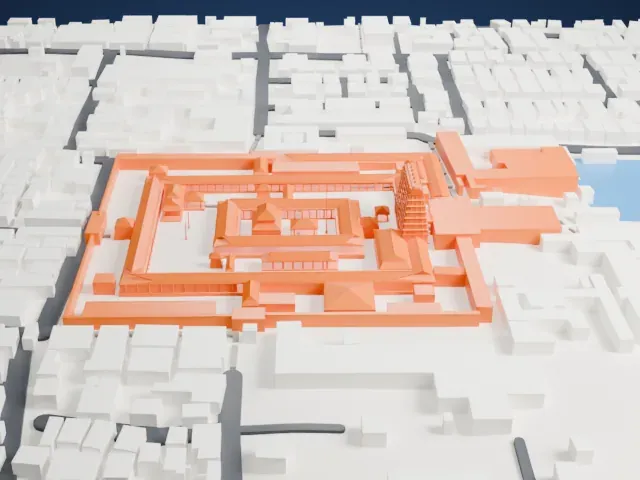
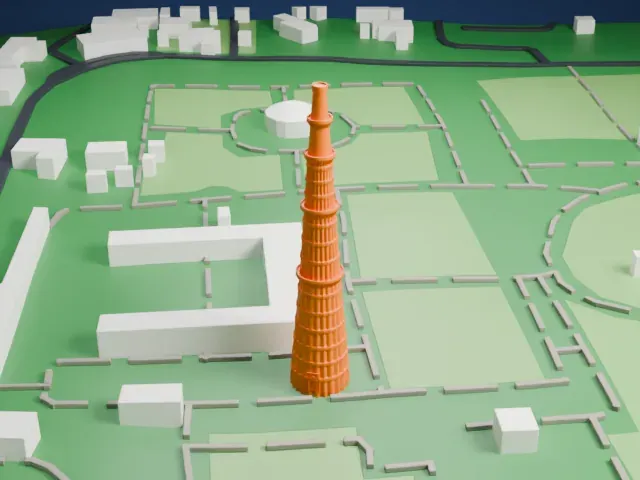
3D print Hawa Mahal
A free, printable model of Hawa Mahal, its tiered honeycomb facade and the wide street and large buildings beside it, generated from real map data in your browser.
Free, in your browser. Exports a slicer-ready 3MF.
About Hawa Mahal
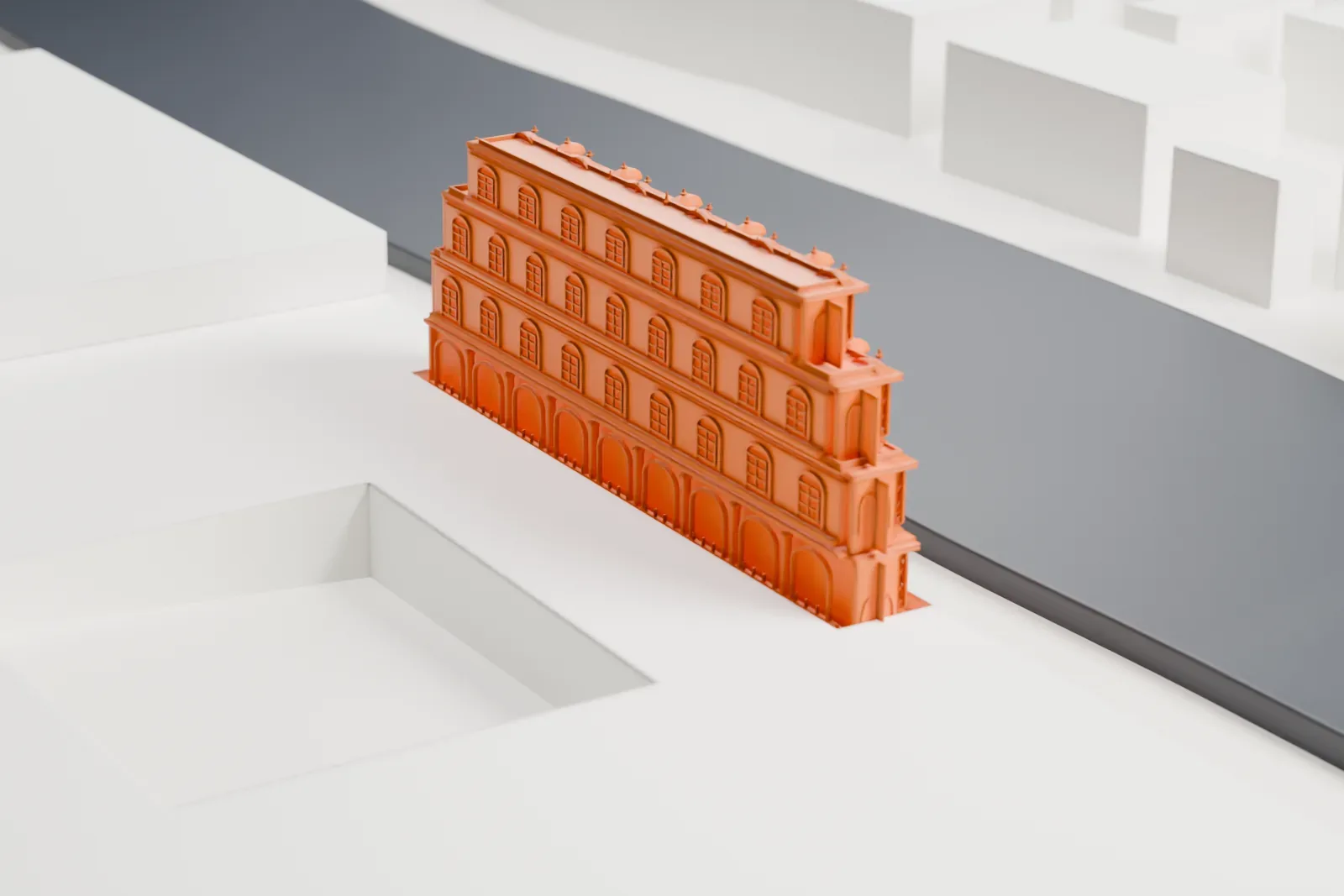
Hawa Mahal, called the Palace of Winds, is a palace in Jaipur, Rajasthan, India. Maharaja Sawai Pratap Singh had it built in 1799, and Lal Chand Ustad was the architect. It is made of red and pink sandstone, sits at the City Palace's edge and extends into the Zenana, the women's chambers. Its Persian name translates directly as 'wind palace.'
The palace takes its name from its 953 windows, called jharokhas and set out in a honeycomb pattern. Air passes through these openings, keeping the interior cool in summer. The lattice was first meant to let royal ladies, without being seen, look down on daily life and festivals in the street. The building is a five-story, pyramid-shaped monument that rises to about 15 m (50 ft). Its upper three floors are only one room wide, and patios sit in front of the first and second floors.
The facade facing the street is lined with miniature windows, carved sandstone grills, finials and domes. Many viewers take this street view for the palace's front, but it is the back. The style fuses Hindu Rajput and Islamic Mughal architecture: Rajput features include domed canopies and fluted pillars, along with lotus and floral designs, while the Islamic influence shows in arches and inlaid stone filigree. The top two floors are reached only by ramps, and an archaeological museum is housed in the courtyard.
How it prints
Make this print opens the generator on a 600 m square around the landmark. Buildings print at close to true scale, so the landmark grows with the print size.
| Print size | Landmark height | Scale |
|---|---|---|
| 160 mm default | 4 mm | 1:3,750 |
| 200 mm | 5 mm | 1:3,000 |
| 256 mm | 6 mm | 1:2,344 |
-
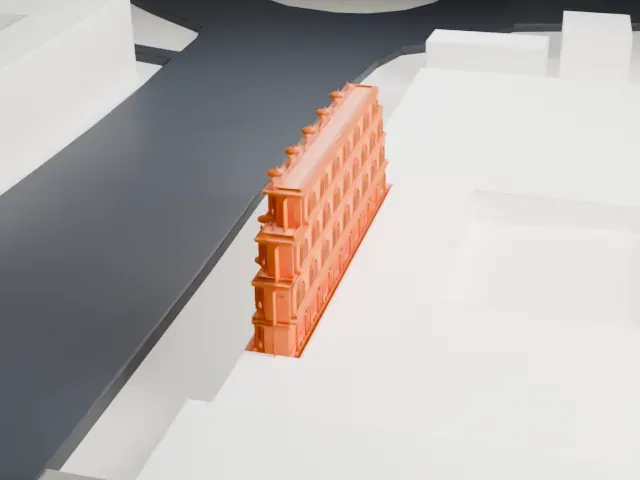 North
North
-
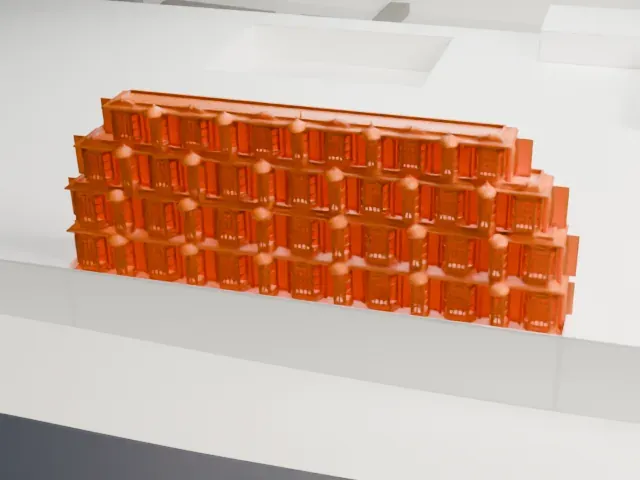 East
East
-
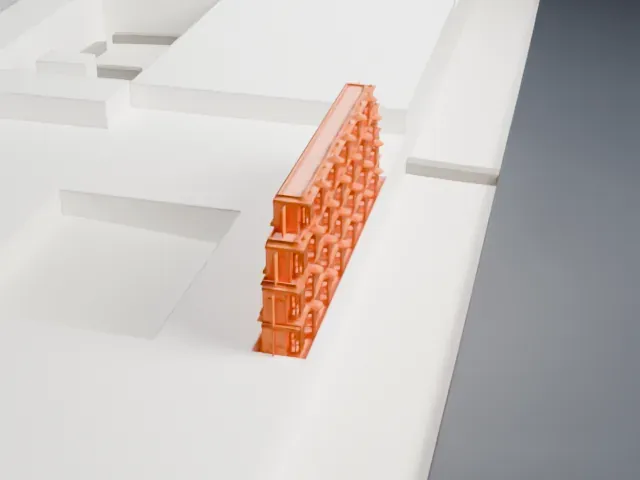 South
South
-
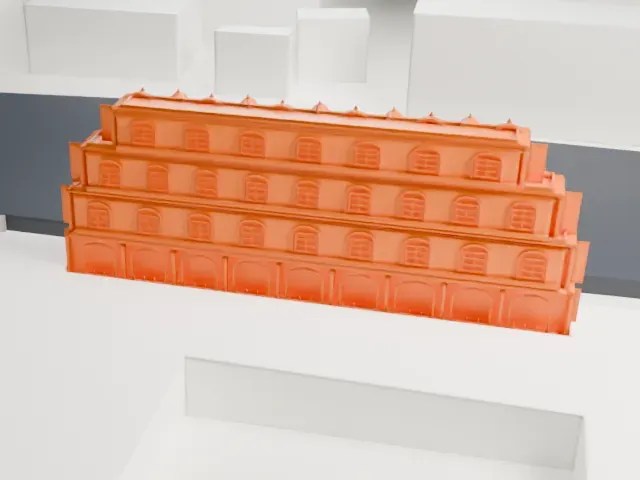 West
West
- Honeycomb of tiny windows
- The facade is covered in rows of tiny windows and balconies. Print friendly adapts these to the print scale; Full detail keeps every one, and they read best in a larger print. Layers of 0.12 to 0.16 mm keep the edges crisp.
- Small domed canopies
- Small domed canopies line the edge of each tier. Print slowly so these narrow tips form cleanly, and choose a bigger print size to keep them.
- One piece with the ground
- Hawa Mahal is joined to the ground in the exported file, and the four-side check found no floating parts, so nothing needs gluing.
- Pick the detail for your nozzle
- In the Buildings settings, set Landmark detail to Print friendly to adapt thin parts and small details to the print scale. Full detail keeps every modeled feature, for larger prints or a finer nozzle.
- Colors
- Buildings, roads, water and ground arrive as separate filament slots in the 3MF. Hawa Mahal takes the building color.
- File format
- You get a 3MF for Bambu Studio, OrcaSlicer or PrusaSlicer. Any of them can save it as STL if you need one.
About this model
Hawa Mahal is one of more than 2,300 landmark models in Mini Skyline. They are made with AI, and each one is checked from four sides in its real surroundings before release. Everything around it is built from OpenStreetMap and Overture map data. If you would rather print the shape from map data, turn off Landmark models in the Buildings settings.
Common questions
Is there a Hawa Mahal STL I can download?
Mini Skyline builds the file for you in your browser and exports 3MF, which every major slicer opens. If you need an STL, open the 3MF in your slicer and export it from there.
How big can I print it?
Any print size from 40 mm across. Hawa Mahal grows with the print: about 4 mm tall on the default 160 mm print. For a model larger than your printer bed, Project Mode splits the area into tiles.
Is it free?
Yes. Generation runs in your browser, with no account and nothing behind a paywall.