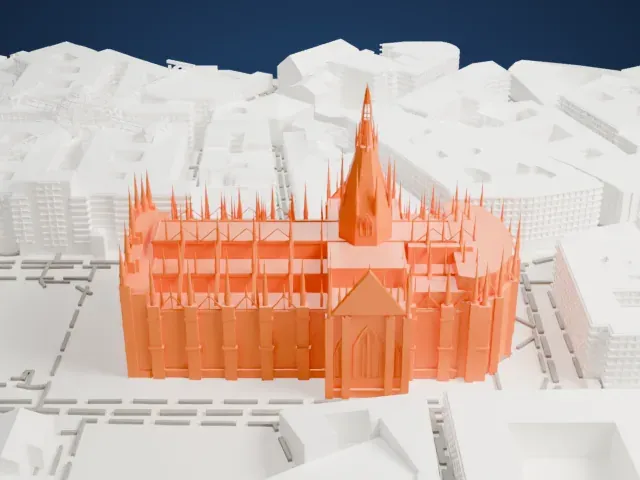
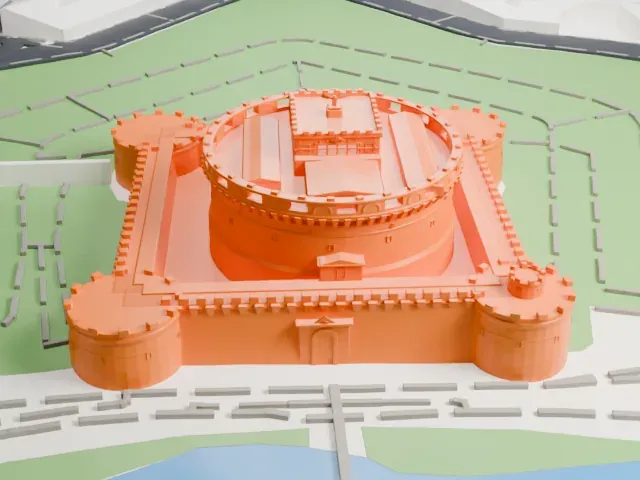
3D print the Leaning Tower of Pisa
A free, printable model of the Leaning Tower of Pisa and the cathedral square, lawns and streets around it, generated from real map data in your browser.
Free, in your browser. Exports a slicer-ready 3MF.
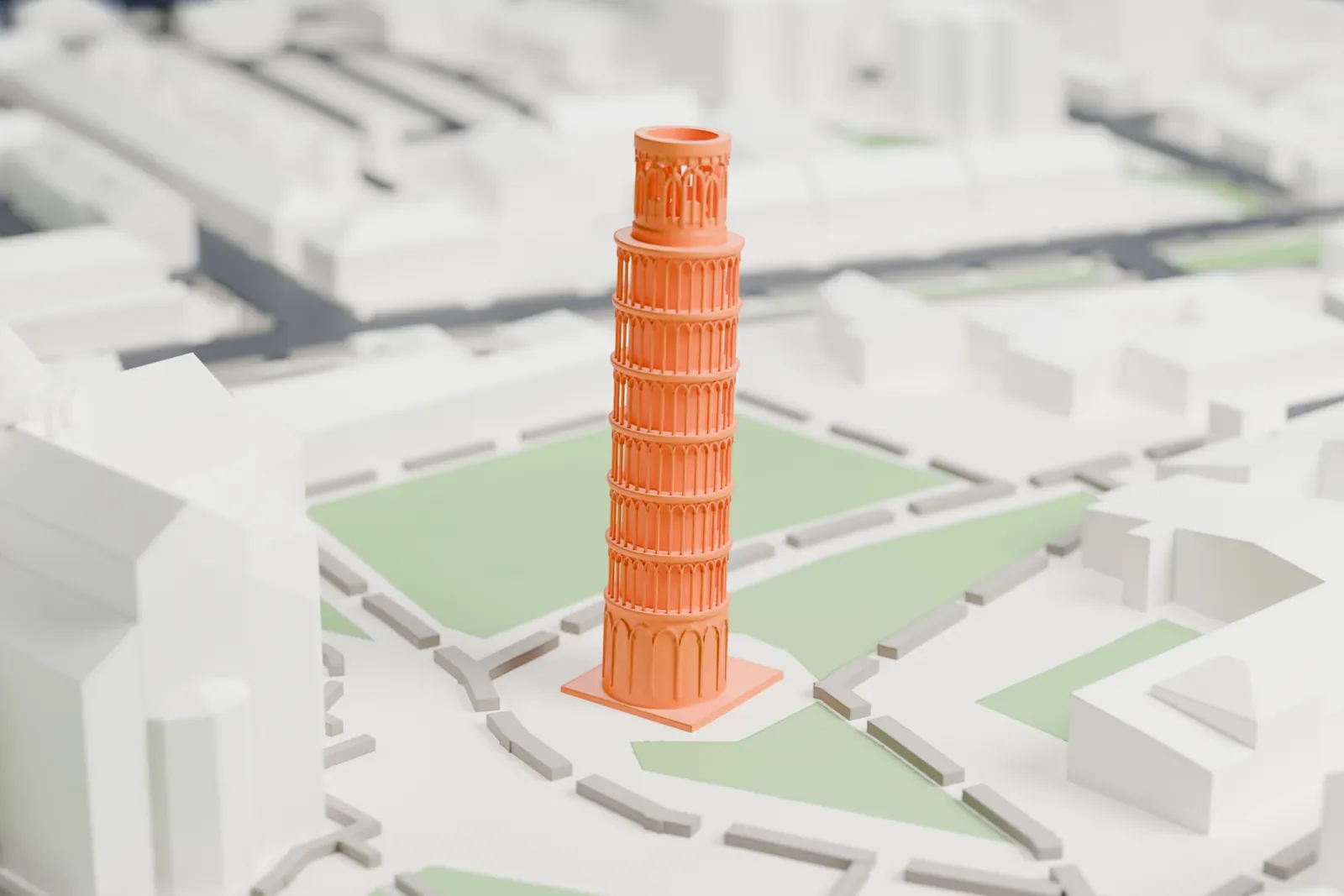
About the Leaning Tower of Pisa
The Leaning Tower of Pisa is the campanile of Pisa Cathedral, a bell tower that stands apart from the church itself. It is known for a lean of nearly four degrees, caused by an unstable foundation. It stands in Cathedral Square (Piazza del Duomo) in Pisa, where it is one of three structures, together with the cathedral and the Baptistry. Its tilt began during construction in the 12th century, when soft ground could not properly support its weight, and it grew worse until the work was finished in the 14th century.
Building took place in three stages over 199 years. The foundations were laid on August 9, 1173, and by 1178 the tower had started to sink, once work reached the second floor. The tower sat on a foundation of just three meters, set in weak subsoil. Wars halted construction for most of a century, which let the soil settle. When work resumed in 1272, the builders made one side of the upper floors taller to compensate, so the tower is curved. A bell chamber went on top in 1372.
The tower rises 55.86 meters (183 feet 3 inches) on its low side, and 56.67 meters (185 feet 11 inches) on the high side. The lean had grown to 5.5 degrees by 1990. Remedial work from 1993 to 2001 brought it down to 3.97 degrees. It belongs to a UNESCO World Heritage Site covering Piazza del Duomo, declared in 1987.
How it prints
Make this print opens the generator on a 600 m square around the landmark. Buildings print at close to true scale, so the landmark grows with the print size.
| Print size | Landmark height | Scale |
|---|---|---|
| 160 mm default | 15 mm | 1:3,750 |
| 200 mm | 19 mm | 1:3,000 |
| 256 mm | 24 mm | 1:2,344 |
-
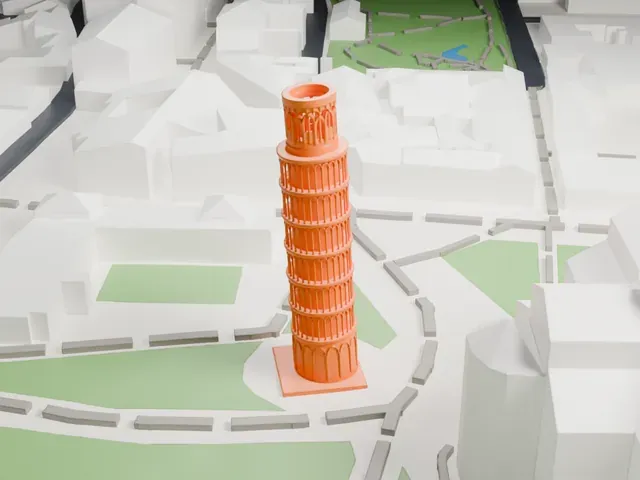 North
North
-
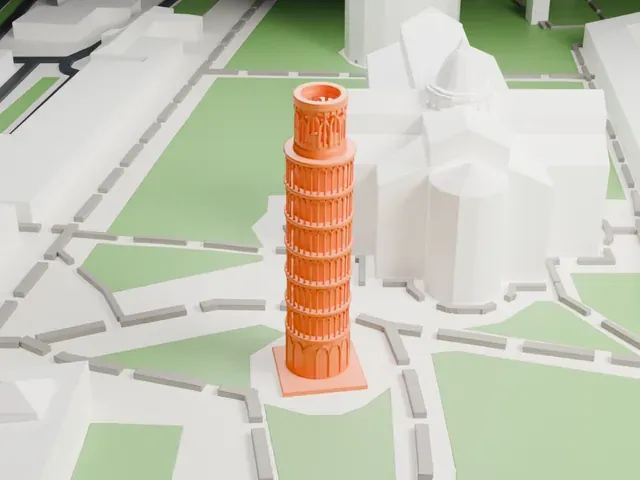 East
East
-
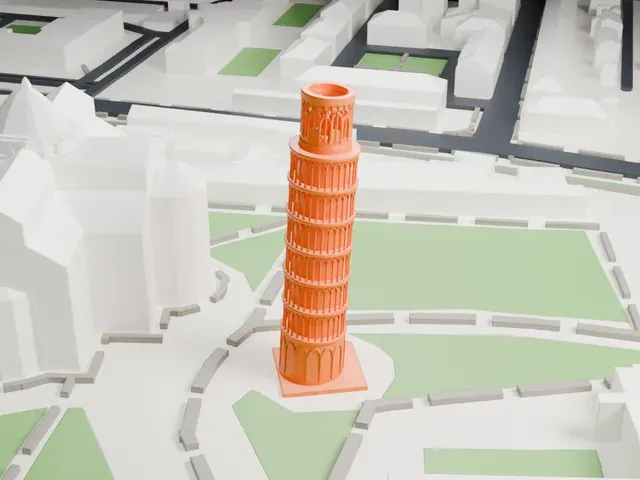 South
South
-
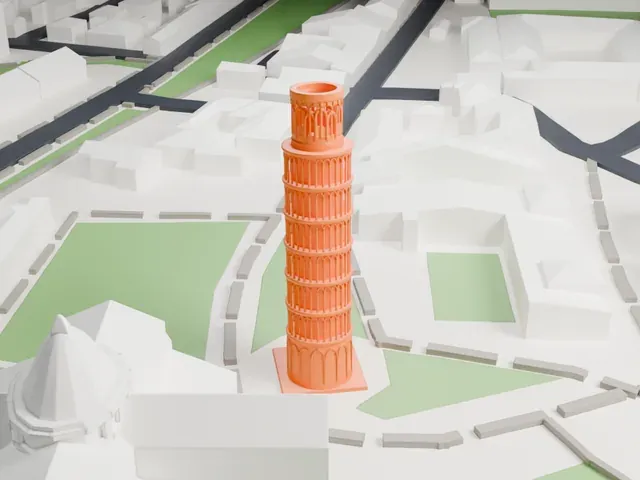 West
West
- A tall, thin, leaning tower
- The tower is a slender cylinder that leans, so each layer sits slightly off the one below. Print slowly with good cooling, and use layers of 0.12 to 0.16 mm to keep the rings crisp.
- Stacked rings of tiny arches
- Each floor is wrapped in a ring of small arches. Print friendly adapts them to the print scale; Full detail keeps every arch, which works best on a larger print.
- One piece with the ground
- The Leaning Tower of Pisa is joined to the ground in the exported file, and the four-side check found no floating parts, so nothing needs gluing.
- Pick the detail for your nozzle
- In the Buildings settings, set Landmark detail to Print friendly to adapt thin parts and small details to the print scale. Full detail keeps every modeled feature, for larger prints or a finer nozzle.
- Colors
- Buildings, roads, water and ground arrive as separate filament slots in the 3MF. The Leaning Tower of Pisa takes the building color.
- File format
- You get a 3MF for Bambu Studio, OrcaSlicer or PrusaSlicer. Any of them can save it as STL if you need one.
About this model
The Leaning Tower of Pisa is one of more than 2,300 landmark models in Mini Skyline. They are made with AI, and each one is checked from four sides in its real surroundings before release. Everything around it is built from OpenStreetMap and Overture map data. If you would rather print the shape from map data, turn off Landmark models in the Buildings settings.
Common questions
Is there a Leaning Tower of Pisa STL I can download?
Mini Skyline builds the file for you in your browser and exports 3MF, which every major slicer opens. If you need an STL, open the 3MF in your slicer and export it from there.
How big can I print it?
Any print size from 40 mm across. The Leaning Tower of Pisa grows with the print: about 15 mm tall on the default 160 mm print. For a model larger than your printer bed, Project Mode splits the area into tiles.
Is it free?
Yes. Generation runs in your browser, with no account and nothing behind a paywall.