3D print Maputo City Hall
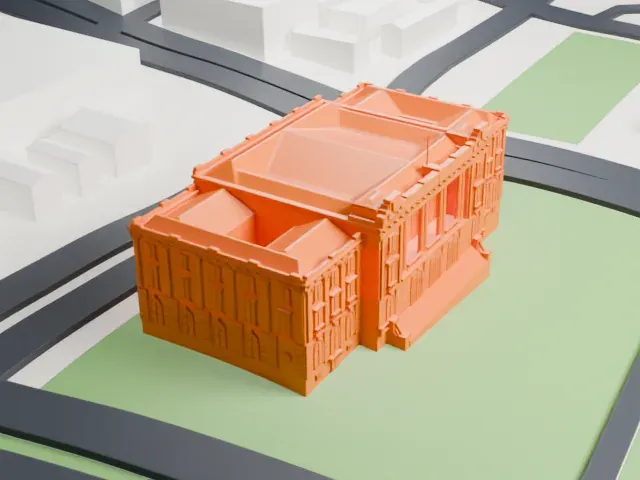
A free, printable model of Maputo City Hall, a wide building with hipped roofs and a front staircase, and the lawns, roads and low buildings around it, generated from real map data in your browser.
Free, in your browser. Exports a slicer-ready 3MF.
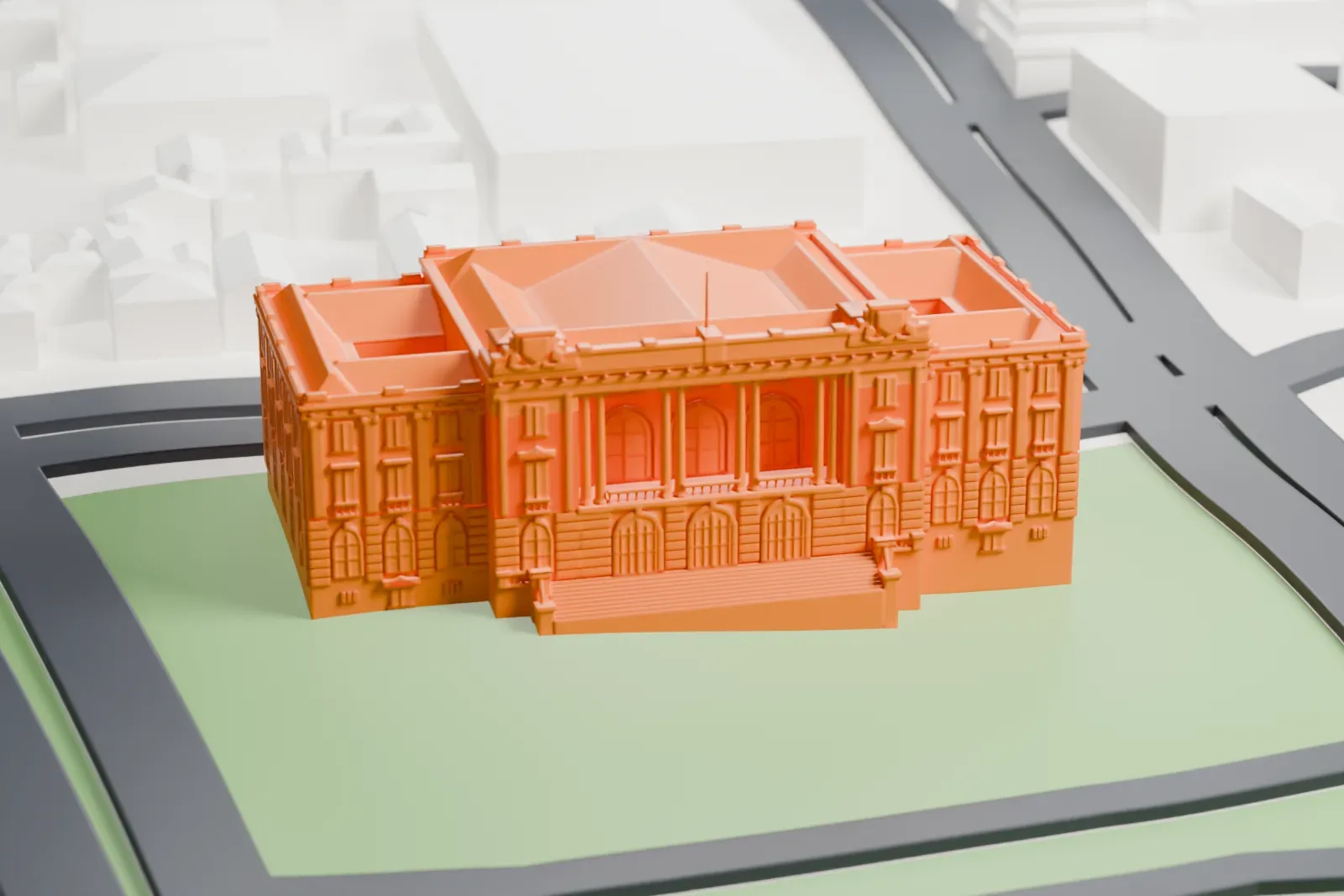
About Maputo City Hall
Maputo City Hall, also known as the Municipal Council Building of Maputo, is where the capital of Mozambique has its local government. This neoclassical building faces Independence Square, or Praça da Independência, from the head of the square, and dates to 1947.
In the 1930s, a competition among architects for a new city hall was opened by José Maria da Silva Cardoso, who was mayor of Lourenço Marques, the colonial-era name of Maputo. The expanding colonial city had created the need. The winner, in 1938, was Carlos César dos Santos, an architect of Portuguese-Brazilian background. Francisco dos Santos Pinto Teixeira, the next mayor, started building in 1941. The building looked onto Praça Mouzinho de Albuquerque, which took the name Praça da Independência in 1975, and work ended in 1947.
Santos gave the building a trapezoidal plan on a hill, so it naturally became the focal point of Avenida D. Luis, now Samora Machel Avenue, which links the square with the downtown area, known as the Baixa. The facade measures 65 meters (213 ft) and is Neoclassical in manner, following beaux-arts rules. Because of financial constraints, the city chose artificial stone over dimension stone. It joined the list of Maputo's cultural monuments in 2011.
How it prints
Make this print opens the generator on a 600 m square around the landmark. Buildings print at close to true scale, so the landmark grows with the print size.
| Print size | Landmark height | Scale |
|---|---|---|
| 160 mm default | 9 mm | 1:3,750 |
| 200 mm | 11 mm | 1:3,000 |
| 256 mm | 14 mm | 1:2,344 |
-
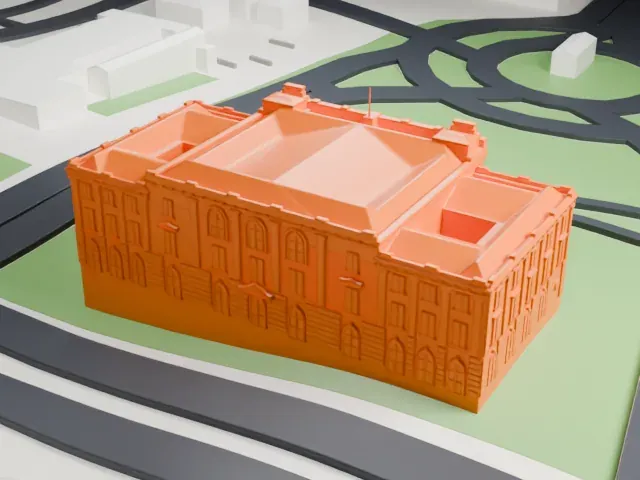 North
North
-
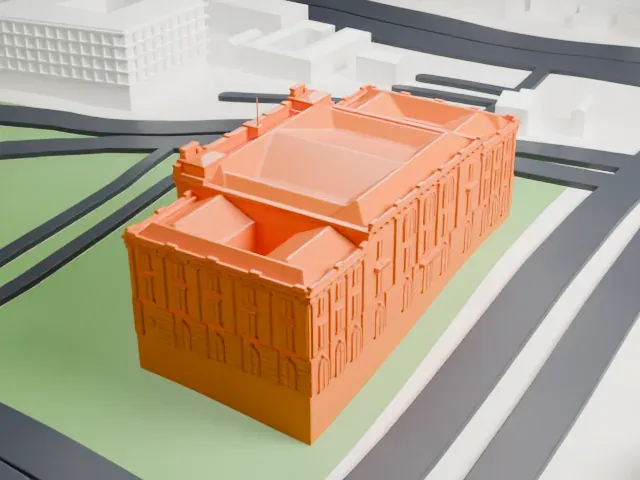 East
East
-
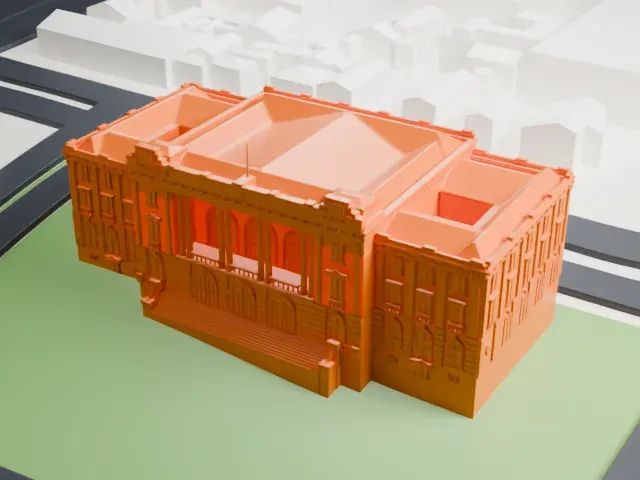 South
South
-
 West
West
- Front steps and tall windows
- A staircase leads up to the main entrance, and tall arched windows run across the facade. A layer height of 0.12–0.16 mm keeps these crisp, and a bigger print size keeps them distinct.
- Detailed cornices and roof edges
- Decorative bands and cornices line the walls and roof edges. Print friendly adapts these small details to the print scale; Full detail keeps them on larger prints.
- One piece with the ground
- Maputo City Hall is joined to the ground in the exported file, and the four-side check found no floating parts, so nothing needs gluing.
- Pick the detail for your nozzle
- In the Buildings settings, set Landmark detail to Print friendly to adapt thin parts and small details to the print scale. Full detail keeps every modeled feature, for larger prints or a finer nozzle.
- Colors
- Buildings, roads, water and ground arrive as separate filament slots in the 3MF. Maputo City Hall takes the building color.
- File format
- You get a 3MF for Bambu Studio, OrcaSlicer or PrusaSlicer. Any of them can save it as STL if you need one.
About this model
Maputo City Hall is one of more than 2,300 landmark models in Mini Skyline. They are made with AI, and each one is checked from four sides in its real surroundings before release. Everything around it is built from OpenStreetMap and Overture map data. If you would rather print the shape from map data, turn off Landmark models in the Buildings settings.
Common questions
Is there a Maputo City Hall STL I can download?
Mini Skyline builds the file for you in your browser and exports 3MF, which every major slicer opens. If you need an STL, open the 3MF in your slicer and export it from there.
How big can I print it?
Any print size from 40 mm across. Maputo City Hall grows with the print: about 9 mm tall on the default 160 mm print. For a model larger than your printer bed, Project Mode splits the area into tiles.
Is it free?
Yes. Generation runs in your browser, with no account and nothing behind a paywall.