3D print the Marquee Theatre
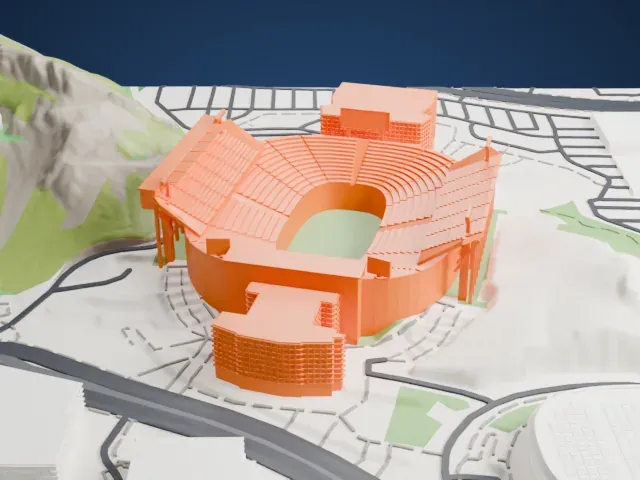
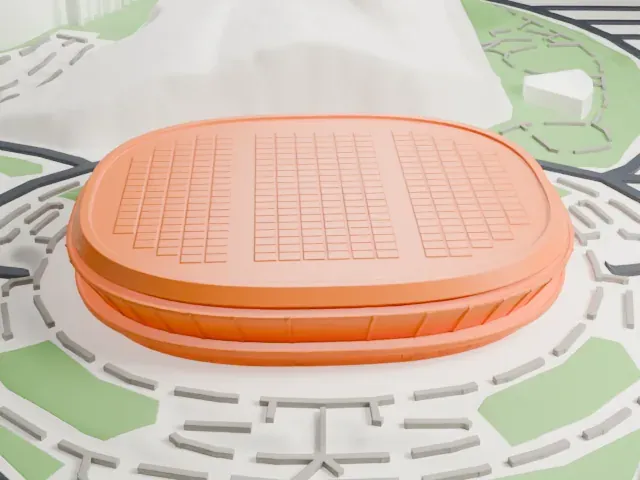
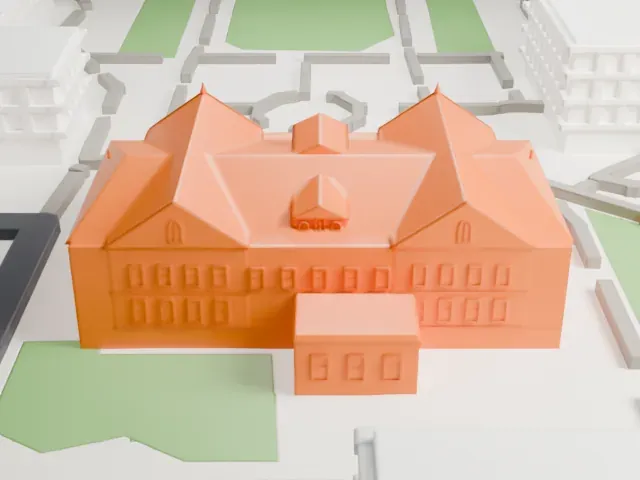
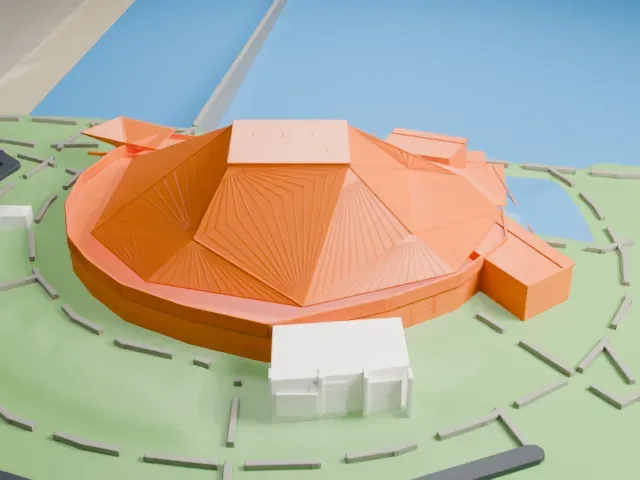
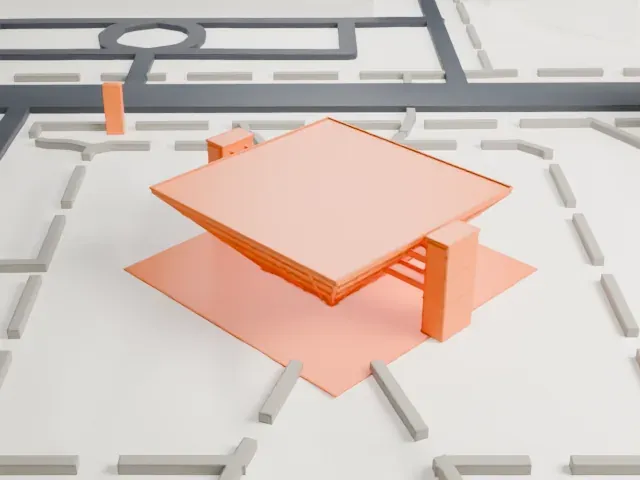
A free, printable 3D model of the Marquee Theatre, with its curved, ribbed roof, and the roads and open ground around it, generated from real map data in your browser.
Free, in your browser. Exports a slicer-ready 3MF.

About the Marquee Theatre
Marquee Theatre, a music venue in Tempe, Arizona, lies beside Tempe Town Lake's north shore, close to the Mill Avenue Bridge. It stands at the corner of Mill Avenue and Washington Street, in Tempe's main business and entertainment district. It started life as the Red River Opry, also called the Red River Music Hall.
The Red River Opry opened in January 1993 and focused on country music. It filed for bankruptcy in 2001, then shut down before the year ended. In 2002 Nobody In Particular Presents bought the building; after a year of renovation, it reopened in March 2003 as a theater. A year later, Tom LaPenna bought it. Festival seating is used, and the rear of the house lies about 80 feet from the stage. The theater is popular with students from nearby Arizona State University.
How it prints
Make this print opens the generator on a 600 m square around the landmark. Buildings print at close to true scale, so the landmark grows with the print size.
| Print size | Landmark height | Scale |
|---|---|---|
| 160 mm default | 3 mm | 1:3,750 |
| 200 mm | 4 mm | 1:3,000 |
| 256 mm | 5 mm | 1:2,344 |
-
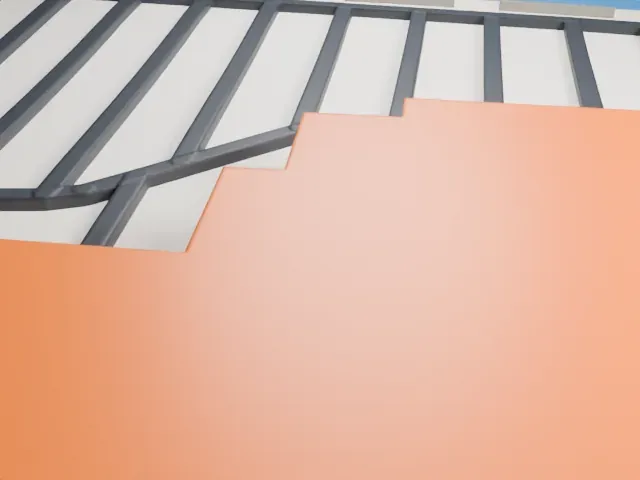
 North
North
-
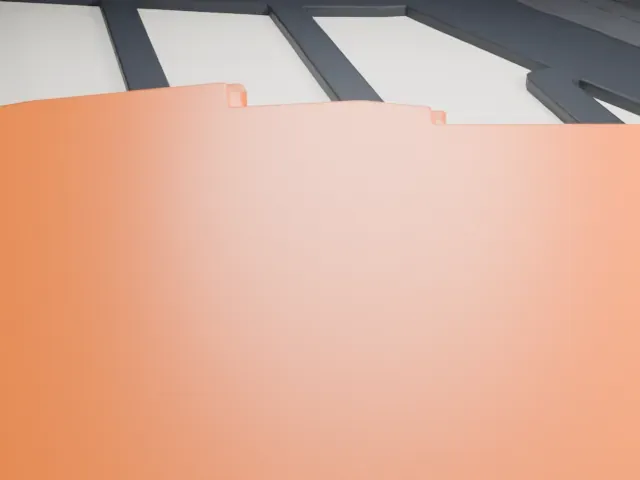
 East
East
-
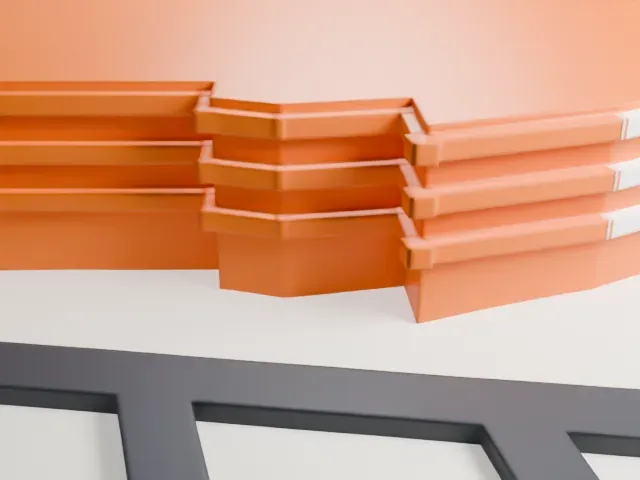 South
South
-
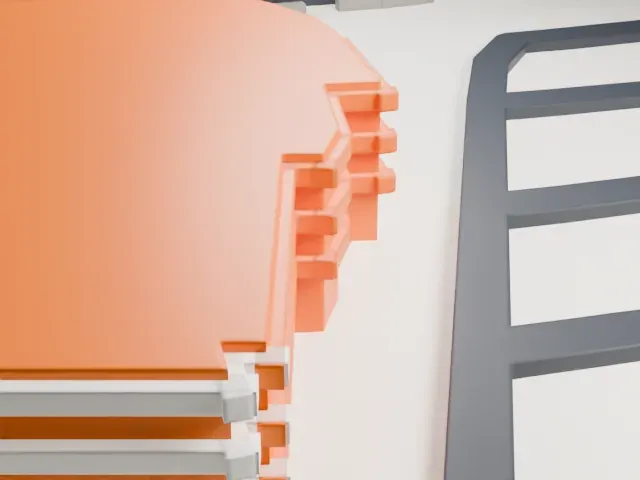 West
West
- Curved, ribbed roof
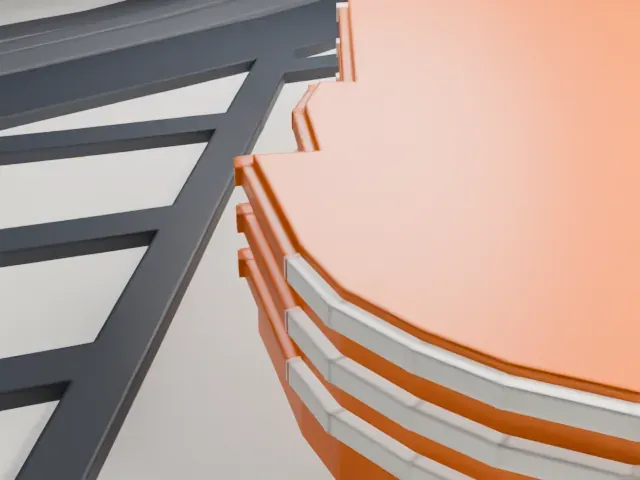
- The fan-shaped roof is built from many thin stepped rings. Print friendly merges them at small scale; Full detail keeps every ring, and a layer height of 0.12 to 0.16 mm keeps the curve smooth.
- One piece with the ground
- The Marquee Theatre is joined to the ground in the exported file, and the four-side check found no floating parts, so nothing needs gluing.
- Pick the detail for your nozzle
- In the Buildings settings, set Landmark detail to Print friendly to adapt thin parts and small details to the print scale. Full detail keeps every modeled feature, for larger prints or a finer nozzle.
- Colors
- Buildings, roads, water and ground arrive as separate filament slots in the 3MF. The Marquee Theatre takes the building color.
- File format
- You get a 3MF for Bambu Studio, OrcaSlicer or PrusaSlicer. Any of them can save it as STL if you need one.
About this model
The Marquee Theatre is one of more than 2,300 landmark models in Mini Skyline. They are made with AI, and each one is checked from four sides in its real surroundings before release. Everything around it is built from OpenStreetMap and Overture map data. If you would rather print the shape from map data, turn off Landmark models in the Buildings settings.
Common questions
Is there a Marquee Theatre STL I can download?
Mini Skyline builds the file for you in your browser and exports 3MF, which every major slicer opens. If you need an STL, open the 3MF in your slicer and export it from there.
How big can I print it?
Any print size from 40 mm across. The Marquee Theatre grows with the print: about 3 mm tall on the default 160 mm print. For a model larger than your printer bed, Project Mode splits the area into tiles.
Is it free?
Yes. Generation runs in your browser, with no account and nothing behind a paywall.