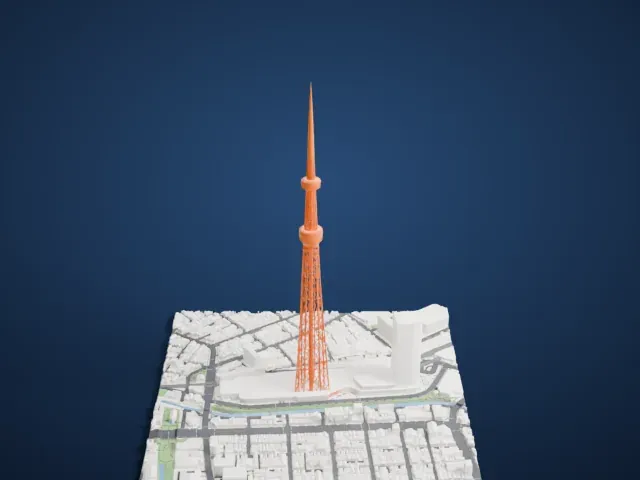
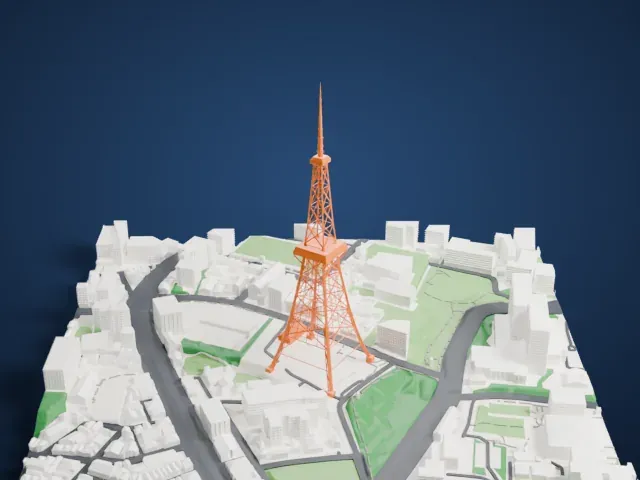
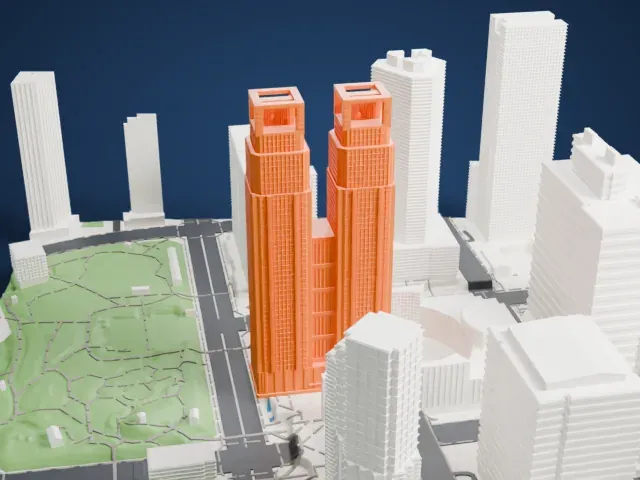
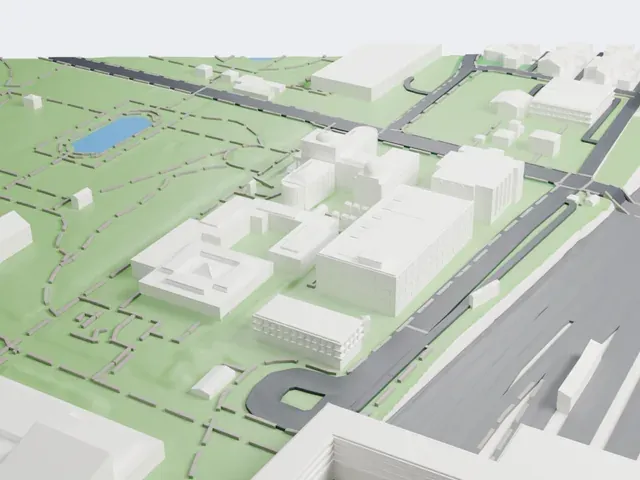
3D print Meiji Shrine
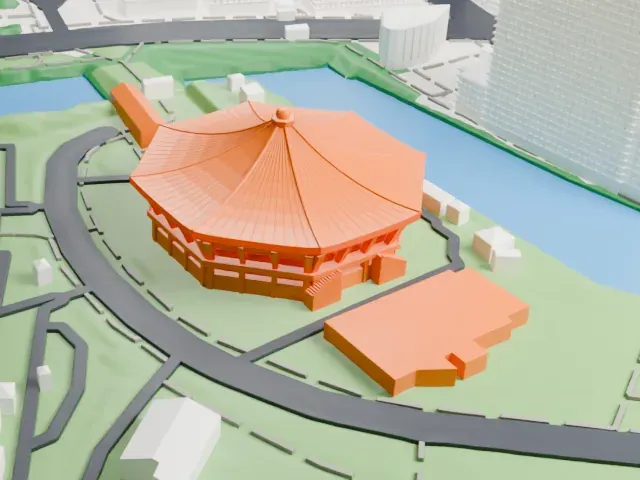
A free, printable model of Meiji Shrine's layered roofs and surrounding covered corridors, with the green parkland, footpaths and nearby buildings around it, generated from real map data in your browser.
Free, in your browser. Exports a slicer-ready 3MF.
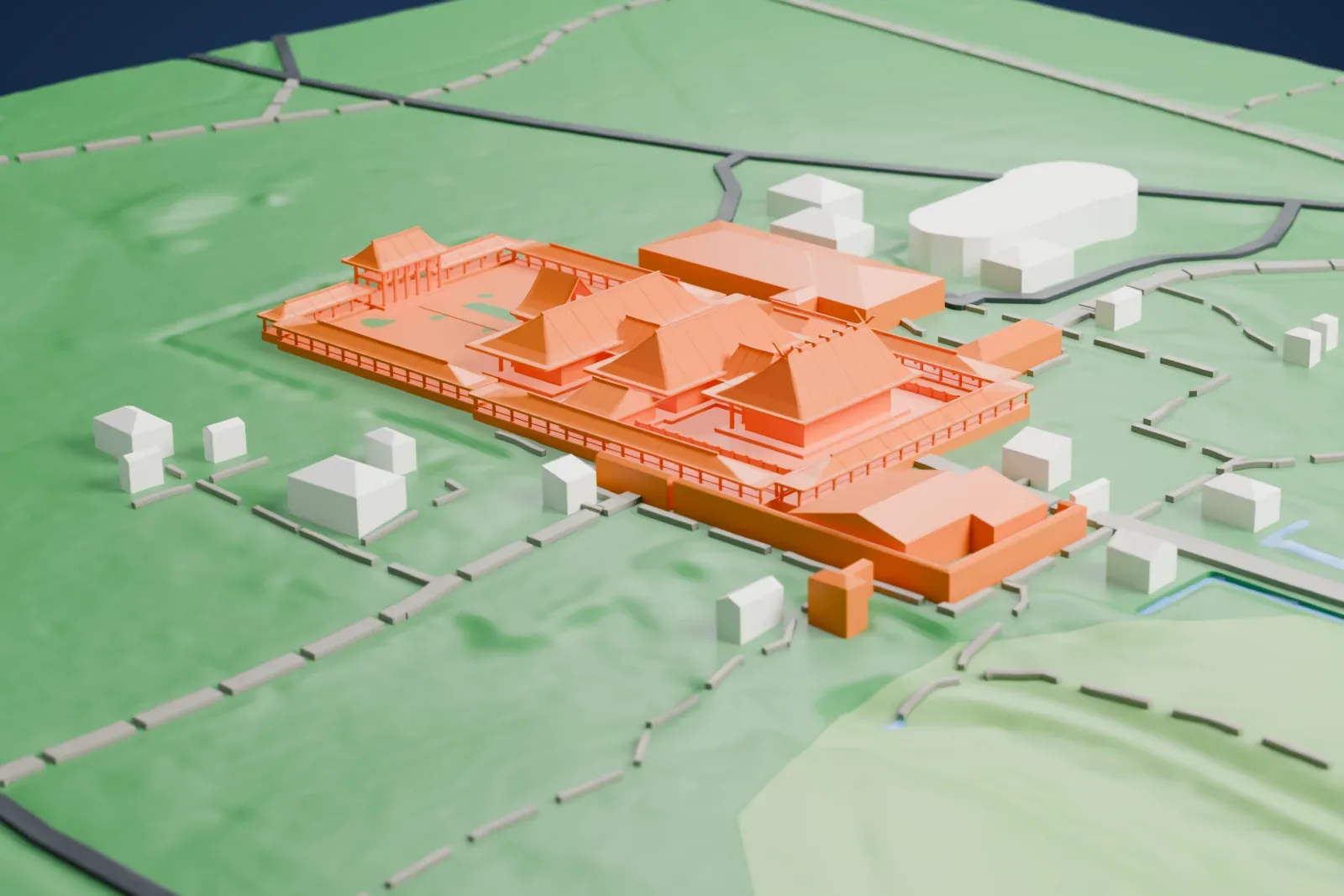
About Meiji Shrine
Meiji Shrine, in Shibuya, Tokyo, is a Shinto shrine. It is dedicated to Empress Shōken and her husband, Emperor Meiji, in the form of their deified spirits. The emperor's grave is elsewhere, at Fushimi-momoyama south of Kyoto. The Japanese Diet resolved to honor the emperor's role in the Meiji Restoration after he died in 1912. The site chosen was an iris garden in a part of Tokyo that the imperial couple were known to visit.
Itō Chūta led the work, which began in 1915, and the traditional nagare-zukuri style was used for the building, mainly in Japanese cypress and copper. It was a national project, with youth groups and civic associations across Japan donating labor and funding. The dedication took place on November 3, 1920; the shrine was complete in 1921, and the grounds were finished by 1926. Tokyo air raids in World War II destroyed the original building, and the rebuilt shrine, funded by public fund raising, was completed in October 1958.
The shrine sits in a forest of 70 hectares (170 acres). People from all over Japan gave the forest's 120,000 trees, of 365 species, when the shrine was founded. The inner precinct, the Naien, centers on the shrine buildings, and a treasure museum is part of it. The outer precinct, the Gaien, holds the Meiji Memorial Picture Gallery, with 80 large murals showing scenes from the lives of Emperor Meiji and Empress Shōken, along with several sports facilities.
How it prints
Make this print opens the generator on a 600 m square around the landmark. Buildings print at close to true scale, so the landmark grows with the print size.
| Print size | Landmark height | Scale |
|---|---|---|
| 160 mm default | 6 mm | 1:3,750 |
| 200 mm | 7 mm | 1:3,000 |
| 256 mm | 9 mm | 1:2,344 |
-
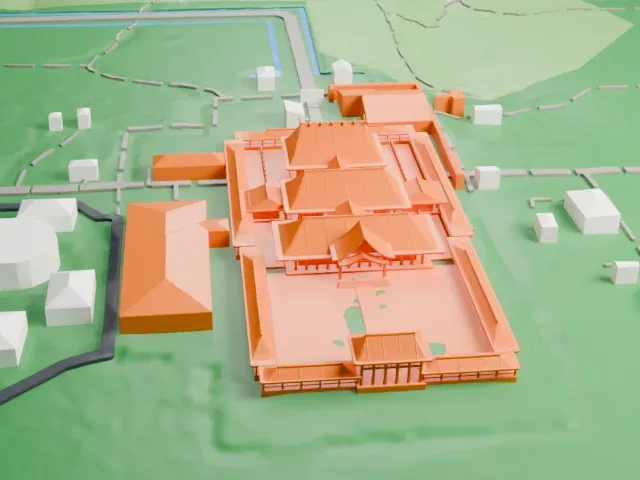 North
North
-
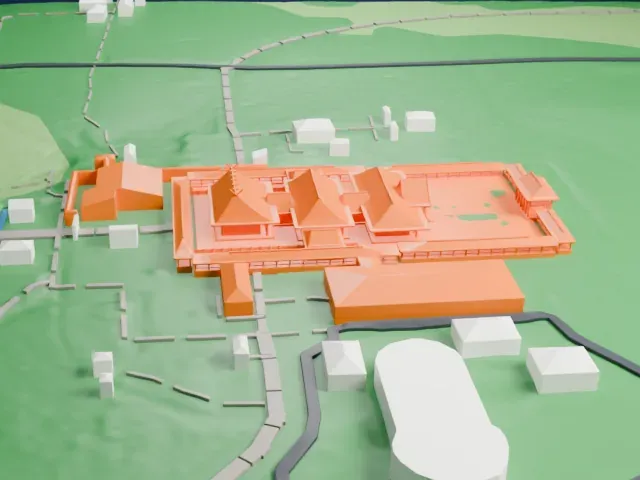 East
East
-
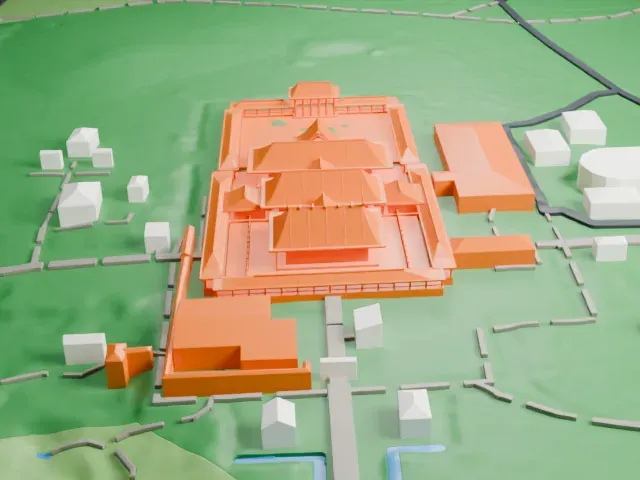 South
South
-
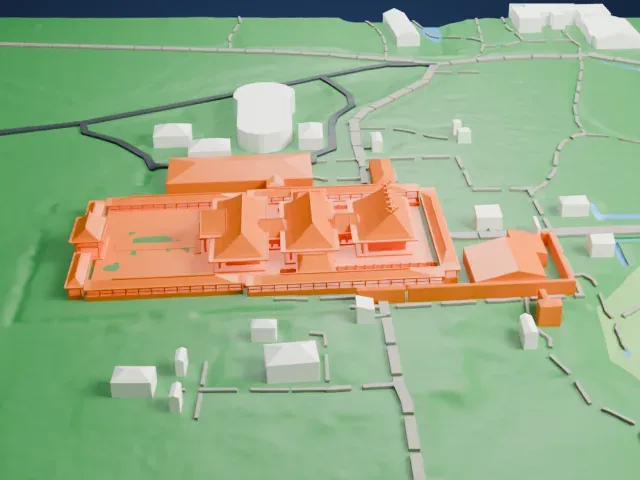 West
West
- Deep eaves on thin posts
- The roofs have wide, deep eaves held up by thin posts. Print friendly adapts these thin parts to your print scale; Full detail keeps every post, best for a larger print or a fine nozzle.
- Railings along the corridors
- Thin railings line the covered corridors around the courtyard. A larger print keeps them readable, and layers of 0.12 to 0.16 mm keep their edges crisp.
- One piece with the ground
- Meiji Shrine is joined to the ground in the exported file, and the four-side check found no floating parts, so nothing needs gluing.
- Pick the detail for your nozzle
- In the Buildings settings, set Landmark detail to Print friendly to adapt thin parts and small details to the print scale. Full detail keeps every modeled feature, for larger prints or a finer nozzle.
- Colors
- Buildings, roads, water and ground arrive as separate filament slots in the 3MF. Meiji Shrine takes the building color.
- File format
- You get a 3MF for Bambu Studio, OrcaSlicer or PrusaSlicer. Any of them can save it as STL if you need one.
About this model
Meiji Shrine is one of more than 2,300 landmark models in Mini Skyline. They are made with AI, and each one is checked from four sides in its real surroundings before release. Everything around it is built from OpenStreetMap and Overture map data. If you would rather print the shape from map data, turn off Landmark models in the Buildings settings.
Common questions
Is there a Meiji Shrine STL I can download?
Mini Skyline builds the file for you in your browser and exports 3MF, which every major slicer opens. If you need an STL, open the 3MF in your slicer and export it from there.
How big can I print it?
Any print size from 40 mm across. Meiji Shrine grows with the print: about 6 mm tall on the default 160 mm print. For a model larger than your printer bed, Project Mode splits the area into tiles.
Is it free?
Yes. Generation runs in your browser, with no account and nothing behind a paywall.