3D print the National Palace Museum
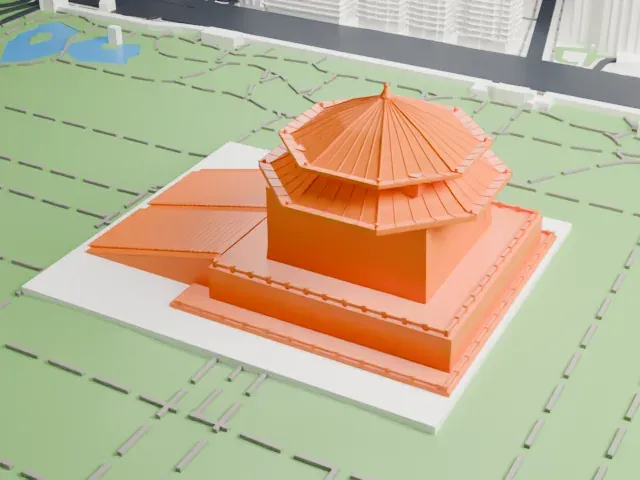
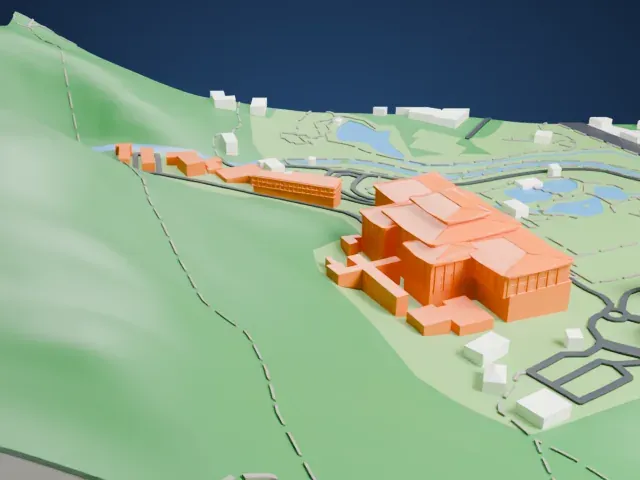
A free, printable model of the National Palace Museum, a large building with stacked, overlapping hipped roofs, on a green hillside with roads and buildings around it, generated from real map data in your browser.
Free, in your browser. Exports a slicer-ready 3MF.
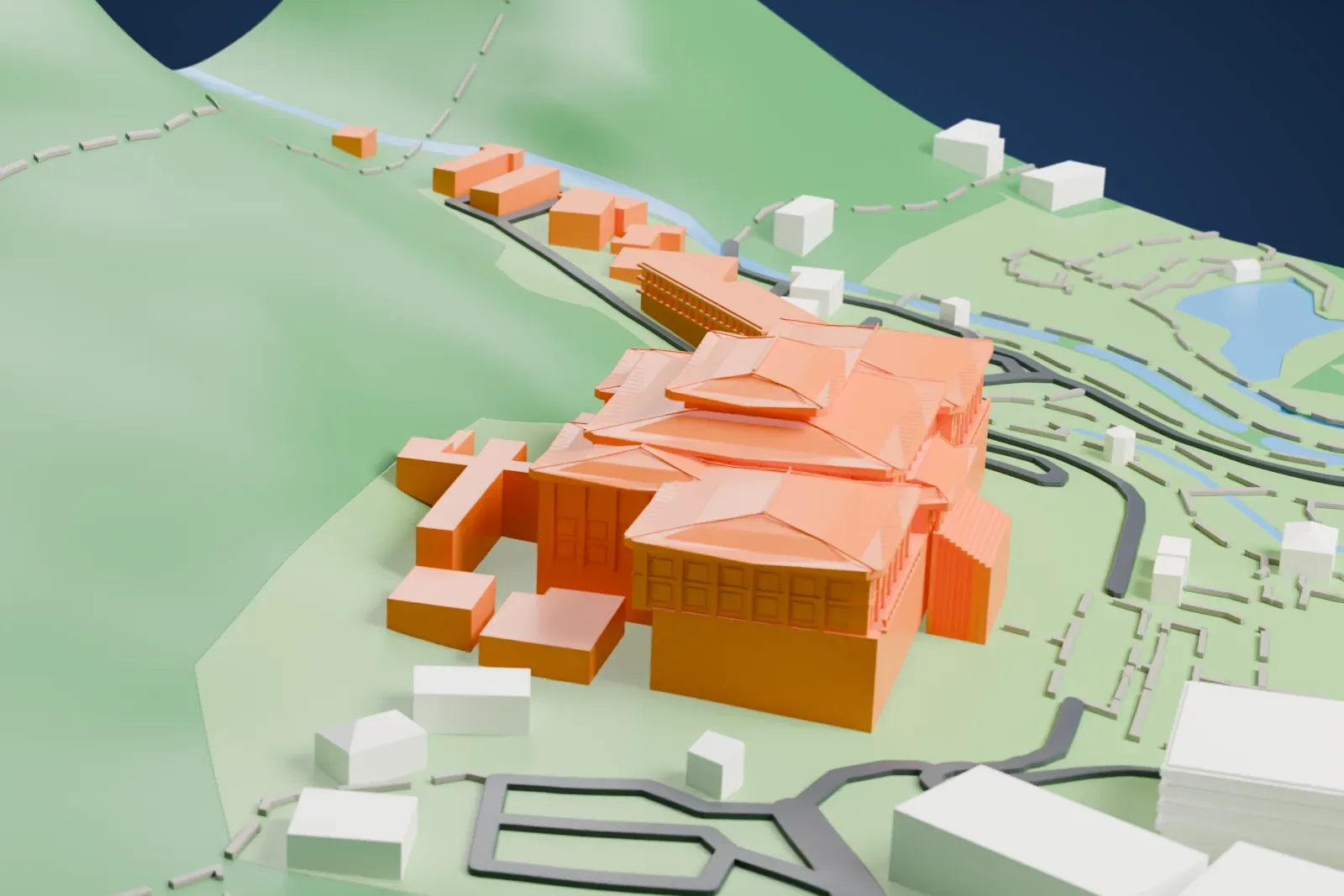
About the National Palace Museum
The National Palace Museum, which also goes by Taipei Palace Museum, has its headquarters in Taipei, Taiwan, as a national museum. Its roots lie in the Palace Museum set up in the Forbidden City on October 10, 1925. In 1965 it was set up again in Shilin, Taipei, and a southern branch in Taibao, Chiayi, followed in 2015. Before 1965, the collections were kept temporarily at various places across Taiwan.
Its permanent collection numbers nearly 700,000 artifacts and artworks, most of them moved from the Palace Museum in Beijing and from other institutions in mainland China. The collection reaches back 8,000 years, starting in the Neolithic and running to the modern era. Like the Palace Museum in Beijing, its holdings draw on the Ming and Qing imperial collections of the Forbidden City. Chinese calligraphy, porcelain, bronzes, paintings and jades are among the holdings.
Huang Baoyu designed the main building in Taipei, which was built between March 1964 and August 1965. Expansions followed in 1967, 1970, 1984 and 1996, and a major US$21 million renovation in 2002 ended with the museum reopening in February 2007. Within the compound, the Zhishan Garden, in classical Chinese Song and Ming style, occupies 1.88 hectares (18,800 m2) and has wooden Chinese pavilions, ponds and waterworks. It opened in 1985.
How it prints
Make this print opens the generator on a 600 m square around the landmark. Buildings print at close to true scale, so the landmark grows with the print size.
| Print size | Landmark height | Scale |
|---|---|---|
| 160 mm default | 13 mm | 1:3,750 |
| 200 mm | 16 mm | 1:3,000 |
| 256 mm | 20 mm | 1:2,344 |
-
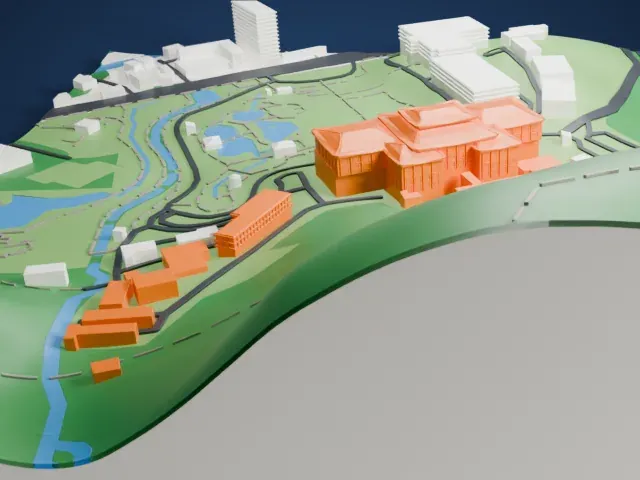 North
North
-
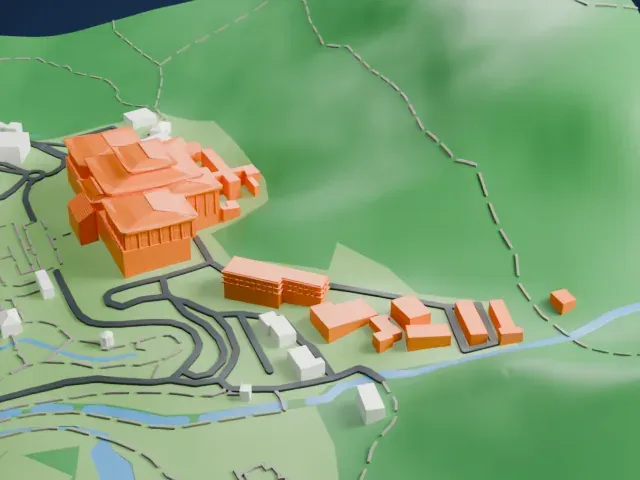 East
East
-
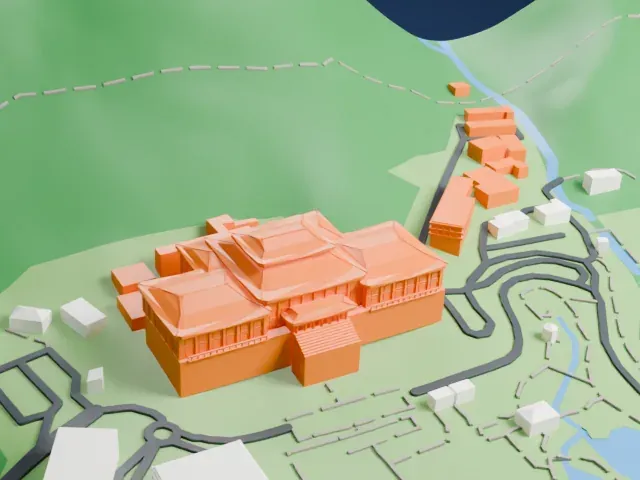 South
South
-
 West
West
- Stacked tiled roofs
- Several overlapping hipped roofs carry fine tile lines, and slender columns line the upper galleries. Print friendly adapts these details to the print scale; Full detail keeps them, best on a larger print with 0.12–0.16 mm layers.
- A tall plain base
- The roofs sit on a tall, plain wall base. A larger print size gives the roof detail more room to read clearly above it.
- One piece with the ground
- The National Palace Museum is joined to the ground in the exported file, and the four-side check found no floating parts, so nothing needs gluing.
- Pick the detail for your nozzle
- In the Buildings settings, set Landmark detail to Print friendly to adapt thin parts and small details to the print scale. Full detail keeps every modeled feature, for larger prints or a finer nozzle.
- Colors
- Buildings, roads, water and ground arrive as separate filament slots in the 3MF. The National Palace Museum takes the building color.
- File format
- You get a 3MF for Bambu Studio, OrcaSlicer or PrusaSlicer. Any of them can save it as STL if you need one.
About this model
The National Palace Museum is one of more than 2,300 landmark models in Mini Skyline. They are made with AI, and each one is checked from four sides in its real surroundings before release. Everything around it is built from OpenStreetMap and Overture map data. If you would rather print the shape from map data, turn off Landmark models in the Buildings settings.
Common questions
Is there a National Palace Museum STL I can download?
Mini Skyline builds the file for you in your browser and exports 3MF, which every major slicer opens. If you need an STL, open the 3MF in your slicer and export it from there.
How big can I print it?
Any print size from 40 mm across. The National Palace Museum grows with the print: about 13 mm tall on the default 160 mm print. For a model larger than your printer bed, Project Mode splits the area into tiles.
Is it free?
Yes. Generation runs in your browser, with no account and nothing behind a paywall.