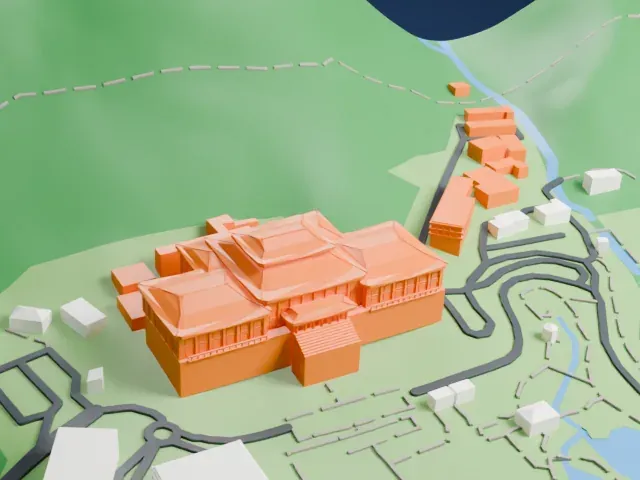
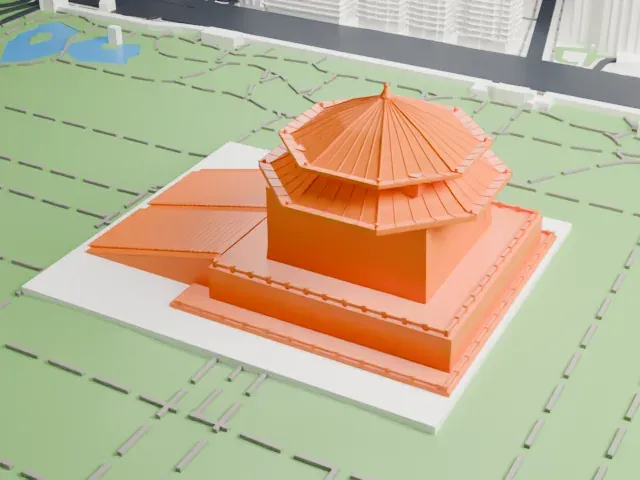
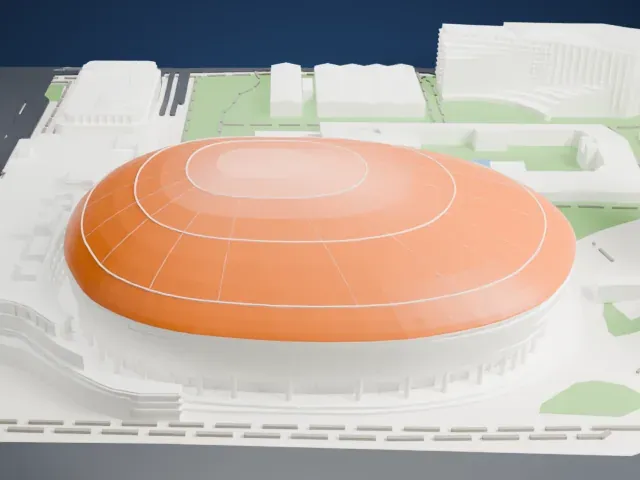
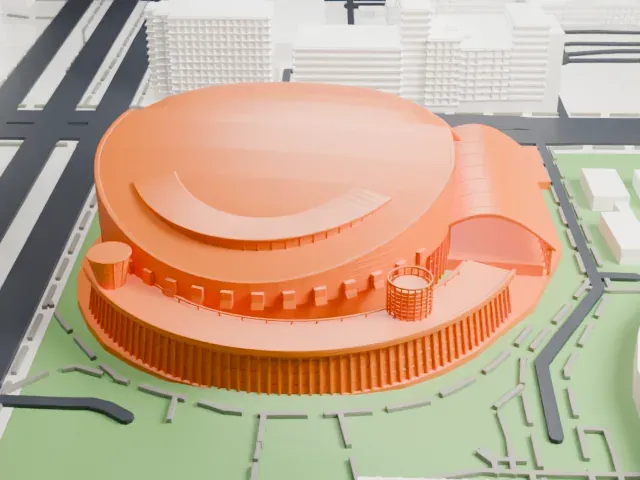
3D print Taipei 101
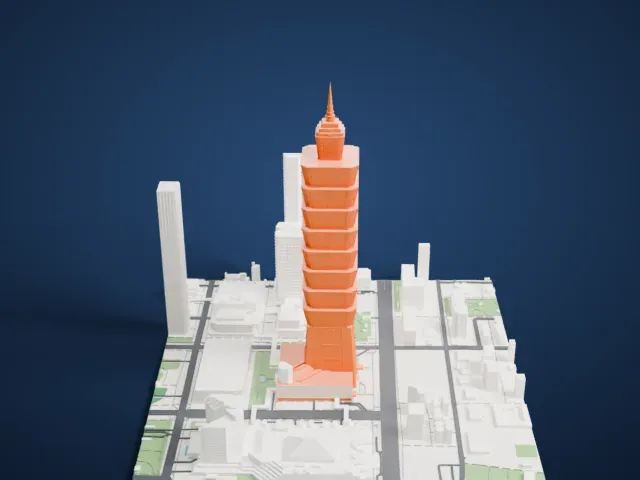
A free, printable model of Taipei 101 with its stacked sections and slim spire, and the roads, small parks and buildings around it in Taipei, generated from real map data in your browser.
Free, in your browser. Exports a slicer-ready 3MF.
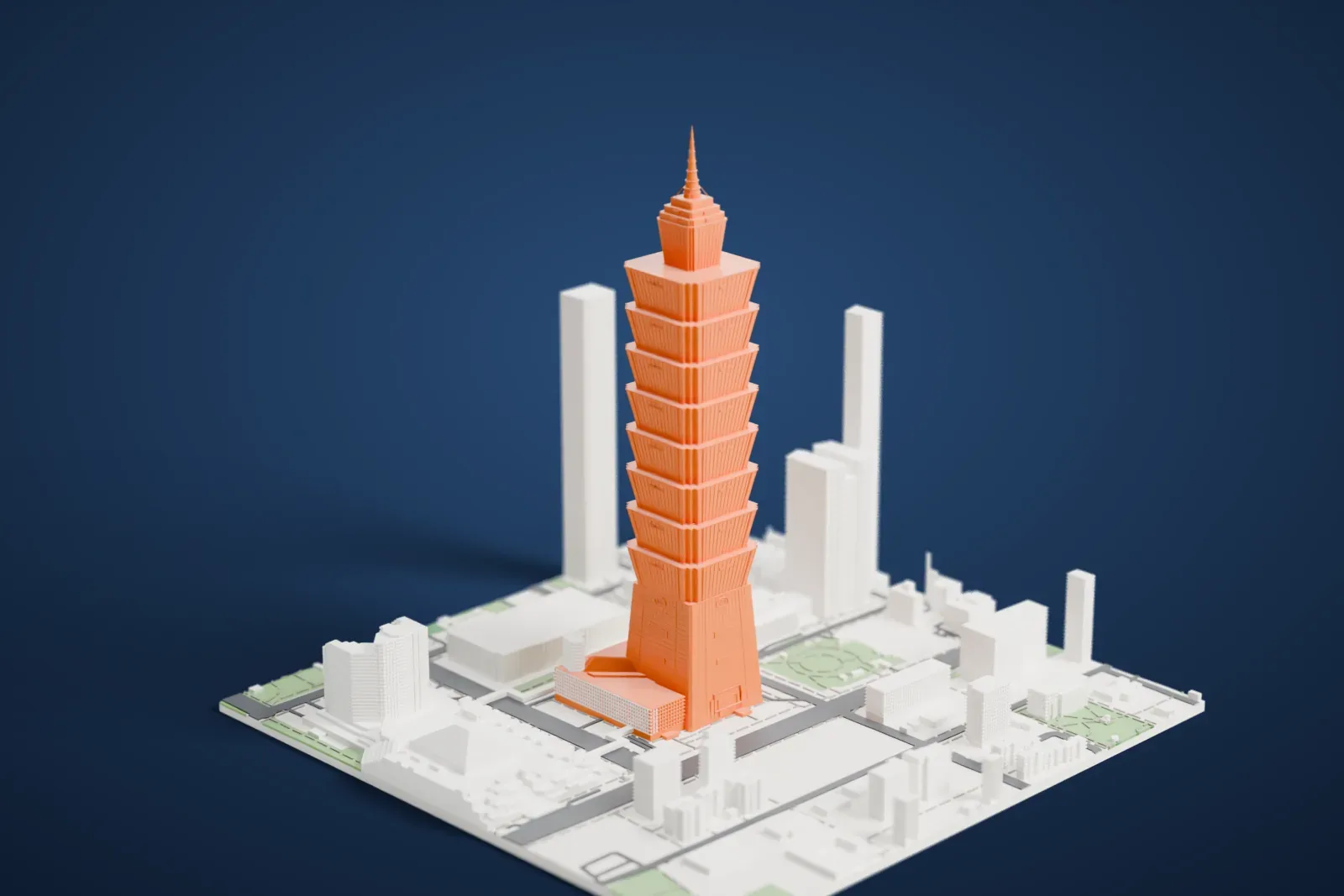
About Taipei 101
Taipei 101 is a 101-story skyscraper in Taipei, Taiwan, standing 508 meters (1,667 ft) tall. It was formerly called the Taipei World Financial Center, and the Taipei Financial Center Corporation is its owner. Planning began in July 1997, and in the summer of 2000 the city issued a license for the 101-story tower. The formal opening took place on December 31, 2004. From its opening until 2009, when the Burj Khalifa passed it, it was officially the world's tallest building.
The design is described as postmodernist and neo-futurist, evoking traditional Asian aesthetics through a modern structure of industrial materials. It includes features that let the building withstand earthquakes and tropical storms. Its Toshiba elevators were the fastest in the world when the tower was completed, and the ride from the 5th floor to the 89th took 37 seconds. In 2011 the tower earned a LEED Platinum certificate for energy efficiency and environmental design.
Inside are offices, restaurants and shops, along with indoor and outdoor observatories. A multilevel shopping mall adjoins the tower, and its exterior carries the world's largest ruyi symbol. International media regularly use the tower as an icon of Taipei, and its New Year's Eve fireworks are a regular part of celebration broadcasts.
How it prints
Make this print opens the generator on a 600 m square around the landmark. Buildings print at close to true scale, so the landmark grows with the print size.
| Print size | Landmark height | Scale |
|---|---|---|
| 160 mm default | 136 mm | 1:3,750 |
| 200 mm | 170 mm | 1:3,000 |
| 256 mm | 217 mm | 1:2,344 |
-
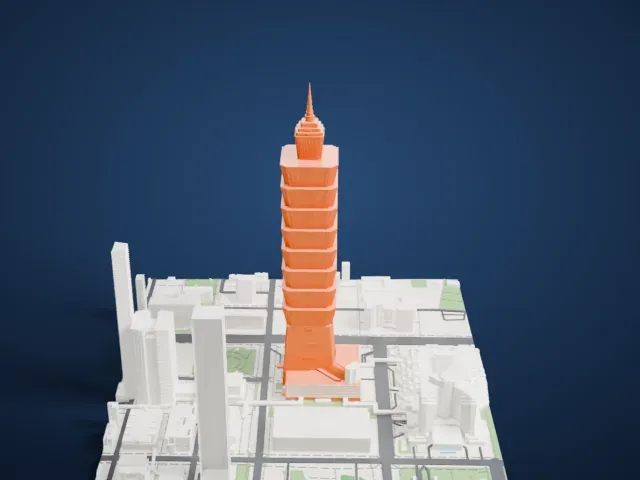 North
North
-
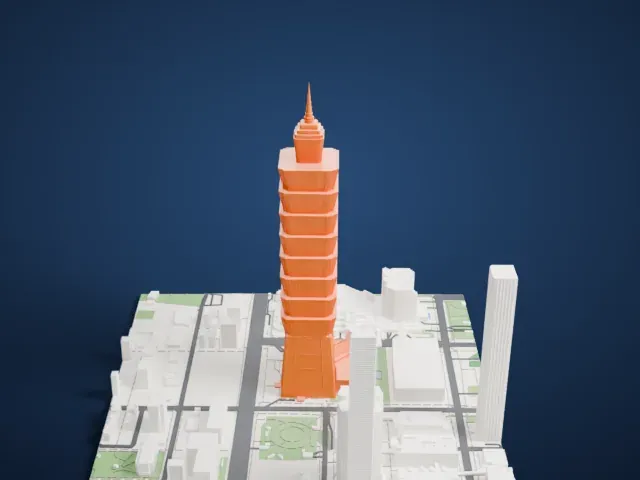 East
East
-
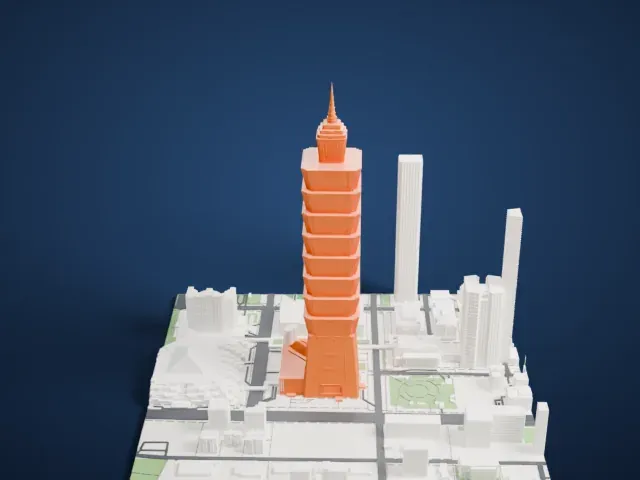 South
South
-
 West
West
- Slim spire at the top
- The tower ends in a narrow spire. Printing slowly and letting layers cool helps the tip, and layers of 0.12 to 0.16 mm keep it crisp.
- Stacked, flared sections
- The shaft is a stack of sections that flare outward. A larger print size keeps their edges distinct, and Full detail keeps every modeled feature.
- One piece with the ground
- Taipei 101 is joined to the ground in the exported file, and the four-side check found no floating parts, so nothing needs gluing.
- Pick the detail for your nozzle
- In the Buildings settings, set Landmark detail to Print friendly to adapt thin parts and small details to the print scale. Full detail keeps every modeled feature, for larger prints or a finer nozzle.
- Colors
- Buildings, roads, water and ground arrive as separate filament slots in the 3MF. Taipei 101 takes the building color.
- File format
- You get a 3MF for Bambu Studio, OrcaSlicer or PrusaSlicer. Any of them can save it as STL if you need one.
About this model
Taipei 101 is one of more than 2,300 landmark models in Mini Skyline. They are made with AI, and each one is checked from four sides in its real surroundings before release. Everything around it is built from OpenStreetMap and Overture map data. If you would rather print the shape from map data, turn off Landmark models in the Buildings settings.
Common questions
Is there a Taipei 101 STL I can download?
Mini Skyline builds the file for you in your browser and exports 3MF, which every major slicer opens. If you need an STL, open the 3MF in your slicer and export it from there.
How big can I print it?
Any print size from 40 mm across. Taipei 101 grows with the print: about 136 mm tall on the default 160 mm print. For a model larger than your printer bed, Project Mode splits the area into tiles.
Is it free?
Yes. Generation runs in your browser, with no account and nothing behind a paywall.