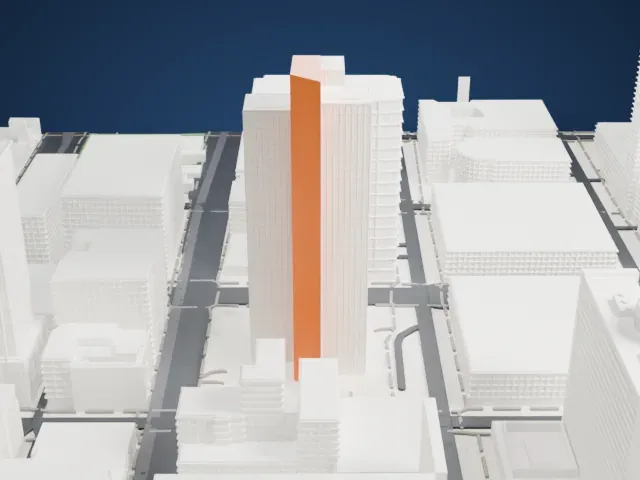
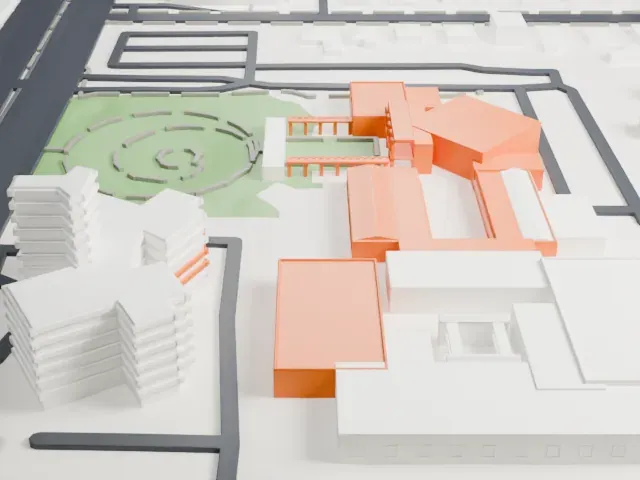
3D print Phoenix Convention Center West
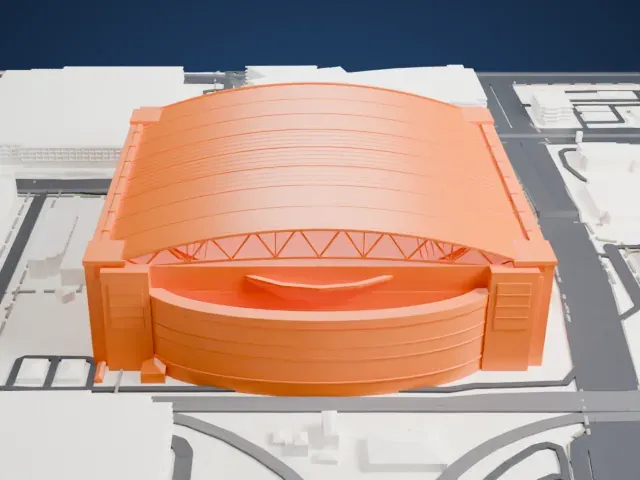
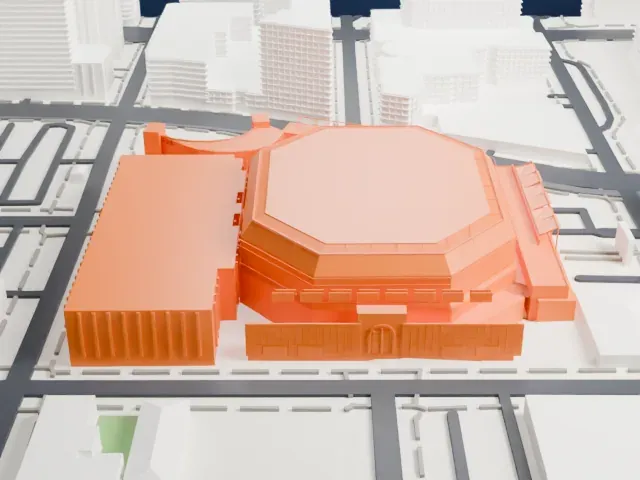
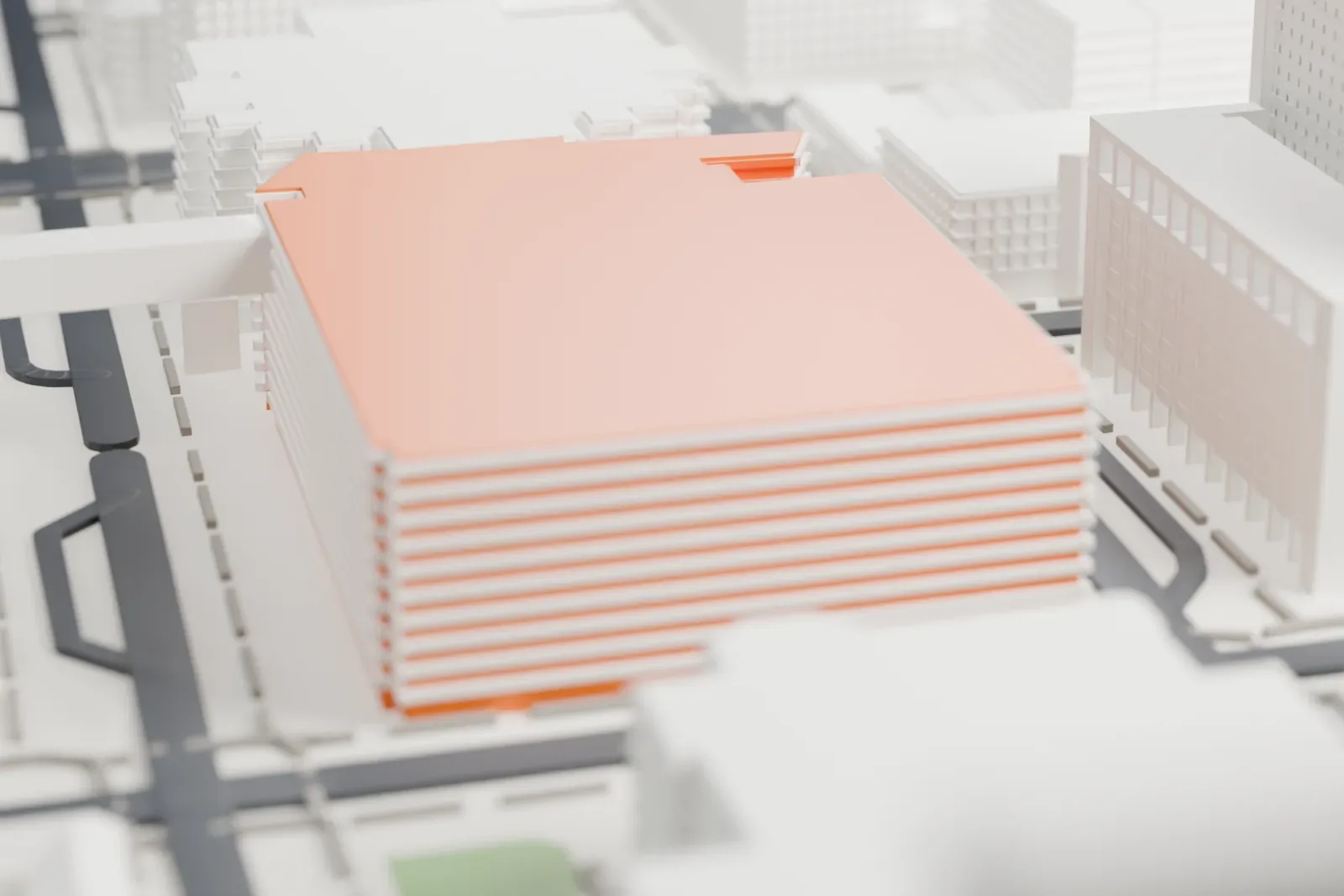
A free, printable model of the Phoenix Convention Center West Building, a wide, low hall with a glass-walled corner and a rooftop frame, beside city streets, generated from real map data in your browser.
Free, in your browser. Exports a slicer-ready 3MF.
About Phoenix Convention Center West
Formerly known as the Phoenix Civic Plaza, the Phoenix Convention Center is a downtown Phoenix, Arizona, events venue that opened in 1972. It is made up of three buildings. An underground shared exhibit hall and a skyway bridge across Third Street link the North and West buildings, while the South building stands on its own.
An expansion in several phases, costing $600 million, nearly tripled the center's size. Phase I opened in 2006; Populous was design architect and Leo A. Daly was prime and managing architect. For Phase II, finished in 2008, Populous acted as design architect and architect of record, and the 1972 structure was demolished and replaced by a new one.
The design aims to evoke the landscape of Arizona, with steel canopies shading Third Street. In the West Building, a large atrium of glass and stone represents an Arizona slot canyon, with its angles and its light. Colors, textures and finishes echo the cool tones of the desert sky and the warm shades of the Sonoran Desert.
How it prints
Make this print opens the generator on a 600 m square around the landmark. Buildings print at close to true scale, so the landmark grows with the print size.
| Print size | Landmark height | Scale |
|---|---|---|
| 160 mm default | 11 mm | 1:3,750 |
| 200 mm | 14 mm | 1:3,000 |
| 256 mm | 18 mm | 1:2,344 |
-
 North
North
-
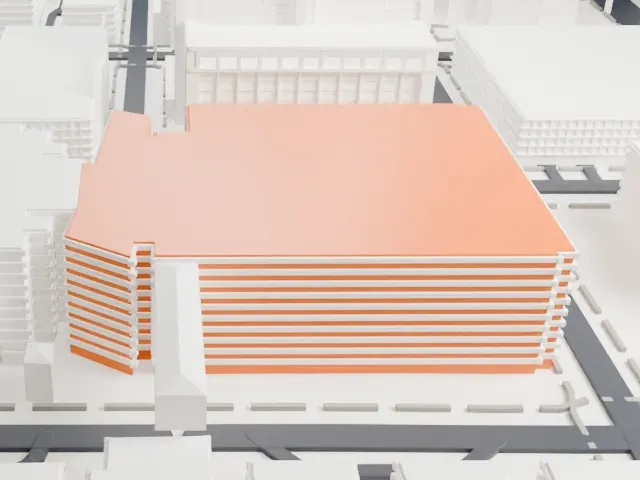 East
East
-
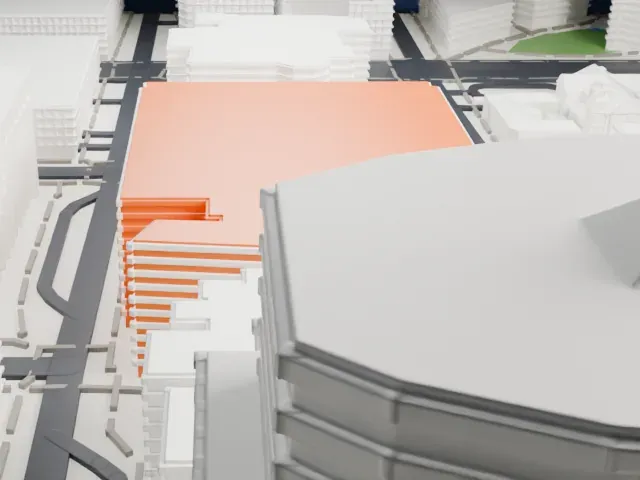 South
South
-
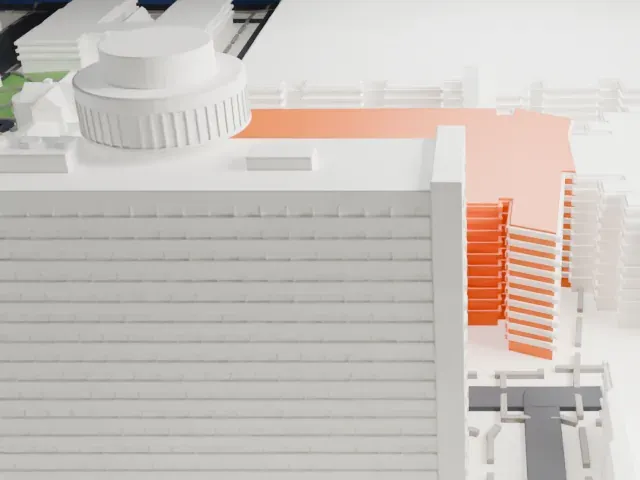 West
West
- Glass corner and rooftop frame
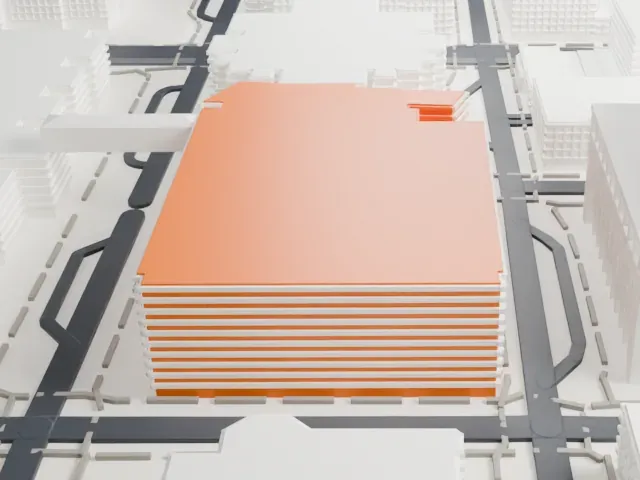
- A glass-walled corner and a thin frame along the roof edge are the finest parts of this wide, low hall. Print friendly adapts them to the print scale; a larger print size and Full detail keep more.
- One piece with the ground
- Phoenix Convention Center West is joined to the ground in the exported file, and the four-side check found no floating parts, so nothing needs gluing.
- Pick the detail for your nozzle
- In the Buildings settings, set Landmark detail to Print friendly to adapt thin parts and small details to the print scale. Full detail keeps every modeled feature, for larger prints or a finer nozzle.
- Colors
- Buildings, roads, water and ground arrive as separate filament slots in the 3MF. Phoenix Convention Center West takes the building color.
- File format
- You get a 3MF for Bambu Studio, OrcaSlicer or PrusaSlicer. Any of them can save it as STL if you need one.
About this model
Phoenix Convention Center West is one of more than 2,300 landmark models in Mini Skyline. They are made with AI, and each one is checked from four sides in its real surroundings before release. Everything around it is built from OpenStreetMap and Overture map data. If you would rather print the shape from map data, turn off Landmark models in the Buildings settings.
Common questions
Is there a Phoenix Convention Center West STL I can download?
Mini Skyline builds the file for you in your browser and exports 3MF, which every major slicer opens. If you need an STL, open the 3MF in your slicer and export it from there.
How big can I print it?
Any print size from 40 mm across. Phoenix Convention Center West grows with the print: about 11 mm tall on the default 160 mm print. For a model larger than your printer bed, Project Mode splits the area into tiles.
Is it free?
Yes. Generation runs in your browser, with no account and nothing behind a paywall.