3D print the Phoenix Towers
A free, printable model of the Phoenix Towers, a 14-story building with four wings in an X shape, and the streets and open ground around it, generated from real map data in your browser.
Free, in your browser. Exports a slicer-ready 3MF.
About the Phoenix Towers
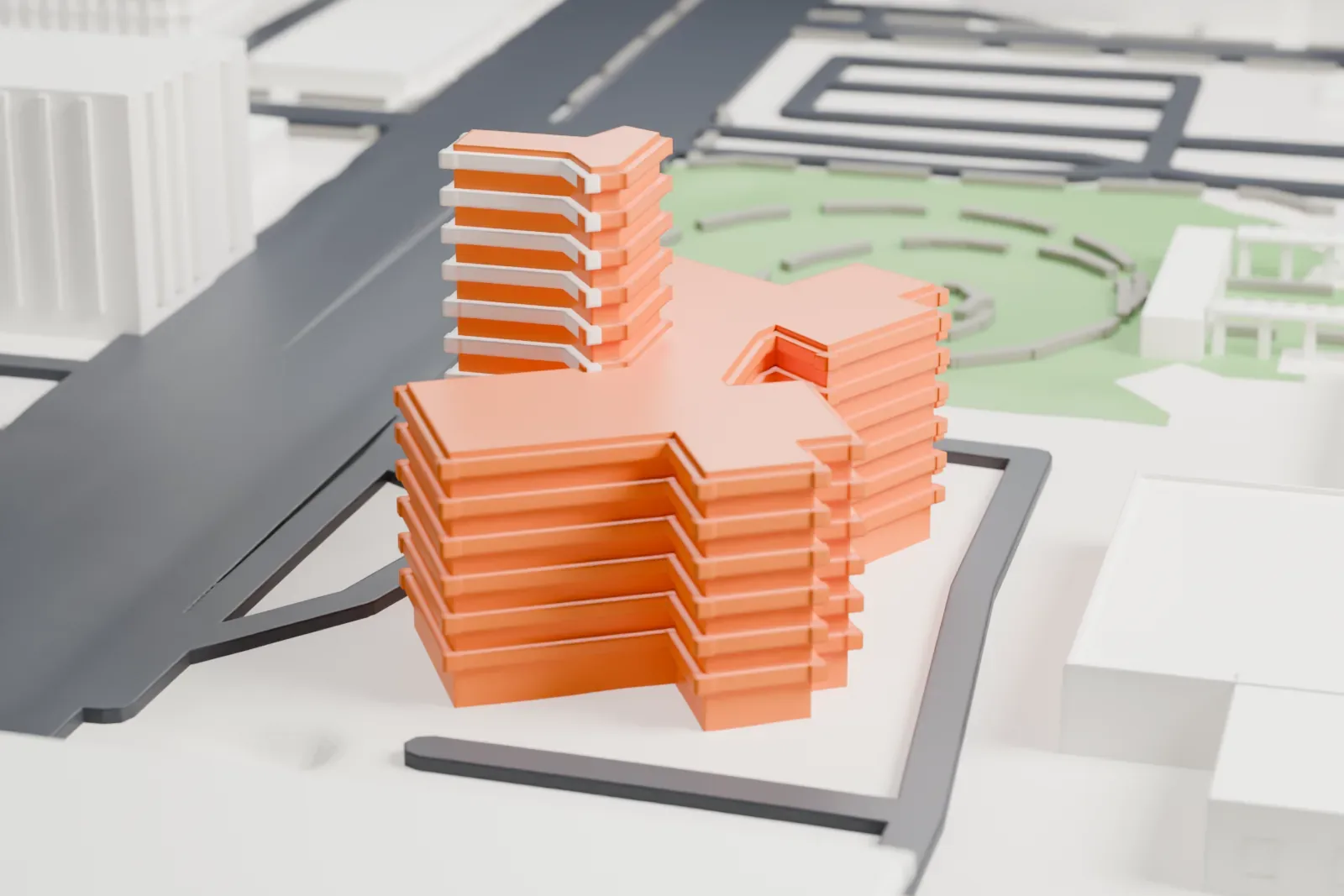
Ralph C. Harris designed the Phoenix Towers, and Del E. Webb built them in the Modern Movement style. Completed in 1957, the buildings sit where Central Avenue meets Monte Vista Road in Phoenix, Arizona; downtown Phoenix is a mile and a half to the south. The property borders the Heard Museum, just to the east on Monte Vista Road.
The main building has 14 stories and four wings that make an X shape. The name may be misleading, as only one of the buildings is a high-rise, though two of the wings are far bigger than the remaining pair, so they look like separate buildings. Projecting concrete ledges double as balconies and as shades over the apartments underneath. The National Register of Historic Places listed the buildings in 2008, and the listed site also includes a low-rise pool house.
How it prints
Make this print opens the generator on a 600 m square around the landmark. Buildings print at close to true scale, so the landmark grows with the print size.
| Print size | Landmark height | Scale |
|---|---|---|
| 160 mm default | 12 mm | 1:3,750 |
| 200 mm | 14 mm | 1:3,000 |
| 256 mm | 18 mm | 1:2,344 |
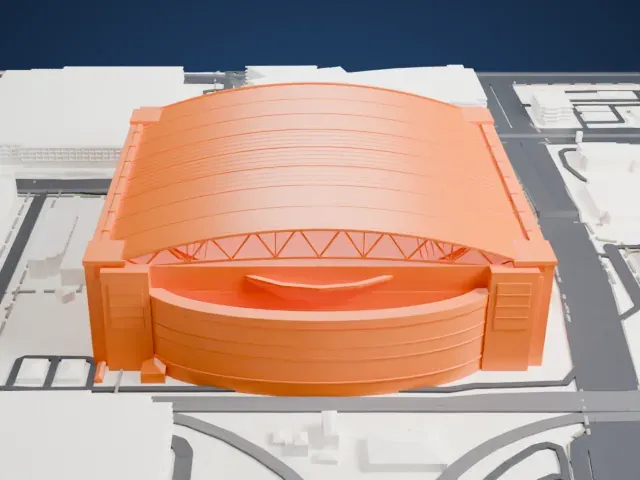
-
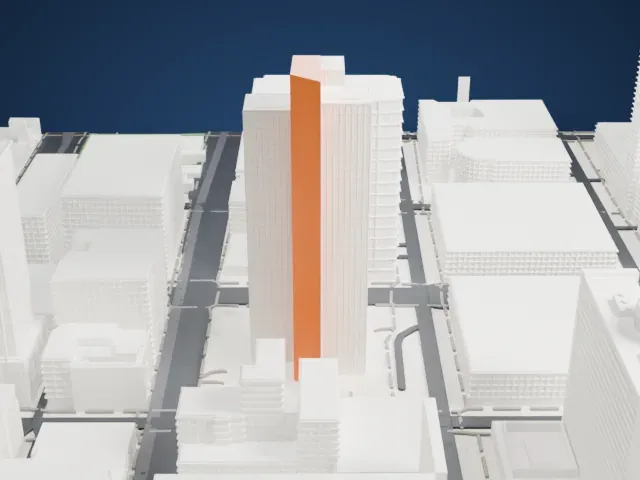
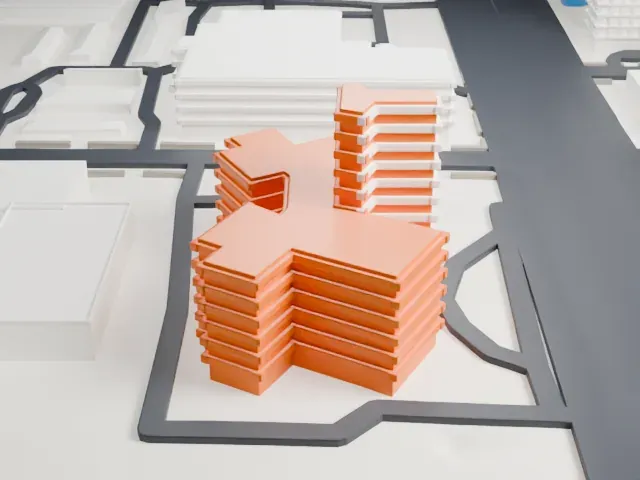 North
North
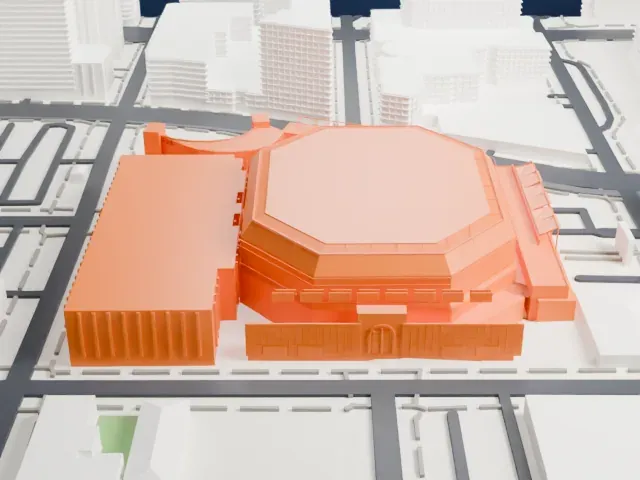
-
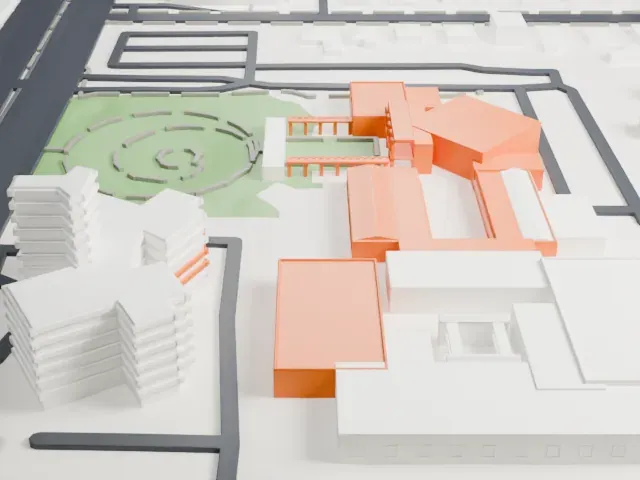
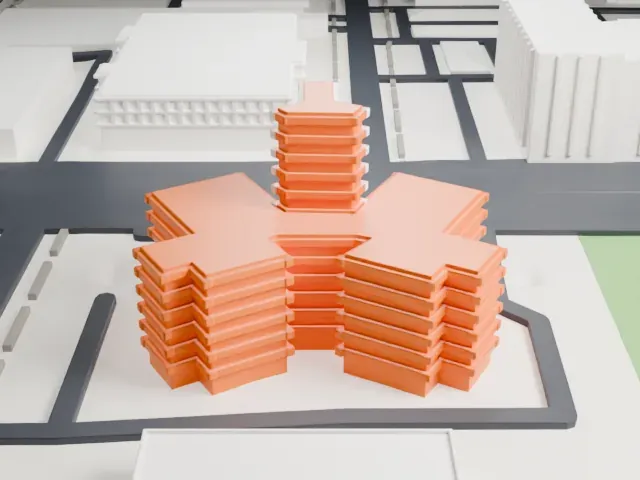 East
East
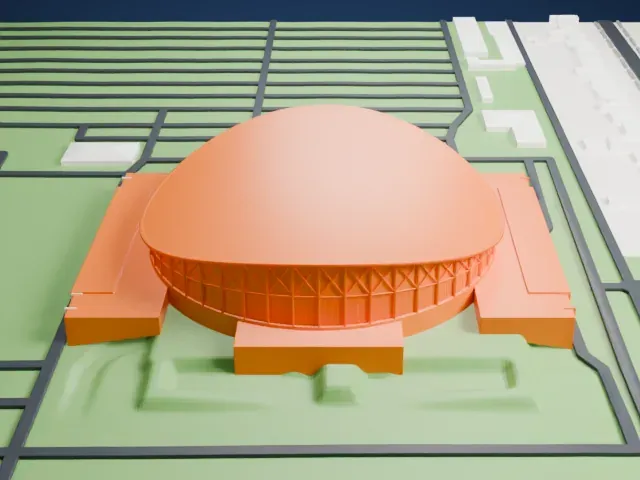
-
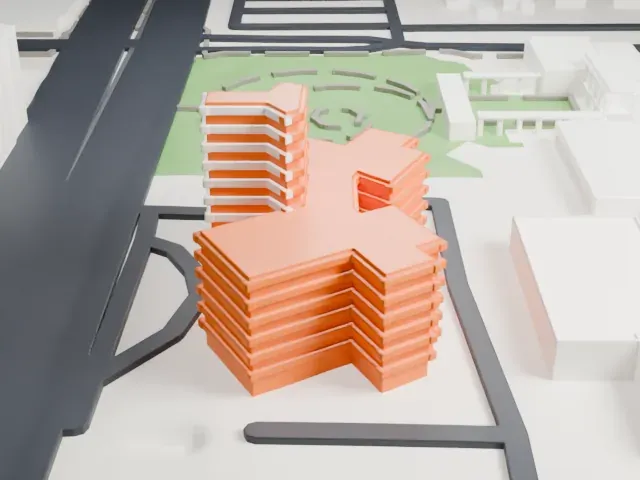 South
South
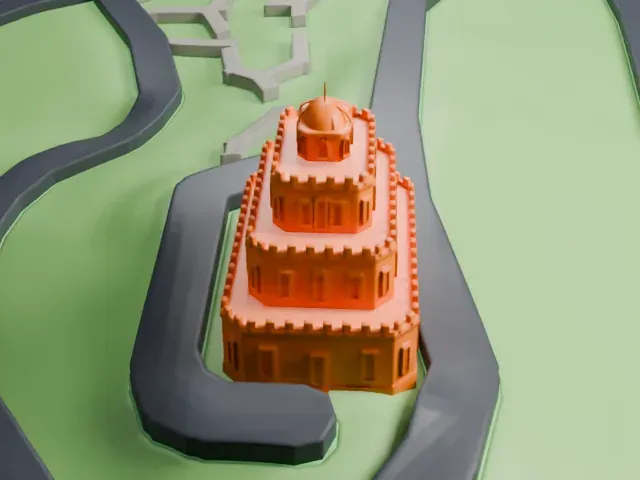
-
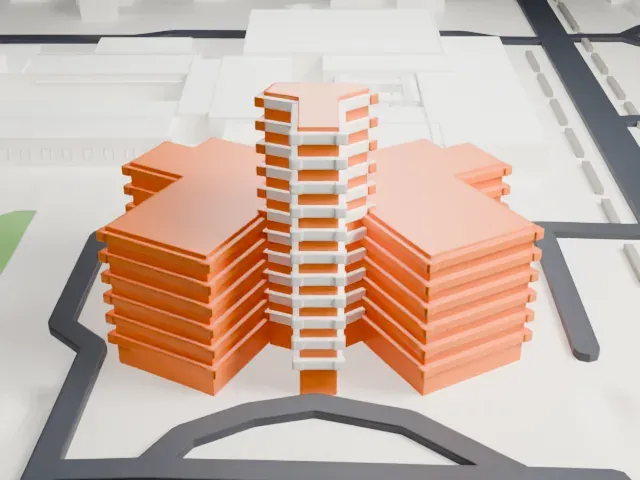 West
West
- Thin projecting ledges
- Slim concrete ledges stick out along every floor. Print friendly thickens thin parts like these for the print scale, and a layer height of 0.12–0.16 mm keeps them crisp.
- Four wings in an X
- The wings meet in an X shape and leave narrow gaps between them. A larger print size keeps those gaps open, and Full detail suits larger prints.
- One piece with the ground
- The Phoenix Towers is joined to the ground in the exported file, and the four-side check found no floating parts, so nothing needs gluing.
- Pick the detail for your nozzle
- In the Buildings settings, set Landmark detail to Print friendly to adapt thin parts and small details to the print scale. Full detail keeps every modeled feature, for larger prints or a finer nozzle.
- Colors
- Buildings, roads, water and ground arrive as separate filament slots in the 3MF. The Phoenix Towers takes the building color.
- File format
- You get a 3MF for Bambu Studio, OrcaSlicer or PrusaSlicer. Any of them can save it as STL if you need one.
About this model
The Phoenix Towers is one of more than 2,300 landmark models in Mini Skyline. They are made with AI, and each one is checked from four sides in its real surroundings before release. Everything around it is built from OpenStreetMap and Overture map data. If you would rather print the shape from map data, turn off Landmark models in the Buildings settings.
Common questions
Is there a Phoenix Towers STL I can download?
Mini Skyline builds the file for you in your browser and exports 3MF, which every major slicer opens. If you need an STL, open the 3MF in your slicer and export it from there.
How big can I print it?
Any print size from 40 mm across. The Phoenix Towers grows with the print: about 12 mm tall on the default 160 mm print. For a model larger than your printer bed, Project Mode splits the area into tiles.
Is it free?
Yes. Generation runs in your browser, with no account and nothing behind a paywall.