3D print Phoenix Union Station
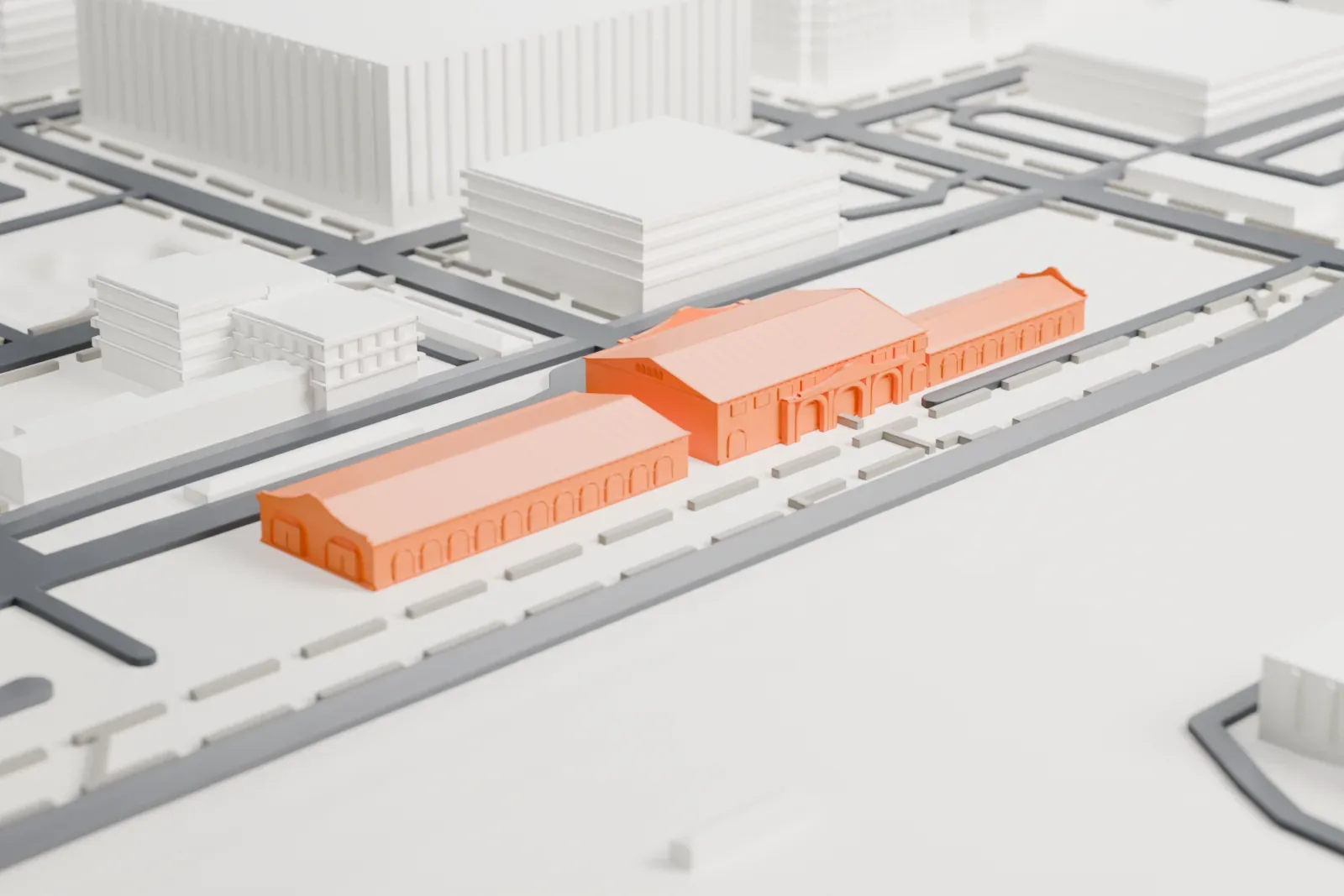
A free, printable model of Phoenix Union Station, a long, low building with arcaded wings, and the open ground and streets around it, generated from real map data in your browser.
Free, in your browser. Exports a slicer-ready 3MF.
About Phoenix Union Station
Phoenix Union Station once served trains in downtown Phoenix, Arizona, from its site at 401 South 4th Avenue. The Arizona Corporation Commission ordered the railroads to merge their separate stations, which stood several blocks apart, and the result was this one building. The Arizona Eastern Railroad Company commissioned it on September 16, 1922, joined by Santa Fe's California, Arizona and Santa Fe Railroad, and the Robert E. McKee Construction Company built it. It was dedicated on September 30, 1923.
Along with Brophy College Preparatory, the station is one of Phoenix's best examples of Mission Revival architecture. Its character shows in impost moldings, massive piers, curvilinear gables, red tiled roofs, arcades and stucco walls. A 1979 city survey describes a two-story waiting room in the center, flanked by long, low wings with arcades. The main building is 475 ft long and 74 ft wide, made of structural steel and reinforced concrete; its cost was $556,000.
Amtrak used it as a station from 1971 to 1996, and before 1971 it was a stop on the Santa Fe and Southern Pacific lines. When rail travel peaked during and after World War II, up to eighteen trains a day served it. It was the gateway to the city until Phoenix Sky Harbor International Airport superseded it, sometime in the fifties. It is listed in the National Register of Historic Places.
How it prints
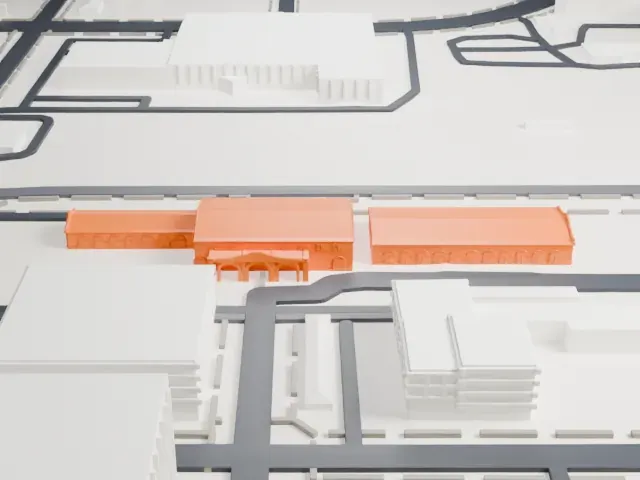
Make this print opens the generator on a 600 m square around the landmark. Buildings print at close to true scale, so the landmark grows with the print size.
| Print size | Landmark height | Scale |
|---|---|---|
| 160 mm default | 4 mm | 1:3,750 |
| 200 mm | 4 mm | 1:3,000 |
| 256 mm | 6 mm | 1:2,344 |
-
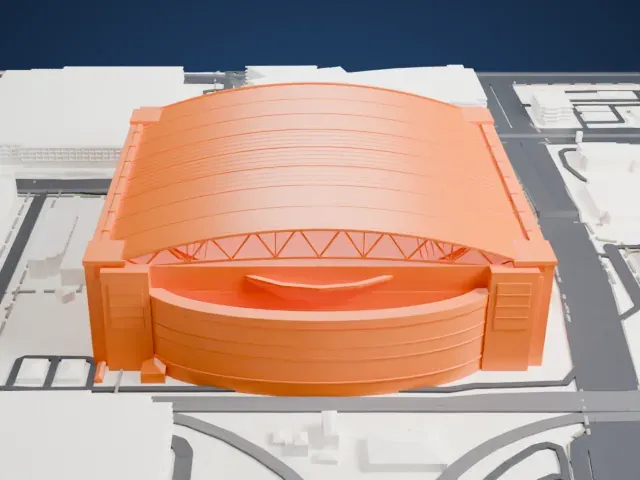
 North
North
-
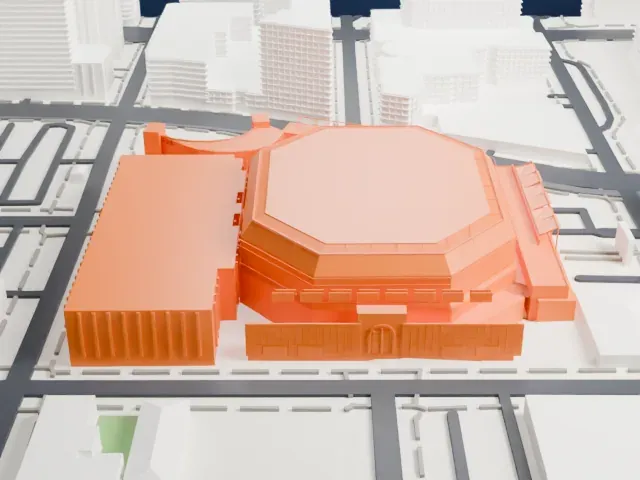
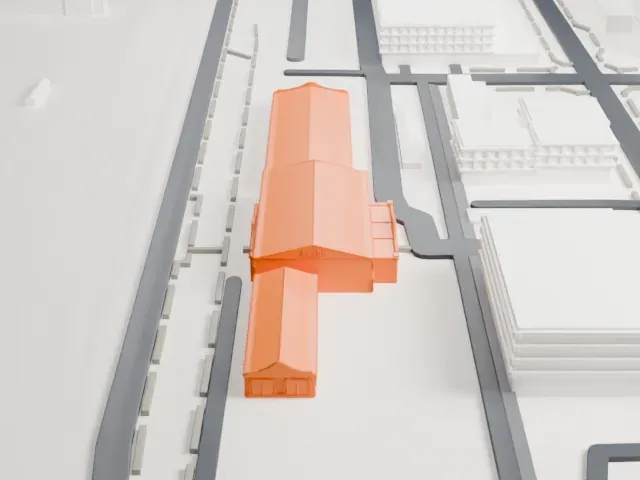 East
East
-
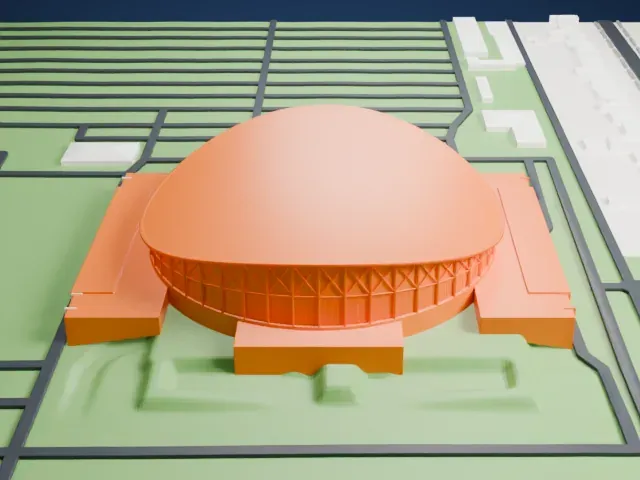
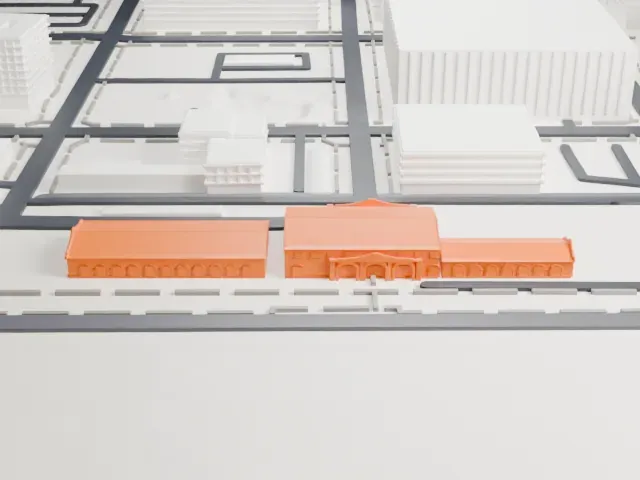 South
South
-
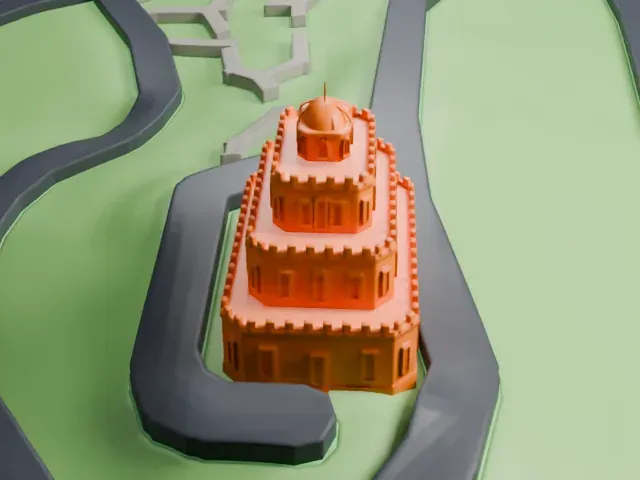
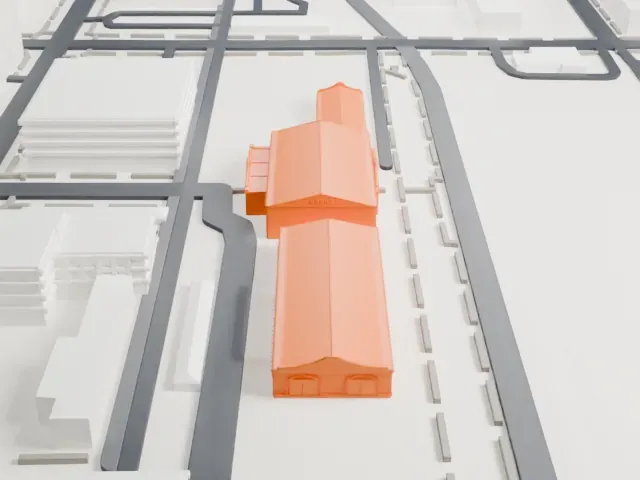 West
West
- Rows of small arches
- Long arcaded wings carry rows of small arches along their fronts. Print friendly adapts them to the print scale; Full detail keeps them on a larger print or with a fine nozzle.
- Long, low and wide
- The station is long and low, so a larger print size is the best way to keep its arches and curved gables. Layers of 0.12 to 0.16 mm keep the roof edges crisp.
- One piece with the ground
- Phoenix Union Station is joined to the ground in the exported file, and the four-side check found no floating parts, so nothing needs gluing.
- Pick the detail for your nozzle
- In the Buildings settings, set Landmark detail to Print friendly to adapt thin parts and small details to the print scale. Full detail keeps every modeled feature, for larger prints or a finer nozzle.
- Colors
- Buildings, roads, water and ground arrive as separate filament slots in the 3MF. Phoenix Union Station takes the building color.
- File format
- You get a 3MF for Bambu Studio, OrcaSlicer or PrusaSlicer. Any of them can save it as STL if you need one.
About this model
Phoenix Union Station is one of more than 2,300 landmark models in Mini Skyline. They are made with AI, and each one is checked from four sides in its real surroundings before release. Everything around it is built from OpenStreetMap and Overture map data. If you would rather print the shape from map data, turn off Landmark models in the Buildings settings.
Common questions
Is there a Phoenix Union Station STL I can download?
Mini Skyline builds the file for you in your browser and exports 3MF, which every major slicer opens. If you need an STL, open the 3MF in your slicer and export it from there.
How big can I print it?
Any print size from 40 mm across. Phoenix Union Station grows with the print: about 4 mm tall on the default 160 mm print. For a model larger than your printer bed, Project Mode splits the area into tiles.
Is it free?
Yes. Generation runs in your browser, with no account and nothing behind a paywall.