3D print the Professional Building
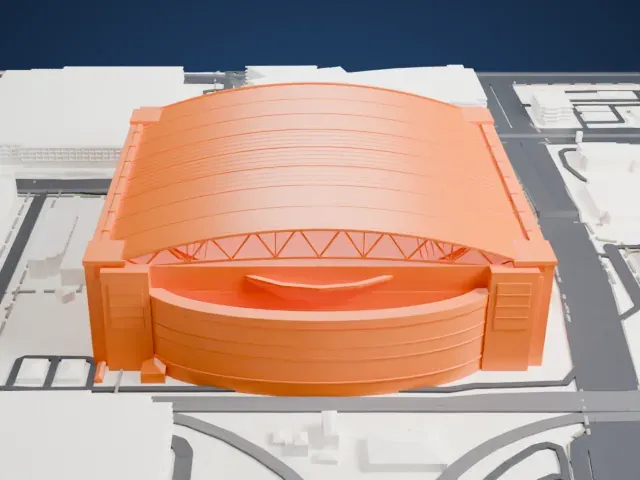
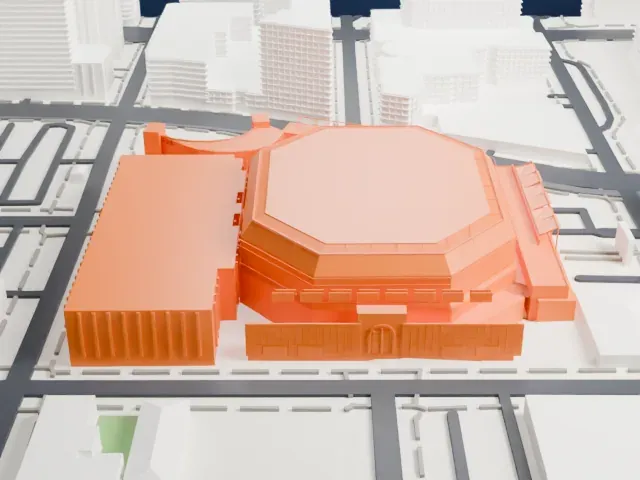
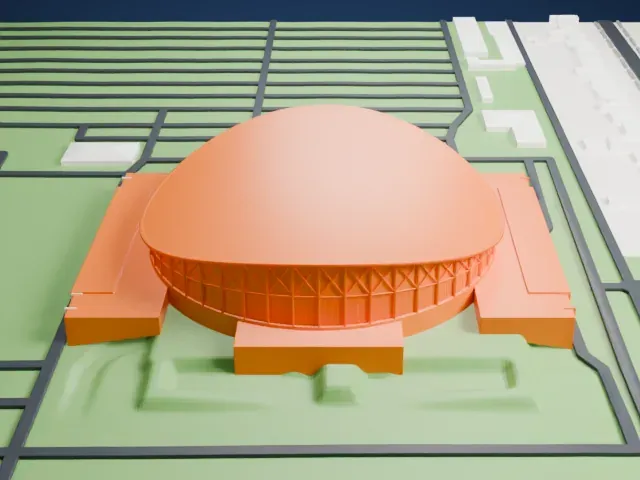
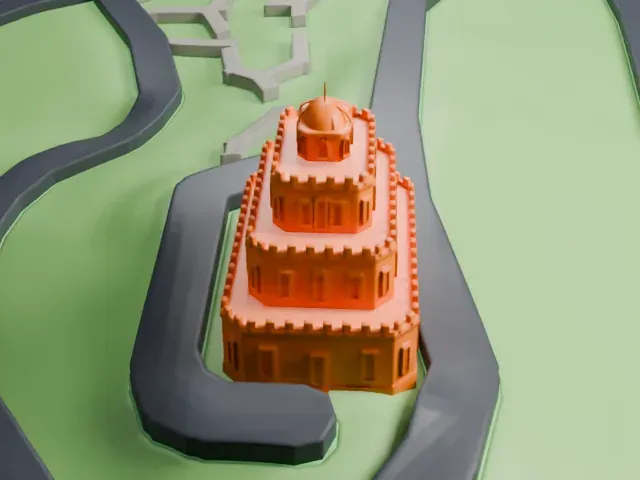
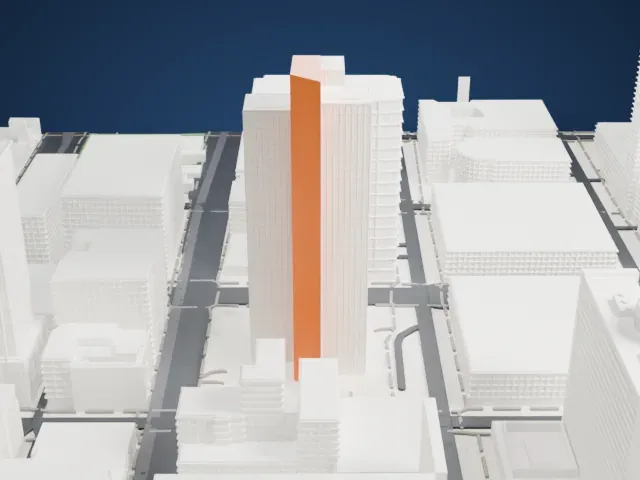
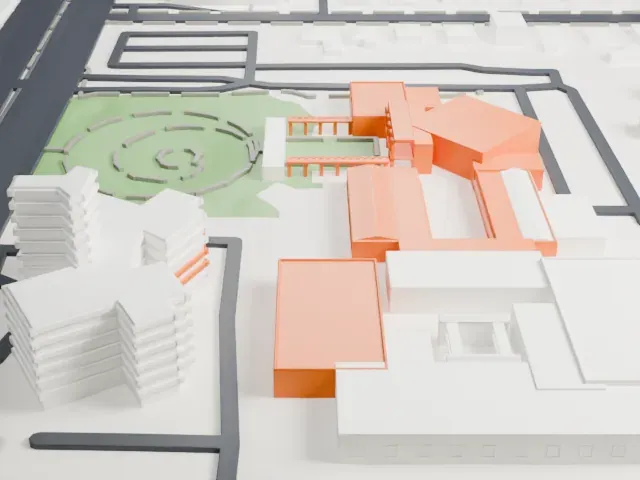
A free, printable model of the Professional Building, with its notched parapets, and the downtown Phoenix streets and larger buildings around it, generated from real map data in your browser.
Free, in your browser. Exports a slicer-ready 3MF.
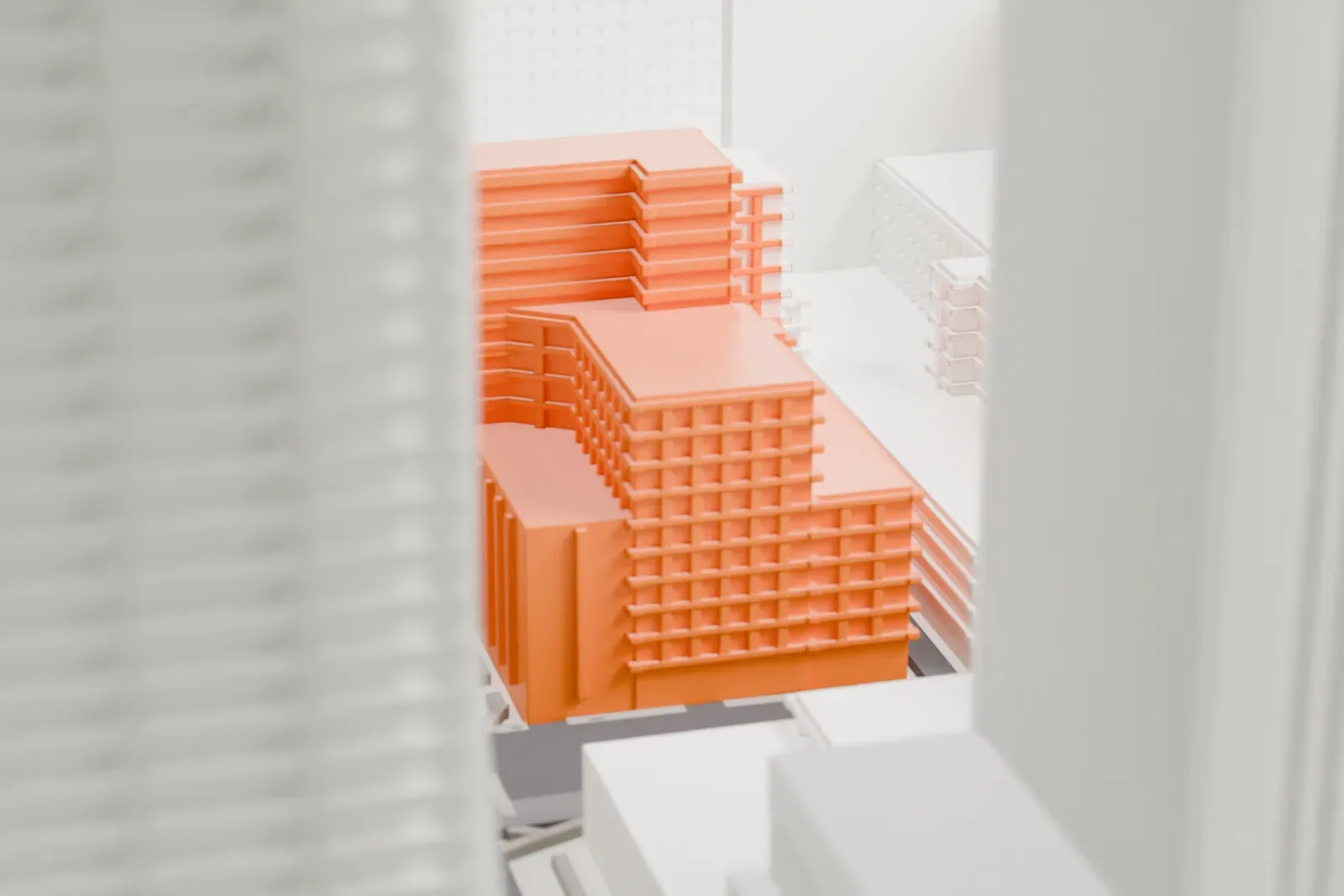
About the Professional Building
The Professional Building is an Art Deco skyscraper in Phoenix, Arizona, built in 1932 and 52 m (171 ft) tall. Its streamlined design plays up angles and setbacks. A wing on the west side flanks a central tower that climbs from a base two stories high, and decorative grills sit above the doors at the Central Avenue and Monroe Street entrances.
A group from the Maricopa County Medical Society gathered in 1930 to talk about the need for a major facility with medical, dental and laboratory offices, while the Valley Bank and Trust Company was drawing up plans for its own headquarters. The Professional Building met both needs. After it was completed in February 1932, the bank took the lowest three floors and medical offices filled the upper seven.
In 1958 a rotating sign for Valley National Bank, large at 15 m (49 ft) across, was added to the top, together with an extra floor on the west wing. Alfred Hitchcock's 1960 film Psycho opens with a shot that includes the building and its sign. It served as offices until its last tenants left in the 1990s, and its National Register of Historic Places listing came on January 8, 1993. After sitting empty for two decades, it reopened in 2015 as a hotel.
How it prints
Make this print opens the generator on a 600 m square around the landmark. Buildings print at close to true scale, so the landmark grows with the print size.
| Print size | Landmark height | Scale |
|---|---|---|
| 160 mm default | 14 mm | 1:3,750 |
| 200 mm | 18 mm | 1:3,000 |
| 256 mm | 22 mm | 1:2,344 |
-
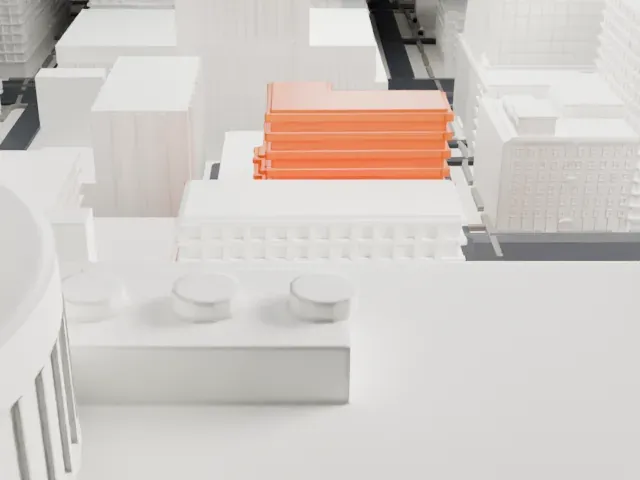
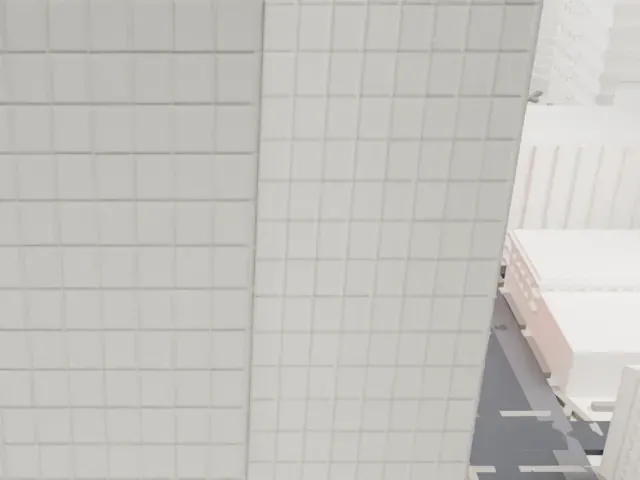 North
North
-
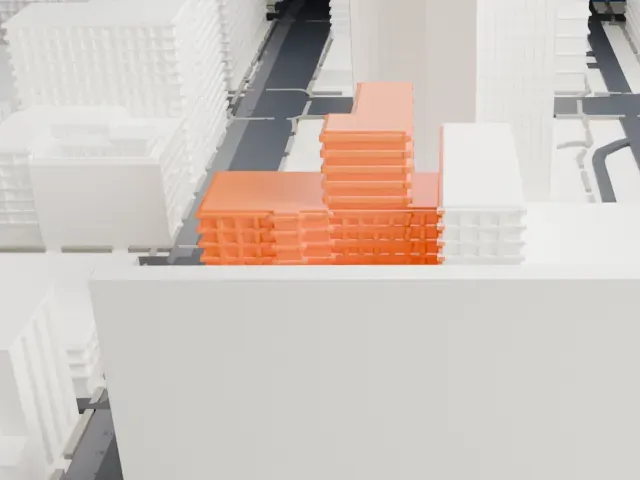
 East
East
-
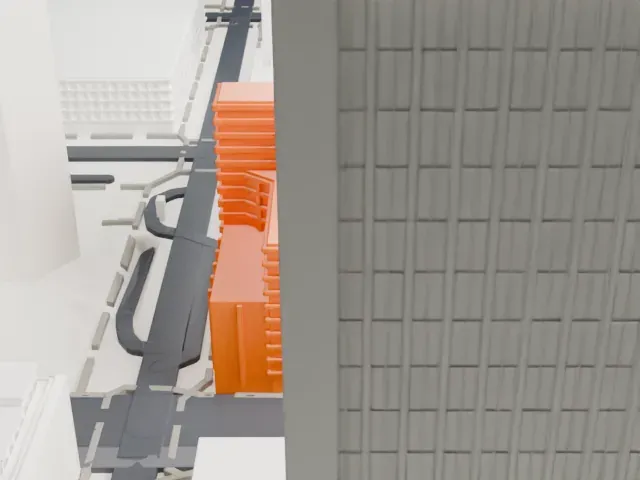
 South
South
-
 West
West
- Notched parapets and setbacks
- Small notched parapets and stepped setbacks crown the building. Full detail at a larger print size keeps them distinct; a layer height of 0.12-0.16 mm also helps the fine notches.
- One piece with the ground
- The Professional Building is joined to the ground in the exported file, and the four-side check found no floating parts, so nothing needs gluing.
- Pick the detail for your nozzle
- In the Buildings settings, set Landmark detail to Print friendly to adapt thin parts and small details to the print scale. Full detail keeps every modeled feature, for larger prints or a finer nozzle.
- Colors
- Buildings, roads, water and ground arrive as separate filament slots in the 3MF. The Professional Building takes the building color.
- File format
- You get a 3MF for Bambu Studio, OrcaSlicer or PrusaSlicer. Any of them can save it as STL if you need one.
About this model
The Professional Building is one of more than 2,300 landmark models in Mini Skyline. They are made with AI, and each one is checked from four sides in its real surroundings before release. Everything around it is built from OpenStreetMap and Overture map data. If you would rather print the shape from map data, turn off Landmark models in the Buildings settings.
Common questions
Is there a Professional Building STL I can download?
Mini Skyline builds the file for you in your browser and exports 3MF, which every major slicer opens. If you need an STL, open the 3MF in your slicer and export it from there.
How big can I print it?
Any print size from 40 mm across. The Professional Building grows with the print: about 14 mm tall on the default 160 mm print. For a model larger than your printer bed, Project Mode splits the area into tiles.
Is it free?
Yes. Generation runs in your browser, with no account and nothing behind a paywall.