3D print Q1 Tower
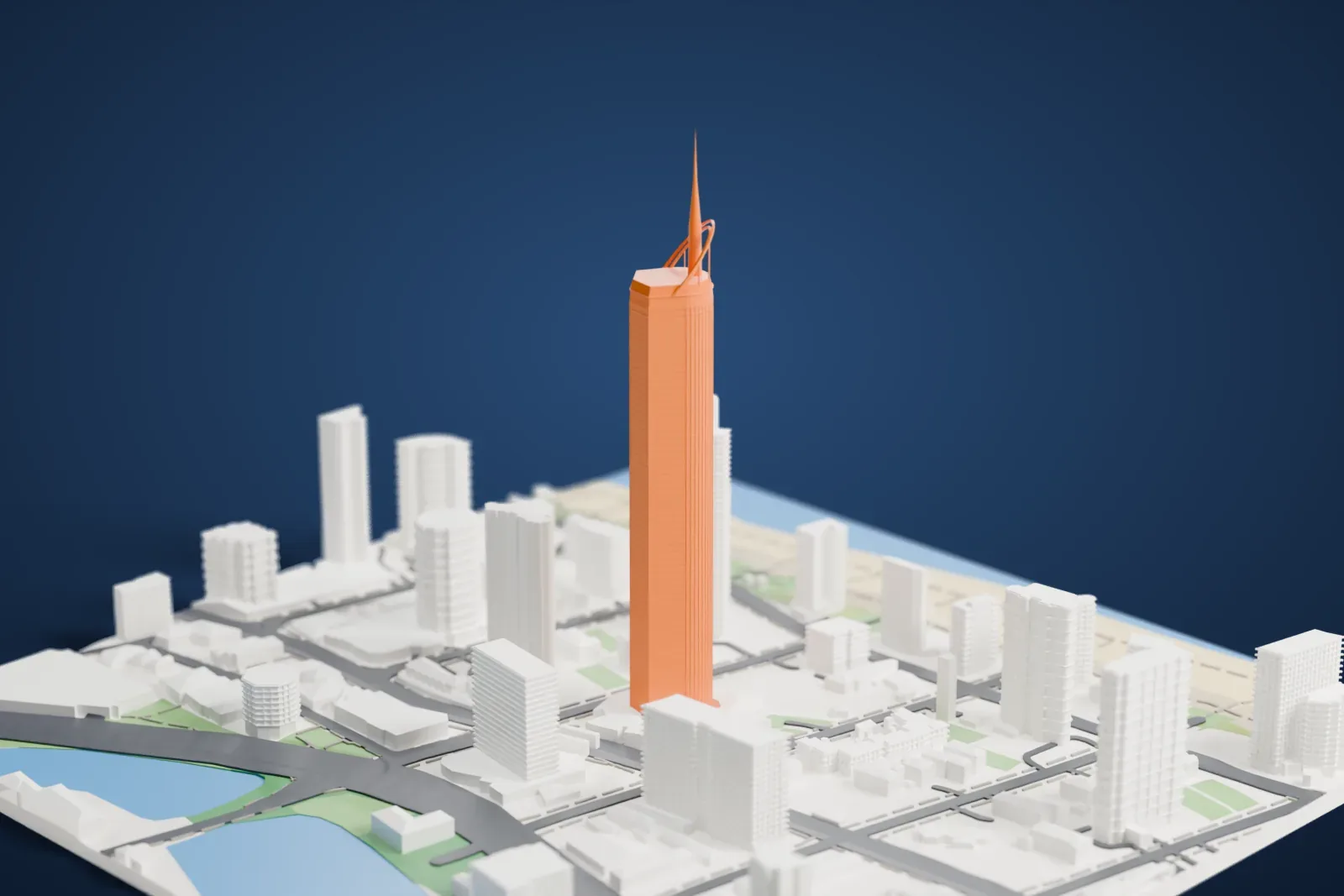
A free, printable model of Q1 Tower's slender shaft and spire, with the high-rises, streets, water and beach around it on the Gold Coast, generated from real map data in your browser.
Free, in your browser. Exports a slicer-ready 3MF.
About Q1 Tower
Q1 Tower, short for Queensland Number One, is a supertall residential skyscraper that rises 322.5 m (1,058 ft) on the Gold Coast in Queensland, Australia. From 2005 to 2011 it held the title of the world's tallest residential building. It officially opened in November 2005. Its name honors members of the 1920s Olympic sculling team of Australia, known as Q1.
SDG & The Buchan Group designed the tower, taking inspiration from the Olympic torch of Sydney 2000 and the Sydney Opera House. The concept came from studies of wind, movement and tension: aluminum-clad ribbons wrap around the exterior, twisting gradually as they go, and hover above the entry plaza to give cover and shade. The Sunland Group developed the project, and Sunland Constructions built it. It won the Silver Award in the 2005 Emporis Skyscraper Award, second to Turning Torso in Sweden. Twenty-six piles, each two meters (six point six feet) across, extend 40 m (130 ft) into the ground.
SkyPoint, formerly known as QDeck, is the observation deck on levels 77 and 78. It sits 230 m (750 ft) above Surfers Paradise beach and has room for 400 people. Visitors get a 360-degree view: north to Brisbane, west over the Gold Coast hinterland, south to Byron Bay and east over the Pacific Ocean. The express elevator covers the 77 floors in 43 seconds.
How it prints
Make this print opens the generator on a 600 m square around the landmark. Buildings print at close to true scale, so the landmark grows with the print size.
| Print size | Landmark height | Scale |
|---|---|---|
| 160 mm default | 86 mm | 1:3,750 |
| 200 mm | 108 mm | 1:3,000 |
| 256 mm | 138 mm | 1:2,344 |
-
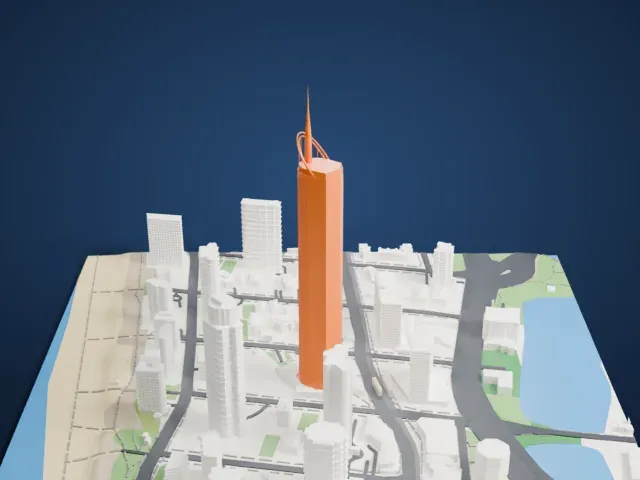 North
North
-
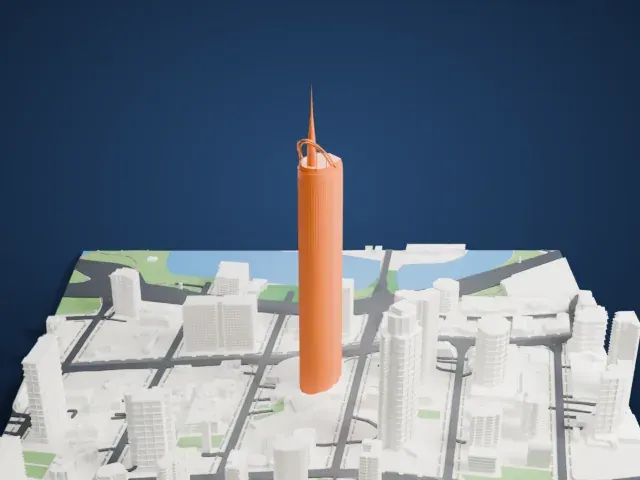 East
East
-
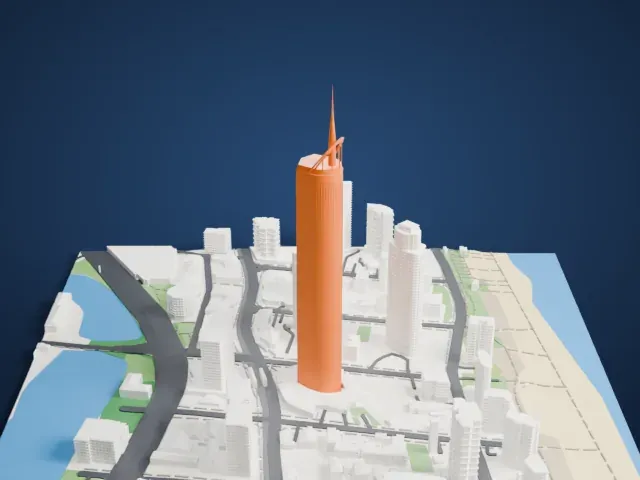 South
South
-
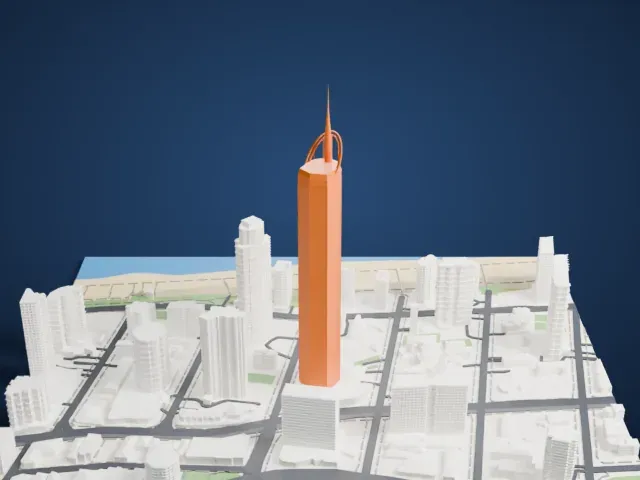 West
West
- Slim spire and ribbon arcs
- A thin spire rises from the top, with curved ribbon arcs around its base. Print friendly adapts these slender parts to the print scale; Full detail keeps them on larger prints, and printing slowly with cooling helps the tip.
- Tall, narrow shaft
- The tower is very tall and narrow compared with its base. Layers of 0.12 to 0.16 mm keep the edges and window lines of the shaft crisp.
- One piece with the ground
- Q1 Tower is joined to the ground in the exported file, and the four-side check found no floating parts, so nothing needs gluing.
- Pick the detail for your nozzle
- In the Buildings settings, set Landmark detail to Print friendly to adapt thin parts and small details to the print scale. Full detail keeps every modeled feature, for larger prints or a finer nozzle.
- Colors
- Buildings, roads, water and ground arrive as separate filament slots in the 3MF. Q1 Tower takes the building color.
- File format
- You get a 3MF for Bambu Studio, OrcaSlicer or PrusaSlicer. Any of them can save it as STL if you need one.
About this model
Q1 Tower is one of more than 2,300 landmark models in Mini Skyline. They are made with AI, and each one is checked from four sides in its real surroundings before release. Everything around it is built from OpenStreetMap and Overture map data. If you would rather print the shape from map data, turn off Landmark models in the Buildings settings.
Common questions
Is there a Q1 Tower STL I can download?
Mini Skyline builds the file for you in your browser and exports 3MF, which every major slicer opens. If you need an STL, open the 3MF in your slicer and export it from there.
How big can I print it?
Any print size from 40 mm across. Q1 Tower grows with the print: about 86 mm tall on the default 160 mm print. For a model larger than your printer bed, Project Mode splits the area into tiles.
Is it free?
Yes. Generation runs in your browser, with no account and nothing behind a paywall.