3D print the Royal Pavilion
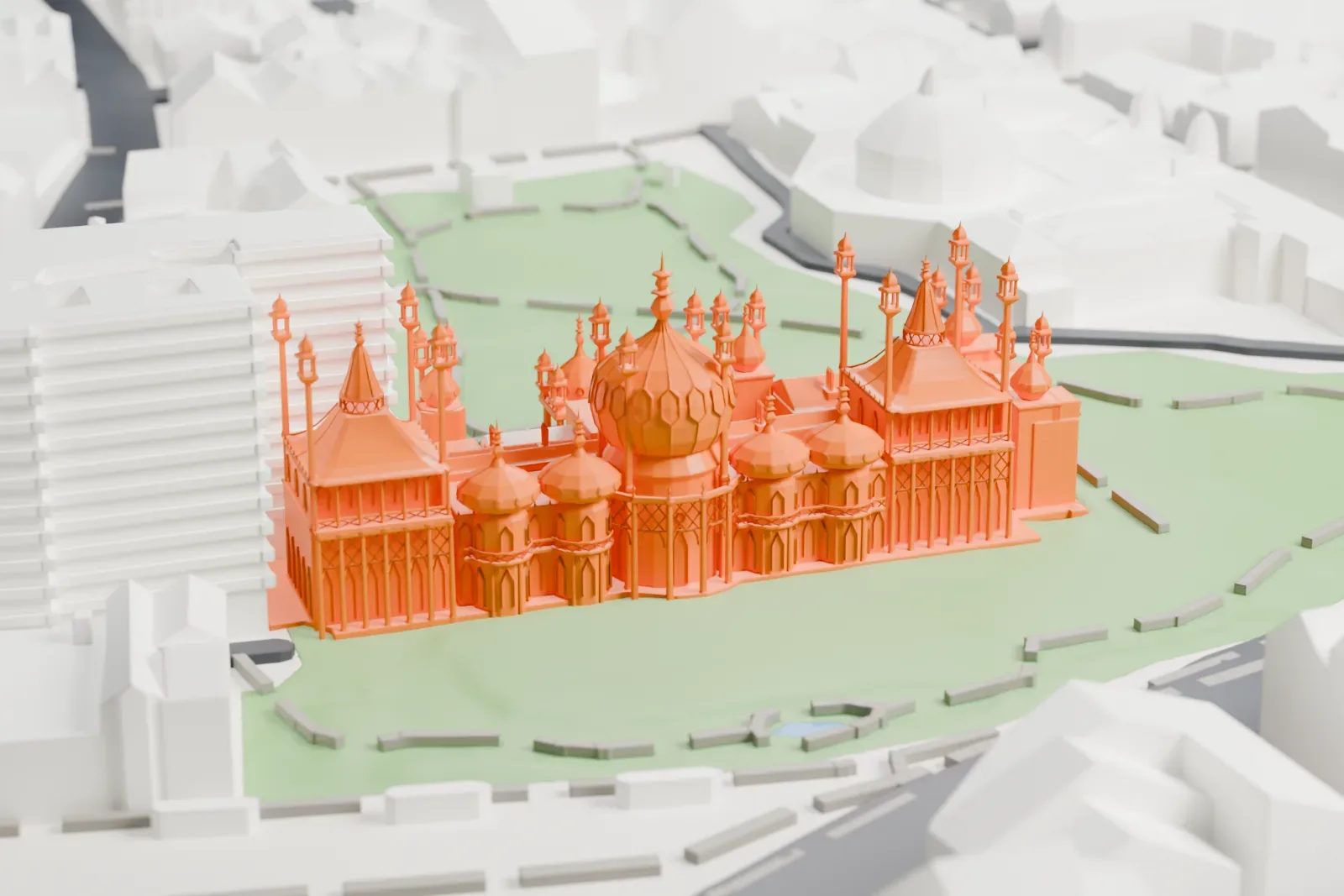
A free, printable model of the Royal Pavilion, its domes and slender minarets, with the gardens and Brighton streets around it, generated from real map data in your browser.
-
 North
North
-
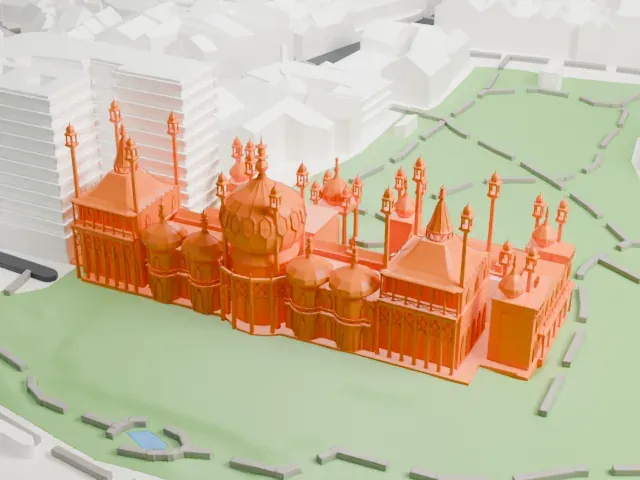 East
East
-
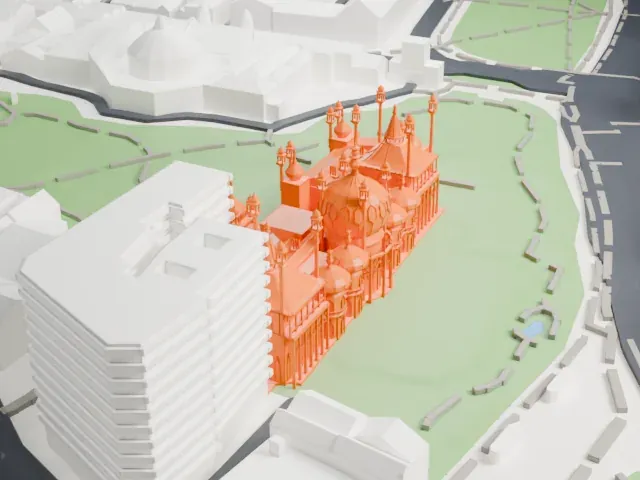 South
South
-
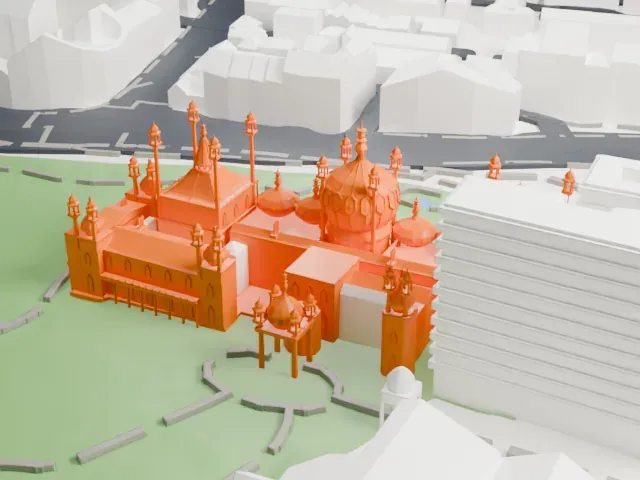 West
West
- On a 160 mm print
- 11 mm
- Scale
- 1:3,750
11 mm tall on a 160 mm print
Make this print opens the generator on a 600 m square around the landmark. Buildings print at close to true scale, so the landmark grows with the print size.
- Slender minarets and pinnacles
Thin minarets with small lantern tops rise around the domes. Print friendly adapts thin parts like these to your print scale; Full detail keeps them, best printed slowly with good cooling.
- Domes and pointed arches
A large central dome and several smaller ones sit above walls with many pointed arches. Layers of 0.12 to 0.16 mm keep the curves smooth, and a larger print keeps the arches readable.
- One piece with the ground
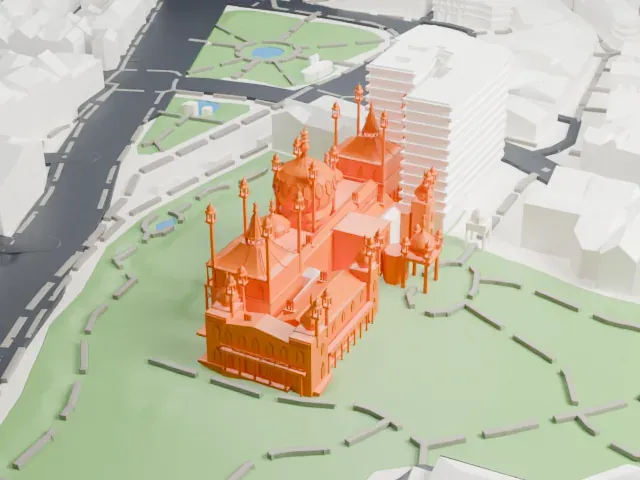
The Royal Pavilion is joined to the ground in the exported file, and the four-side check found no floating parts, so nothing needs gluing.
- Pick the detail for your nozzle
In the Buildings settings, set Landmark detail to Print friendly to adapt thin parts and small details to the print scale. Full detail keeps every modeled feature, for larger prints or a finer nozzle.
- Colors
Buildings, roads, water and ground arrive as separate filament slots in the 3MF. The Royal Pavilion takes the building color.
- File format
You get a 3MF for Bambu Studio, OrcaSlicer or PrusaSlicer. Any of them can save it as STL if you need one.
About the Royal Pavilion
The Royal Pavilion, also called the Brighton Pavilion, is a Grade I listed building in Brighton, England, and a former royal residence. It was built in three stages from 1787 for George, Prince of Wales, as a seaside retreat. In 1811 he became the Prince Regent, and in 1820 he became King George IV. Its style is Indo-Saracenic, which was widespread in India through most of the 19th century. The architect John Nash began extending the building in 1815 and shaped its look; it includes Mughal-inspired bulbous domes, cusped arches and minarets capped with chhatris.
In 1787 the prince commissioned Henry Holland, the designer of Carlton House, to enlarge the farmhouse he had rented in 1786 facing the Old Steine. The result was the Marine Pavilion, with the existing building as one wing beside a central rotunda. Peter Frederick Robinson added a new dining room and conservatory in 1801–02, and a riding school and stables in an Indian style were built in 1803–08, designed by William Porden. From 1815 to 1822 John Nash greatly extended and redesigned the pavilion.
Nash's Music Room and Banqueting Room have distinctive tented roofs made with laminated timber techniques, which let them cover large ceremonial spaces with no columns in the middle. The interior was designed mainly by Frederick Crace and Robert Jones, with Chinese and Indian influences. Brighton bought the Pavilion in 1850 for £53,000. In the First World War it served as a military hospital, first for sick and wounded soldiers of the Indian Army from December 1914 to January 1916, and from April 1916 for British soldiers who had lost limbs, until summer 1920.
About this model
The Royal Pavilion is one of more than 4,300 landmark models in Mini Skyline. They are made with AI, and each one is checked from four sides in its real surroundings before release. Everything around it is built from OpenStreetMap and Overture map data. If you would rather print the shape from map data, turn off Landmark models in the Buildings settings.
Keep exploring