3D print the Sforza Castle
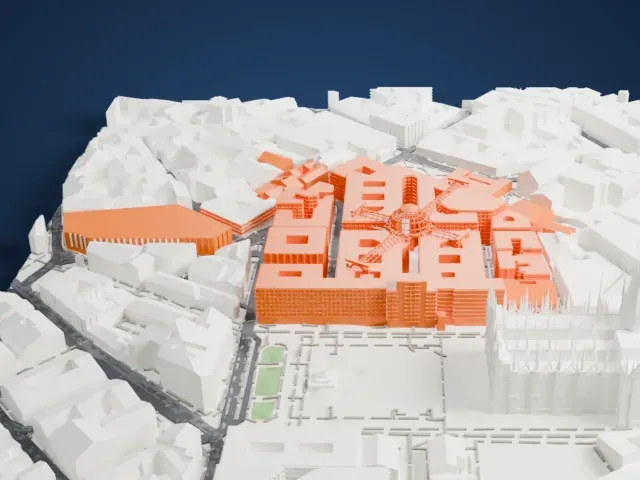
A free, printable model of Sforza Castle with the green park, ponds, paths and buildings around it in Milan, generated from real map data in your browser.
Free, in your browser. Exports a slicer-ready 3MF.
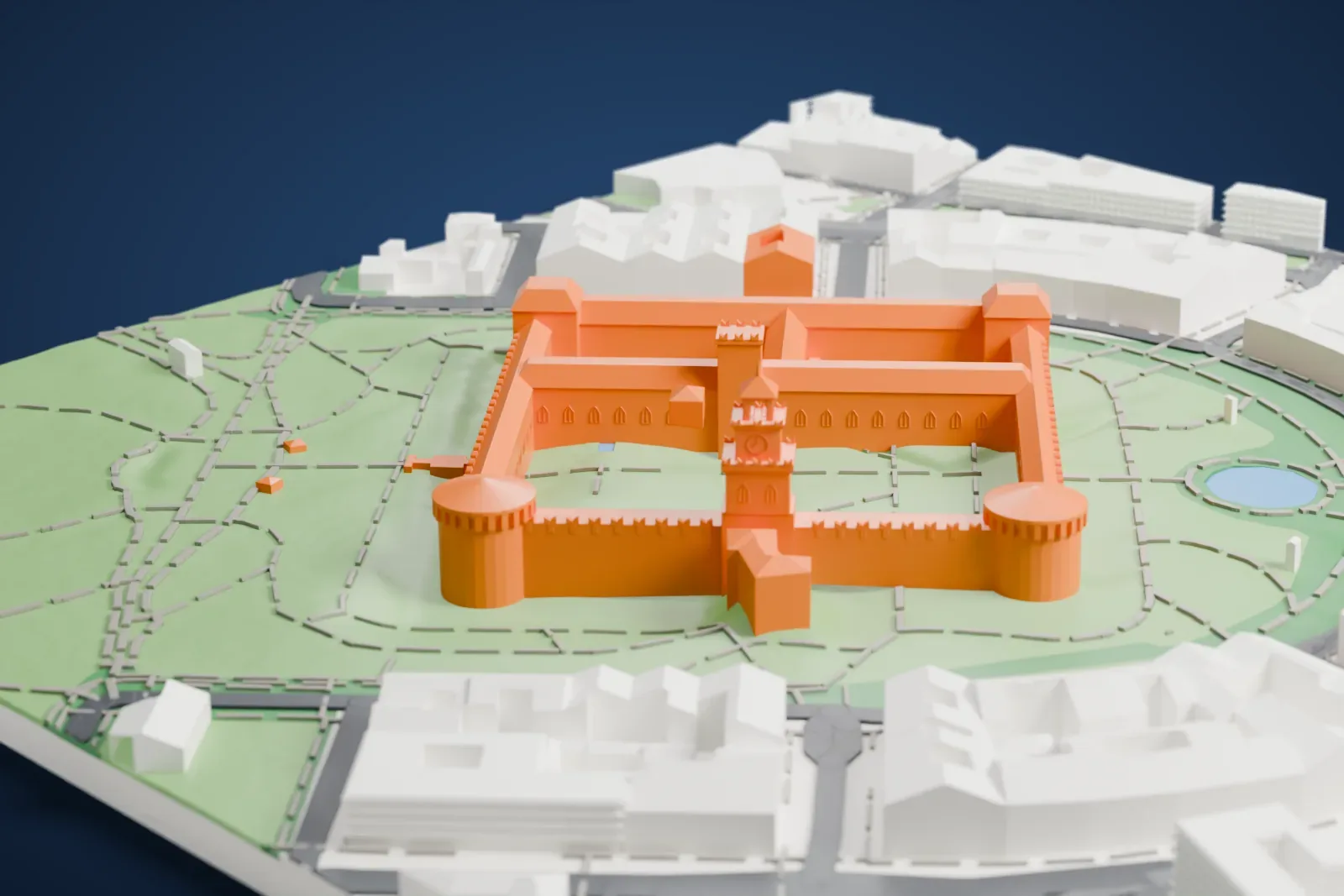
About the Sforza Castle
Sforza Castle, known in Italian as Castello Sforzesco, is a medieval fortification in Milan, northern Italy. Francesco Sforza, Duke of Milan, built it in the 15th century on the ruins of an earlier 14th-century fortification. It was later renovated and enlarged, and in the 16th and 17th centuries the castle ranked among Europe's largest citadels. Luca Beltrami extensively rebuilt it in 1891–1905, and it is home to several museums and art collections belonging to the city.
Galeazzo II Visconti, a local nobleman, ordered the first castle, built between 1358 and about 1370 in the area of an ancient Roman fortification. His successors enlarged it into a castle with a square plan, sides 200 m long, a tower at each corner and walls up to 7 m (23 ft) thick, but the short-lived Golden Ambrosian Republic destroyed it in 1447. In 1450, Francesco Sforza began rebuilding it as his princely residence. Filarete, a sculptor and architect, was hired in 1452 to plan and ornament the central tower, still called the Torre del Filarete.
After Ludovico Sforza became lord of Milan in 1494, he invited many artists to decorate the castle, among them Leonardo da Vinci, who painted frescoes in several rooms, and Bramante, who decorated the Sala del Tesoro with frescoes. In 1550, work began to adapt it to a modern style of fortification, a star fort, after 12 bastions were added. Allied bombardment in 1943 severely damaged the castle, and BBPR carried out the post-war reconstruction for museum purposes.
How it prints
Make this print opens the generator on a 600 m square around the landmark. Buildings print at close to true scale, so the landmark grows with the print size.
| Print size | Landmark height | Scale |
|---|---|---|
| 160 mm default | 20 mm | 1:3,750 |
| 200 mm | 25 mm | 1:3,000 |
| 256 mm | 32 mm | 1:2,344 |
-
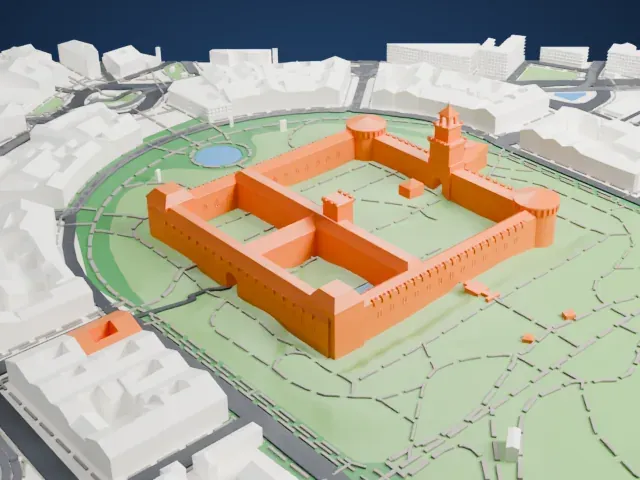 North
North
-
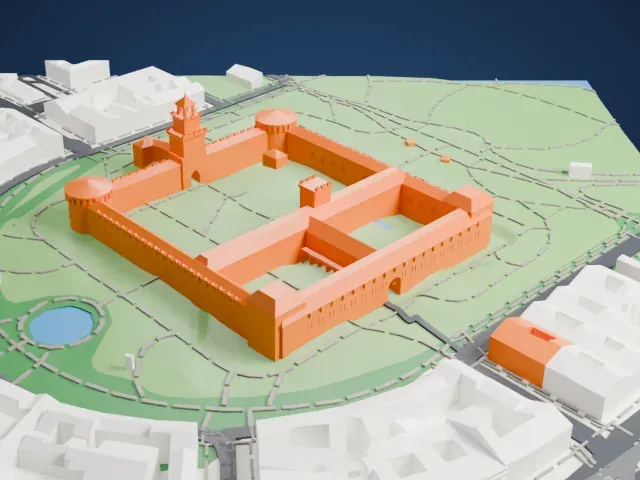 East
East
-
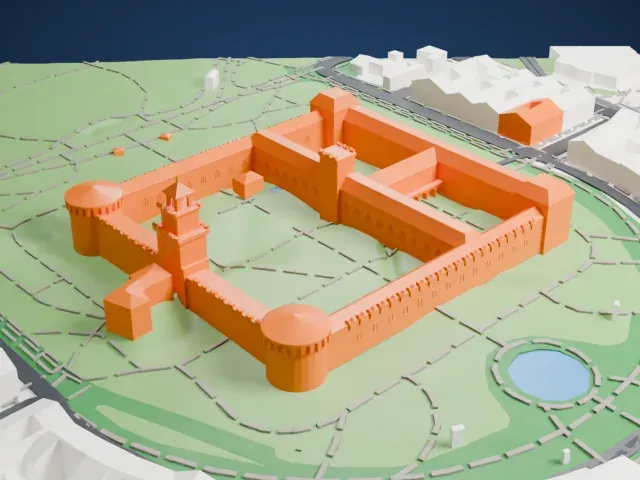 South
South
-
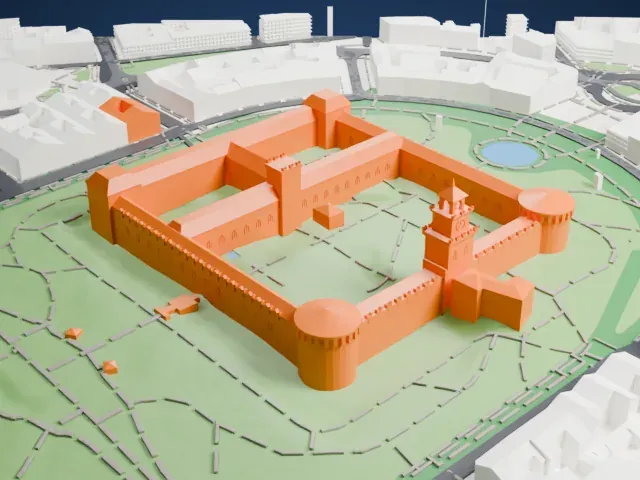 West
West
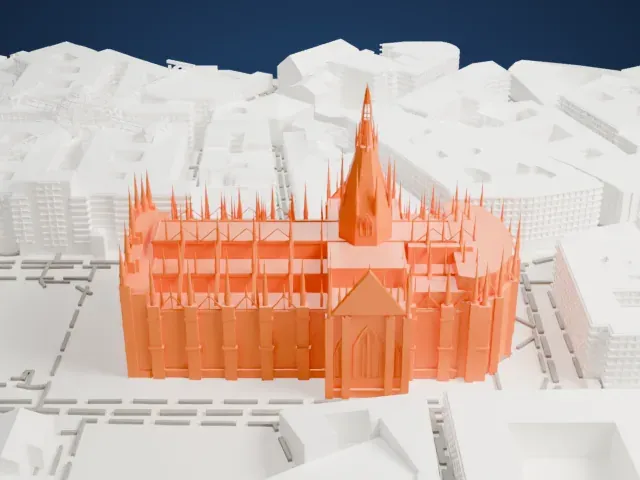
- A slender gate tower
- The central gate tower rises to a narrow pointed top above the walls. Printing slowly with good cooling helps tall thin parts, and layers of 0.12 to 0.16 mm keep the tip crisp.
- Battlements along the walls
- Rows of small battlements and arched windows line the long walls. Print friendly adapts them to the print scale, while Full detail keeps every one on a larger print.
- Pick the detail for your nozzle
- In the Buildings settings, set Landmark detail to Print friendly to adapt thin parts and small details to the print scale. Full detail keeps every modeled feature, for larger prints or a finer nozzle.
- Colors
- Buildings, roads, water and ground arrive as separate filament slots in the 3MF. The Sforza Castle takes the building color.
- File format
- You get a 3MF for Bambu Studio, OrcaSlicer or PrusaSlicer. Any of them can save it as STL if you need one.
About this model
The Sforza Castle is one of more than 2,300 landmark models in Mini Skyline. They are made with AI, and each one is checked from four sides in its real surroundings before release. Everything around it is built from OpenStreetMap and Overture map data. If you would rather print the shape from map data, turn off Landmark models in the Buildings settings.
Common questions
Is there a Sforza Castle STL I can download?
Mini Skyline builds the file for you in your browser and exports 3MF, which every major slicer opens. If you need an STL, open the 3MF in your slicer and export it from there.
How big can I print it?
Any print size from 40 mm across. The Sforza Castle grows with the print: about 20 mm tall on the default 160 mm print. For a model larger than your printer bed, Project Mode splits the area into tiles.
Is it free?
Yes. Generation runs in your browser, with no account and nothing behind a paywall.