3D print the Sixty Dome Mosque
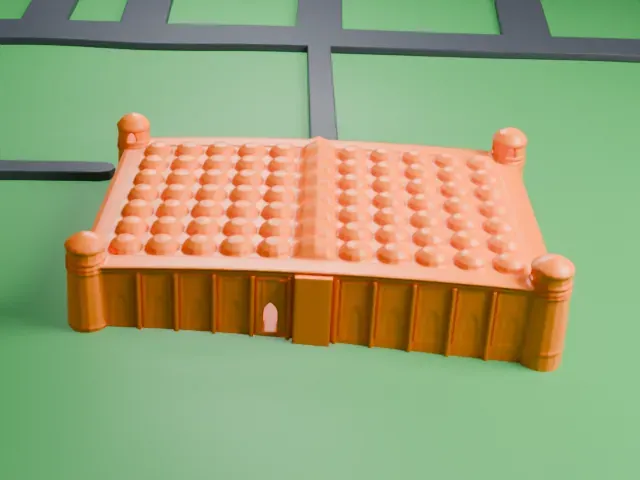
A free, printable model of the Sixty Dome Mosque, a domed hall with a round tower at each corner, and the grass and water around it, generated from real map data in your browser.
Free, in your browser. Exports a slicer-ready 3MF.
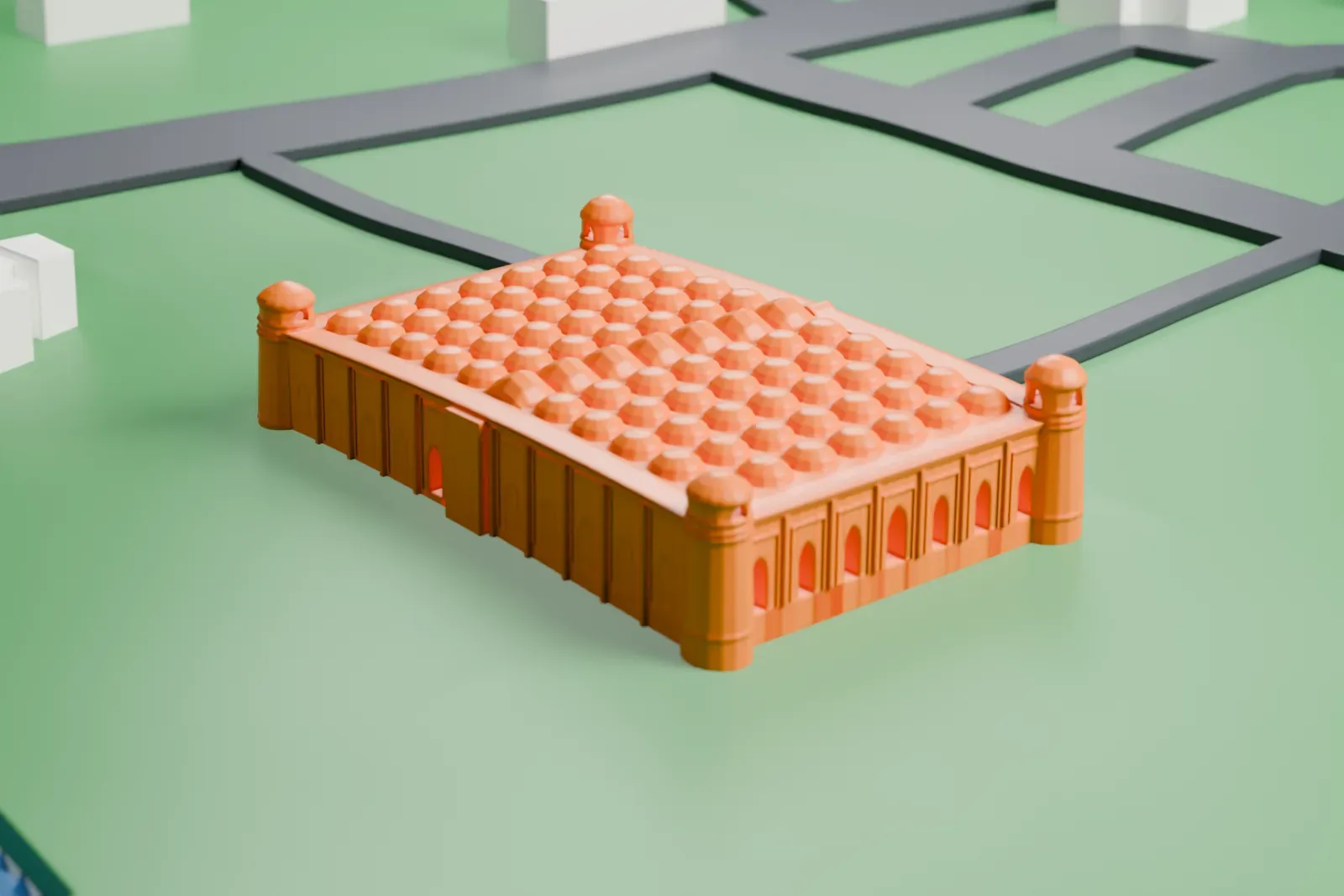
About the Sixty Dome Mosque
The Sixty Dome Mosque is a historical mosque in the Khulna Division of Bangladesh, at Bagerhat. It belongs to the Mosque City of Bagerhat, which UNESCO lists as a World Heritage Site. This is Bangladesh's largest mosque from the Bengal Sultanate era (1352–1576), and one description calls it one of South Asia's most impressive Muslim monuments. It stands about 4.8 kilometers (3 mi) from Bagerhat's main town and roughly 320 km (200 mi) from Dhaka.
Khan Jahan Ali, described as the governor of the Sundarbans, built the mosque. Work started in 1442 and finished in 1459. Besides prayers, the building also functioned as a madrasha and a place of assembly. Its brick walls are unusually thick and tapered, in the Tughlaq style, and the hut-shaped roofline looks ahead to later styles. Inside, 60 slender stone columns divide the prayer hall into seven aisles running lengthwise and 11 deep bays, and the western wall holds eleven mihrabs, ten of them blind.
The roof carries 77 low domes set out as seven rows of eleven, plus a dome at each corner, for 81 in all. Four hollow, round towers stand at the corners, and two of them served for the call to prayer. The name says sixty, yet the mosque has 81 domes and sixty stone columns. One possibility is that it was first called the Sixty Pillared Mosque, and that the Arabic word for column was later corrupted into the Bengali word for dome.
How it prints
Make this print opens the generator on a 600 m square around the landmark. Buildings print at close to true scale, so the landmark grows with the print size.
| Print size | Landmark height | Scale |
|---|---|---|
| 160 mm default | 3 mm | 1:3,750 |
| 200 mm | 4 mm | 1:3,000 |
| 256 mm | 5 mm | 1:2,344 |
-
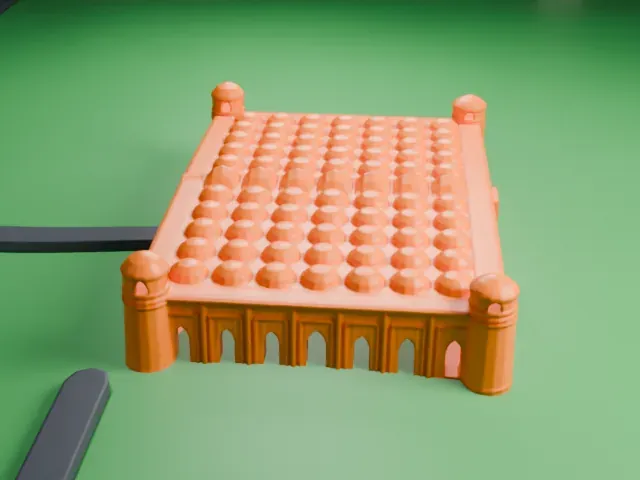 North
North
-
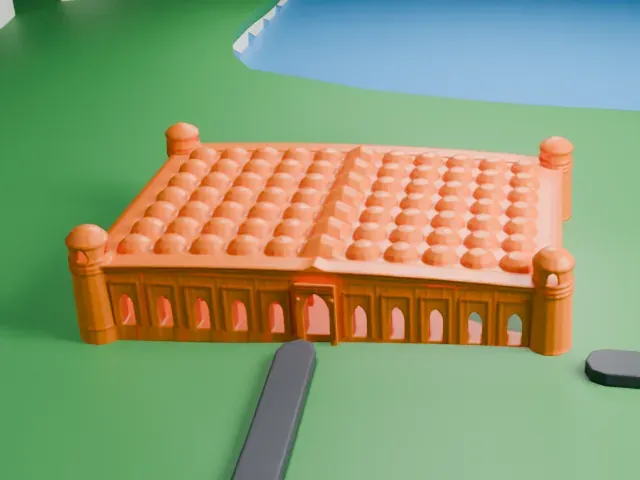 East
East
-
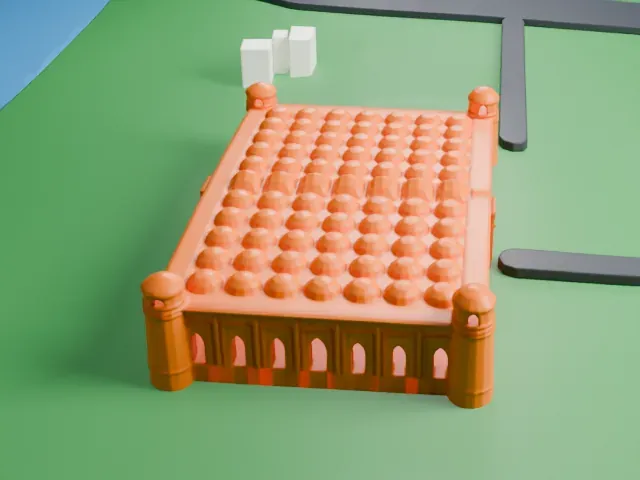 South
South
-
 West
West
- Rows of small domes
- Rows of small domes cover the roof. Layers of 0.12–0.16 mm keep their rounded shapes smooth, and a larger print size keeps the rows distinct.
- Corner towers and arches
- Four round towers with small caps stand at the corners, and thin arched openings line the walls. Print friendly adapts these small parts to the print scale; Full detail keeps them for larger prints.
- One piece with the ground
- The Sixty Dome Mosque is joined to the ground in the exported file, and the four-side check found no floating parts, so nothing needs gluing.
- Pick the detail for your nozzle
- In the Buildings settings, set Landmark detail to Print friendly to adapt thin parts and small details to the print scale. Full detail keeps every modeled feature, for larger prints or a finer nozzle.
- Colors
- Buildings, roads, water and ground arrive as separate filament slots in the 3MF. The Sixty Dome Mosque takes the building color.
- File format
- You get a 3MF for Bambu Studio, OrcaSlicer or PrusaSlicer. Any of them can save it as STL if you need one.
About this model
The Sixty Dome Mosque is one of more than 2,300 landmark models in Mini Skyline. They are made with AI, and each one is checked from four sides in its real surroundings before release. Everything around it is built from OpenStreetMap and Overture map data. If you would rather print the shape from map data, turn off Landmark models in the Buildings settings.
Common questions
Is there a Sixty Dome Mosque STL I can download?
Mini Skyline builds the file for you in your browser and exports 3MF, which every major slicer opens. If you need an STL, open the 3MF in your slicer and export it from there.
How big can I print it?
Any print size from 40 mm across. The Sixty Dome Mosque grows with the print: about 3 mm tall on the default 160 mm print. For a model larger than your printer bed, Project Mode splits the area into tiles.
Is it free?
Yes. Generation runs in your browser, with no account and nothing behind a paywall.