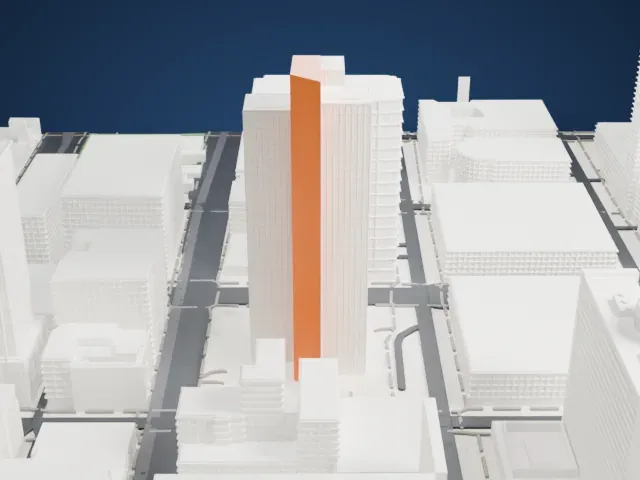
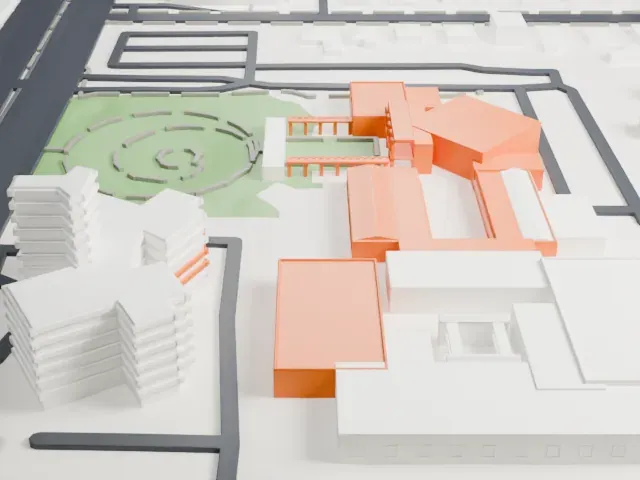
3D print St. Joseph's Hospital and Medical Center
A free, printable model of the St. Joseph's Hospital campus and the roads, parking and neighborhood blocks around it in Phoenix, generated from real map data in your browser.
Free, in your browser. Exports a slicer-ready 3MF.
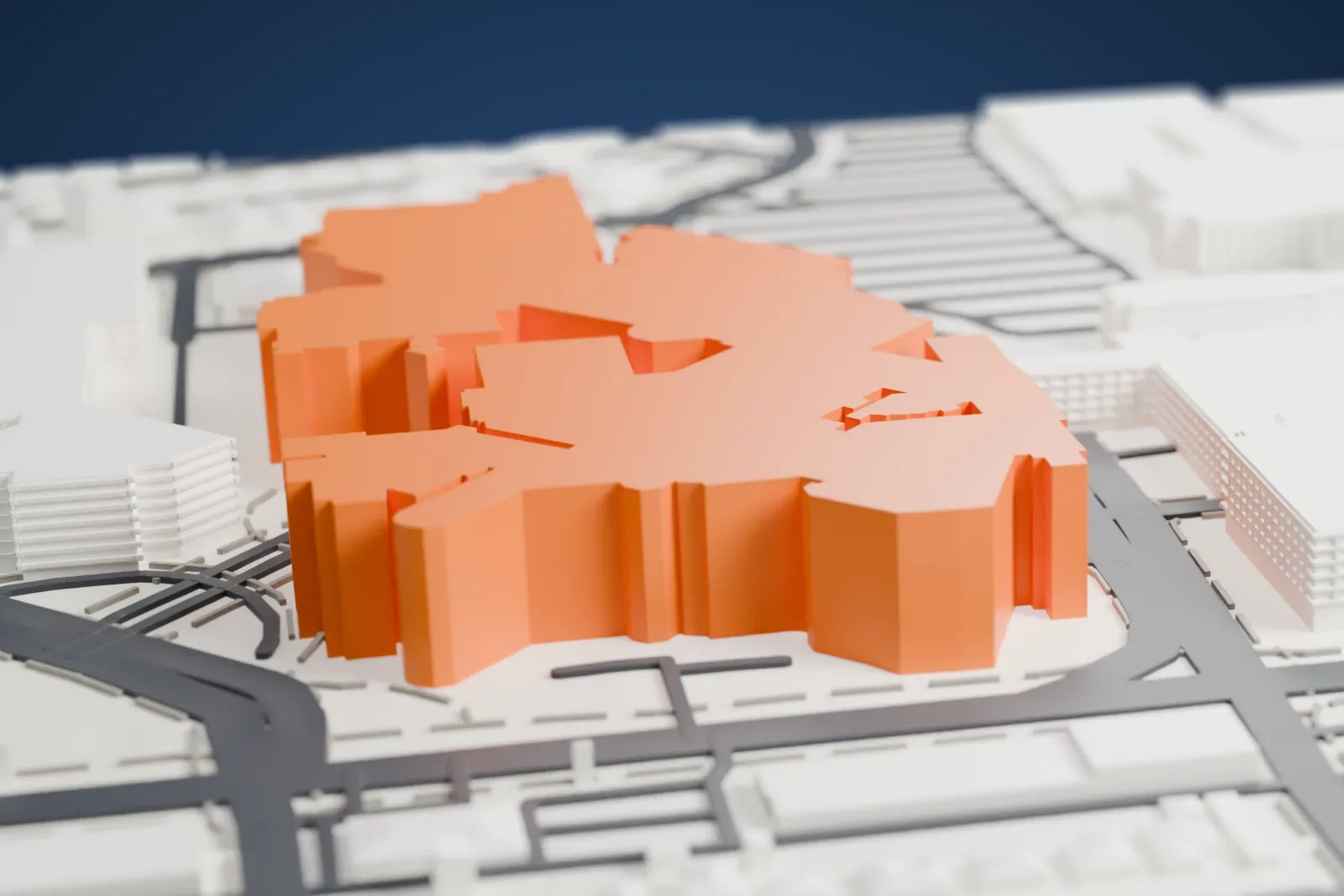
About St. Joseph's Hospital and Medical Center
St. Joseph's, operated by Dignity Health, is a not-for-profit hospital in Phoenix, Arizona, and a center for tertiary care alongside research and medical education. The American College of Surgeons has verified its Level I Trauma Center. It is also home to the Barrow Neurological Institute, described as the largest dedicated neurosurgical center in the world.
In 1892 the Sisters of Mercy arrived in Phoenix and opened a parish school. Moved by the suffering of tuberculosis patients, they raised funds for a sanitarium and in January 1895 rented a brick cottage with six bedrooms, on Fourth and Polk Streets, where St. Joseph's Sanitarium began. On March 19, 1895, a stake in the ground marked the site of a hospital with 24 private rooms opening onto porches.
A devastating fire in 1917 was followed by a rebuilding that took just 90 days, and the rebuilt facility served the community for 30 years. The population of Phoenix grew from 48,118 in 1930 to nearly 100,000 by 1945, so a larger facility was needed. In the mid-1940s the Sisters bought 10 acres (4.0 ha) at Third Avenue and Thomas Road, land that had belonged to an old dairy farm, for $25,000. A fundraising campaign began in November 1947, and the new hospital opened in July 1953.
How it prints
Make this print opens the generator on a 750 m square around the landmark. Buildings print at close to true scale, so the landmark grows with the print size.
| Print size | Landmark height | Scale |
|---|---|---|
| 160 mm default | 8 mm | 1:4,688 |
| 200 mm | 10 mm | 1:3,750 |
| 256 mm | 13 mm | 1:2,930 |
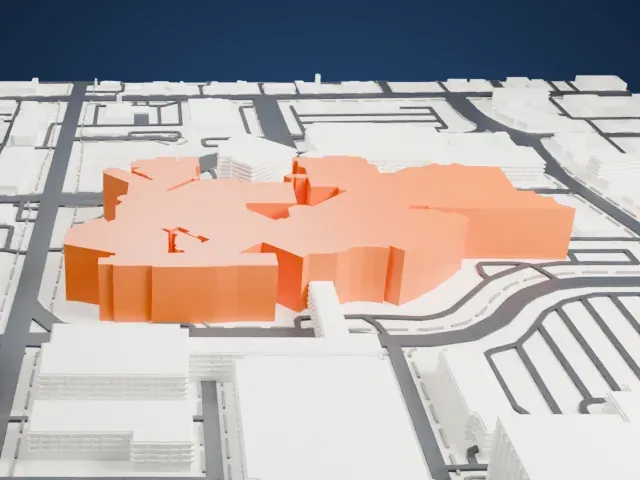
-
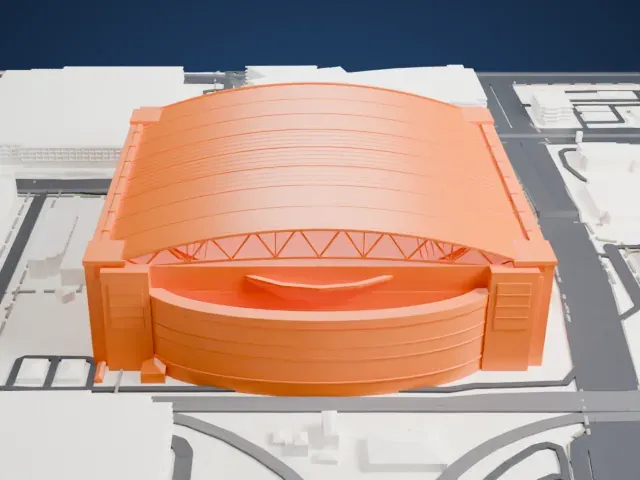
 North
North
-
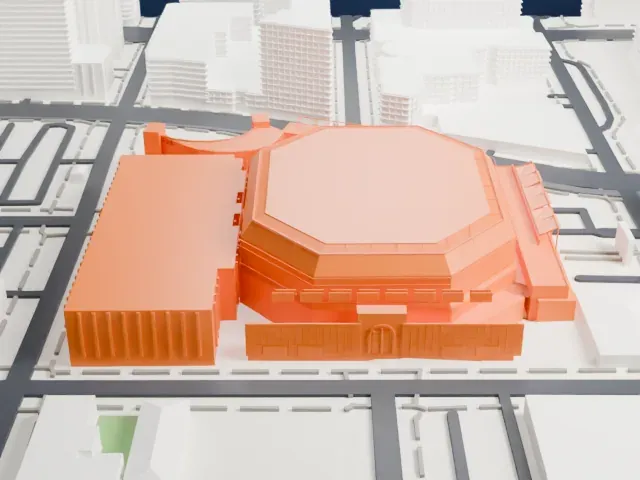
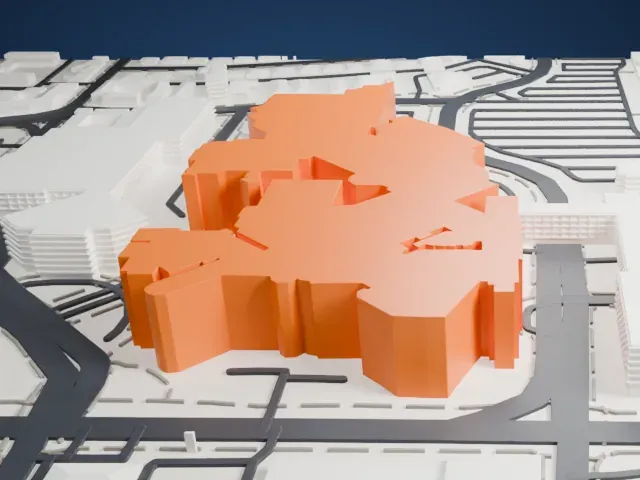
 East
East
-
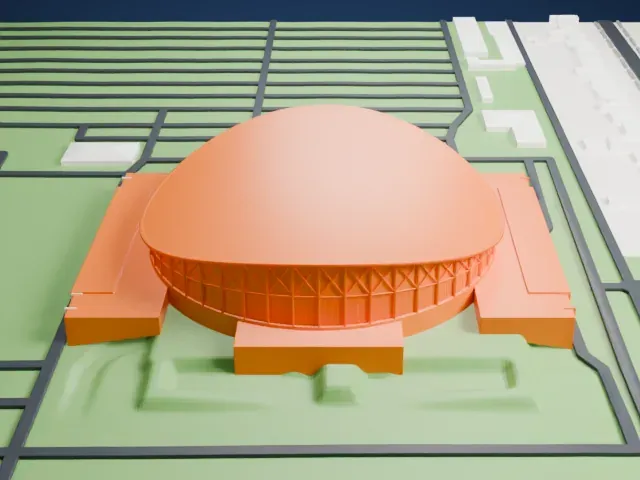
 South
South
-
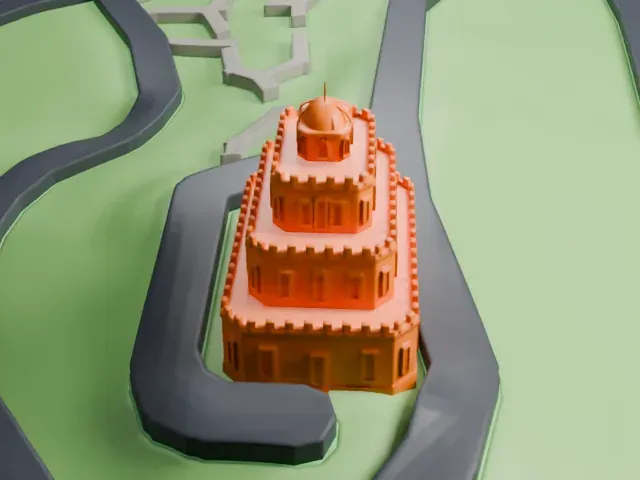
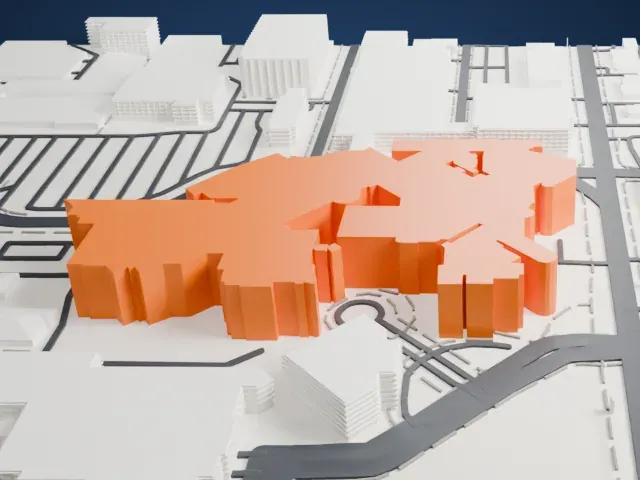 West
West
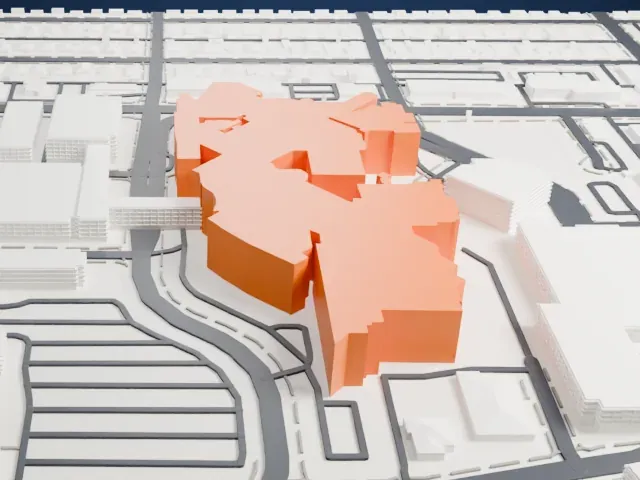
- Joined wings at different heights
- Many wings join at different heights, with small boxes on the roofs. Print friendly merges the smallest rooftop details; Full detail at a larger print size keeps more of the layered massing.
- One piece with the ground
- St. Joseph's Hospital and Medical Center is joined to the ground in the exported file, and the four-side check found no floating parts, so nothing needs gluing.
- Pick the detail for your nozzle
- In the Buildings settings, set Landmark detail to Print friendly to adapt thin parts and small details to the print scale. Full detail keeps every modeled feature, for larger prints or a finer nozzle.
- Colors
- Buildings, roads, water and ground arrive as separate filament slots in the 3MF. St. Joseph's Hospital and Medical Center takes the building color.
- File format
- You get a 3MF for Bambu Studio, OrcaSlicer or PrusaSlicer. Any of them can save it as STL if you need one.
About this model
St. Joseph's Hospital and Medical Center is one of more than 2,300 landmark models in Mini Skyline. They are made with AI, and each one is checked from four sides in its real surroundings before release. Everything around it is built from OpenStreetMap and Overture map data. If you would rather print the shape from map data, turn off Landmark models in the Buildings settings.
Common questions
Is there a St. Joseph's Hospital and Medical Center STL I can download?
Mini Skyline builds the file for you in your browser and exports 3MF, which every major slicer opens. If you need an STL, open the 3MF in your slicer and export it from there.
How big can I print it?
Any print size from 40 mm across. St. Joseph's Hospital and Medical Center grows with the print: about 8 mm tall on the default 160 mm print. For a model larger than your printer bed, Project Mode splits the area into tiles.
Is it free?
Yes. Generation runs in your browser, with no account and nothing behind a paywall.