3D print the U.S. Bank Center
A free, printable model of the tall rectangular tower and its wider base, with the high-rise buildings and streets around it, generated from real map data in your browser.
Free, in your browser. Exports a slicer-ready 3MF.
About the U.S. Bank Center
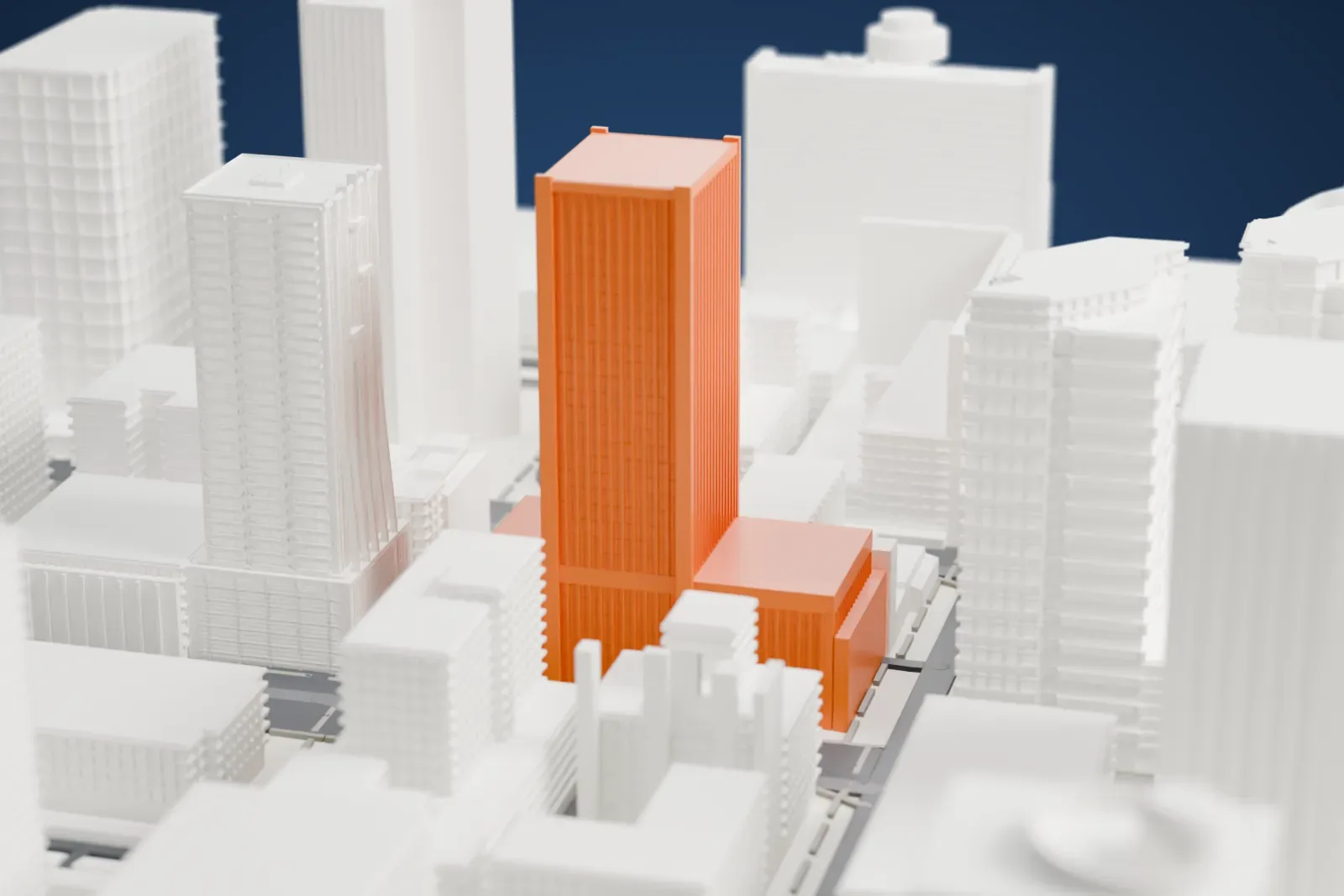
Phoenix, Arizona, is home to the U.S. Bank Center, an office high-rise completed in 1976 that stands 407 feet (124 m) tall. The design follows the International Style. A seven-level garage sits above the lobby, and the tower climbs another 23 floors, giving 31 floors above ground in total.
Thomas F. Marshall, then working for the Tulsa, Oklahoma, firm Kelley-Marshall & Associates, released the design in 1973, and in 1974 he started his own firm, Thomas F. Marshall Associates. Schoenberger, Straub, Florence & Associates of Phoenix were the associate architects, with Varney, Sexton, Sydnor Associates consulting. Construction began with a groundbreaking in 1974, and the Phoenix contractor M. M. Sundt Construction Company built the tower.
On completion it served as the headquarters of Arizona Bancwest, the parent company of The Arizona Bank. Bank of America later occupied the tower until 2000, and in January 2005 the building was renamed U.S. Bank Center. This tower was the first Phoenix high-rise constructed with an automatic sprinkler system for fire.
How it prints
Make this print opens the generator on a 600 m square around the landmark. Buildings print at close to true scale, so the landmark grows with the print size.
| Print size | Landmark height | Scale |
|---|---|---|
| 160 mm default | 33 mm | 1:3,750 |
| 200 mm | 42 mm | 1:3,000 |
| 256 mm | 53 mm | 1:2,344 |
-
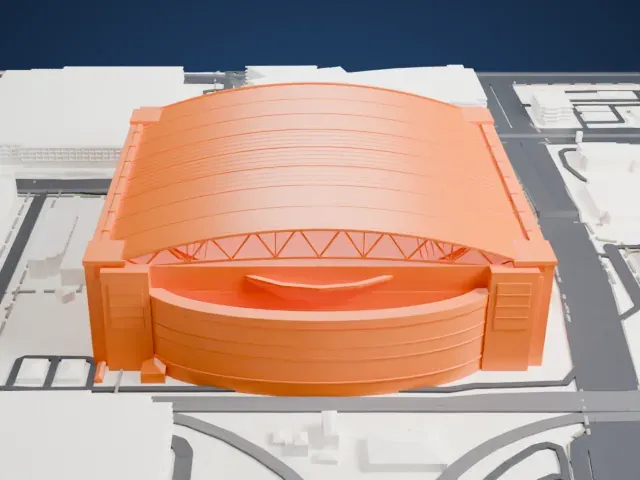
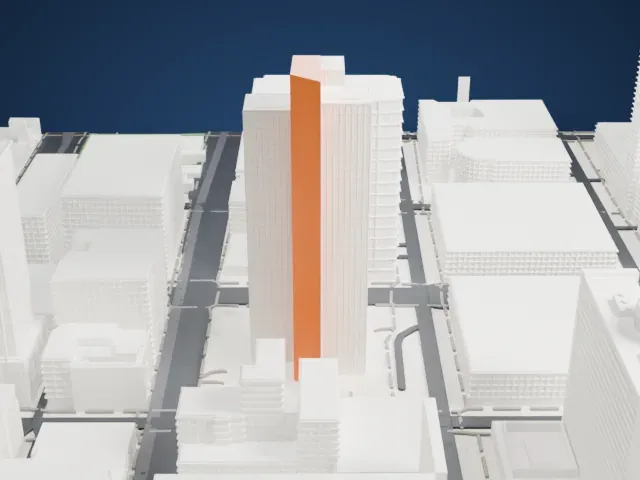
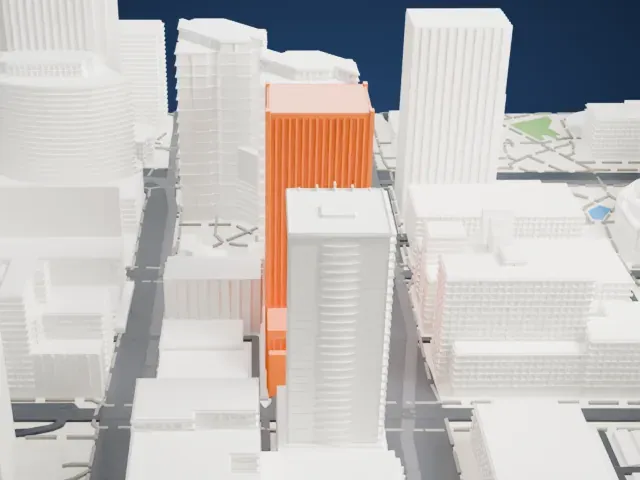 North
North
-
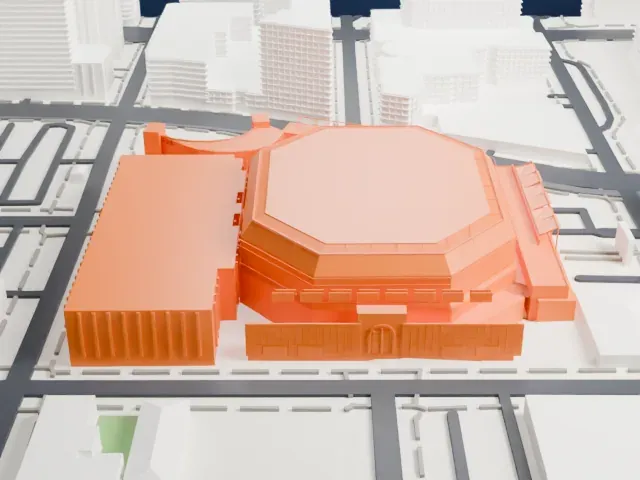
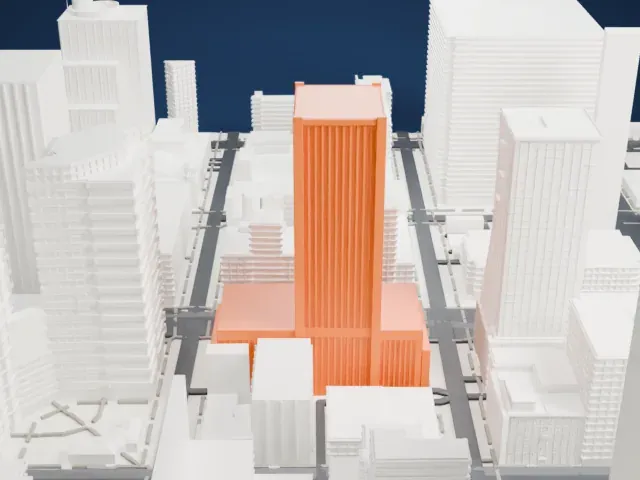 East
East
-
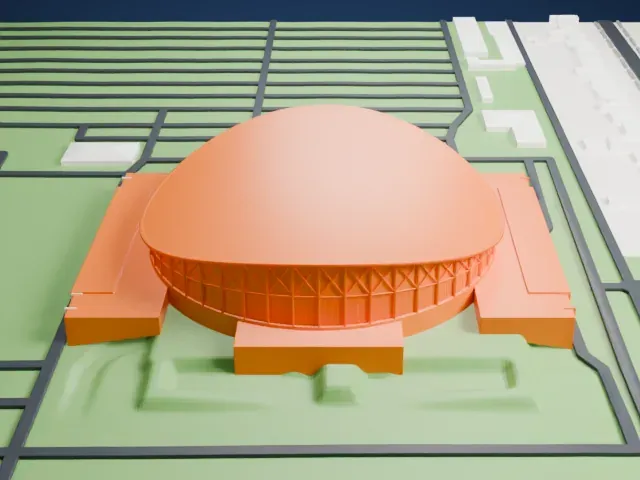
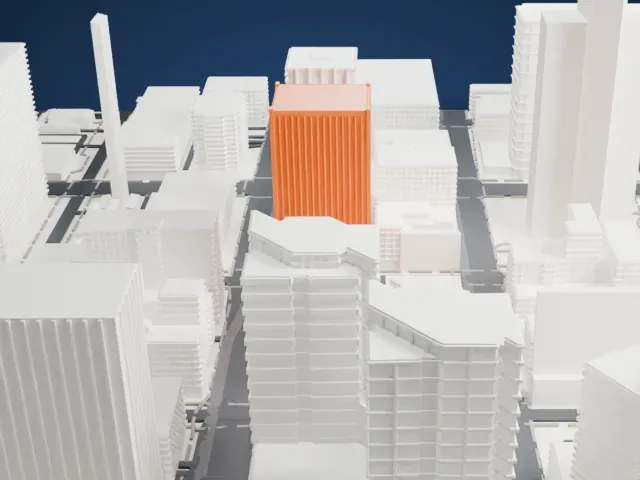 South
South
-
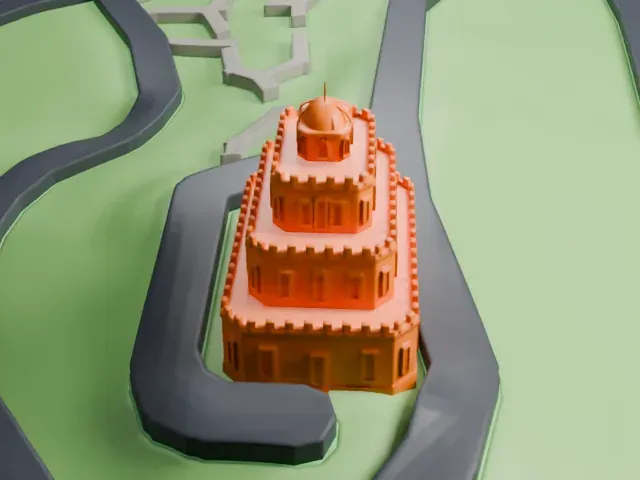
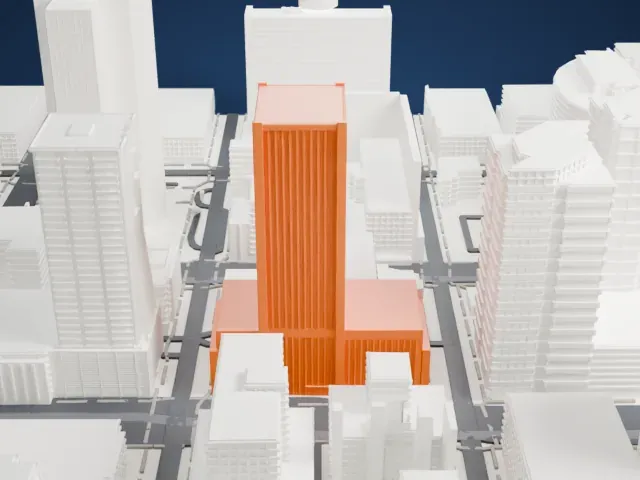 West
West
- Tall block on a wider base
- A tall rectangular tower rises from a wider low base. Printing slowly with good cooling helps a tall shape stay clean, and a larger print size keeps more of the small detail.
- Fine layers for floor lines
- Thin horizontal lines mark the floors up the tower. Layers of 0.12 to 0.16 mm keep them crisp, and Full detail keeps small details on larger prints.
- One piece with the ground
- The U.S. Bank Center is joined to the ground in the exported file, and the four-side check found no floating parts, so nothing needs gluing.
- Pick the detail for your nozzle
- In the Buildings settings, set Landmark detail to Print friendly to adapt thin parts and small details to the print scale. Full detail keeps every modeled feature, for larger prints or a finer nozzle.
- Colors
- Buildings, roads, water and ground arrive as separate filament slots in the 3MF. The U.S. Bank Center takes the building color.
- File format
- You get a 3MF for Bambu Studio, OrcaSlicer or PrusaSlicer. Any of them can save it as STL if you need one.
About this model
The U.S. Bank Center is one of more than 2,300 landmark models in Mini Skyline. They are made with AI, and each one is checked from four sides in its real surroundings before release. Everything around it is built from OpenStreetMap and Overture map data. If you would rather print the shape from map data, turn off Landmark models in the Buildings settings.
Common questions
Is there an U.S. Bank Center STL I can download?
Mini Skyline builds the file for you in your browser and exports 3MF, which every major slicer opens. If you need an STL, open the 3MF in your slicer and export it from there.
How big can I print it?
Any print size from 40 mm across. The U.S. Bank Center grows with the print: about 33 mm tall on the default 160 mm print. For a model larger than your printer bed, Project Mode splits the area into tiles.
Is it free?
Yes. Generation runs in your browser, with no account and nothing behind a paywall.