3D print Ujjayanta Palace
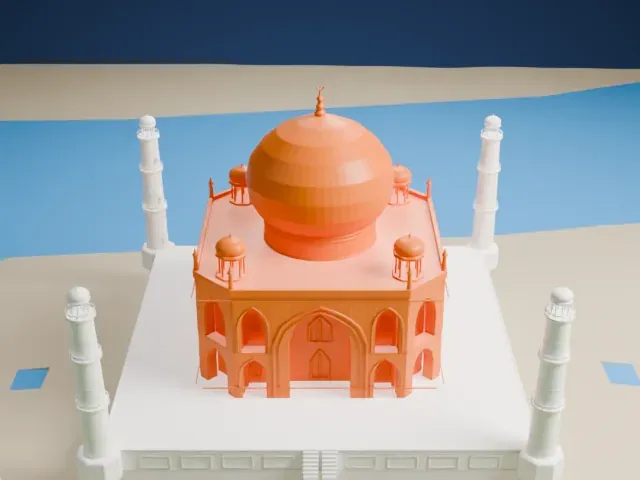
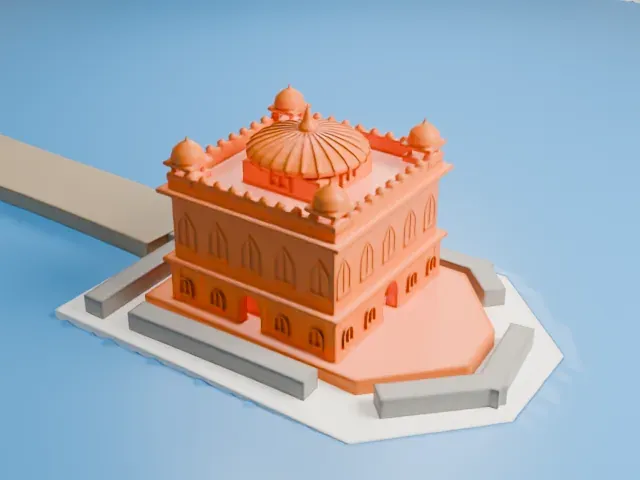
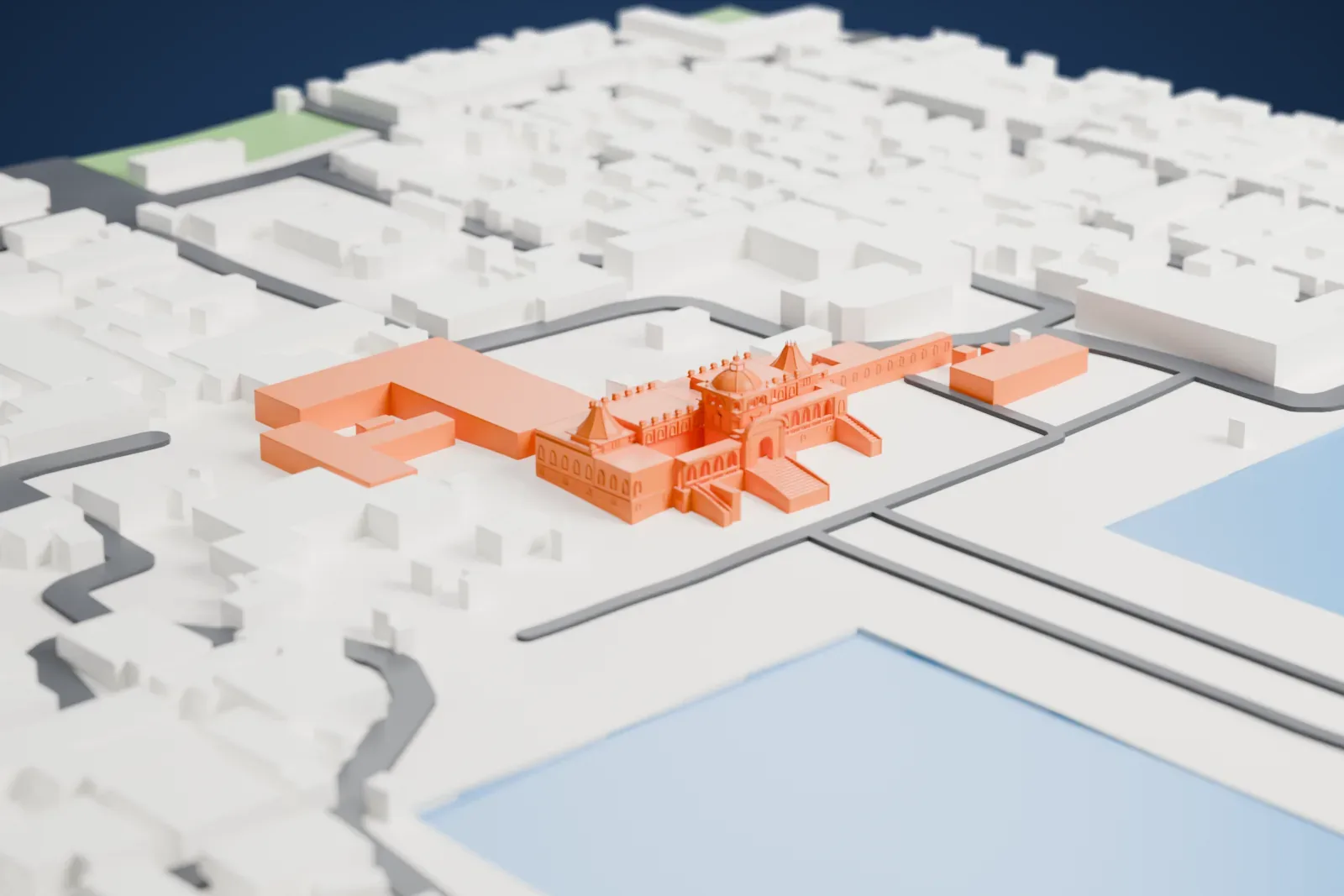
A free, printable model of Ujjayanta Palace, a domed palace with water on either side and low buildings around it, generated from real map data in your browser.
Free, in your browser. Exports a slicer-ready 3MF.
About Ujjayanta Palace
Ujjayanta Palace served as the royal palace for the princely state of Tripura. Maharaja Radha Kishore Manikya built the palace between 1899 and 1901, in the heart of Agartala city, for 10 lakh (1 million) rupees, an exorbitant sum at that time, with Martin and Burn Co. as the builder. Poet Rabindranath Tagore gave it the name Ujjayanta. The Manikyas lived there as their principal residence until October 1949, when Tripura became part of the Dominion of India. The 1897 Assam earthquake devastated an earlier palace of the same name, built in 1862 by King Ishan Chandra Manikya.
The Government of Tripura paid the royal family Rs. 2.5 million for the palace in 1972–73, and the State Legislative Assembly met there from 1973 to 2011. After seismic retrofitting, Vice-President Mohammad Hamid Ansari inaugurated it as the state museum on September 25, 2013. The government had first planned to rename it the Tripura State Museum, but after objections it kept the original name.
Sir Alexander Martin of Martin and Burn Company designed the two-story palace in the Indo-saracenic style, which mixes Mughal, Roman and British influences. It has three large domes, and the largest, 26 m (86 ft) high, rests on a four-storied central tower. Its public rooms include a throne room, a durbar hall, a library and a reception hall. A garden with decorative pools and fountains has a large artificial pond on each side.
How it prints
Make this print opens the generator on a 600 m square around the landmark. Buildings print at close to true scale, so the landmark grows with the print size.
| Print size | Landmark height | Scale |
|---|---|---|
| 160 mm default | 8 mm | 1:3,750 |
| 200 mm | 10 mm | 1:3,000 |
| 256 mm | 13 mm | 1:2,344 |
-
 North
North
-
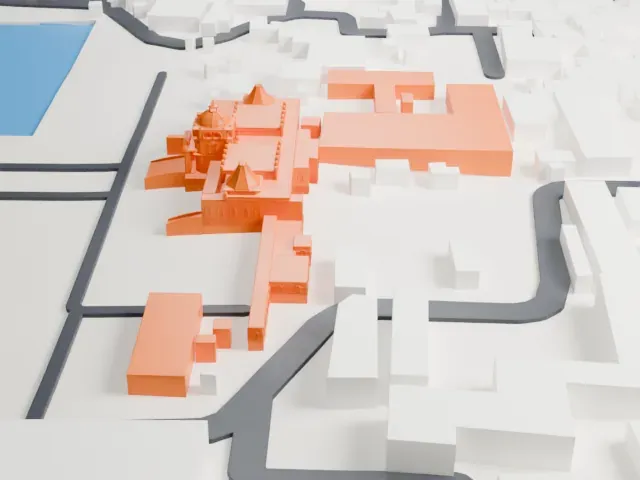 East
East
-
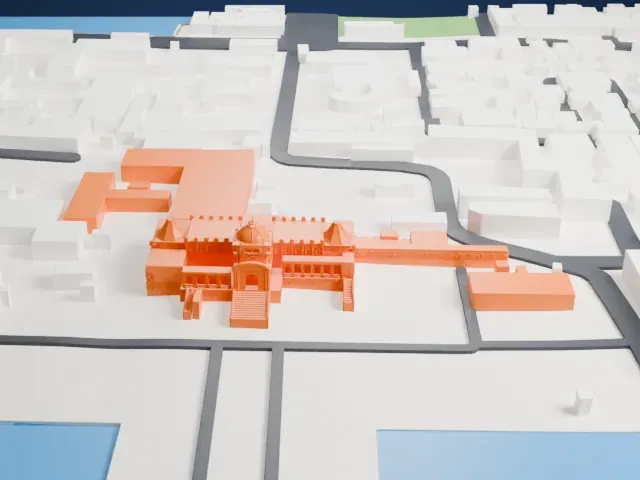 South
South
-
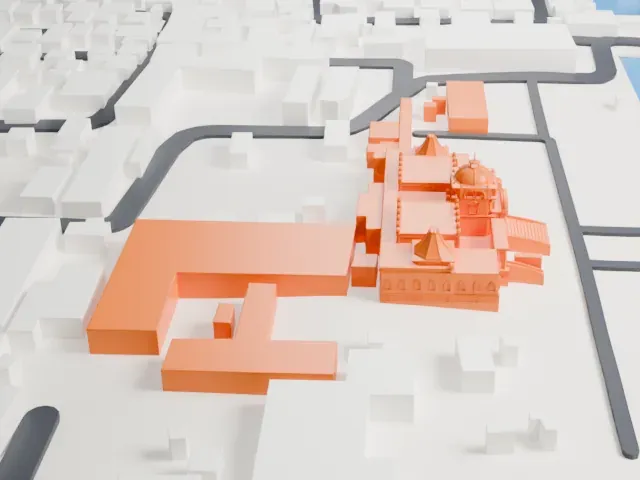 West
West
- Domes and cone-shaped roofs
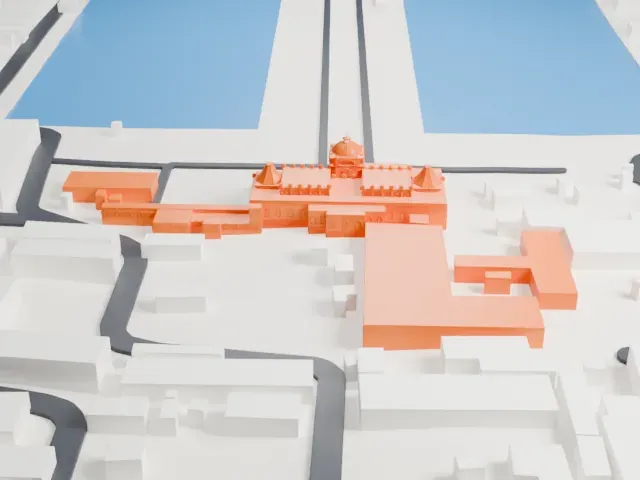
- The central dome and two cone-shaped roofs end in fine tips. Print friendly adapts thin tips to the print scale, while Full detail keeps them, which suits a larger print. Printing slowly helps small tips stay clean.
- Small arches and a toothed parapet
- Rows of small arches and a battlement-style parapet run along the facade. A layer height of 0.12 to 0.16 mm and a larger print size keep them crisp.
- One piece with the ground
- Ujjayanta Palace is joined to the ground in the exported file, and the four-side check found no floating parts, so nothing needs gluing.
- Pick the detail for your nozzle
- In the Buildings settings, set Landmark detail to Print friendly to adapt thin parts and small details to the print scale. Full detail keeps every modeled feature, for larger prints or a finer nozzle.
- Colors
- Buildings, roads, water and ground arrive as separate filament slots in the 3MF. Ujjayanta Palace takes the building color.
- File format
- You get a 3MF for Bambu Studio, OrcaSlicer or PrusaSlicer. Any of them can save it as STL if you need one.
About this model
Ujjayanta Palace is one of more than 2,300 landmark models in Mini Skyline. They are made with AI, and each one is checked from four sides in its real surroundings before release. Everything around it is built from OpenStreetMap and Overture map data. If you would rather print the shape from map data, turn off Landmark models in the Buildings settings.
Common questions
Is there an Ujjayanta Palace STL I can download?
Mini Skyline builds the file for you in your browser and exports 3MF, which every major slicer opens. If you need an STL, open the 3MF in your slicer and export it from there.
How big can I print it?
Any print size from 40 mm across. Ujjayanta Palace grows with the print: about 8 mm tall on the default 160 mm print. For a model larger than your printer bed, Project Mode splits the area into tiles.
Is it free?
Yes. Generation runs in your browser, with no account and nothing behind a paywall.