3D print the World Trade Center Mexico City
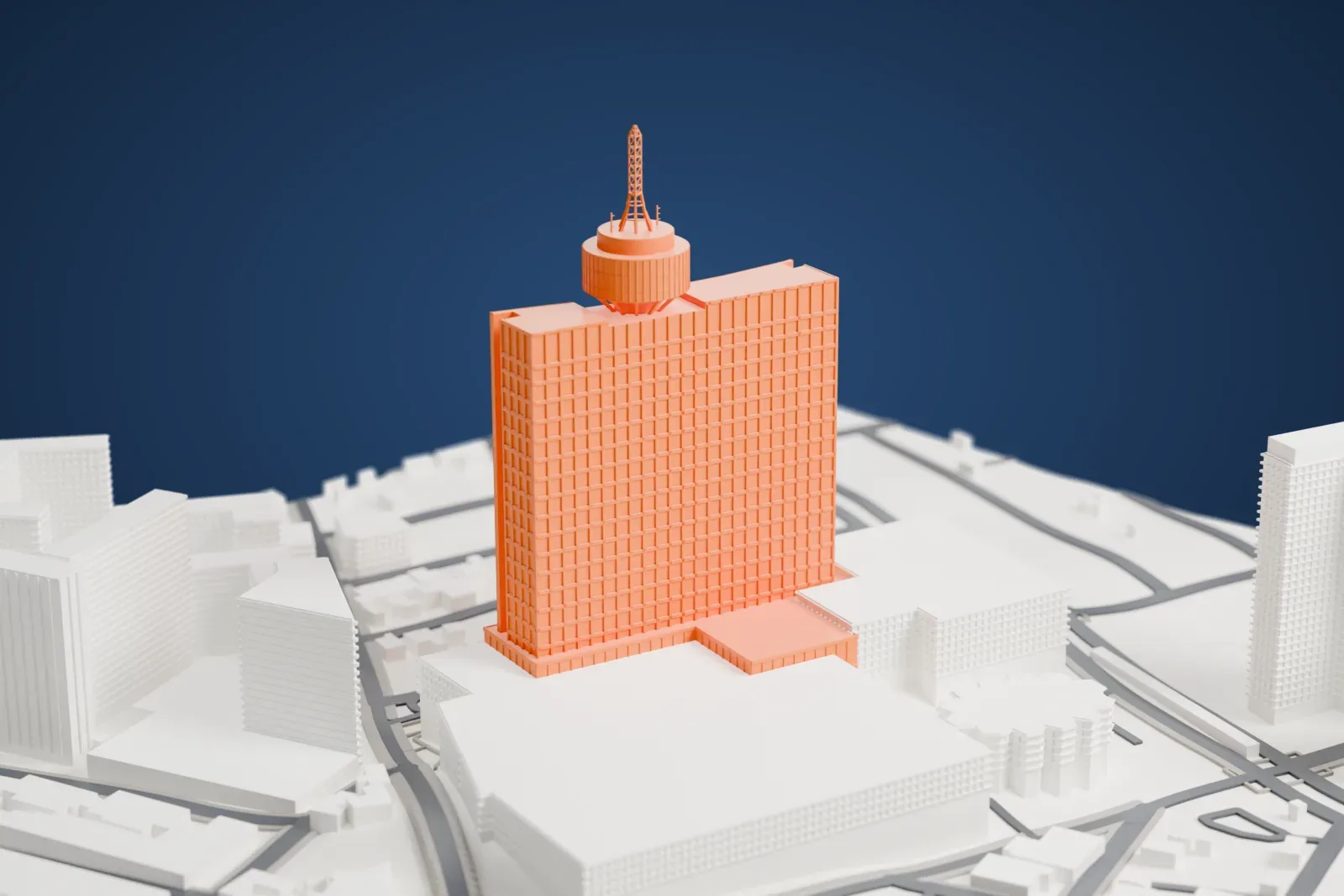
A free, printable model of the World Trade Center Mexico City, the Torre WTC and its low complex on Avenida de los Insurgentes, generated from real map data in your browser.
-
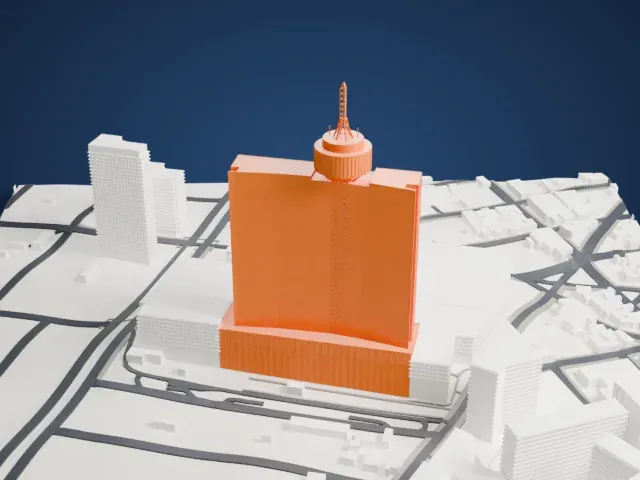 North
North
-
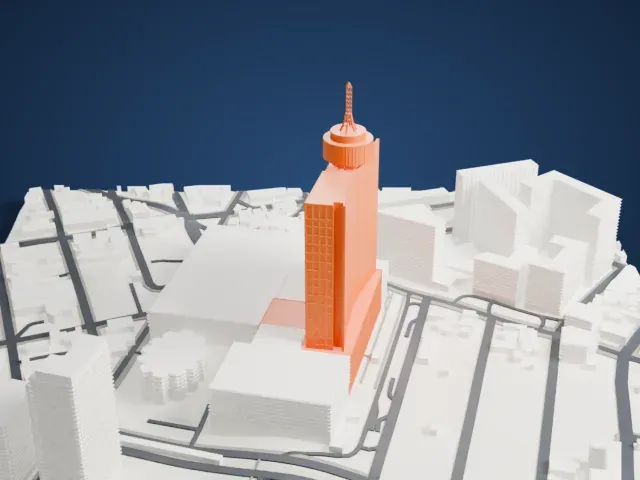 East
East
-
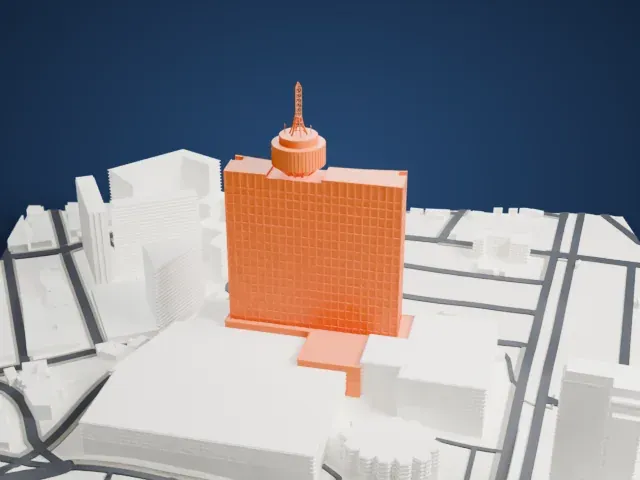 South
South
-
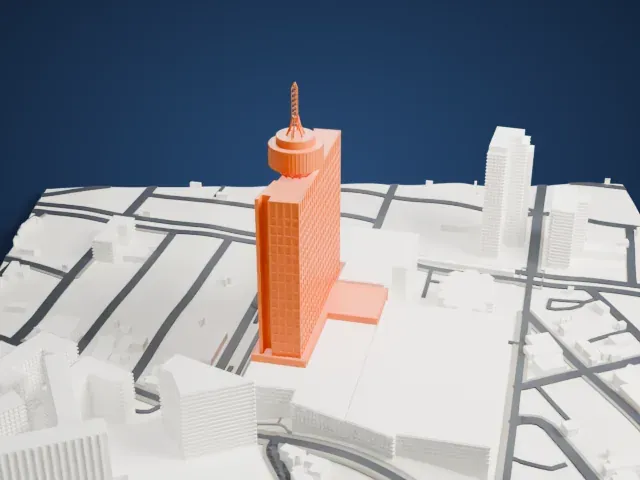 West
West
The model you print
World Trade Center Mexico City in 3D
The landmark on its own, at its size on a 160 mm print. Print friendly thickens thin parts for a 0.4 mm nozzle; Full detail keeps every part.
- On a 160 mm print
- 60 mm
- Scale
- 1:3,750
60 mm tall on a 160 mm print
Make this print opens the generator on a 600 m square around the landmark. Buildings print at close to true scale, so the landmark grows with the print size.
- Crown and lattice antenna
The round crown sits above an open support zone, and the lattice antenna rises from it on a flared base. Full detail keeps the open bracing; print slowly with layers of 0.12 to 0.16 mm.
- Long slab and podium
The tower is a broad, shallow slab over a low T-shaped podium, with a deep grid of facade bands. A larger print keeps the recessed end joints and podium panels distinct.
- One piece with the ground
The World Trade Center Mexico City is joined to the ground in the exported file, and the four-side check found no floating parts, so nothing needs gluing.
- Pick the detail for your nozzle
In the Buildings settings, set Landmark detail to Print friendly to adapt thin parts and small details to the print scale. Full detail keeps every modeled feature, for larger prints or a finer nozzle.
- Colors
Buildings, roads, water and ground arrive as separate filament slots in the 3MF. The World Trade Center Mexico City takes the building color.
- File format
You get a 3MF for Bambu Studio, OrcaSlicer or PrusaSlicer. Any of them can save it as STL if you need one.
About the World Trade Center Mexico City
The World Trade Center Mexico City is a building complex in Colonia Nápoles, a neighborhood in central Mexico City. Many people still call it Hotel de México, its earlier name. Its best-known element is the Torre WTC, a 50-story tower and the largest building nearby. The address is Avenida de los Insurgentes.
A convention center and a cultural center are part of it, along with parking, a cinema with several screens and a 22-floor hotel. Its shopping center holds a supermarket and a Sears store. A revolving restaurant occupies the 45th floor, with an observation gallery on the 44th. A Metrobús station, Poliforum, stands a few meters away; its name comes from the Polyforum Cultural Siqueiros, which forms part of the complex.
The site began as the Hotel de México. In 1947 José Jerónimo de La Lama set aside its lot, called Parque de La Lama, and the project began in 1966 under Manuel Suárez y Suárez. Intended for the 1968 Olympics, it ran over budget. The tower itself was finished in 1972 but never worked as a hotel, and in 1995 the complex opened as the World Trade Center, with offices and a convention center in the tower.
About this model
The World Trade Center Mexico City is one of more than 4,900 landmark models in Mini Skyline. They are made with AI, and each one is checked from four sides in its real surroundings before release. Everything around it is built from OpenStreetMap and Overture map data. If you would rather print the shape from map data, turn off Landmark models in the Buildings settings.
Same skyline