3D print 1211 Avenue of the Americas
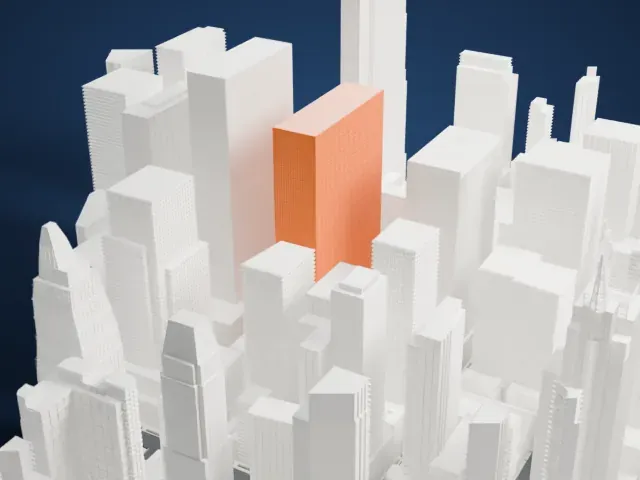
A free, printable model of the tower and the dense blocks of skyscrapers around it in Midtown Manhattan, generated from real map data in your browser.
Free, in your browser. Exports a slicer-ready 3MF.
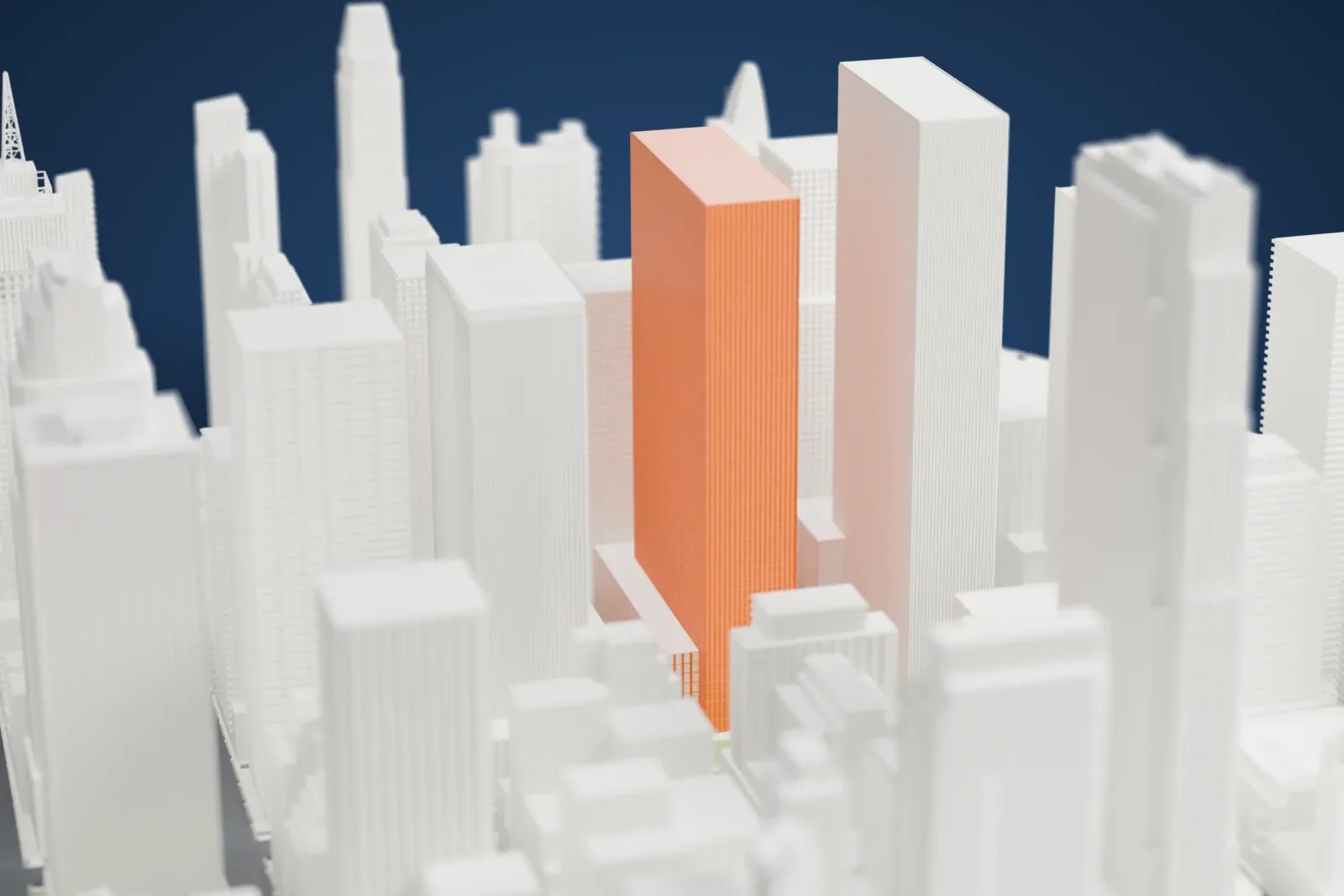
About 1211 Avenue of the Americas
On Sixth Avenue in Midtown Manhattan, New York City, stands 1211 Avenue of the Americas, an International Style skyscraper. It also carries the names News Corp. Building and FOX Building, and it was once the Celanese Building. Its primary tenant, Celanese, later relocated to Dallas, Texas. Finished in 1973, it belongs to a later wave of Rockefeller Center growth, in the 1960s and 1970s, whose towers were dubbed the "XYZ Buildings". Wallace Harrison of Harrison & Abramovitz drew the first plans in 1963.
The letters X, Y and Z match the heights of the three towers. The highest is the X Building, at 1251 Avenue of the Americas, with 54 stories and 229 m (750 ft), and it was the first to be finished, in 1971. The Y Building (1221 Avenue of the Americas) ranks second in height, with 51 stories and 674 ft, and it was the second tower completed, in 1973. The Z Building, 1211 Avenue of the Americas, is the shortest and youngest, with 45 stories (592 ft).
The tower is a plain slab with no decoration. Its facade is made of vertical stripes of limestone alternating with glass. The stone piers are supernumerary, meaning there are twice as many as the structure needs. The glass bands run together and give no clue to the floor levels, which makes the building seem to lack scale and keeps the tower from looking too bulky.
How it prints
Make this print opens the generator on a 600 m square around the landmark. Buildings print at close to true scale, so the landmark grows with the print size.
| Print size | Landmark height | Scale |
|---|---|---|
| 160 mm default | 49 mm | 1:3,750 |
| 200 mm | 61 mm | 1:3,000 |
| 256 mm | 78 mm | 1:2,344 |
-
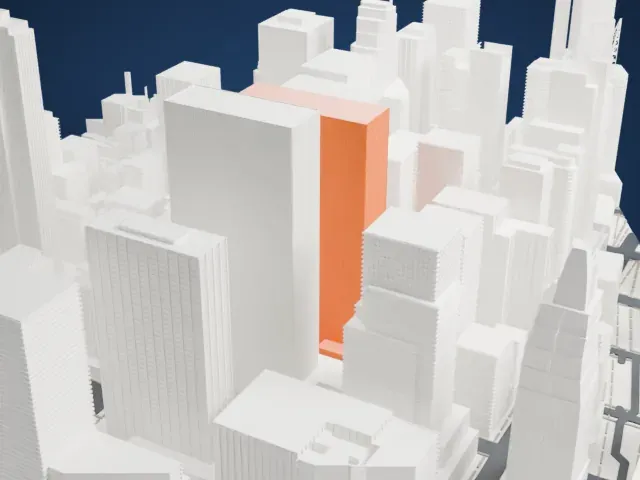 North
North
-
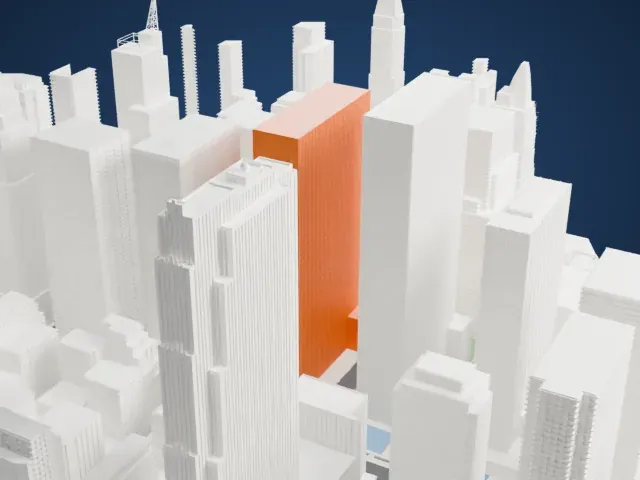 East
East
-
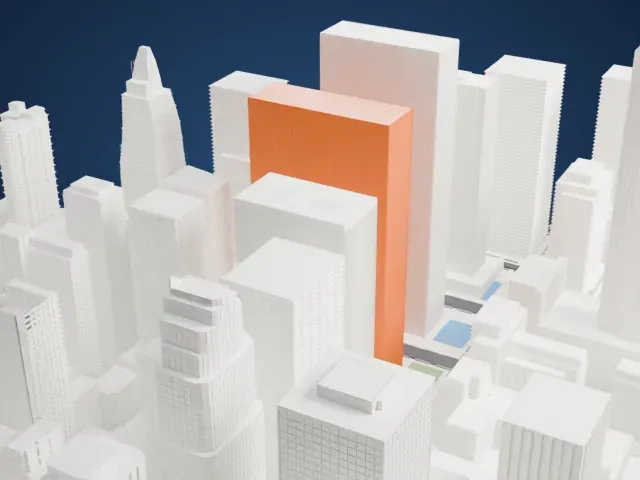 South
South
-
 West
West
- Fine vertical stripes
- The facade is a pattern of narrow vertical stripes. Print friendly adapts them to the print scale; Full detail keeps more of them, which suits a larger print or a fine nozzle.
- A plain slab among tall neighbors
- The tower is a flat-topped slab with other tall buildings close on every side. A bigger print size keeps the narrow gaps between buildings open, and layers of 0.12 to 0.16 mm keep its edges sharp.
- One piece with the ground
- 1211 Avenue of the Americas is joined to the ground in the exported file, and the four-side check found no floating parts, so nothing needs gluing.
- Pick the detail for your nozzle
- In the Buildings settings, set Landmark detail to Print friendly to adapt thin parts and small details to the print scale. Full detail keeps every modeled feature, for larger prints or a finer nozzle.
- Colors
- Buildings, roads, water and ground arrive as separate filament slots in the 3MF. 1211 Avenue of the Americas takes the building color.
- File format
- You get a 3MF for Bambu Studio, OrcaSlicer or PrusaSlicer. Any of them can save it as STL if you need one.
About this model
1211 Avenue of the Americas is one of more than 2,300 landmark models in Mini Skyline. They are made with AI, and each one is checked from four sides in its real surroundings before release. Everything around it is built from OpenStreetMap and Overture map data. If you would rather print the shape from map data, turn off Landmark models in the Buildings settings.
Common questions
Is there a 1211 Avenue of the Americas STL I can download?
Mini Skyline builds the file for you in your browser and exports 3MF, which every major slicer opens. If you need an STL, open the 3MF in your slicer and export it from there.
How big can I print it?
Any print size from 40 mm across. 1211 Avenue of the Americas grows with the print: about 49 mm tall on the default 160 mm print. For a model larger than your printer bed, Project Mode splits the area into tiles.
Is it free?
Yes. Generation runs in your browser, with no account and nothing behind a paywall.





