3D print 220 Central Park South
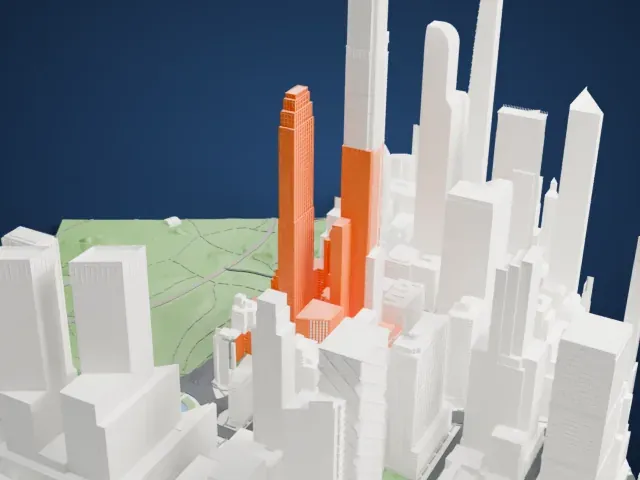
A free, printable model of 220 Central Park South and the tall buildings around it, with a green park nearby, generated from real map data in your browser.
Free, in your browser. Exports a slicer-ready 3MF.
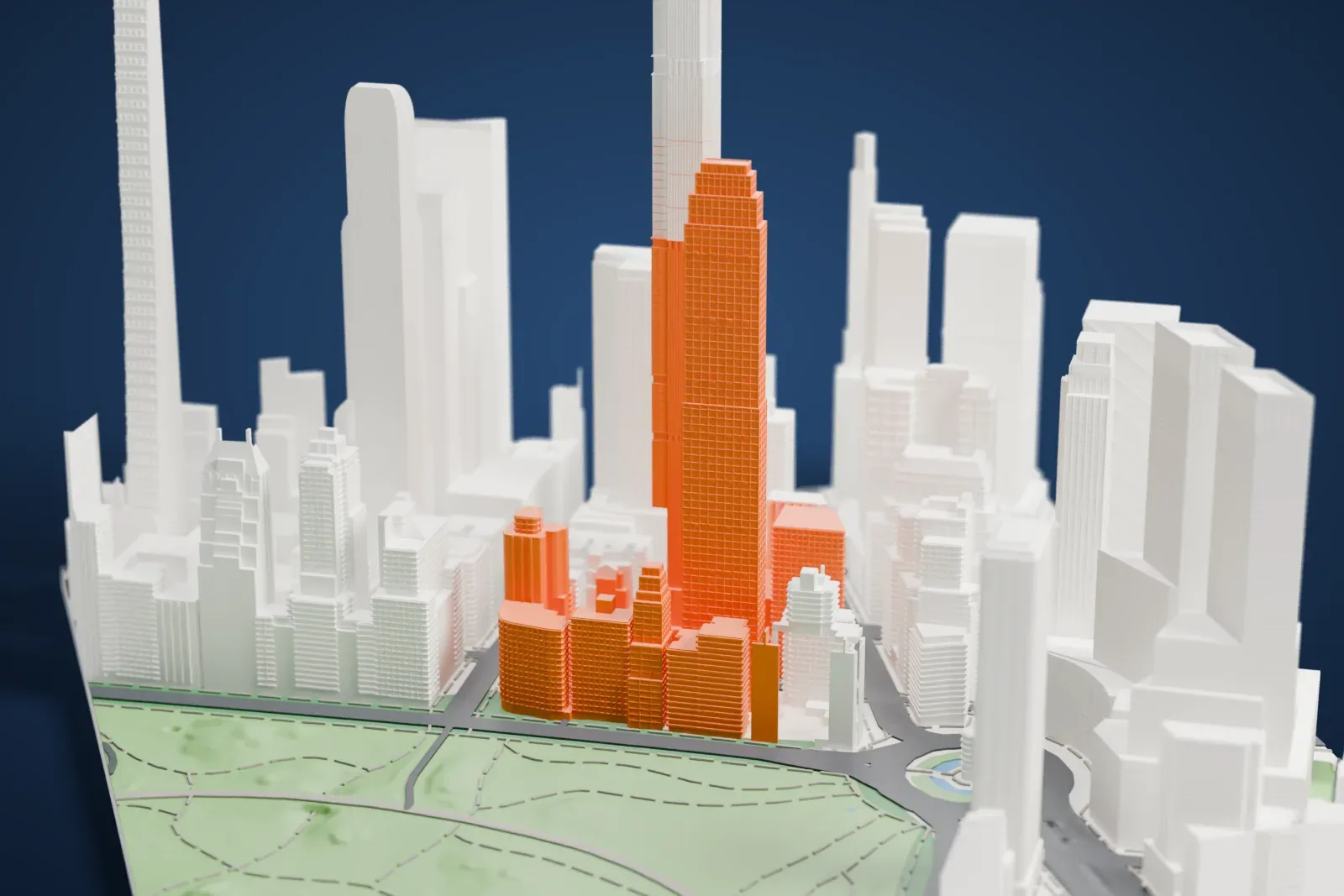
About 220 Central Park South
The residential skyscraper at 220 Central Park South rises in Midtown Manhattan, along Billionaires' Row. It stands just south of Central Park and east of Columbus Circle, in the middle of a block bounded by Seventh Avenue and Broadway. Two sections make up the building: a 58th Street tower of 70 stories, 290 m tall, and a shorter 18-story wing on Central Park South. A limestone facade covers both. The massing and exterior came from Robert A.M. Stern Architects, while SLCE Architects served as architect of record and Thierry Despont designed the interiors.
Vornado Realty Trust developed it where a rent-stabilized apartment complex from 1954 had stood, a property acquired in 2005. A tenants' lawsuit pushed demolition back to 2012. Stern's designs came out in early 2014 and won approval that March; work began on the base in 2015, and the first residents arrived in 2018. At the time, a $238 million unit sold in 2019 set the highest price ever paid for a home in the United States.
Most of the 118 apartments are duplexes. Amenities include a porte-cochère, a wine cellar and private dining rooms. The upper floors measure about 16 by 39 m, a slenderness ratio of 18:1, and that slenderness has led to the tower being described as part of a new kind of New York "pencil towers". Its facade uses Alabama Silver Shadow limestone, which looks marbled.
How it prints
Make this print opens the generator on a 600 m square around the landmark. Buildings print at close to true scale, so the landmark grows with the print size.
| Print size | Landmark height | Scale |
|---|---|---|
| 160 mm default | 79 mm | 1:3,750 |
| 200 mm | 98 mm | 1:3,000 |
| 256 mm | 126 mm | 1:2,344 |
-
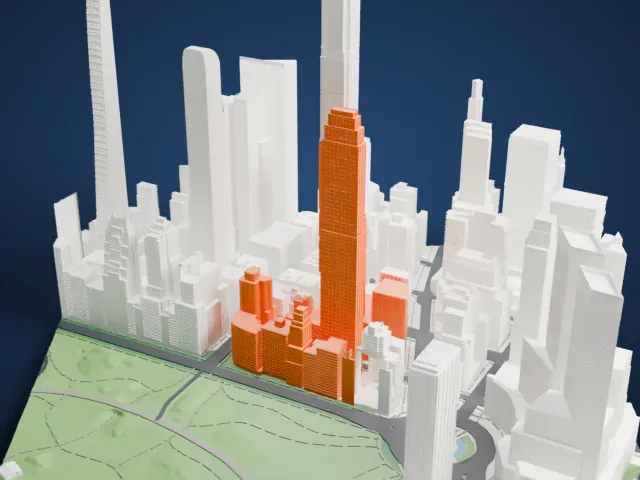 North
North
-
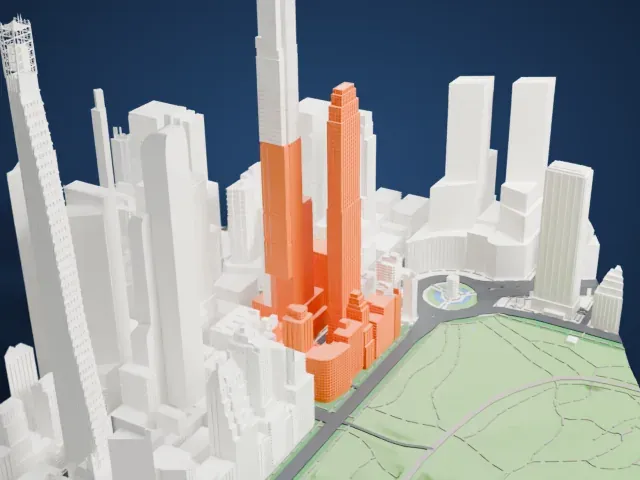 East
East
-
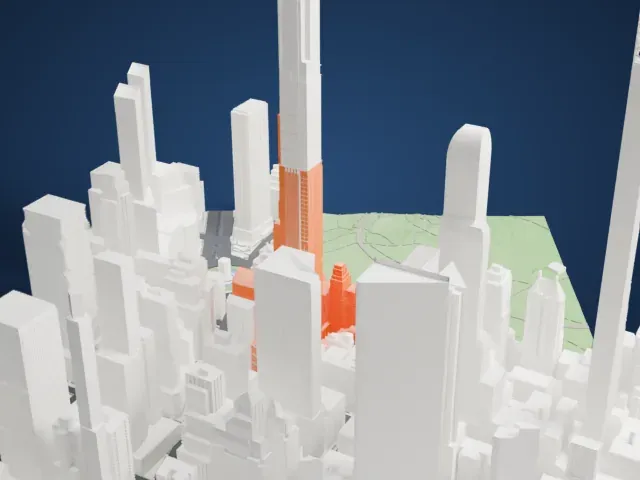 South
South
-
 West
West
- A very slender tower
- The tall tower is narrow for its height. Printing slowly with good cooling helps tall thin parts, and layers of 0.12 to 0.16 mm keep the fine window grid crisp.
- Stepped crown and setbacks
- The top of the tower steps inward, and the shorter section has setbacks of its own. Print friendly adapts these small steps to the print scale, while Full detail keeps every one on a larger print.
- Pick the detail for your nozzle
- In the Buildings settings, set Landmark detail to Print friendly to adapt thin parts and small details to the print scale. Full detail keeps every modeled feature, for larger prints or a finer nozzle.
- Colors
- Buildings, roads, water and ground arrive as separate filament slots in the 3MF. 220 Central Park South takes the building color.
- File format
- You get a 3MF for Bambu Studio, OrcaSlicer or PrusaSlicer. Any of them can save it as STL if you need one.
About this model
220 Central Park South is one of more than 2,300 landmark models in Mini Skyline. They are made with AI, and each one is checked from four sides in its real surroundings before release. Everything around it is built from OpenStreetMap and Overture map data. If you would rather print the shape from map data, turn off Landmark models in the Buildings settings.
Common questions
Is there a 220 Central Park South STL I can download?
Mini Skyline builds the file for you in your browser and exports 3MF, which every major slicer opens. If you need an STL, open the 3MF in your slicer and export it from there.
How big can I print it?
Any print size from 40 mm across. 220 Central Park South grows with the print: about 79 mm tall on the default 160 mm print. For a model larger than your printer bed, Project Mode splits the area into tiles.
Is it free?
Yes. Generation runs in your browser, with no account and nothing behind a paywall.





