3D print 245 Park Avenue
A free, printable model of 245 Park Avenue, a tall stepped tower with a grid of windows, and the dense Midtown towers around it, generated from real map data in your browser.
Free, in your browser. Exports a slicer-ready 3MF.
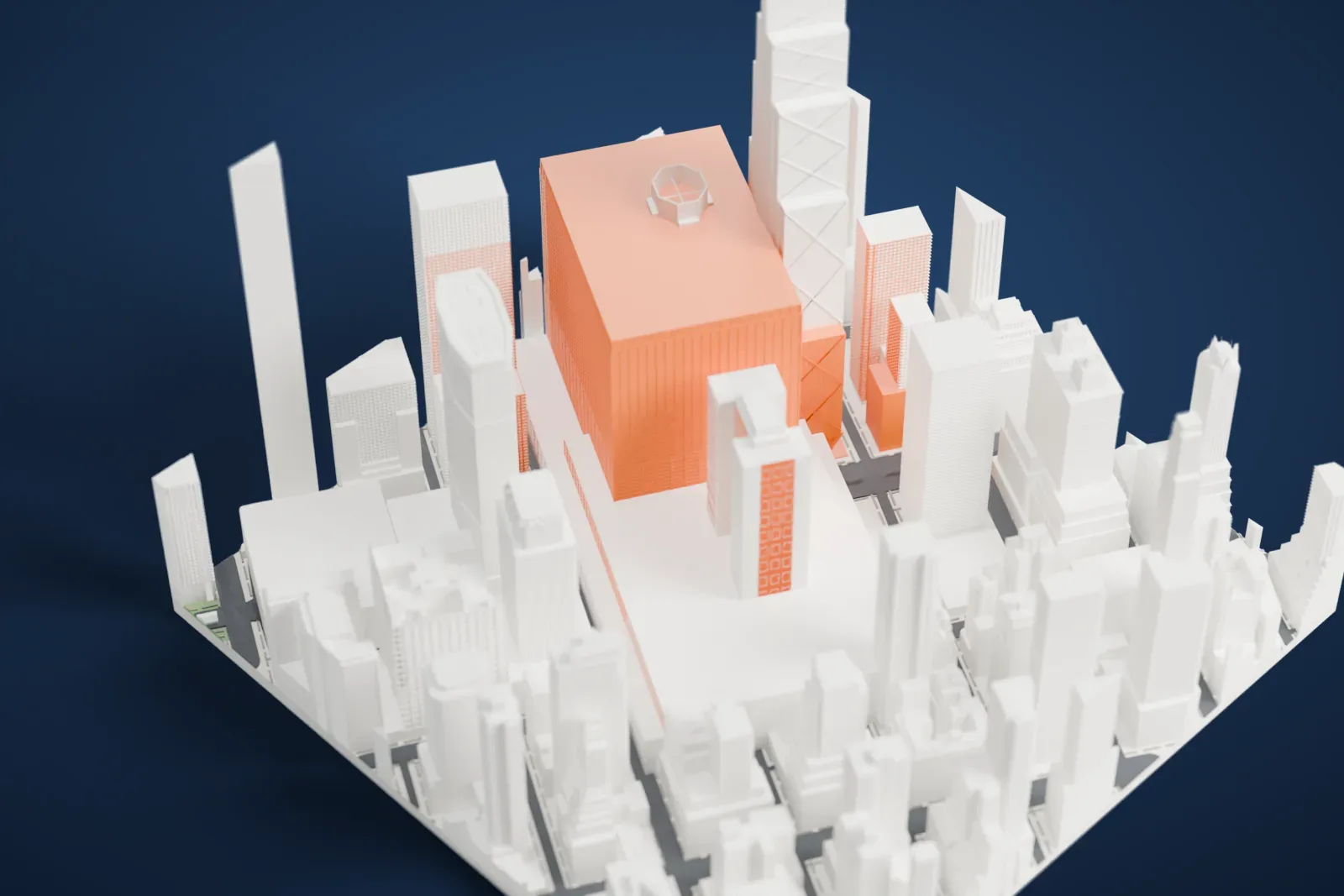
About 245 Park Avenue
245 Park Avenue is a 198-meter (648 ft) skyscraper in New York City's Midtown Manhattan. The firm Shreve, Lamb and Harmon designed it, and it was completed in 1967. It holds 160,000 m2 (1.7 million sq ft) of floor space across 48 floors. It won the Building Owners and Managers Association's 2000/2001 Pinnacle Award, and the building has its own ZIP Code, 10167.
An exhibition hall, the second Grand Central Palace, stood on the site until it was demolished in 1964 for the tower. At various points in its history the building has carried the names of Bear Stearns, American Brands and the American Tobacco Company. In November 2000, JPMorgan Chase leased 54,000 m2 (580,000 sq ft) there, creating a corporate campus together with its own nearby headquarters, at 270 Park Avenue.
How it prints
Make this print opens the generator on a 600 m square around the landmark. Buildings print at close to true scale, so the landmark grows with the print size.
| Print size | Landmark height | Scale |
|---|---|---|
| 160 mm default | 54 mm | 1:3,750 |
| 200 mm | 68 mm | 1:3,000 |
| 256 mm | 87 mm | 1:2,344 |
-
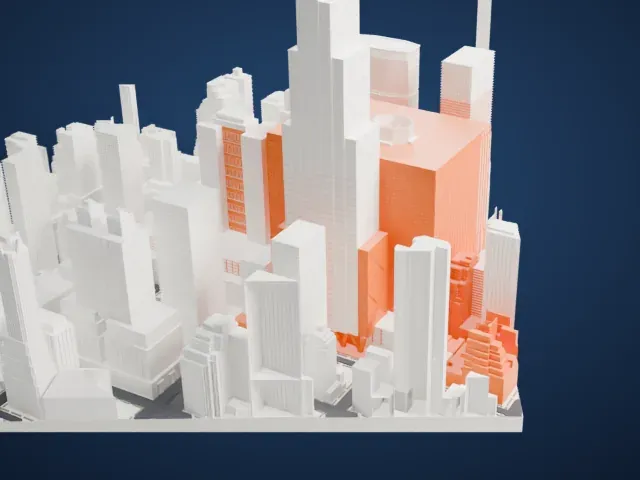 North
North
-
 East
East
-
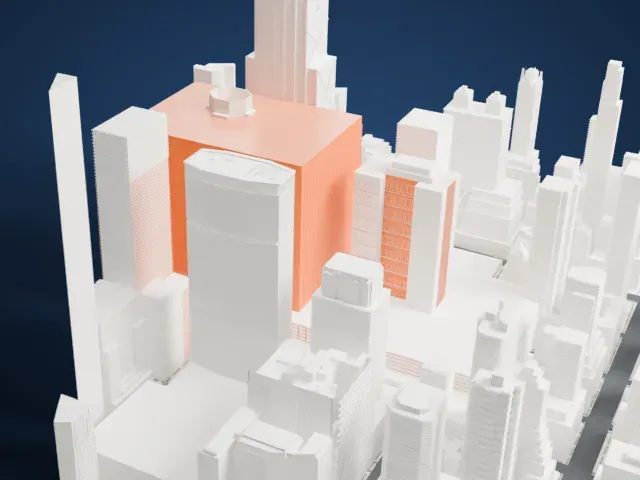 South
South
-
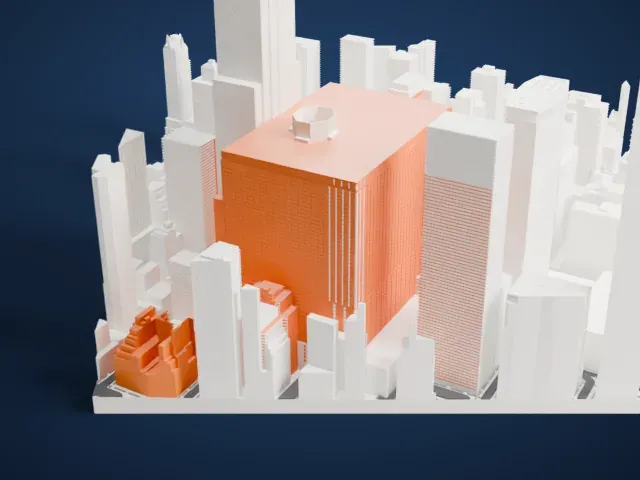 West
West
- Stepped crown and window grid
- The top steps back in several tiers, and a fine grid of windows covers the walls. Layers of 0.12–0.16 mm keep the grid crisp, and a larger print size keeps the tiers distinct.
- Tall block among neighbors
- The tower is a tall, simple block in the model. Print slowly with good cooling, and use Print friendly to adapt small rooftop parts to the print scale.
- One piece with the ground
- 245 Park Avenue is joined to the ground in the exported file, and the four-side check found no floating parts, so nothing needs gluing.
- Pick the detail for your nozzle
- In the Buildings settings, set Landmark detail to Print friendly to adapt thin parts and small details to the print scale. Full detail keeps every modeled feature, for larger prints or a finer nozzle.
- Colors
- Buildings, roads, water and ground arrive as separate filament slots in the 3MF. 245 Park Avenue takes the building color.
- File format
- You get a 3MF for Bambu Studio, OrcaSlicer or PrusaSlicer. Any of them can save it as STL if you need one.
About this model
245 Park Avenue is one of more than 2,300 landmark models in Mini Skyline. They are made with AI, and each one is checked from four sides in its real surroundings before release. Everything around it is built from OpenStreetMap and Overture map data. If you would rather print the shape from map data, turn off Landmark models in the Buildings settings.
Common questions
Is there a 245 Park Avenue STL I can download?
Mini Skyline builds the file for you in your browser and exports 3MF, which every major slicer opens. If you need an STL, open the 3MF in your slicer and export it from there.
How big can I print it?
Any print size from 40 mm across. 245 Park Avenue grows with the print: about 54 mm tall on the default 160 mm print. For a model larger than your printer bed, Project Mode splits the area into tiles.
Is it free?
Yes. Generation runs in your browser, with no account and nothing behind a paywall.





