3D print 26 Journal Square
A free, printable model of 26 Journal Square, a tall tower with a heavy crowning cornice, and the lower buildings and streets around it, generated from real map data in your browser.
Free, in your browser. Exports a slicer-ready 3MF.
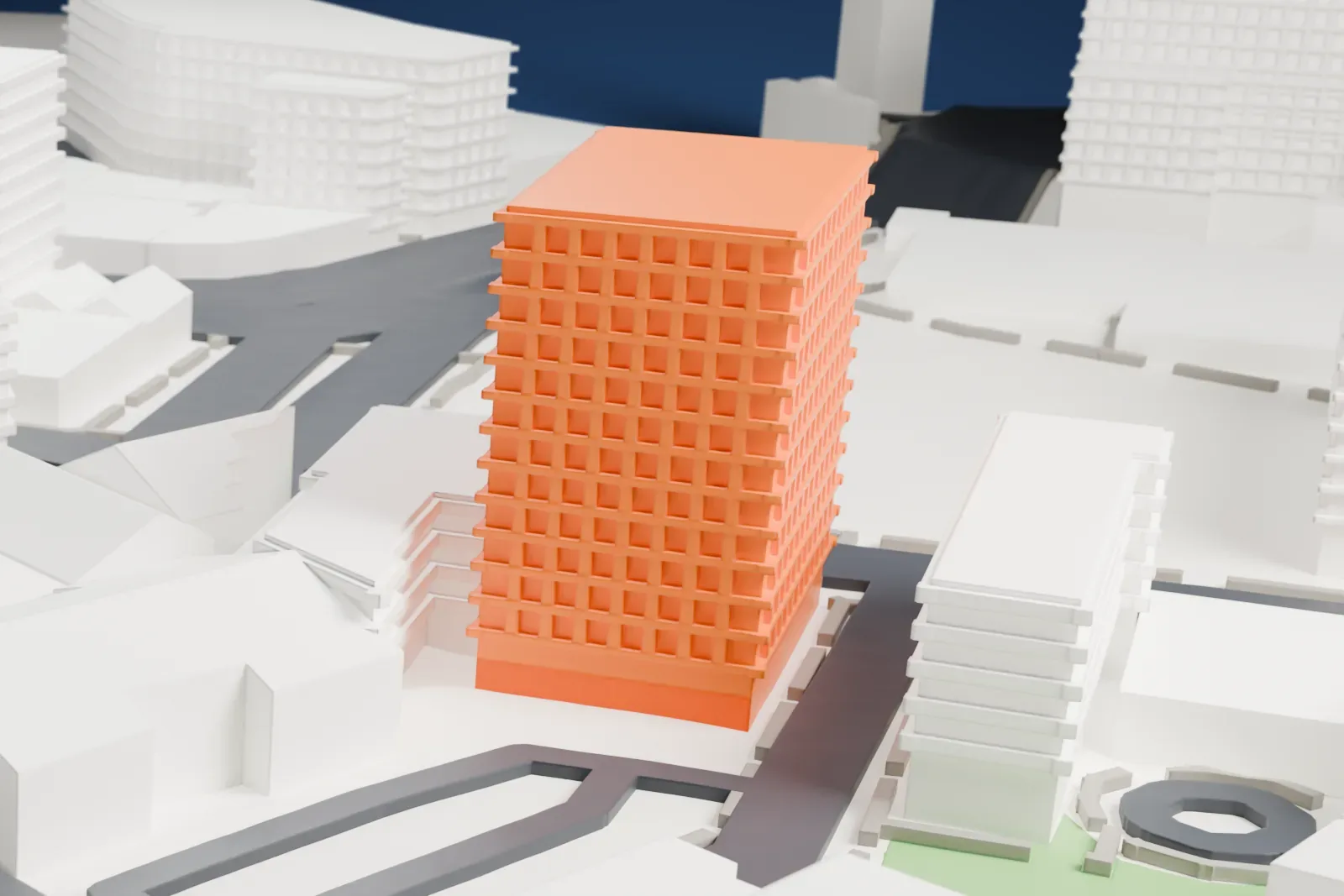
About 26 Journal Square
Standing in Jersey City, in New Jersey's Hudson County, 26 Journal Square began life as the Labor Bank Building and was completed in 1928. It reaches 58 m (190 ft) and has 15 floors. John T. Rowland designed it in the Beaux Arts style, and it is often regarded as the first skyscraper built in Jersey City.
The Labor National Bank first had its headquarters in the tower. The bank had ties to the Branleygran Company and was set up by Theodore M. Brandle, a so-called labor czar allied with Frank Hague, who was Mayor of Jersey City at the time. In 1984 the National Register of Historic Places added the building on June 14, with its architecture and its role in commerce given as the reasons for its significance.
How it prints
Make this print opens the generator on a 600 m square around the landmark. Buildings print at close to true scale, so the landmark grows with the print size.
| Print size | Landmark height | Scale |
|---|---|---|
| 160 mm default | 16 mm | 1:3,750 |
| 200 mm | 20 mm | 1:3,000 |
| 256 mm | 25 mm | 1:2,344 |
-
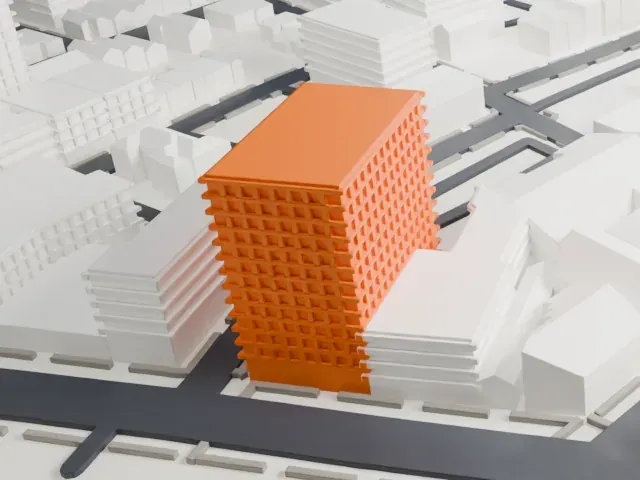 North
North
-
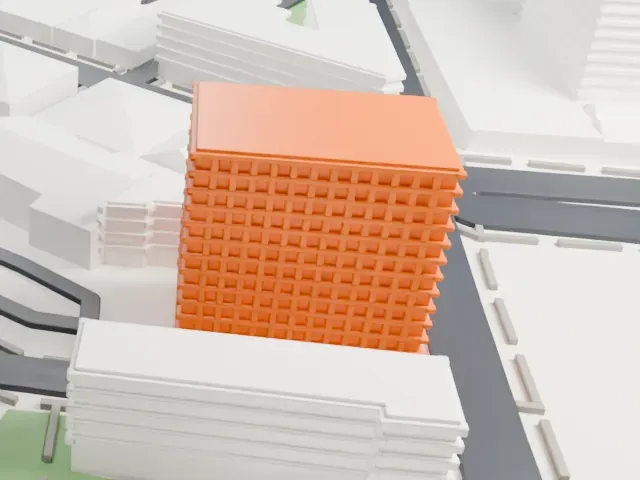 East
East
-
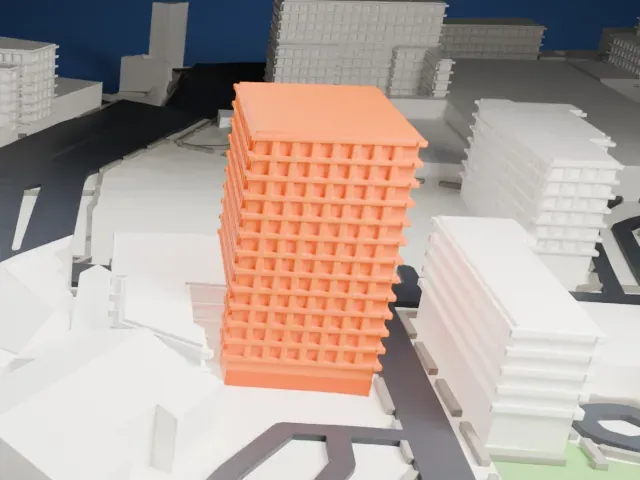 South
South
-
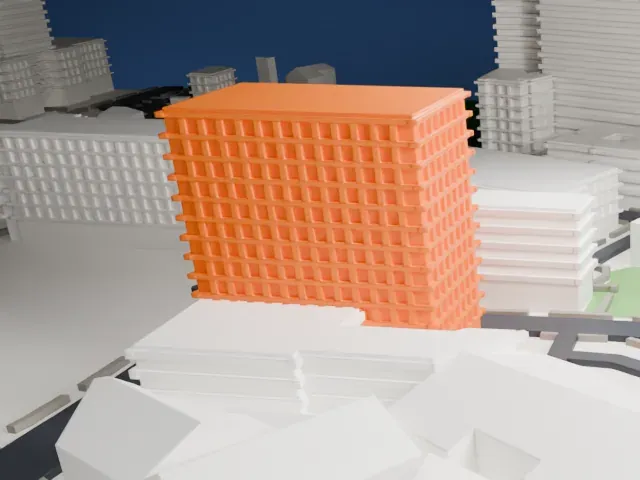 West
West
- Ornate base and cornice
- Decorative detail crowds the lowest floors and the top cornice. Print friendly simplifies the fine ornament to suit the print scale; Full detail keeps more of it on larger prints.
- A tall slab with plain sides
- The tower stands apart from its neighbors, with flat sides that run straight up. A layer height of 0.12–0.16 mm keeps the window rows crisp.
- One piece with the ground
- 26 Journal Square is joined to the ground in the exported file, and the four-side check found no floating parts, so nothing needs gluing.
- Pick the detail for your nozzle
- In the Buildings settings, set Landmark detail to Print friendly to adapt thin parts and small details to the print scale. Full detail keeps every modeled feature, for larger prints or a finer nozzle.
- Colors
- Buildings, roads, water and ground arrive as separate filament slots in the 3MF. 26 Journal Square takes the building color.
- File format
- You get a 3MF for Bambu Studio, OrcaSlicer or PrusaSlicer. Any of them can save it as STL if you need one.
About this model
26 Journal Square is one of more than 2,300 landmark models in Mini Skyline. They are made with AI, and each one is checked from four sides in its real surroundings before release. Everything around it is built from OpenStreetMap and Overture map data. If you would rather print the shape from map data, turn off Landmark models in the Buildings settings.
Common questions
Is there a 26 Journal Square STL I can download?
Mini Skyline builds the file for you in your browser and exports 3MF, which every major slicer opens. If you need an STL, open the 3MF in your slicer and export it from there.
How big can I print it?
Any print size from 40 mm across. 26 Journal Square grows with the print: about 16 mm tall on the default 160 mm print. For a model larger than your printer bed, Project Mode splits the area into tiles.
Is it free?
Yes. Generation runs in your browser, with no account and nothing behind a paywall.





