3D print 3 Park Avenue
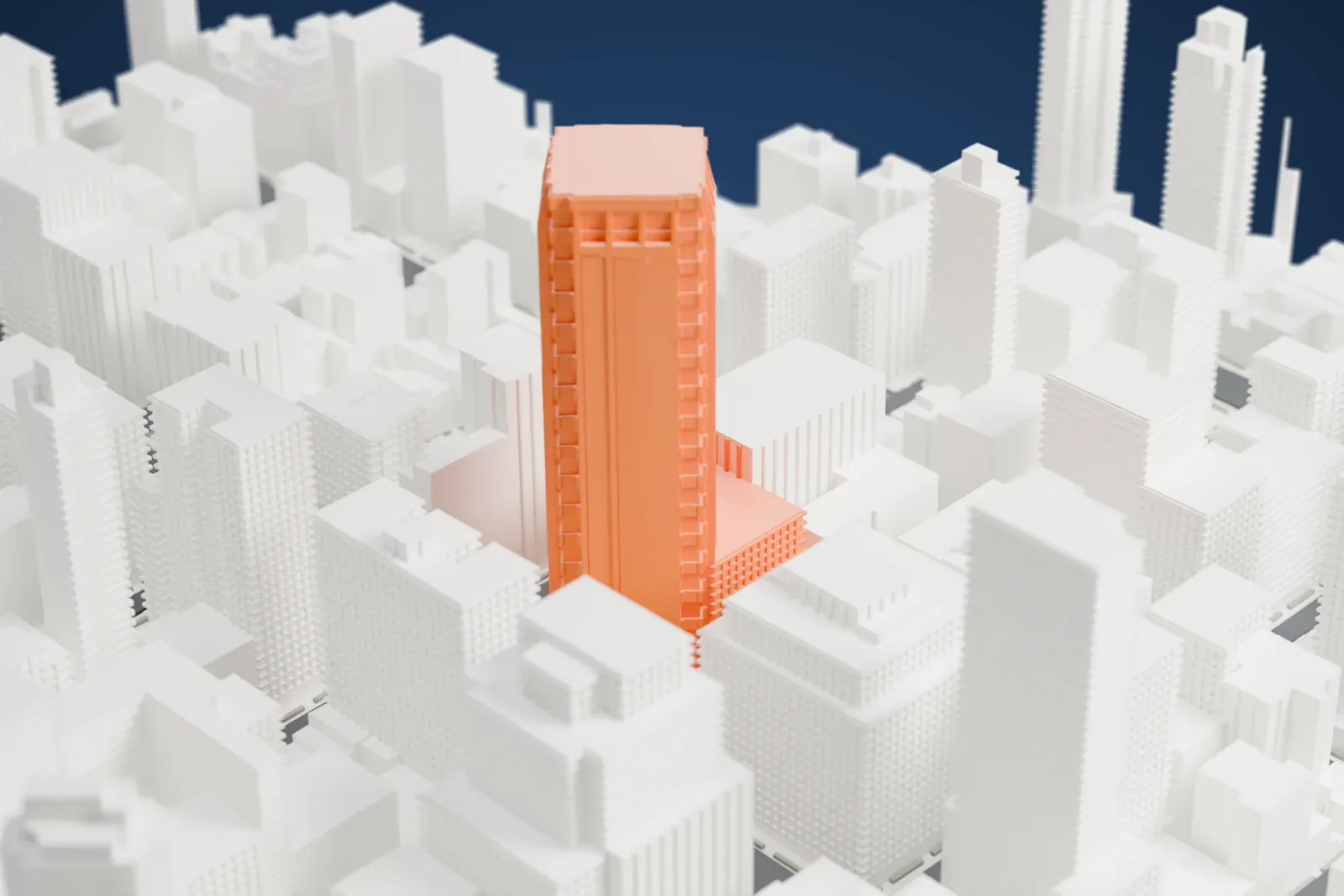
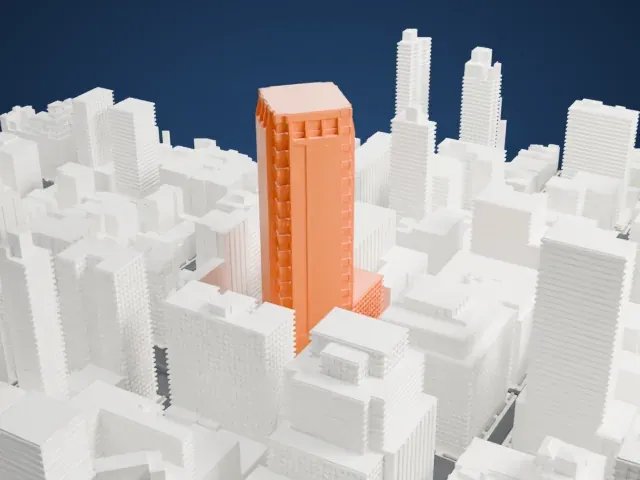
A free, printable model of 3 Park Avenue, a tall tower with angled corners and a notched crown, among the surrounding Manhattan buildings, generated from real map data in your browser.
Free, in your browser. Exports a slicer-ready 3MF.
About 3 Park Avenue
3 Park Avenue, put up in 1973, combines offices with a high school. It stands on Park Avenue in Manhattan between East 33rd and 34th Streets, with a plaza on three sides. The 33rd Street subway station is close by, and one of its entrances is built into the tower. The address counts as Midtown South, in Kips Bay, Murray Hill and Rose Hill.
Shreve, Lamb and Harmon, the designers of the Empire State Building, designed the tower. It is known for its diagonal alignment and its bright, light-colored bricks, which also pave the small plaza at the main entrance. A bronze sculpture titled "Obelisk to Peace" by Irving Marantz, 7.0 m (23 ft) high on a polished granite base, stands at that entrance.
An armory belonging to the New York National Guard's 71st Regiment once stood on the site. The first one burned down in 1902, and a replacement designed by Clinton and Russell was completed in 1905. The armory came down during the 1960s, and the site then waited about ten years for redevelopment.
How it prints
Make this print opens the generator on a 600 m square around the landmark. Buildings print at close to true scale, so the landmark grows with the print size.
| Print size | Landmark height | Scale |
|---|---|---|
| 160 mm default | 47 mm | 1:3,750 |
| 200 mm | 58 mm | 1:3,000 |
| 256 mm | 75 mm | 1:2,344 |
-
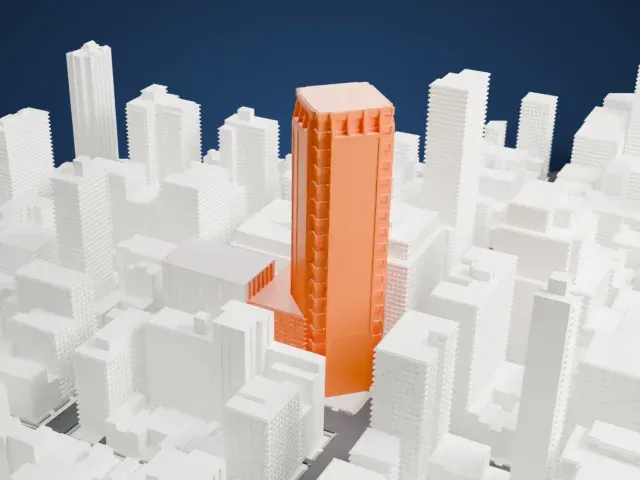 North
North
-
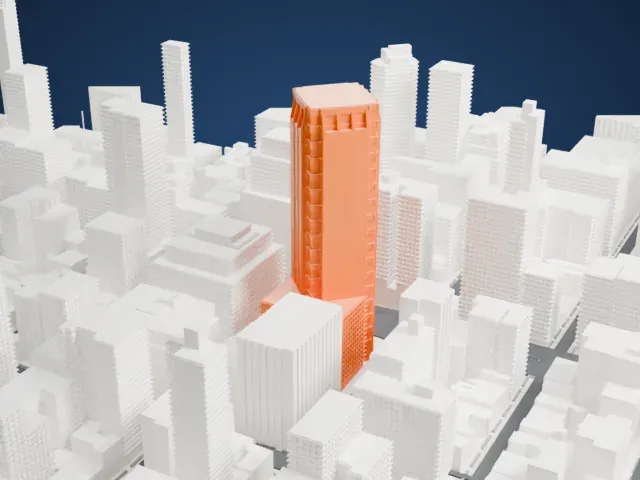 East
East
-
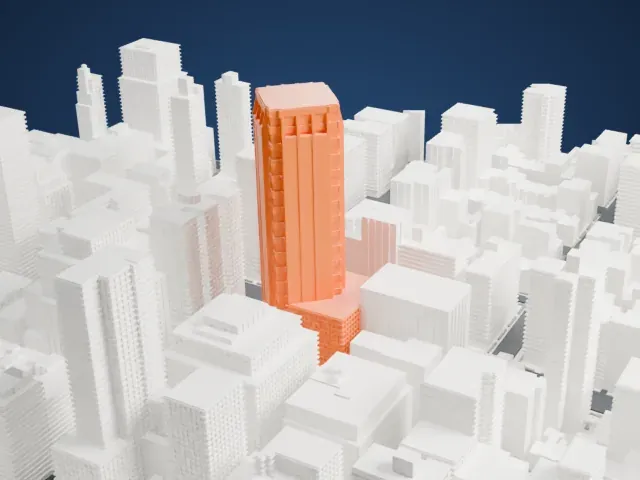 South
South
-
 West
West
- Notched crown and angled corners
- The top steps in with small notches and the corners are angled. Printing slowly with 0.12 to 0.16 mm layers helps those edges stay clean.
- Low wing at the base
- A lower wing sits at the foot of the tower. Full detail keeps its small features on a larger print; Print friendly simplifies them for a small one.
- One piece with the ground
- 3 Park Avenue is joined to the ground in the exported file, and the four-side check found no floating parts, so nothing needs gluing.
- Pick the detail for your nozzle
- In the Buildings settings, set Landmark detail to Print friendly to adapt thin parts and small details to the print scale. Full detail keeps every modeled feature, for larger prints or a finer nozzle.
- Colors
- Buildings, roads, water and ground arrive as separate filament slots in the 3MF. 3 Park Avenue takes the building color.
- File format
- You get a 3MF for Bambu Studio, OrcaSlicer or PrusaSlicer. Any of them can save it as STL if you need one.
About this model
3 Park Avenue is one of more than 2,300 landmark models in Mini Skyline. They are made with AI, and each one is checked from four sides in its real surroundings before release. Everything around it is built from OpenStreetMap and Overture map data. If you would rather print the shape from map data, turn off Landmark models in the Buildings settings.
Common questions
Is there a 3 Park Avenue STL I can download?
Mini Skyline builds the file for you in your browser and exports 3MF, which every major slicer opens. If you need an STL, open the 3MF in your slicer and export it from there.
How big can I print it?
Any print size from 40 mm across. 3 Park Avenue grows with the print: about 47 mm tall on the default 160 mm print. For a model larger than your printer bed, Project Mode splits the area into tiles.
Is it free?
Yes. Generation runs in your browser, with no account and nothing behind a paywall.





