3D print 3 World Trade Center
A free, printable model of 3 World Trade Center with the neighboring towers, plaza and streets of Lower Manhattan around it, generated from real map data in your browser.
Free, in your browser. Exports a slicer-ready 3MF.
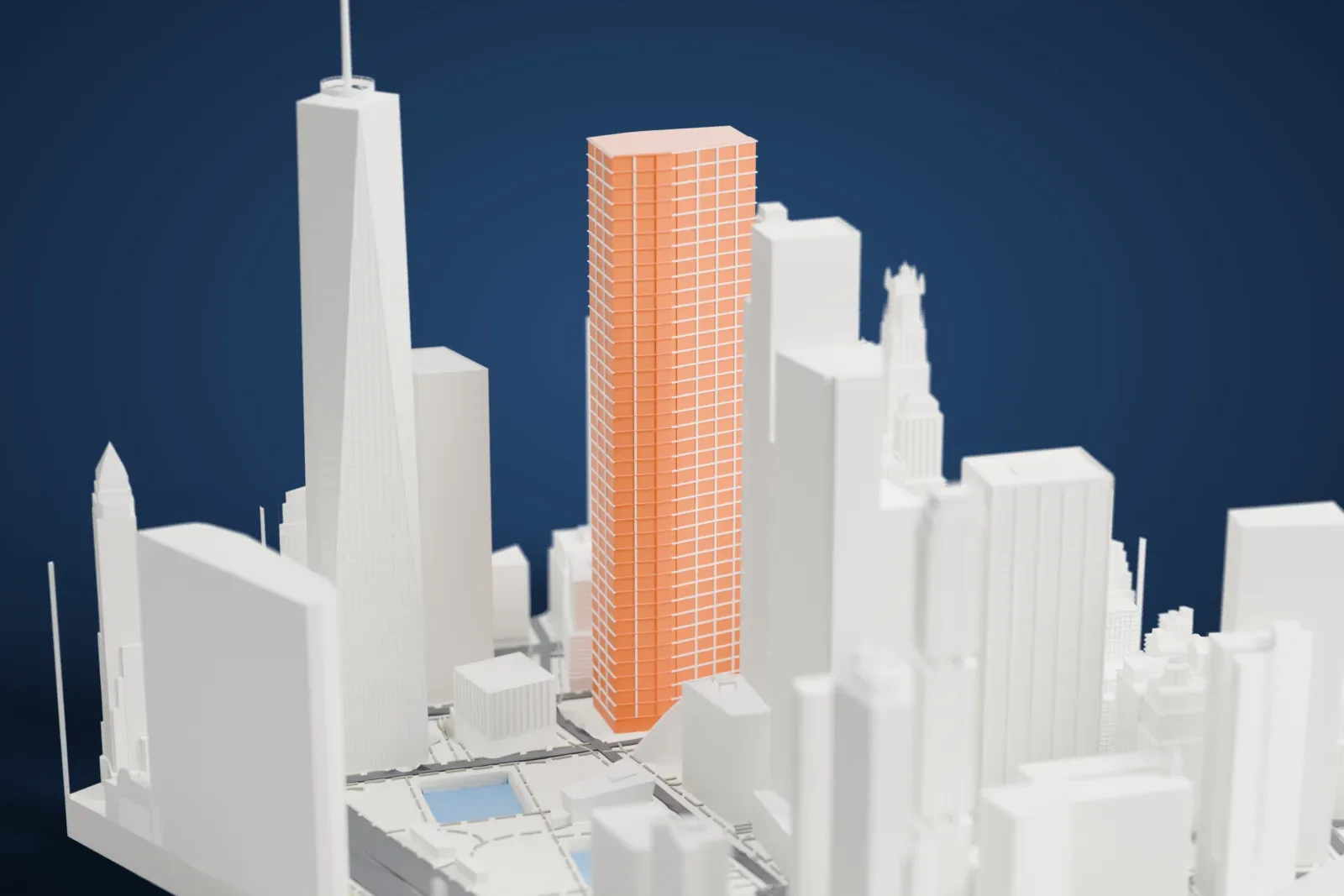
About 3 World Trade Center
Also called 175 Greenwich Street, 3 World Trade Center is one of the skyscrapers of the rebuilt World Trade Center, in Lower Manhattan. It stands along Greenwich Street, on the east side of the site. The architects were Rogers Stirk Harbour + Partners, and Silverstein Properties manages the tower under a ground lease from the Port Authority, which owns the land. The tower is 329 m (1,079 ft) high.
Ground was broken in January 2008, yet at first only the lower floors went up, since the skyscraper had no anchor tenant. Work picked up again in 2014 once the advertising company GroupM agreed to be the anchor tenant. The concrete core was topped out in August 2016, and the perimeter steel structure followed on October 6, 2016. The tower opened on June 11, 2018.
The address 3 World Trade Center was used before by a hotel, the Marriott World Trade Center, with 22 stories and 825 rooms, in the southwest corner of the original complex. In July 1981 it opened under the name Vista International Hotel. The hotel was destroyed in the September 11 attacks in 2001, as was the rest of the original World Trade Center.
How it prints
Make this print opens the generator on a 600 m square around the landmark. Buildings print at close to true scale, so the landmark grows with the print size.
| Print size | Landmark height | Scale |
|---|---|---|
| 160 mm default | 95 mm | 1:3,750 |
| 200 mm | 119 mm | 1:3,000 |
| 256 mm | 152 mm | 1:2,344 |
-
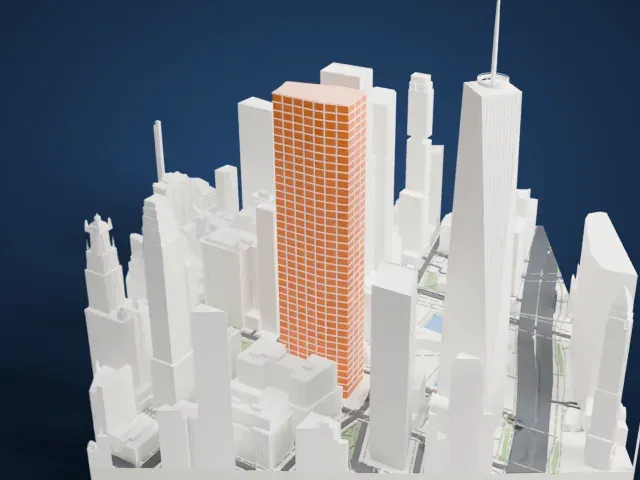 North
North
-
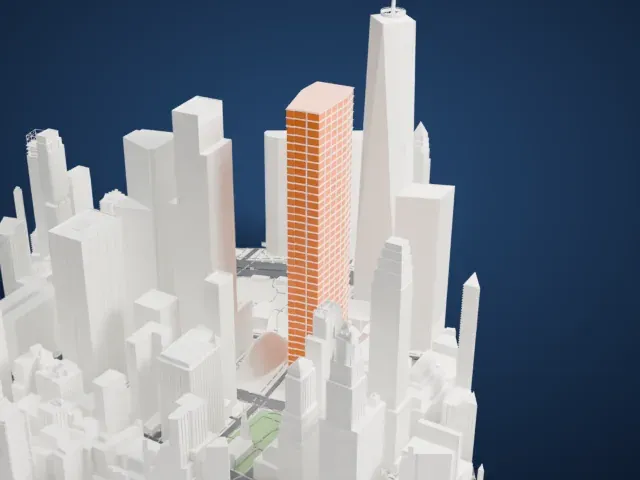 East
East
-
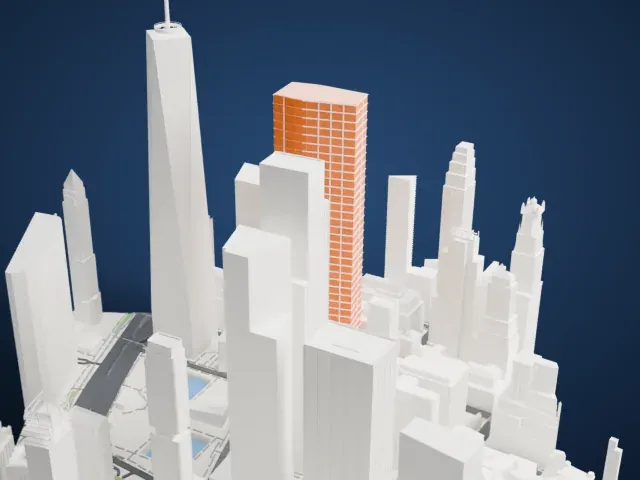 South
South
-
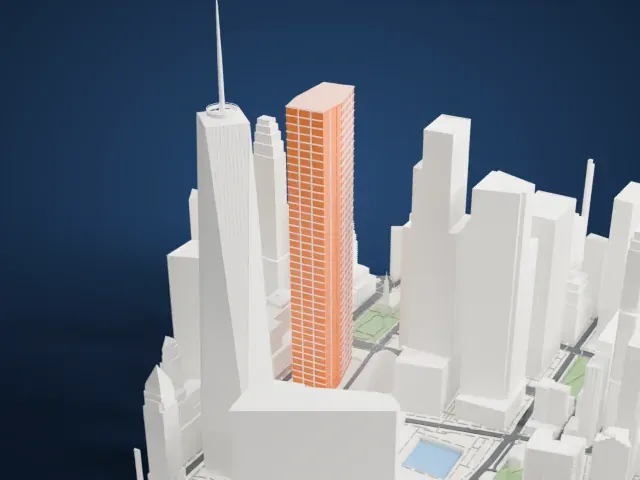 West
West
- A tall, narrow tower
- The tower is tall and narrow, with stepped sections near the top. Print slowly and use 0.12–0.16 mm layers so the setbacks come out clean.
- Diagonal braces on the sides
- Thin diagonal braces run across parts of the facade. Print friendly adapts them to the print scale; Full detail keeps them on a larger print or with a fine nozzle.
- One piece with the ground
- 3 World Trade Center is joined to the ground in the exported file, and the four-side check found no floating parts, so nothing needs gluing.
- Pick the detail for your nozzle
- In the Buildings settings, set Landmark detail to Print friendly to adapt thin parts and small details to the print scale. Full detail keeps every modeled feature, for larger prints or a finer nozzle.
- Colors
- Buildings, roads, water and ground arrive as separate filament slots in the 3MF. 3 World Trade Center takes the building color.
- File format
- You get a 3MF for Bambu Studio, OrcaSlicer or PrusaSlicer. Any of them can save it as STL if you need one.
About this model
3 World Trade Center is one of more than 2,300 landmark models in Mini Skyline. They are made with AI, and each one is checked from four sides in its real surroundings before release. Everything around it is built from OpenStreetMap and Overture map data. If you would rather print the shape from map data, turn off Landmark models in the Buildings settings.
Common questions
Is there a 3 World Trade Center STL I can download?
Mini Skyline builds the file for you in your browser and exports 3MF, which every major slicer opens. If you need an STL, open the 3MF in your slicer and export it from there.
How big can I print it?
Any print size from 40 mm across. 3 World Trade Center grows with the print: about 95 mm tall on the default 160 mm print. For a model larger than your printer bed, Project Mode splits the area into tiles.
Is it free?
Yes. Generation runs in your browser, with no account and nothing behind a paywall.





