3D print 375 Pearl Street
A free, printable model of 375 Pearl Street, a tall slab tower, and the buildings, roads and green spaces around it, generated from real map data in your browser.
Free, in your browser. Exports a slicer-ready 3MF.
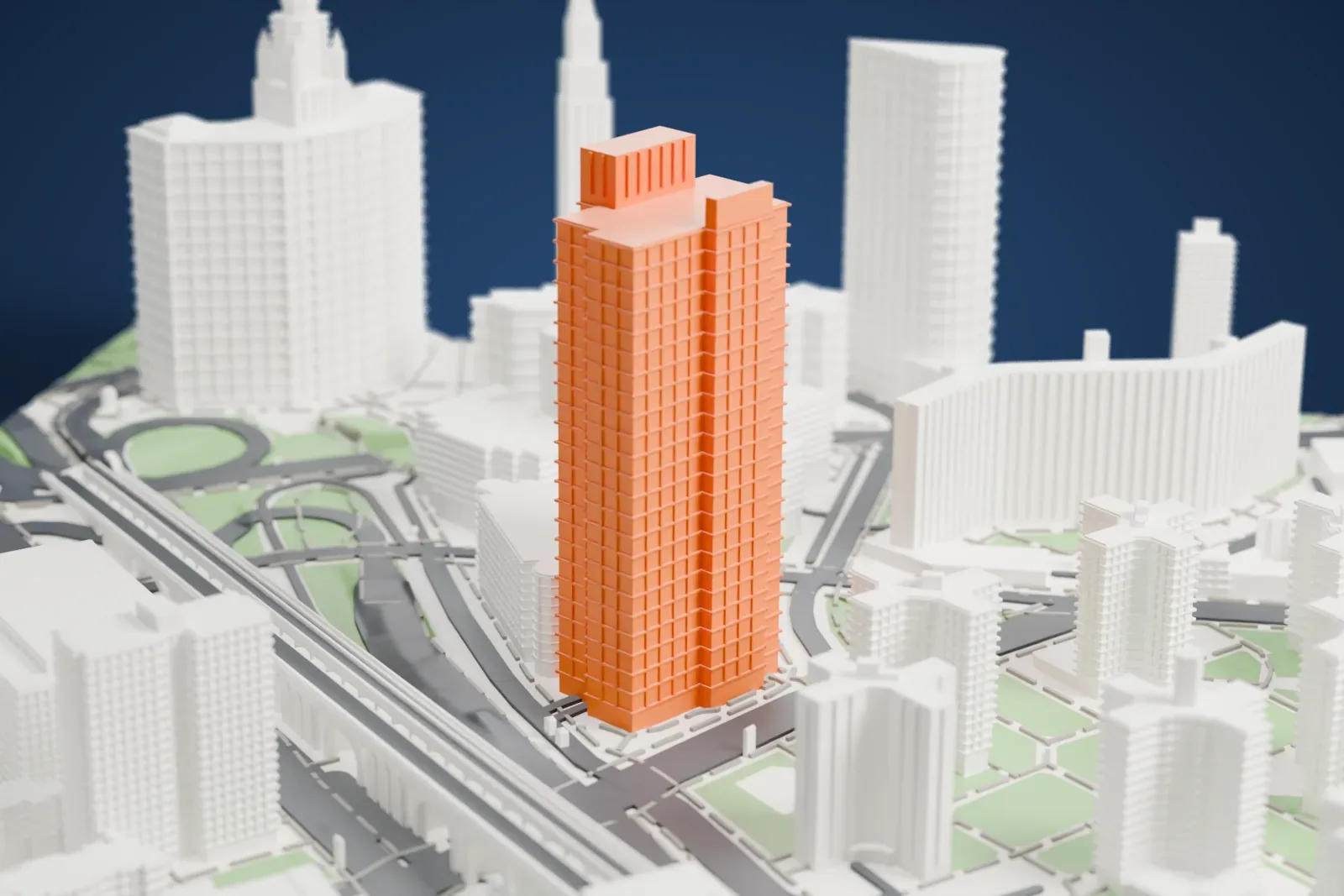
About 375 Pearl Street
375 Pearl Street is a 32-story building that combines offices with a data center. It stands in Lower Manhattan's Civic Center, right where the Brooklyn Bridge reaches Manhattan. The address has also gone by the names One Brooklyn Bridge Plaza, Verizon Building and Intergate.Manhattan. A renovation began in 2016, when the top 15 stories lost their limestone walls, which gave way to plate glass panels, a change meant to improve the building's looks and draw conventional office tenants.
The New York Telephone Company had the tower built, and it was finished in 1975. At first it looked windowless, apart from several narrow slits, each about 3 feet wide (0.91 m), that ran up its sides. Paul Goldberger, architecture critic of The New York Times, wrote, as it neared completion, that it overwhelmed the Brooklyn Bridge towers and cast a residential neighborhood into shadow.
How it prints
Make this print opens the generator on a 600 m square around the landmark. Buildings print at close to true scale, so the landmark grows with the print size.
| Print size | Landmark height | Scale |
|---|---|---|
| 160 mm default | 44 mm | 1:3,750 |
| 200 mm | 56 mm | 1:3,000 |
| 256 mm | 71 mm | 1:2,344 |
-
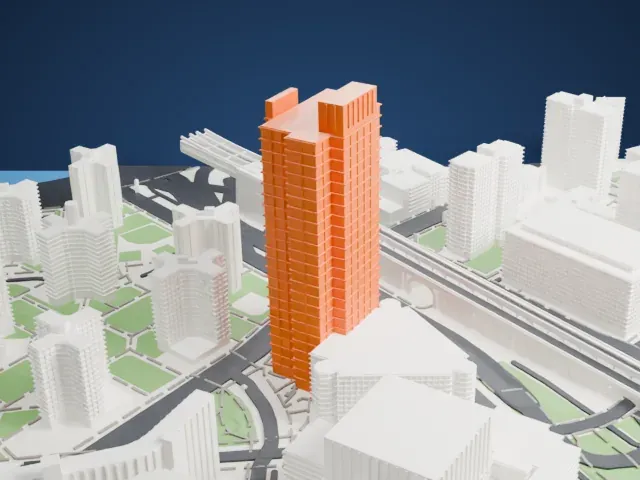 North
North
-
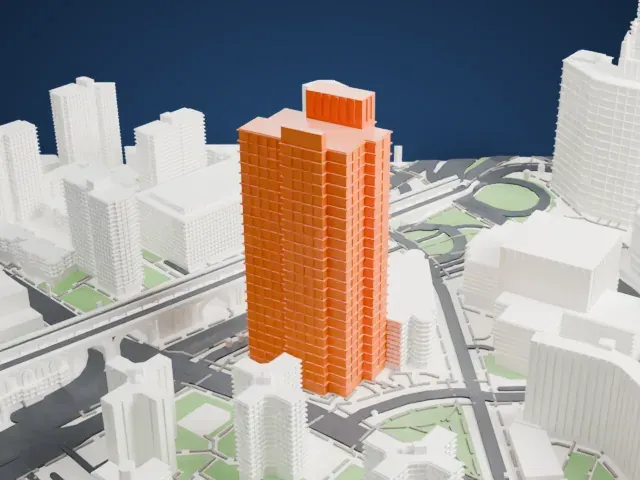 East
East
-
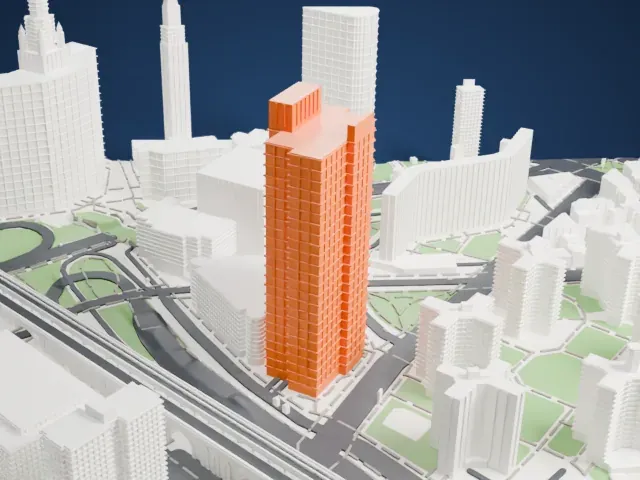 South
South
-
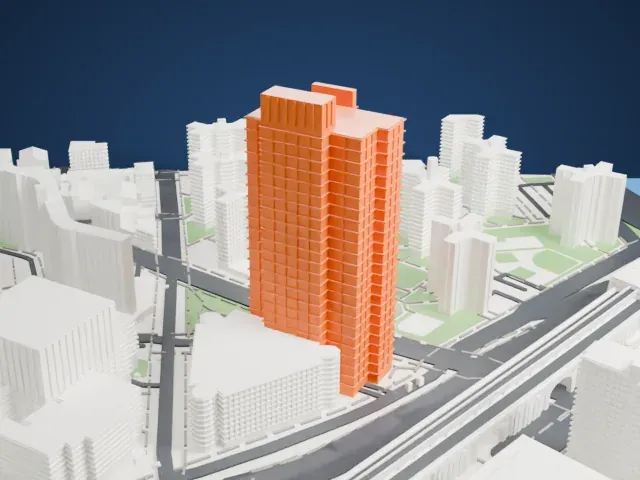 West
West
- Fine vertical grooves
- Narrow vertical lines run down the tower. Print friendly may merge the finest ones at small sizes; a layer height of 0.12–0.16 mm and a larger print keep them distinct.
- Small rooftop pieces
- Little blocks and posts sit on the roof. Full detail keeps them on larger prints, while Print friendly adapts them to the print scale.
- One piece with the ground
- 375 Pearl Street is joined to the ground in the exported file, and the four-side check found no floating parts, so nothing needs gluing.
- Pick the detail for your nozzle
- In the Buildings settings, set Landmark detail to Print friendly to adapt thin parts and small details to the print scale. Full detail keeps every modeled feature, for larger prints or a finer nozzle.
- Colors
- Buildings, roads, water and ground arrive as separate filament slots in the 3MF. 375 Pearl Street takes the building color.
- File format
- You get a 3MF for Bambu Studio, OrcaSlicer or PrusaSlicer. Any of them can save it as STL if you need one.
About this model
375 Pearl Street is one of more than 2,300 landmark models in Mini Skyline. They are made with AI, and each one is checked from four sides in its real surroundings before release. Everything around it is built from OpenStreetMap and Overture map data. If you would rather print the shape from map data, turn off Landmark models in the Buildings settings.
Common questions
Is there a 375 Pearl Street STL I can download?
Mini Skyline builds the file for you in your browser and exports 3MF, which every major slicer opens. If you need an STL, open the 3MF in your slicer and export it from there.
How big can I print it?
Any print size from 40 mm across. 375 Pearl Street grows with the print: about 44 mm tall on the default 160 mm print. For a model larger than your printer bed, Project Mode splits the area into tiles.
Is it free?
Yes. Generation runs in your browser, with no account and nothing behind a paywall.





