3D print 99 John Street
A free, printable model of 99 John Street and the tall buildings crowded around it, generated from real map data in your browser.
Free, in your browser. Exports a slicer-ready 3MF.
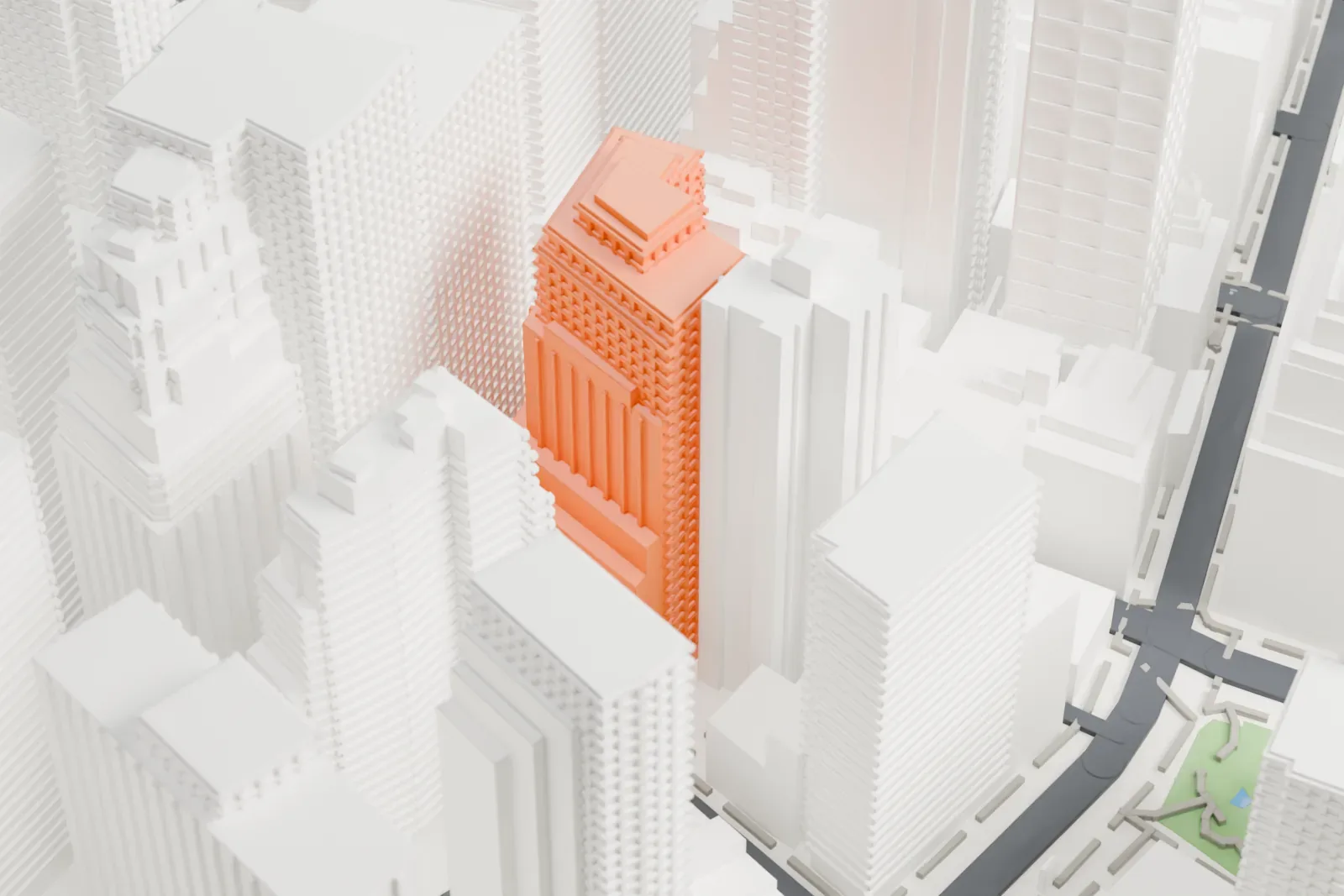
About 99 John Street
99 John Street began life under the name Insurance Company of North America Building. The tower stands on John Street, in Manhattan's Financial District, New York City, and its Art Deco design came from Shreve, Lamb & Harmon, the firm behind the Empire State Building, finished two years earlier.
The main block is 28 stories and 103 meters (338 feet) tall. Chamfered corners, granite and limestone decoration, and a massing of five setbacks that taper to a two-story penthouse define its exterior. Gold Street has a shorter four-story annex, added after the main building. The structure is steel-framed and rests on 434 steel piles. The ground floor has a cross-shaped lobby that was originally ringed by commercial spaces.
The Insurance Company of North America bought the site in June 1931 for $2.5 million. The A. L. Hartridge Company began construction in April 1932, and opening day was May 2, 1933. The upper stories held offices, which were later converted to residences in 1999 by Rockrose Development, a company that bought the building in 1996. It is listed in the National Register of Historic Places.
How it prints
Make this print opens the generator on a 600 m square around the landmark. Buildings print at close to true scale, so the landmark grows with the print size.
| Print size | Landmark height | Scale |
|---|---|---|
| 160 mm default | 29 mm | 1:3,750 |
| 200 mm | 36 mm | 1:3,000 |
| 256 mm | 46 mm | 1:2,344 |
-
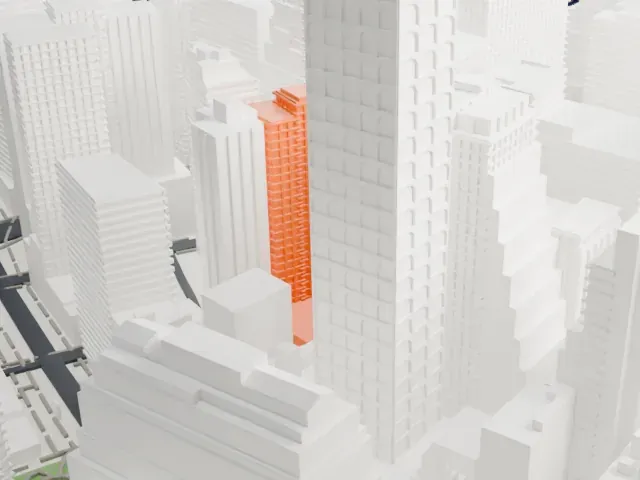 North
North
-
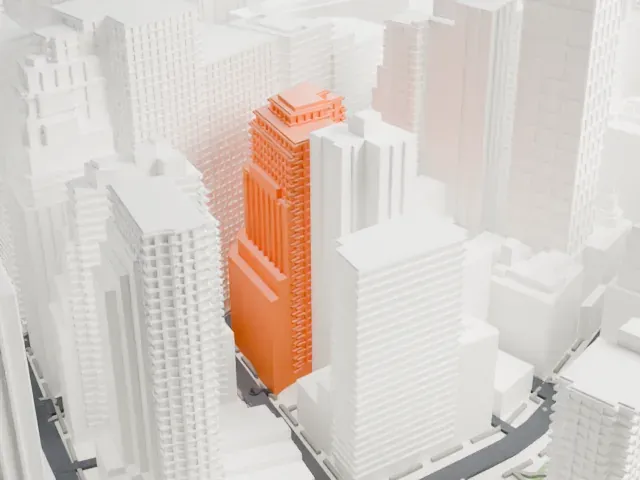 East
East
-
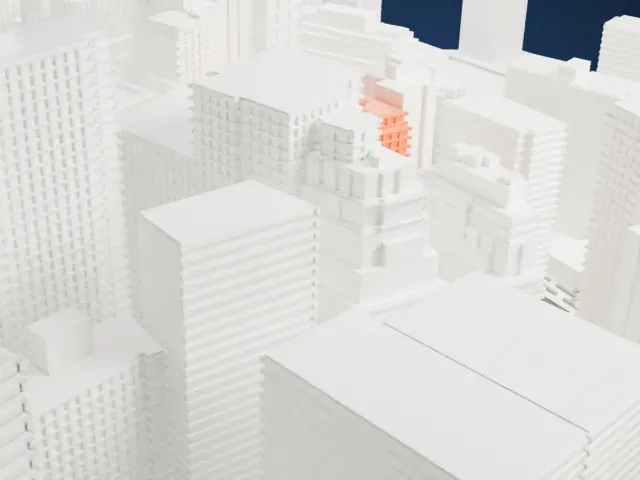 South
South
-
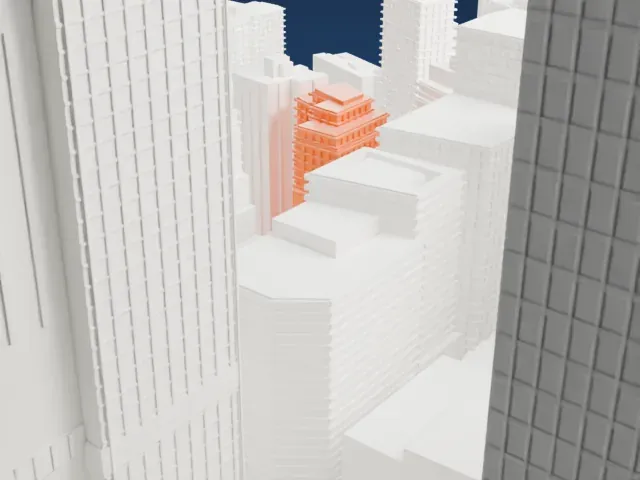 West
West
- Stepped setbacks near the top
- The tower narrows in steps toward a small penthouse. Slice at 0.12–0.16 mm so the steps stay crisp; Print friendly adapts small steps on a small print, while Full detail keeps them on a larger one.
- One piece with the ground
- 99 John Street is joined to the ground in the exported file, and the four-side check found no floating parts, so nothing needs gluing.
- Pick the detail for your nozzle
- In the Buildings settings, set Landmark detail to Print friendly to adapt thin parts and small details to the print scale. Full detail keeps every modeled feature, for larger prints or a finer nozzle.
- Colors
- Buildings, roads, water and ground arrive as separate filament slots in the 3MF. 99 John Street takes the building color.
- File format
- You get a 3MF for Bambu Studio, OrcaSlicer or PrusaSlicer. Any of them can save it as STL if you need one.
About this model
99 John Street is one of more than 2,300 landmark models in Mini Skyline. They are made with AI, and each one is checked from four sides in its real surroundings before release. Everything around it is built from OpenStreetMap and Overture map data. If you would rather print the shape from map data, turn off Landmark models in the Buildings settings.
Common questions
Is there a 99 John Street STL I can download?
Mini Skyline builds the file for you in your browser and exports 3MF, which every major slicer opens. If you need an STL, open the 3MF in your slicer and export it from there.
How big can I print it?
Any print size from 40 mm across. 99 John Street grows with the print: about 29 mm tall on the default 160 mm print. For a model larger than your printer bed, Project Mode splits the area into tiles.
Is it free?
Yes. Generation runs in your browser, with no account and nothing behind a paywall.





