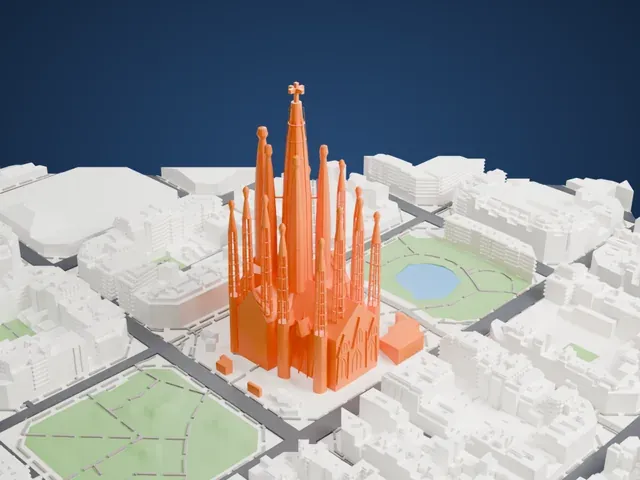
3D print the Aiwan-e-Sadr
A free, printable model of the Aiwan-e-Sadr and the government buildings of Islamabad's Red Zone around it, generated from real map data in your browser.
-
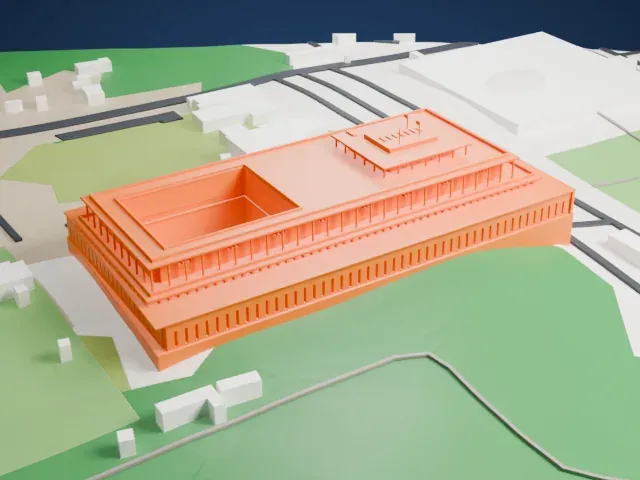 North
North
-
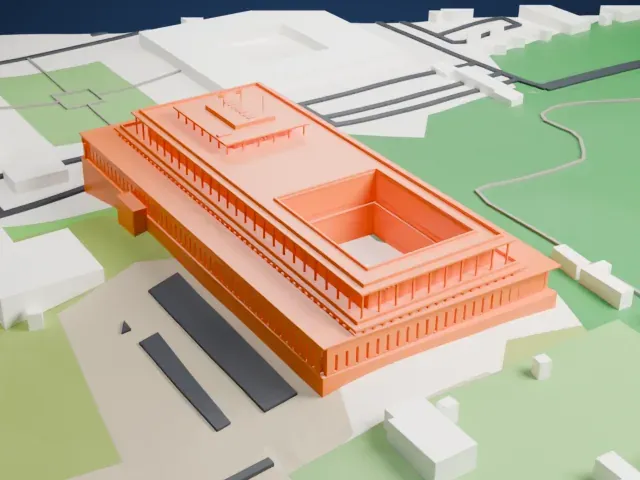 East
East
-
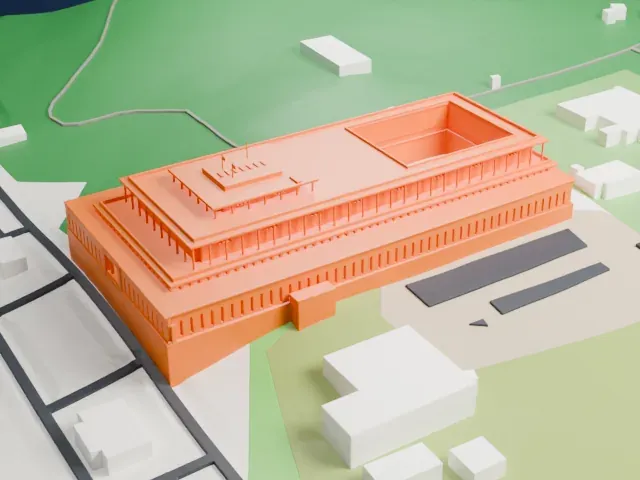 South
South
-
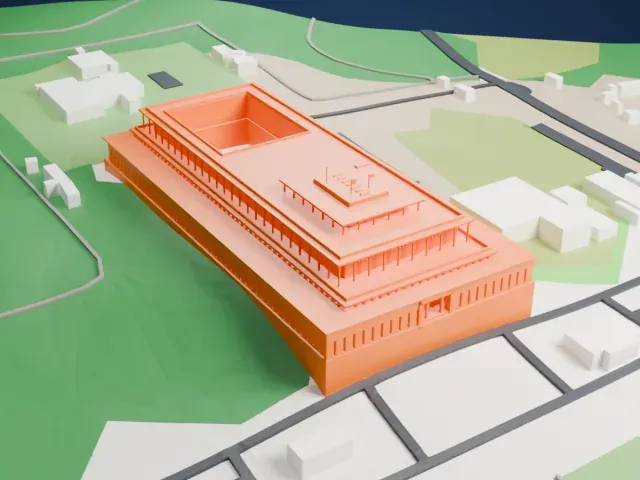 West
West
The model you print
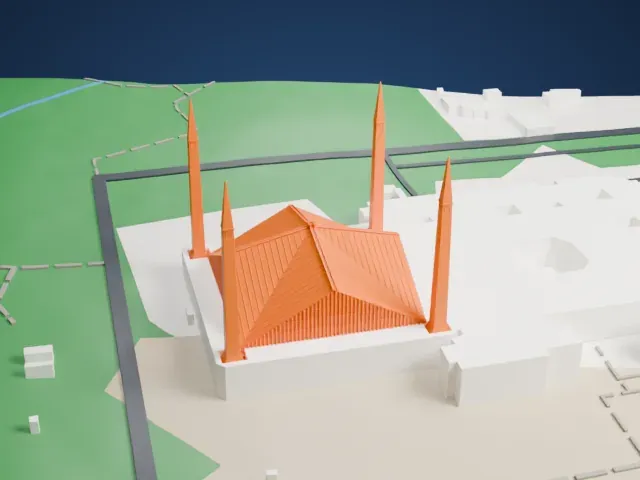
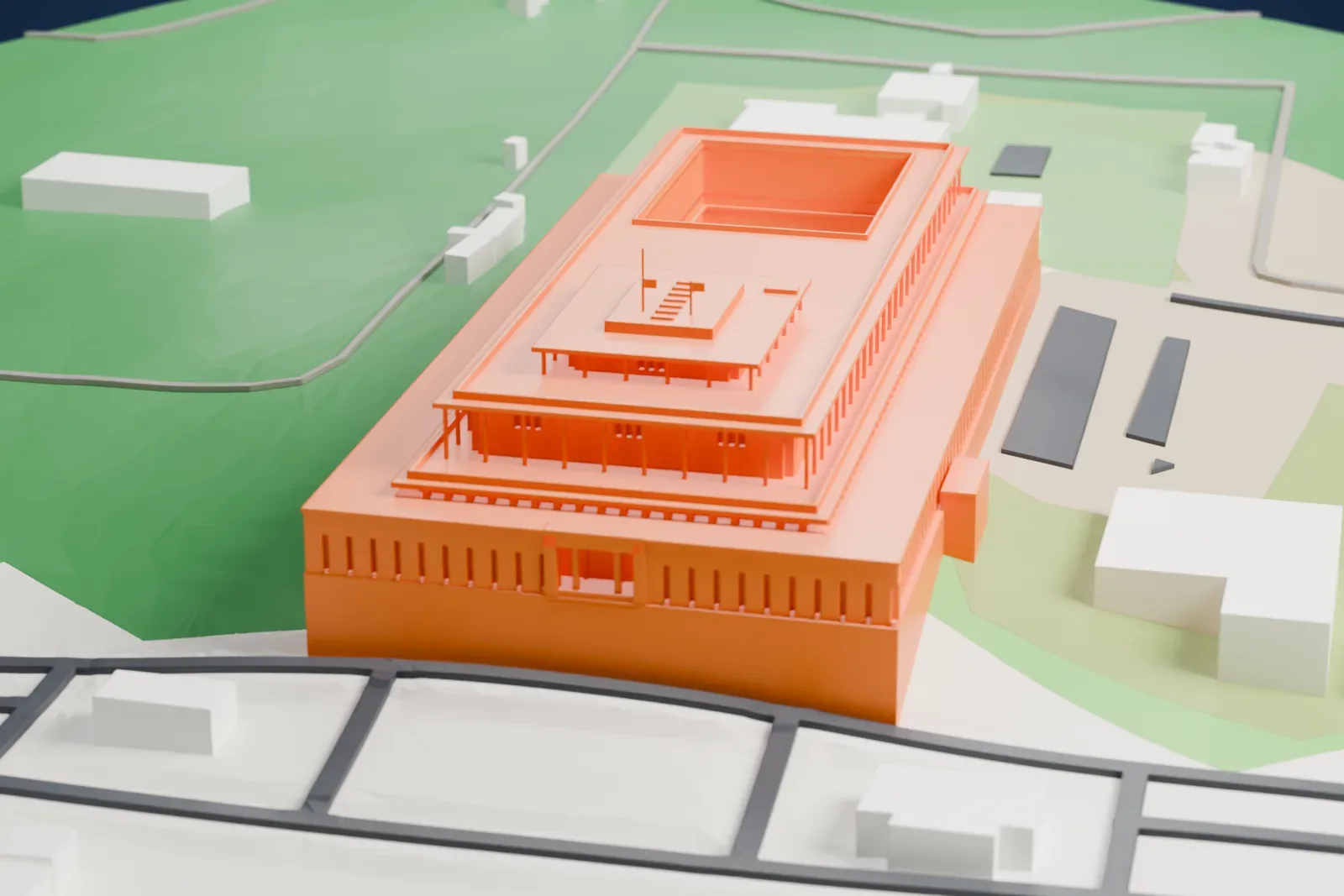
Aiwan-e-Sadr in 3D
The landmark on its own, at its size on a 160 mm print. Print friendly thickens thin parts for a 0.4 mm nozzle; Full detail keeps every part.
- On a 160 mm print
- 14 mm
- Scale
- 1:3,750
14 mm tall on a 160 mm print
Make this print opens the generator on a 600 m square around the landmark. Buildings print at close to true scale, so the landmark grows with the print size.
- Thin roof plates
Each level carries a thin projecting roof plate over open columns. A larger print, or Full detail, keeps the plates and the gaps beneath them legible.
- Slotted entrance facade
The long entrance wall is cut by narrow vertical slots above short louvered feet. Layers of 0.12 to 0.16 mm help those recesses stay sharp.
- One piece with the ground
The Aiwan-e-Sadr is joined to the ground in the exported file, and the four-side check found no floating parts, so nothing needs gluing.
- Pick the detail for your nozzle
In the Buildings settings, set Landmark detail to Print friendly to adapt thin parts and small details to the print scale. Full detail keeps every modeled feature, for larger prints or a finer nozzle.
- Colors
Buildings, roads, water and ground arrive as separate filament slots in the 3MF. The Aiwan-e-Sadr takes the building color.
- File format
You get a 3MF for Bambu Studio, OrcaSlicer or PrusaSlicer. Any of them can save it as STL if you need one.
About the Aiwan-e-Sadr
The Aiwan-e-Sadr serves as the official residence and workplace of Pakistan's president. It occupies a site in Islamabad's Red Zone, on Constitution Avenue, with the Parliament House on one side and the Pakistan Secretariat on the other. The President's Colony, housing presidential staff, stands behind the presidency beside 4th Avenue. Four main halls honor Founding Fathers: Jinnah, Liaquat, Johar and Nishtar, within a building designed as a modern step pyramid.
Work on the building started in 1970 and lasted 11 years. Muhammad Zia-ul-Haq inaugurated it as president, yet he stayed at the Army House in Rawalpindi because he also led the army; Ghulam Ishaq Khan, in 1988, became the first president to live there. Mughal garden traditions shape the grounds, which include fountains and a zoo that opened in 2008.
President Alvi, after taking office in 2018, started a program to lower the building's energy use and switch it to renewable sources. ISO 50001 energy management certification arrived on October 15, 2022, making the Aiwan-e-Sadr the world's first green presidency. Solar panels of 1 MW meet its electricity needs, and it holds GBC SEED Platinum certification as well.
About this model
The Aiwan-e-Sadr is one of more than 4,900 landmark models in Mini Skyline. They are made with AI, and each one is checked from four sides in its real surroundings before release. Everything around it is built from OpenStreetMap and Overture map data. If you would rather print the shape from map data, turn off Landmark models in the Buildings settings.
Keep exploring