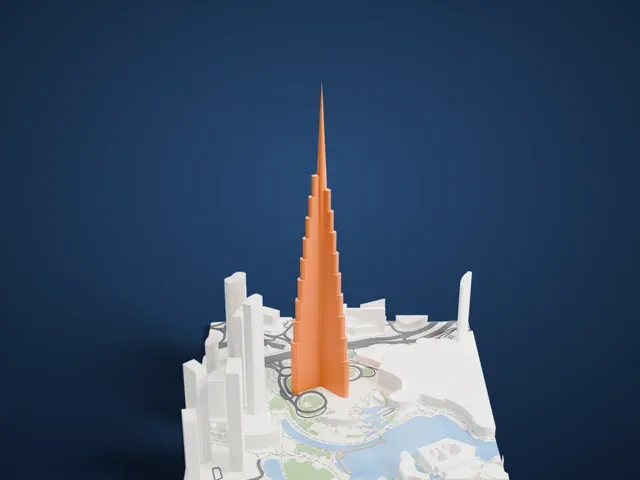
3D print Al Alam Palace
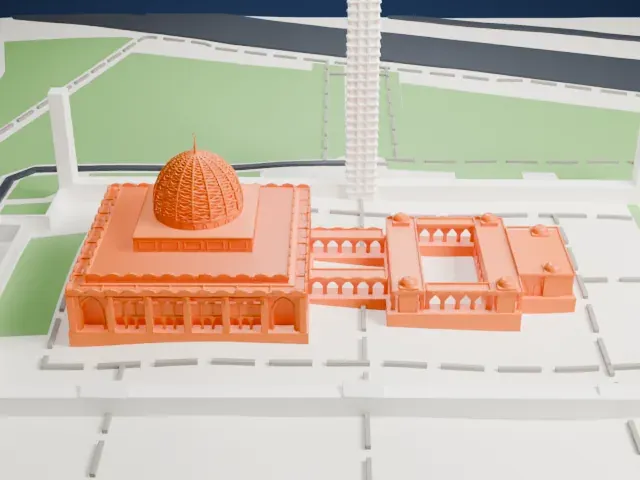
A free, printable model of Al Alam Palace, a flat-roofed building with a flagpole, set among green ground, low buildings and a stretch of water, generated from real map data in your browser.
Free, in your browser. Exports a slicer-ready 3MF.
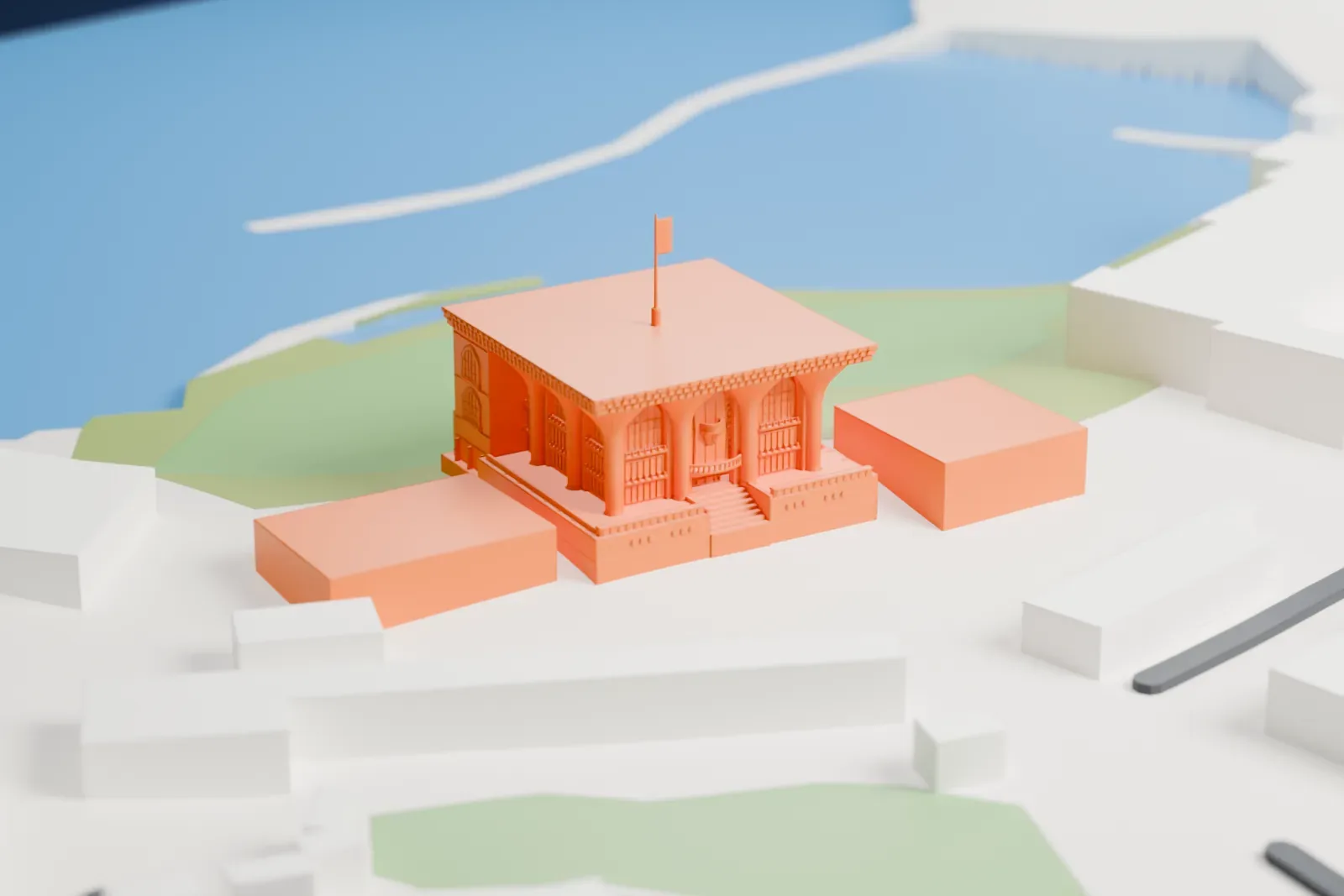
About Al Alam Palace
Al Alam Palace, which in Arabic means "Palace of the Flag", is the Sultan of Oman's ceremonial palace. Official events there include welcoming heads of state and foreign dignitaries. It stands in Muscat Governorate between two forts built by the Portuguese, Al-Mirani and Al-Jalali, at the northern end of an arcaded plaza 250 meters (820 ft) long that faces the National Museum of Oman.
An earlier palace, Bayt al-'Alam, went up in the early 1800s under Sultan Said bin Sultan, over the old sea wall's foundations. Tribal insurgents damaged it in 1895, and Sultan Faisal bin Turki left it unrepaired because funds were short. Sultan Said bin Taimur lived mostly in Salalah in the 20th century and had it locked up. The building was torn down in 1971 to clear the site for a new palace.
Sultan Qaboos bin Said commissioned the replacement, Qaṣr al-ʿAlam, for the same spot between the two forts. The Indian architectural firm Shapoorji Pallonji designed it in a flamboyant style, and work finished in 1972. The facade is fronted by gold and blue columns, and the palace can also be seen by boat from the harbor.
How it prints
Make this print opens the generator on a 600 m square around the landmark. Buildings print at close to true scale, so the landmark grows with the print size.
| Print size | Landmark height | Scale |
|---|---|---|
| 160 mm default | 10 mm | 1:3,750 |
| 200 mm | 13 mm | 1:3,000 |
| 256 mm | 16 mm | 1:2,344 |
-
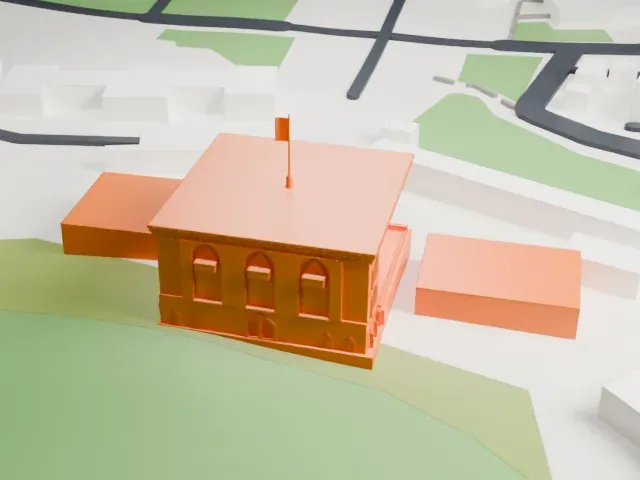 North
North
-
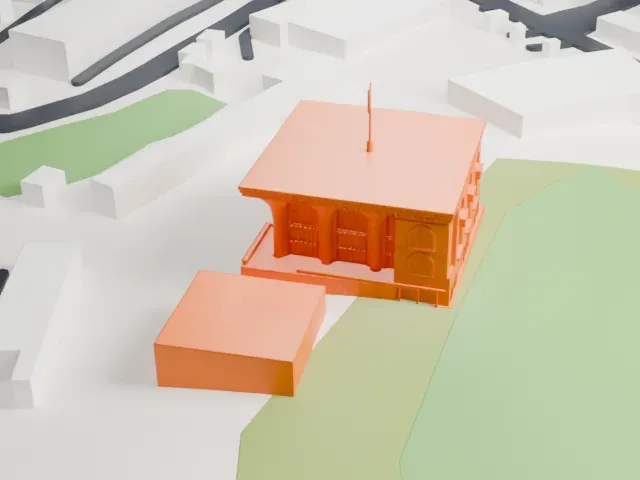 East
East
-
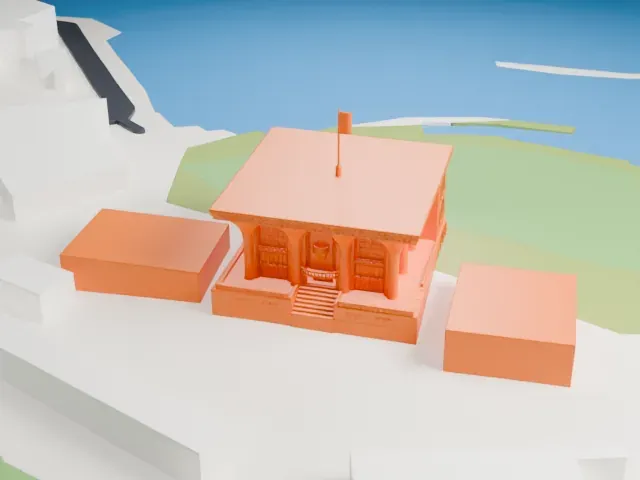 South
South
-
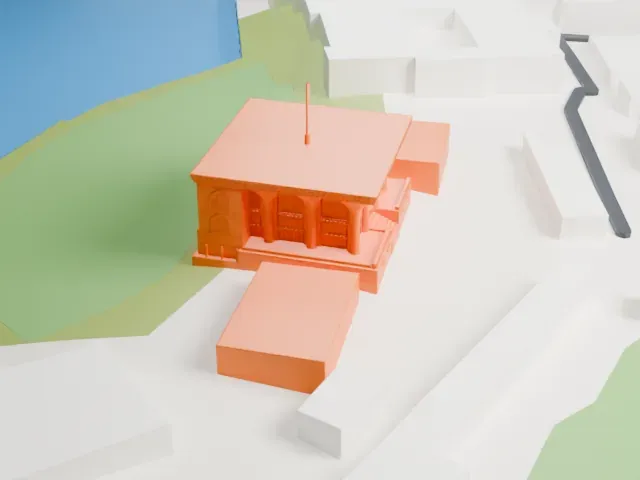 West
West
- Slender flagpole on the roof
- A thin flagpole with a small flag stands above the flat roof. Print friendly adapts it to the print scale, and printing slowly with cooling helps the tall thin part hold its shape.
- Columns, arches and a carved roofline
- Columns, arched windows and a patterned roof edge wrap the walls. A larger print size and layers of 0.12 to 0.16 mm keep this detail crisp; Full detail keeps all of it.
- One piece with the ground
- Al Alam Palace is joined to the ground in the exported file, and the four-side check found no floating parts, so nothing needs gluing.
- Pick the detail for your nozzle
- In the Buildings settings, set Landmark detail to Print friendly to adapt thin parts and small details to the print scale. Full detail keeps every modeled feature, for larger prints or a finer nozzle.
- Colors
- Buildings, roads, water and ground arrive as separate filament slots in the 3MF. Al Alam Palace takes the building color.
- File format
- You get a 3MF for Bambu Studio, OrcaSlicer or PrusaSlicer. Any of them can save it as STL if you need one.
About this model
Al Alam Palace is one of more than 2,300 landmark models in Mini Skyline. They are made with AI, and each one is checked from four sides in its real surroundings before release. Everything around it is built from OpenStreetMap and Overture map data. If you would rather print the shape from map data, turn off Landmark models in the Buildings settings.
Common questions
Is there an Al Alam Palace STL I can download?
Mini Skyline builds the file for you in your browser and exports 3MF, which every major slicer opens. If you need an STL, open the 3MF in your slicer and export it from there.
How big can I print it?
Any print size from 40 mm across. Al Alam Palace grows with the print: about 10 mm tall on the default 160 mm print. For a model larger than your printer bed, Project Mode splits the area into tiles.
Is it free?
Yes. Generation runs in your browser, with no account and nothing behind a paywall.