3D print Al-Azhar Mosque
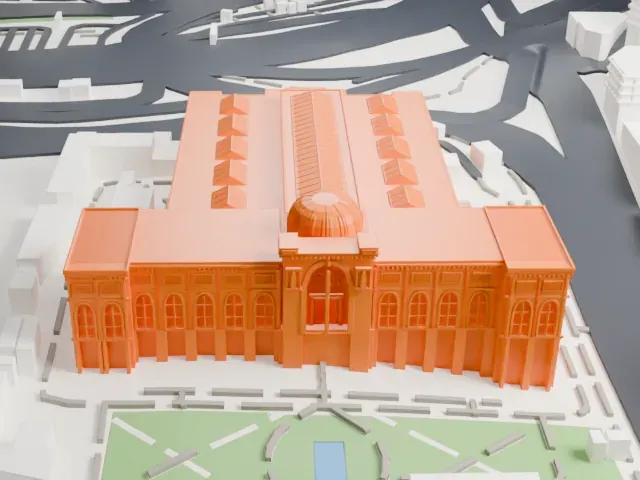
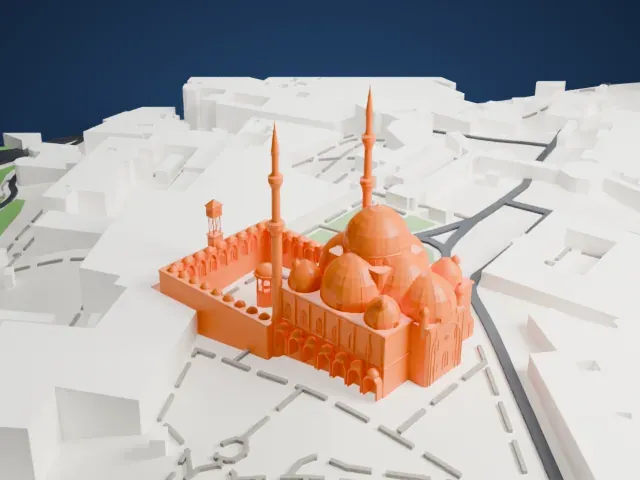
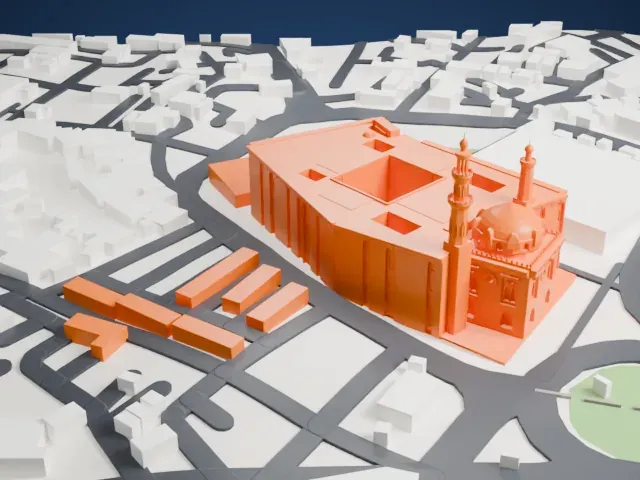
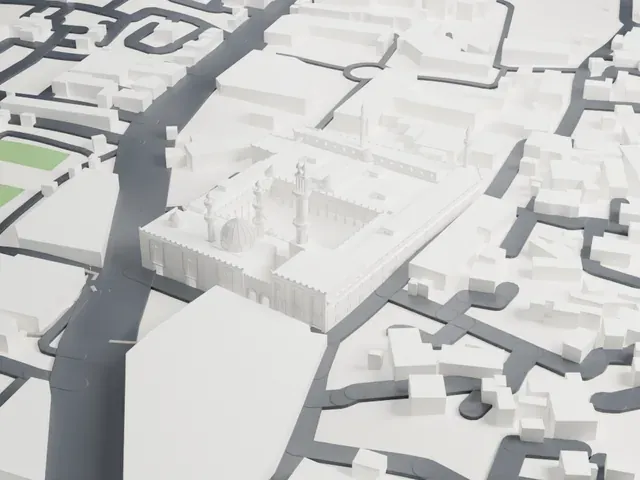
A free, printable model of Al-Azhar Mosque, an arcaded courtyard with slender minarets and several domes, set among the dense buildings and streets around it, generated from real map data in your browser.
Free, in your browser. Exports a slicer-ready 3MF.
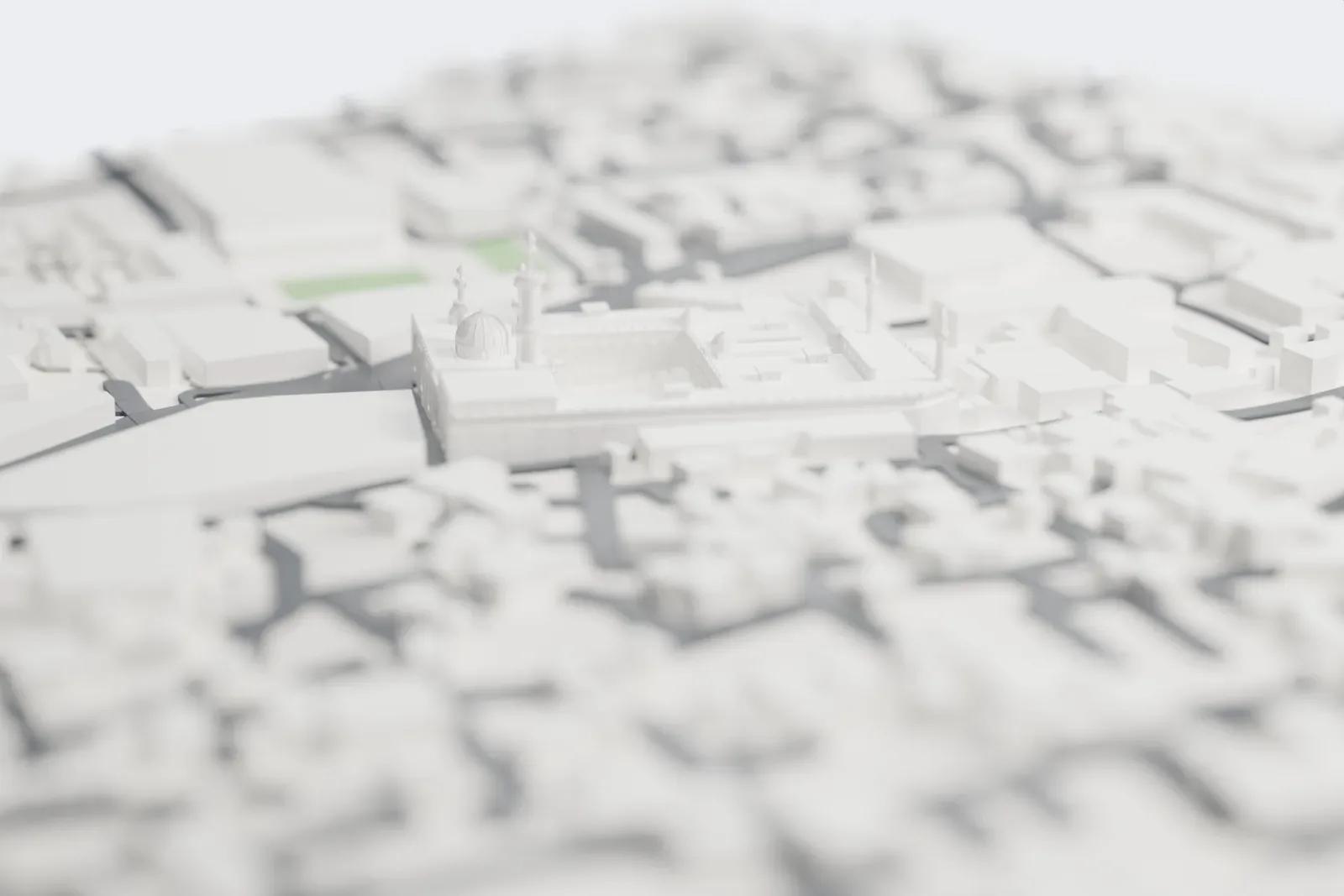
About Al-Azhar Mosque
Al-Azhar Mosque, called simply al-Azhar in Egypt, stands in the historic Islamic core of Cairo. Its Arabic name means "The Resplendent Congregational Mosque". No mosque in the city came before it, and Cairo would later be nicknamed "the City of a Thousand Minarets". The Fatimid general Jawhar al-Siqilli ordered a congregational mosque built for the new city, and work started on April 4, 970.
Construction ended in 972. The first Friday prayers were held on June 22 of that year, during Ramadan. The mosque was built of limestone from the Mokattam Formation. Before long, al-Azhar was a center of learning across the Islamic world. Its affiliated university grew out of a school integrated within the mosque from the start, and the university was nationalized in 1961 and officially given independent status as Al-Azhar Al-Sharif.
Over more than a thousand years, the mosque has alternately been neglected and highly regarded. Numerous expansions and renovations took place under the Mamluk Sultanate. In 1138 Caliph al-Hafiz had the mosque extensively refurbished, giving the courtyard its carved stucco decoration and keel-shaped arches, and adding the dome over the prayer hall's central entrance.
How it prints
Make this print opens the generator on a 600 m square around the landmark. Buildings print at close to true scale, so the landmark grows with the print size.
| Print size | Landmark height | Scale |
|---|---|---|
| 160 mm default | 15 mm | 1:3,750 |
| 200 mm | 19 mm | 1:3,000 |
| 256 mm | 25 mm | 1:2,344 |
-
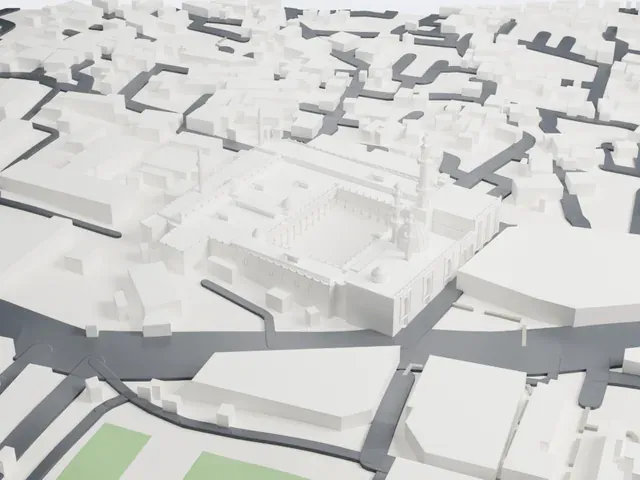 North
North
-
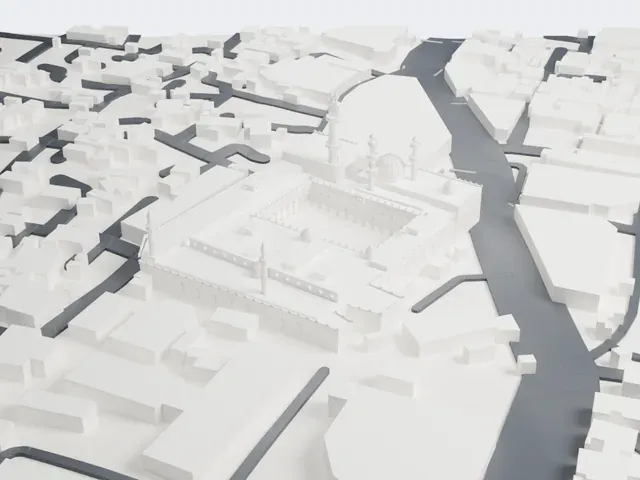 East
East
-
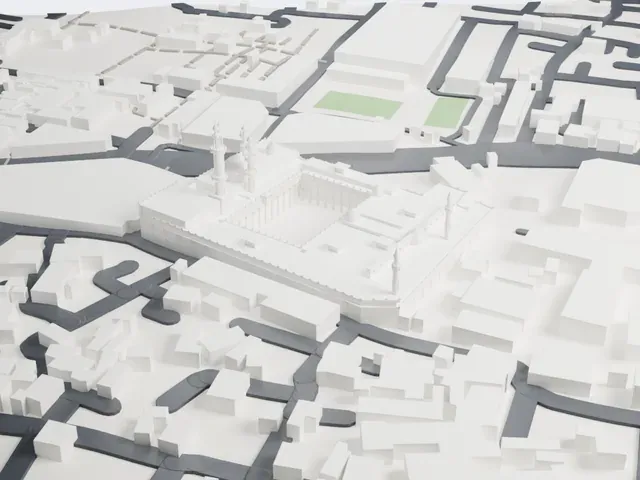 South
South
-
 West
West
- Slender minarets with domes
- Slender minarets with small domed tops rise at several points. Print friendly adapts these thin parts to the print scale; Full detail keeps them, which suits a larger print. Print slowly.
- Arcaded courtyard with arches
- A long arcade of thin arches and columns rings the open courtyard. A bigger print size keeps more of the arches, and layers of 0.12 to 0.16 mm keep their edges crisp.
- One piece with the ground
- Al-Azhar Mosque is joined to the ground in the exported file, and the four-side check found no floating parts, so nothing needs gluing.
- Pick the detail for your nozzle
- In the Buildings settings, set Landmark detail to Print friendly to adapt thin parts and small details to the print scale. Full detail keeps every modeled feature, for larger prints or a finer nozzle.
- Colors
- Buildings, roads, water and ground arrive as separate filament slots in the 3MF. Al-Azhar Mosque takes the building color.
- File format
- You get a 3MF for Bambu Studio, OrcaSlicer or PrusaSlicer. Any of them can save it as STL if you need one.
About this model
Al-Azhar Mosque is one of more than 2,300 landmark models in Mini Skyline. They are made with AI, and each one is checked from four sides in its real surroundings before release. Everything around it is built from OpenStreetMap and Overture map data. If you would rather print the shape from map data, turn off Landmark models in the Buildings settings.
Common questions
Is there an Al-Azhar Mosque STL I can download?
Mini Skyline builds the file for you in your browser and exports 3MF, which every major slicer opens. If you need an STL, open the 3MF in your slicer and export it from there.
How big can I print it?
Any print size from 40 mm across. Al-Azhar Mosque grows with the print: about 15 mm tall on the default 160 mm print. For a model larger than your printer bed, Project Mode splits the area into tiles.
Is it free?
Yes. Generation runs in your browser, with no account and nothing behind a paywall.